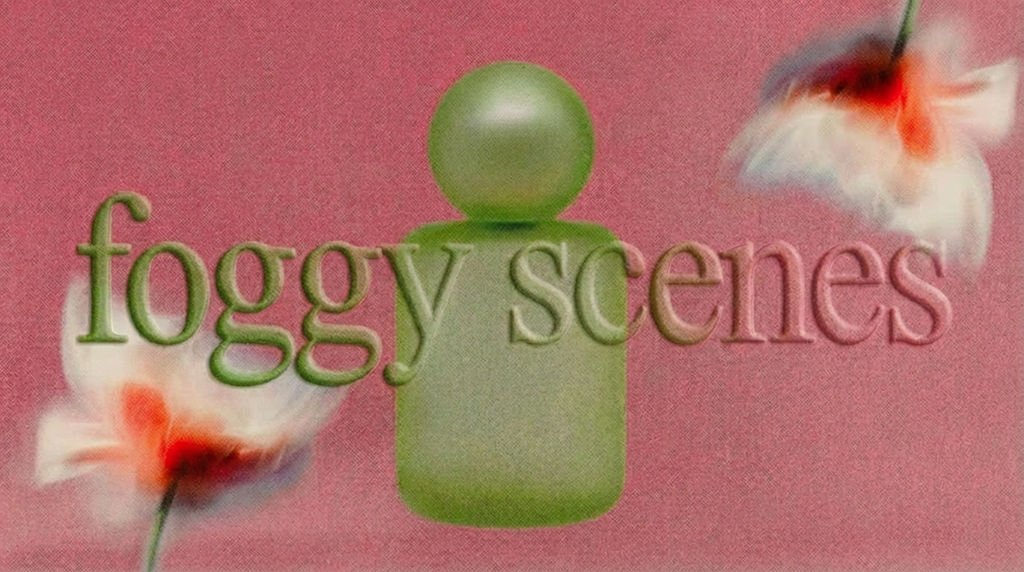
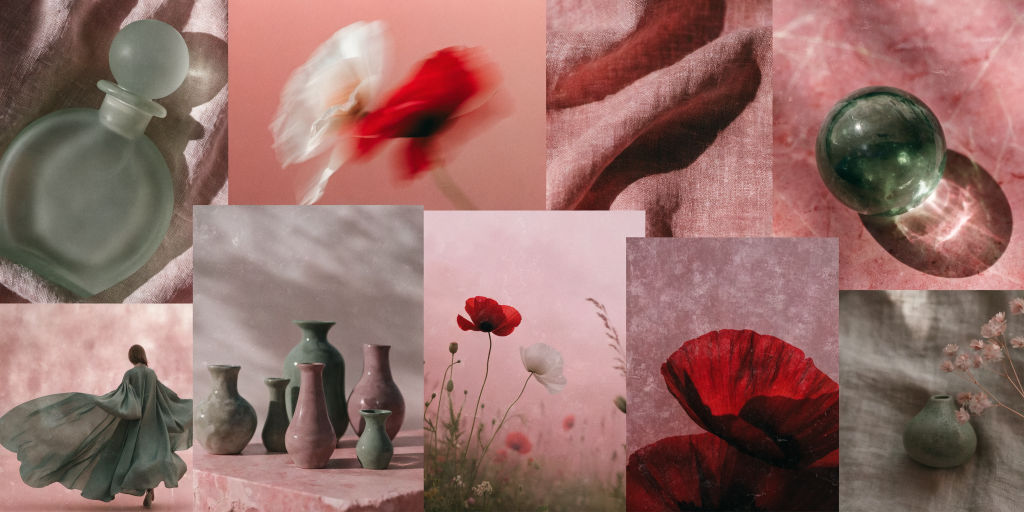
Upload a photo and the Technique returns one eclectic mood board image, a curated collage generated in a single click.

Creative Briefs
Designers and art directors use the Mood Board Maker technique as a fast mood board creator, generating visual reference boards from inspiration images to speed up the brief process.

Client Presentations
Creative agencies use this mood board generator to produce polished mood boards for client kickoff meetings, turning abstract concepts into tangible visual direction.

Personal Projects
Artists and hobbyists treat the Technique as an aesthetic moodboard maker, exploring different visual directions by generating mood boards from photos that inspire them.
How to use Techniques?
Discover how to utilize Mood Board Maker for different scenarios.

Add inputs
Upload images, videos, or type in the prompts to get started.

Generate outputs
Next, hit the "Generate" button to start generating your outputs.

Edit and export
Refine your outputs on canvas, or download them directly.
Frequently asked questions
All you need to know about Mood Board Maker
What is a moodboard maker, and how does it work?
A moodboard maker is a tool that turns visual references into a single board expressing the look and feel of a project before any of it gets built. You hand it one image to work from, and it returns a composed board: color, texture, lighting, and supporting imagery pulled into one frame. On FLORA that board lands on an infinite canvas, so the direction it sets can flow straight into the images and video you make next.
Boards earn their place because taste is hard to describe. A client says "warm but modern," a director says "grainy, close, a little nostalgic," and everyone in the room pictures something different. A board settles it by showing it. You can try FLORA free and make a moodboard online in your browser, starting from a photo you already like.
How an AI moodboard generator reads your reference photo
The old way starts with sourcing: an hour in saved folders and stock sites, then a layout pass in a design file. An AI moodboard generator compresses that into one step, treating your upload as a brief instead of a picture to copy.
Three things happen when you hit generate:
- It reads the aesthetic. Palette, contrast, light quality, materials, styling, and the era the image seems to come from.
- It expands on that. New imagery gets generated inside the same direction, so the board carries your reference forward without repeating it.
- It composes. Everything gets arranged into one frame with a hierarchy: a hero, supporting shots, color and texture swatches.
The composition step does more work than people expect. Ten good images sitting in a row still leave your collaborators guessing. Arrangement is what makes a direction legible to someone who was not in your head when you picked the references.
Why a mood board generator returns one finished collage
The output arrives as a single composed image, not a stack of editable layers, which throws people who are used to dragging rectangles around an art board. The trade is deliberate. A finished collage goes straight into a deck, a thread, or a shared canvas, and it reads as one clear point of view.
It also changes how you iterate. You adjust the input or the direction and generate again, so exploring three aesthetics costs you minutes instead of an afternoon of layout work. The board stops being the slow part of the week.
Mood board maker, mood board creator, or aesthetic moodboard maker: the same job, different words
Vocabulary shifts by industry, but the request underneath is identical. Designers, marketers, photographers, and interior stylists all turn up asking to:
- Create mood board visuals for a pitch or a creative brief
- Make a mood board from one photo a client already approved
- Set a color and texture direction before a shoot
- Show two or three routes side by side without talking anyone through them
Call it a mood board creator, a vision board, a style frame, or a reference board. The job is the same: get a feeling out of your head and onto a screen where other people can react to it.
What to do once you make a mood board
A direction is only worth what you build with it, and most of the value shows up downstream:
- Pull the exact hues out of the board with palette pull, so the rest of the project stays on one color story.
- Push the aesthetic into product imagery with a lookbook grid or a new background that matches the mood you set.
- Carry it into motion with a storyboard when the direction has to hold across a sequence.
Because all of it sits on one canvas, the board and the work it informs never drift into separate files. For the wider picture, explore the FLORA AI image generator or our roundup of the best AI image generators.
Related techniques
 Color TransferApply color grading from any reference
 Logo StylistUpload a logo. Get four stylized versions, each with a different visual treatment.
 Icon PackGenerate matched icon sets from a prompt
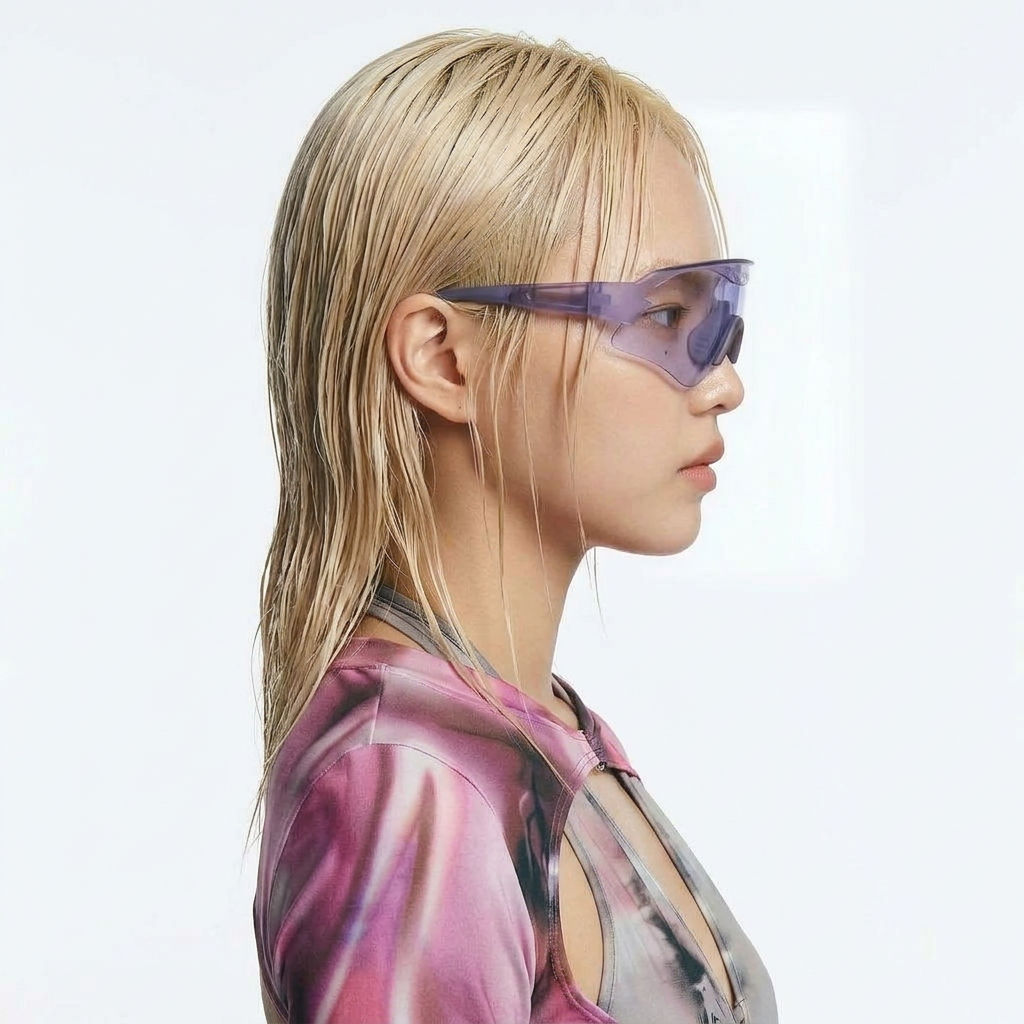 Character LockOne character, 6 different angles
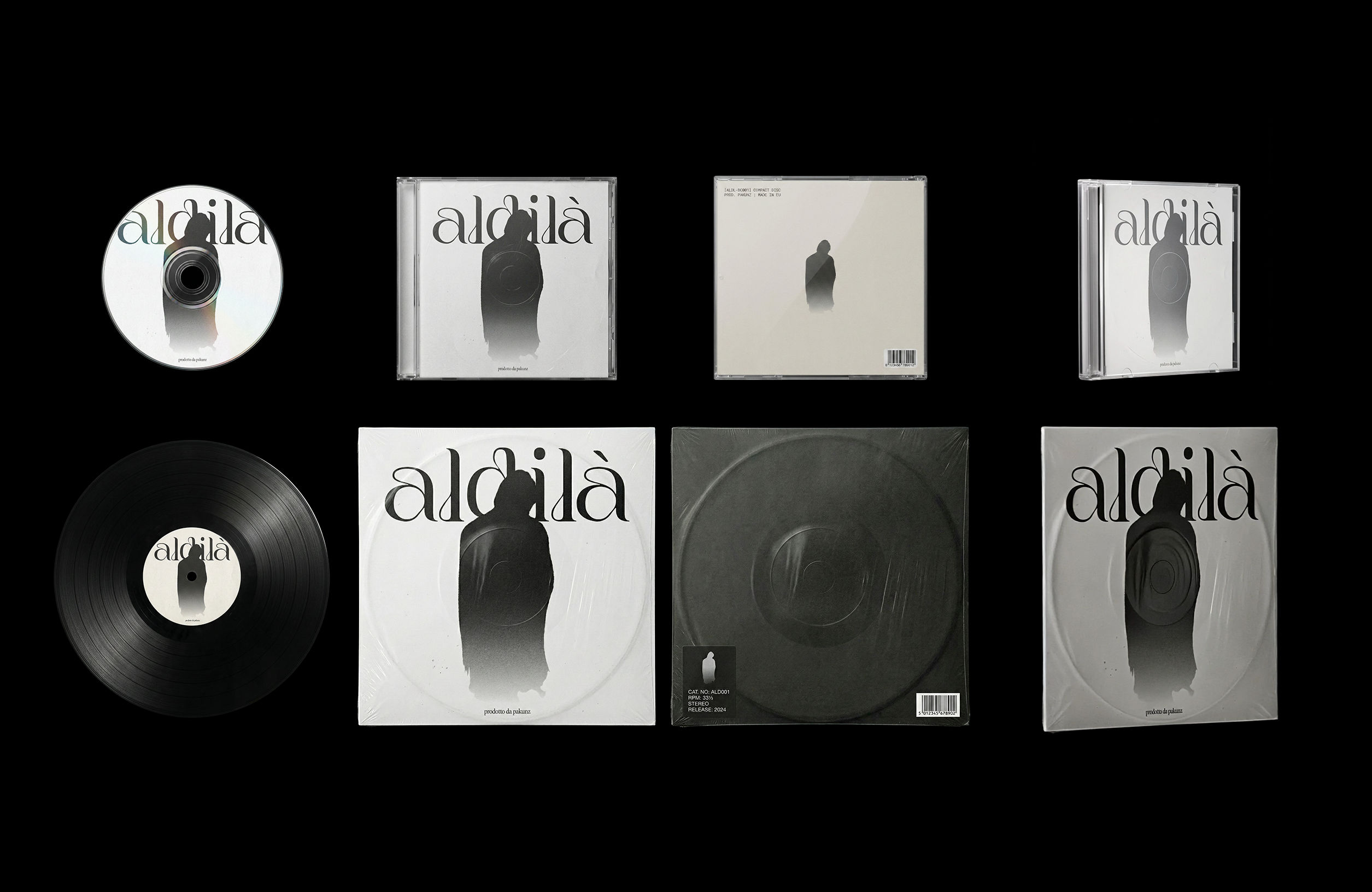 CoverArtTransform a single artwork into a full set of physical music assets.
CD, vinyl, posters: all consistent, clean, and ready to use.
CoverArtTransform a single artwork into a full set of physical music assets.
CD, vinyl, posters: all consistent, clean, and ready to use.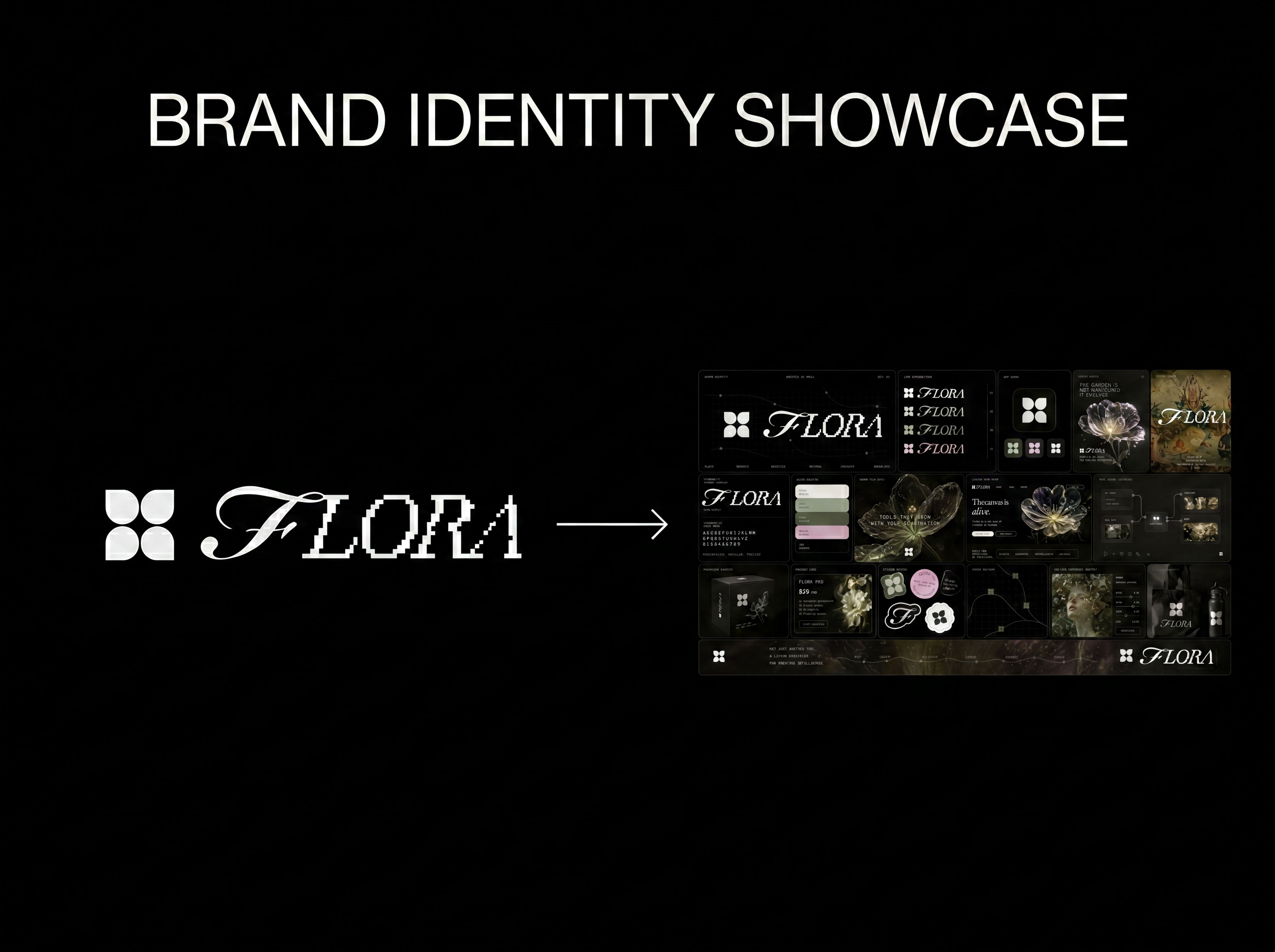 Logo to Brand IdentityUpload any logo. The technique analyzes its letterforms, construction, color, and finish to infer the brand's category, audience, and visual direction.
Use the Moodboard Maker to Create Mood Board Visuals From Any Photo
Eclectic mood board from a photo
Wenjing Liu from FLORA