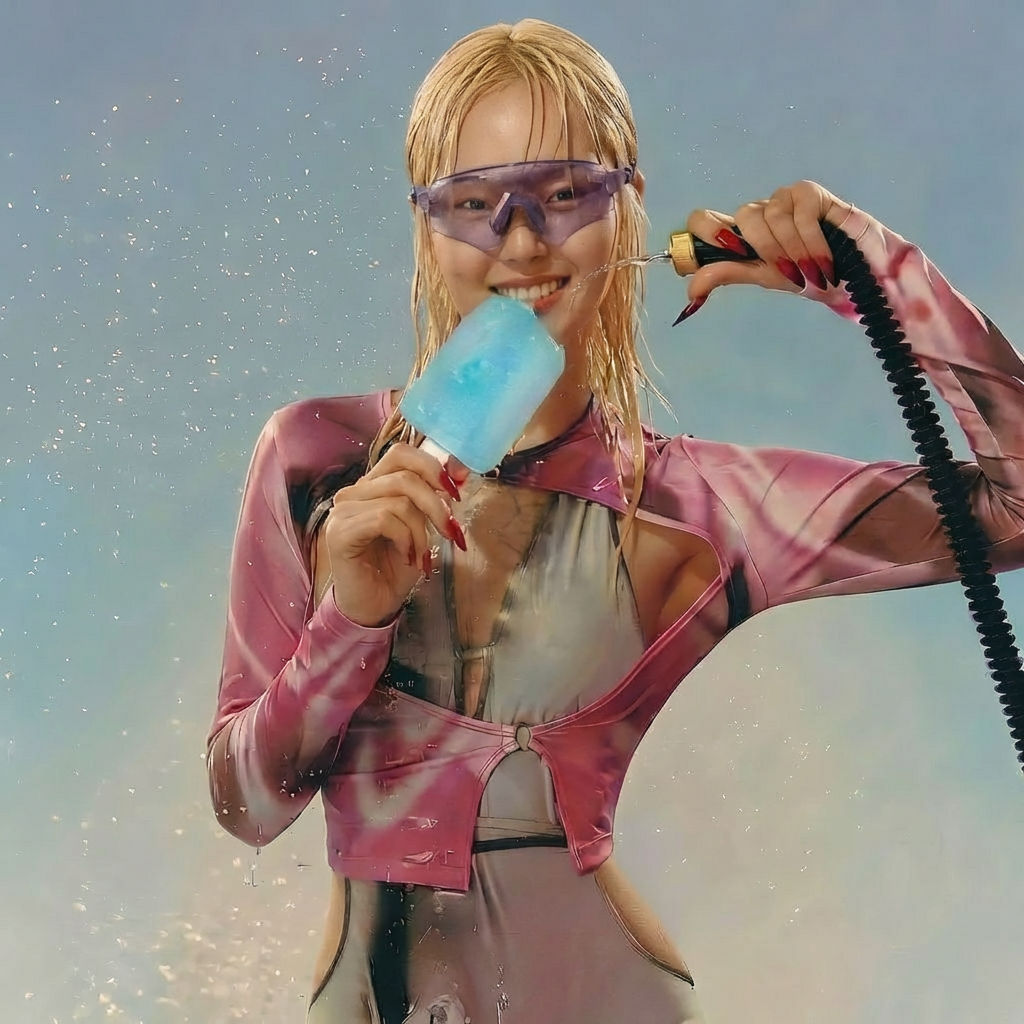
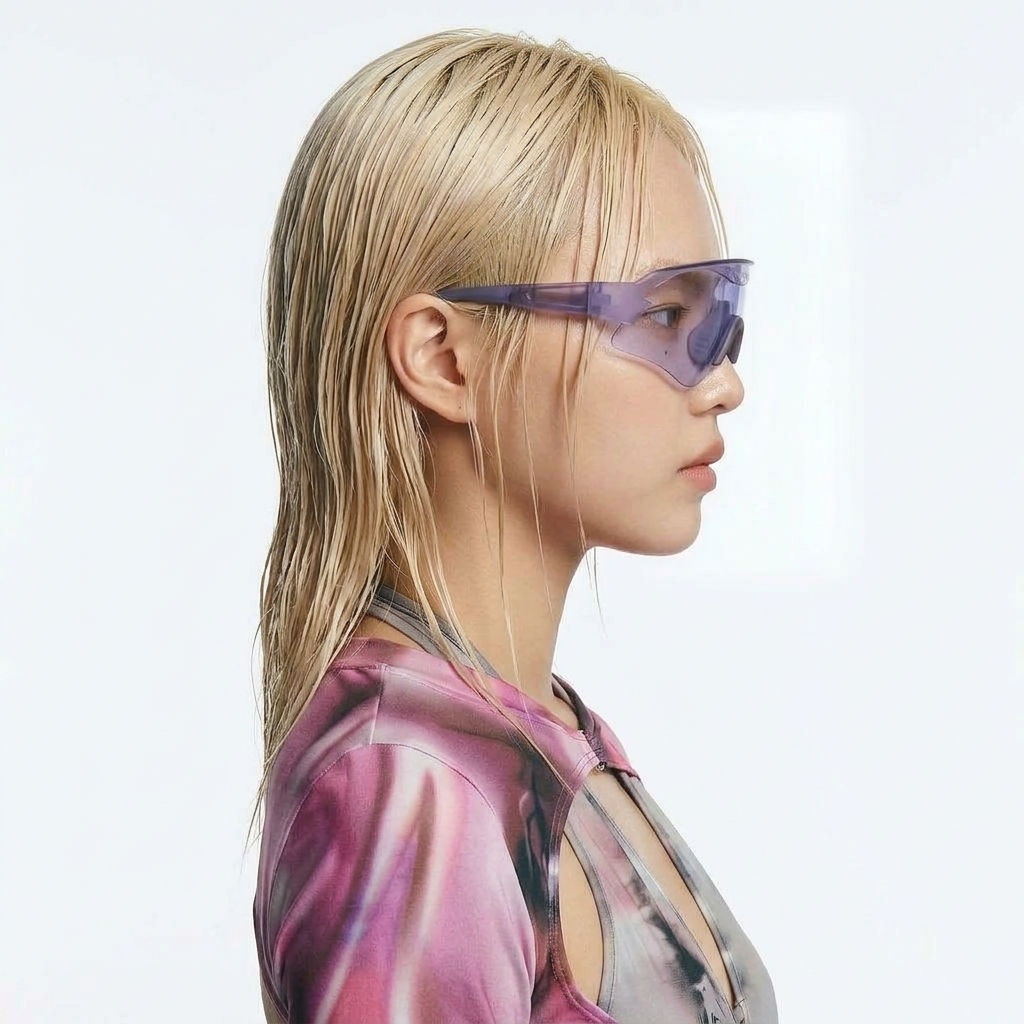
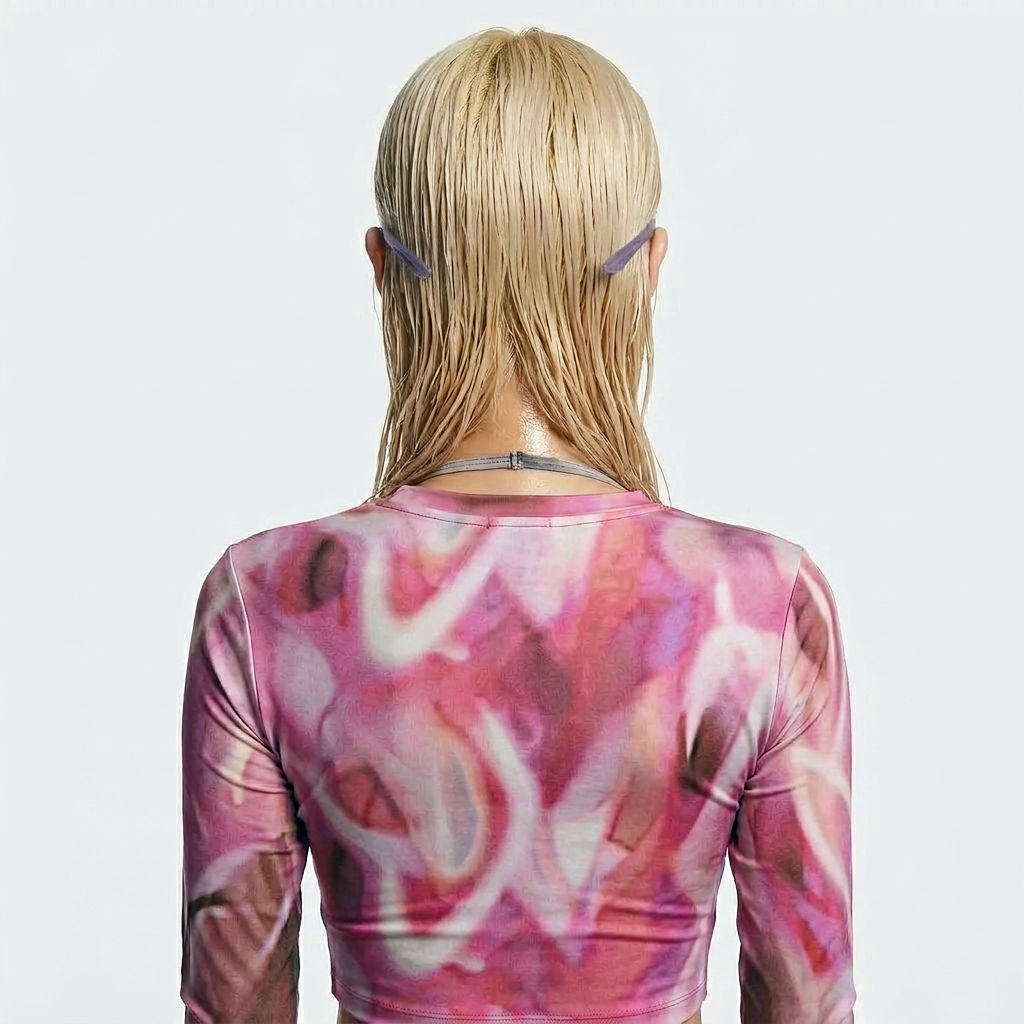
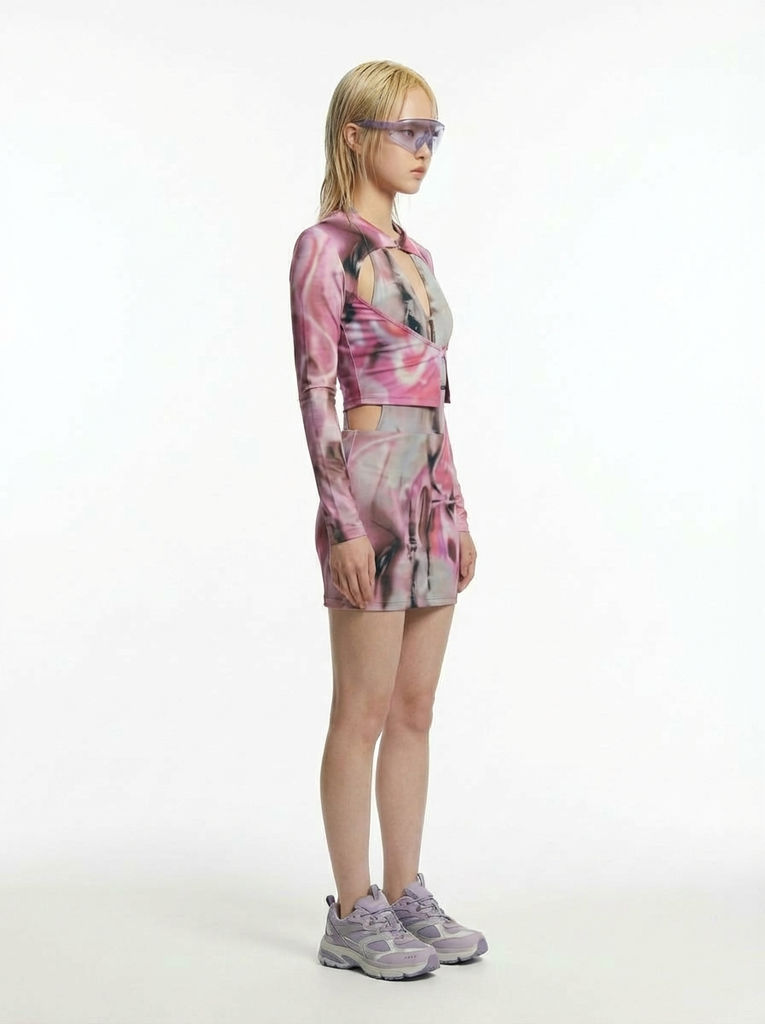
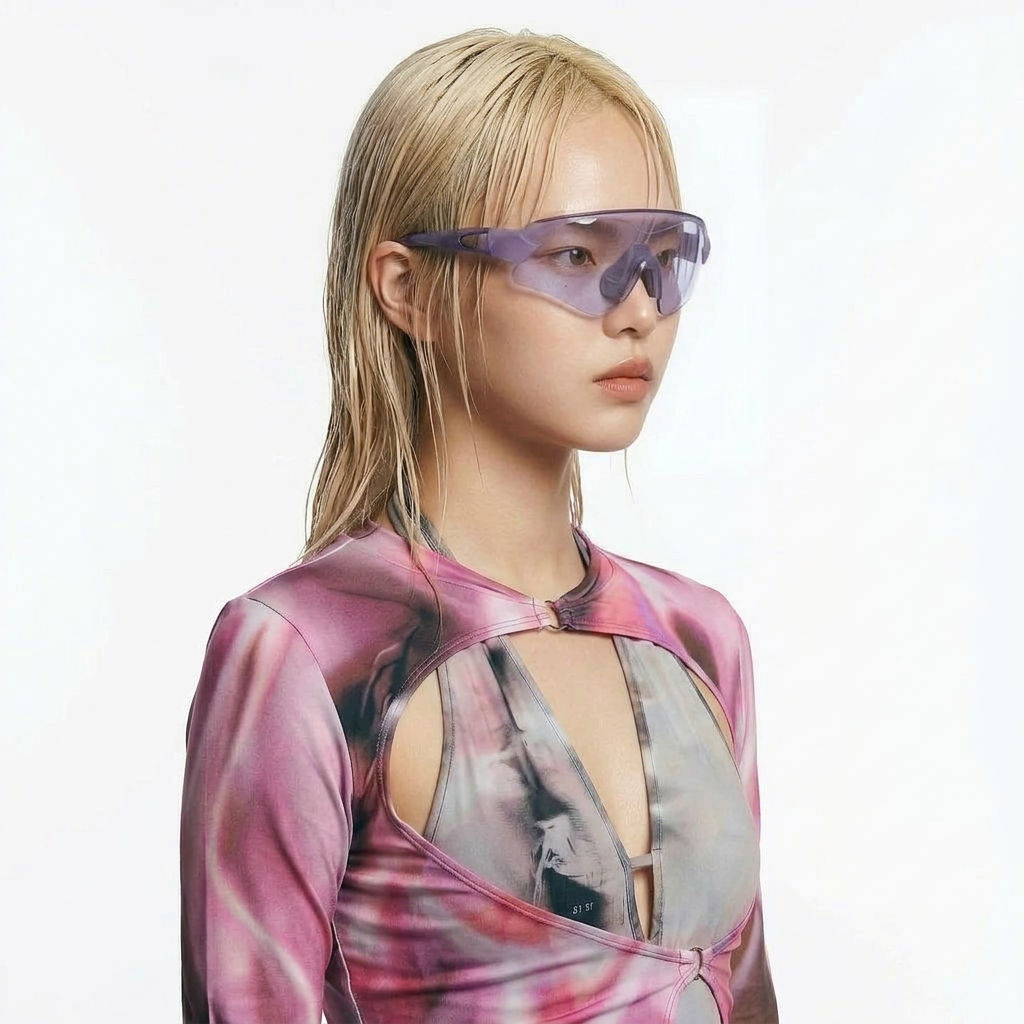
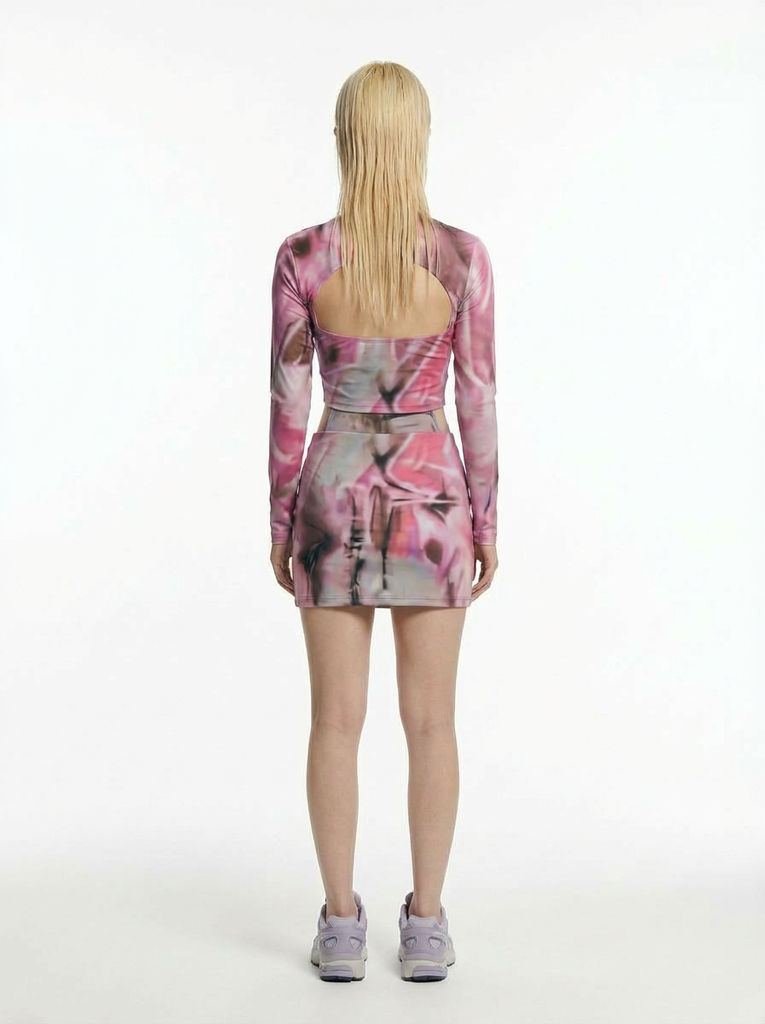
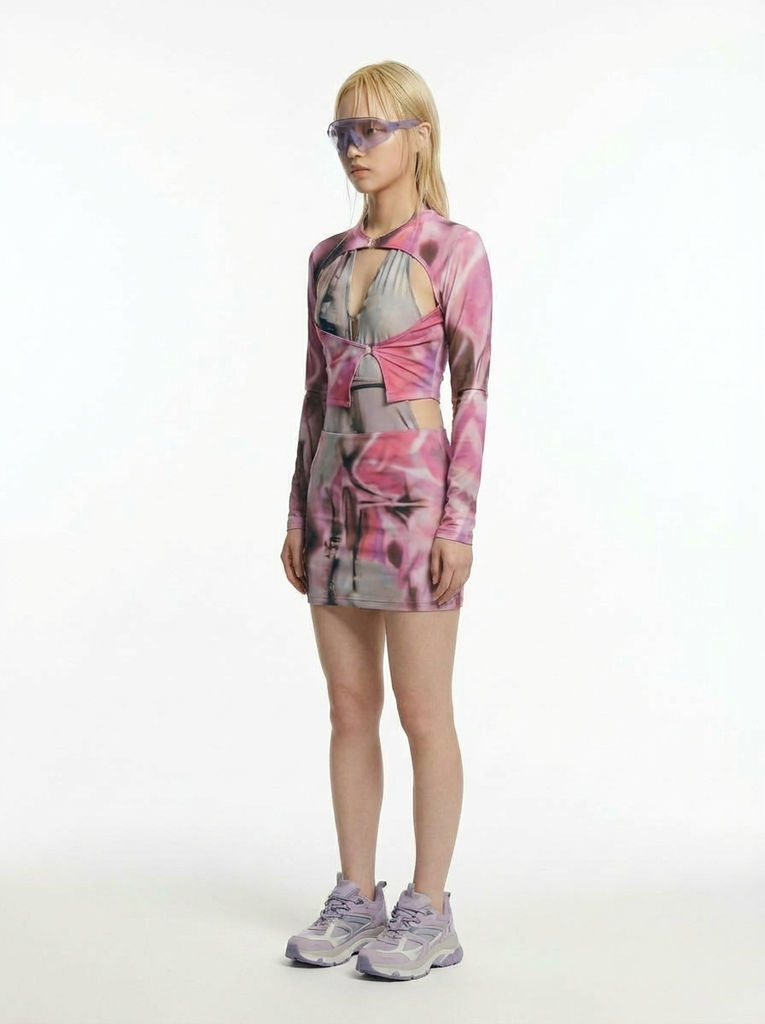
Upload a single character image to the Character Lock technique and receive 6 angle views of that character — maintaining consistent design across every perspective.

Animation Pre-Production
Animators use the Character Lock technique to generate multi-angle reference sheets from a single character design, saving hours of manual turnaround drawing.

Game Asset Development
Game designers run the technique to create consistent character views needed for 3D modeling reference and sprite sheet creation.

Character Design Portfolios
Concept artists use the technique to quickly expand a single character illustration into a full turnaround sheet for client presentations.
How to use Techniques?
Discover how to utilize Character Lock for different scenarios.
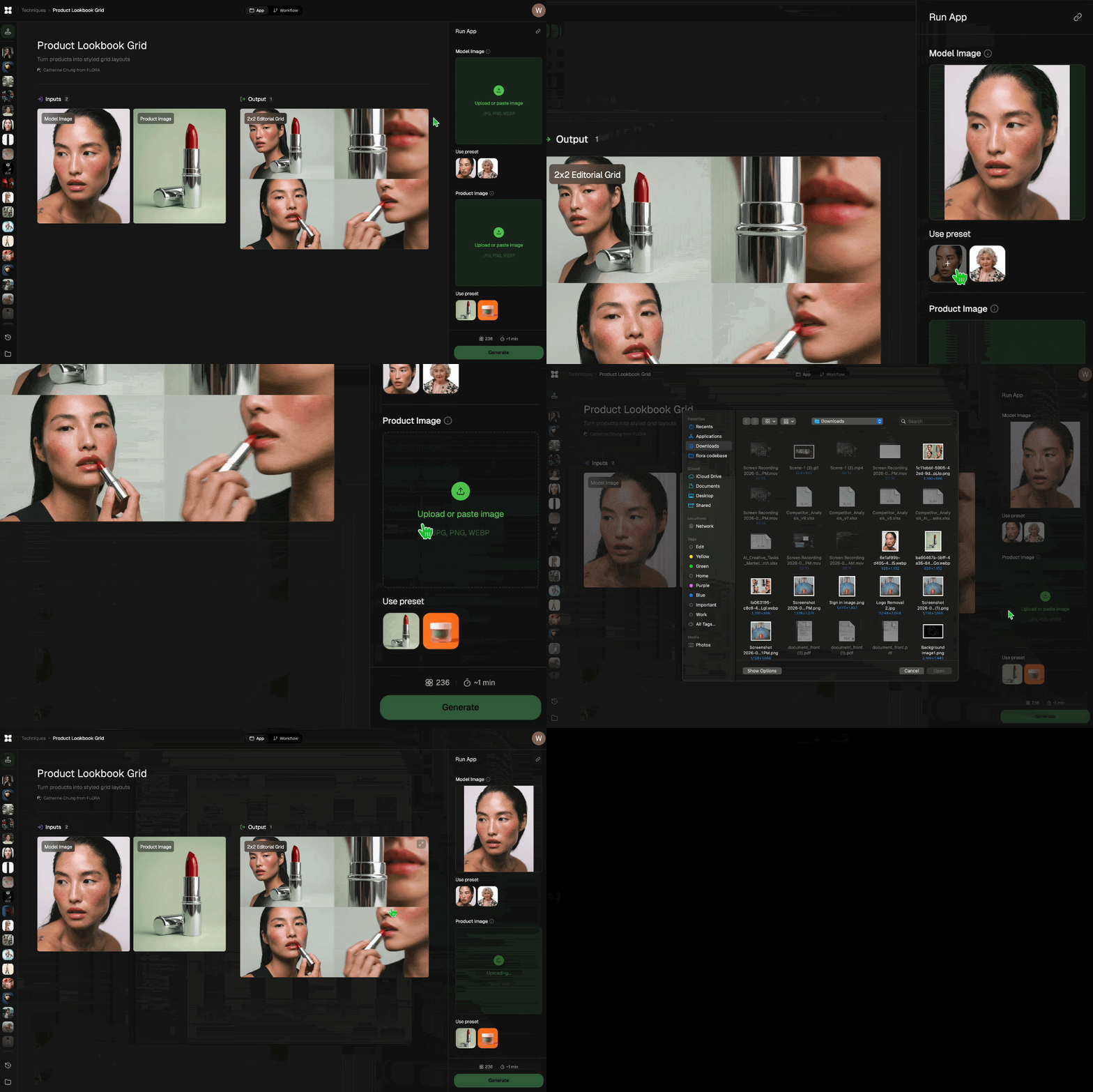
Add inputs
Upload images, videos, or type in the prompts to get started.
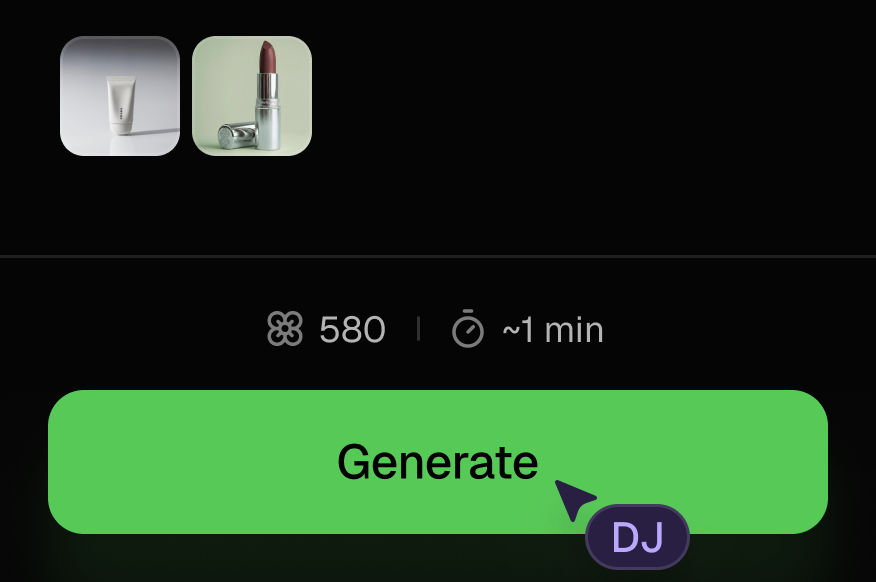
Generate outputs
Next, hit the "Generate" button to start generating your outputs.
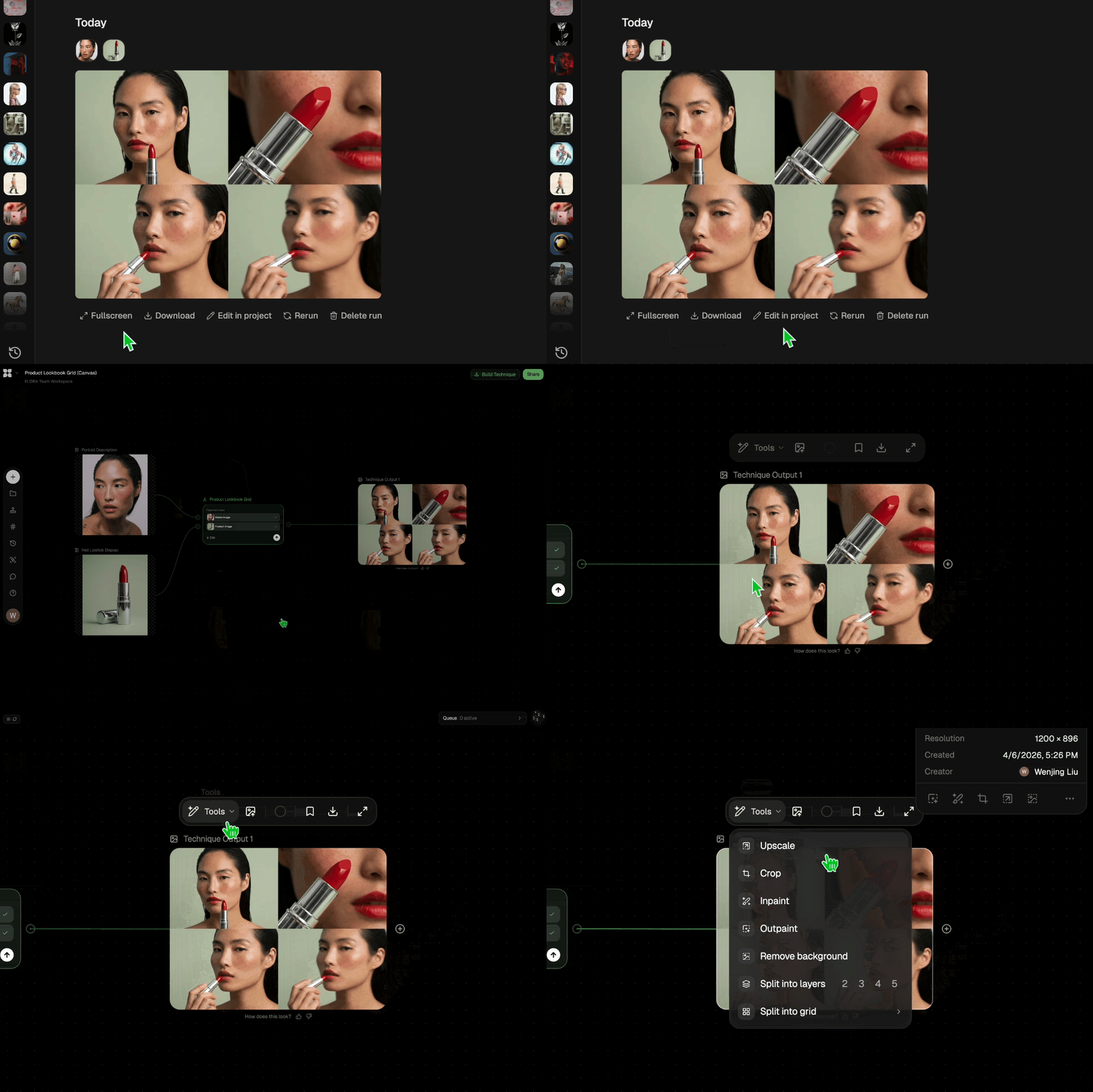
Edit and export
Refine your outputs on canvas, or download them directly.
Frequently asked questions
All you need to know about Character Lock
Related techniques
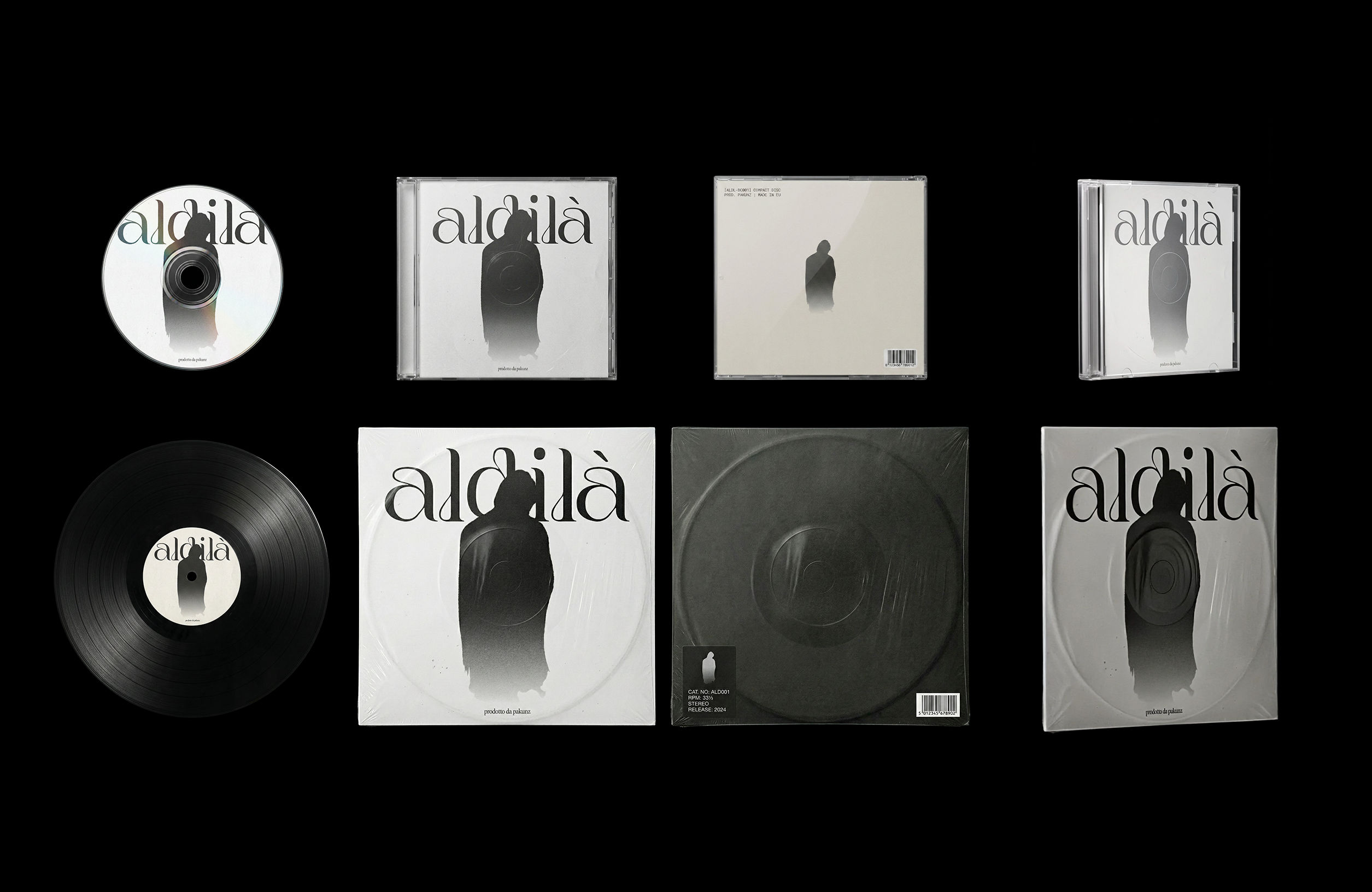 CoverArtTransform a single artwork into a full set of physical music assets.
CD, vinyl, posters: all consistent, clean, and ready to use.
CoverArtTransform a single artwork into a full set of physical music assets.
CD, vinyl, posters: all consistent, clean, and ready to use.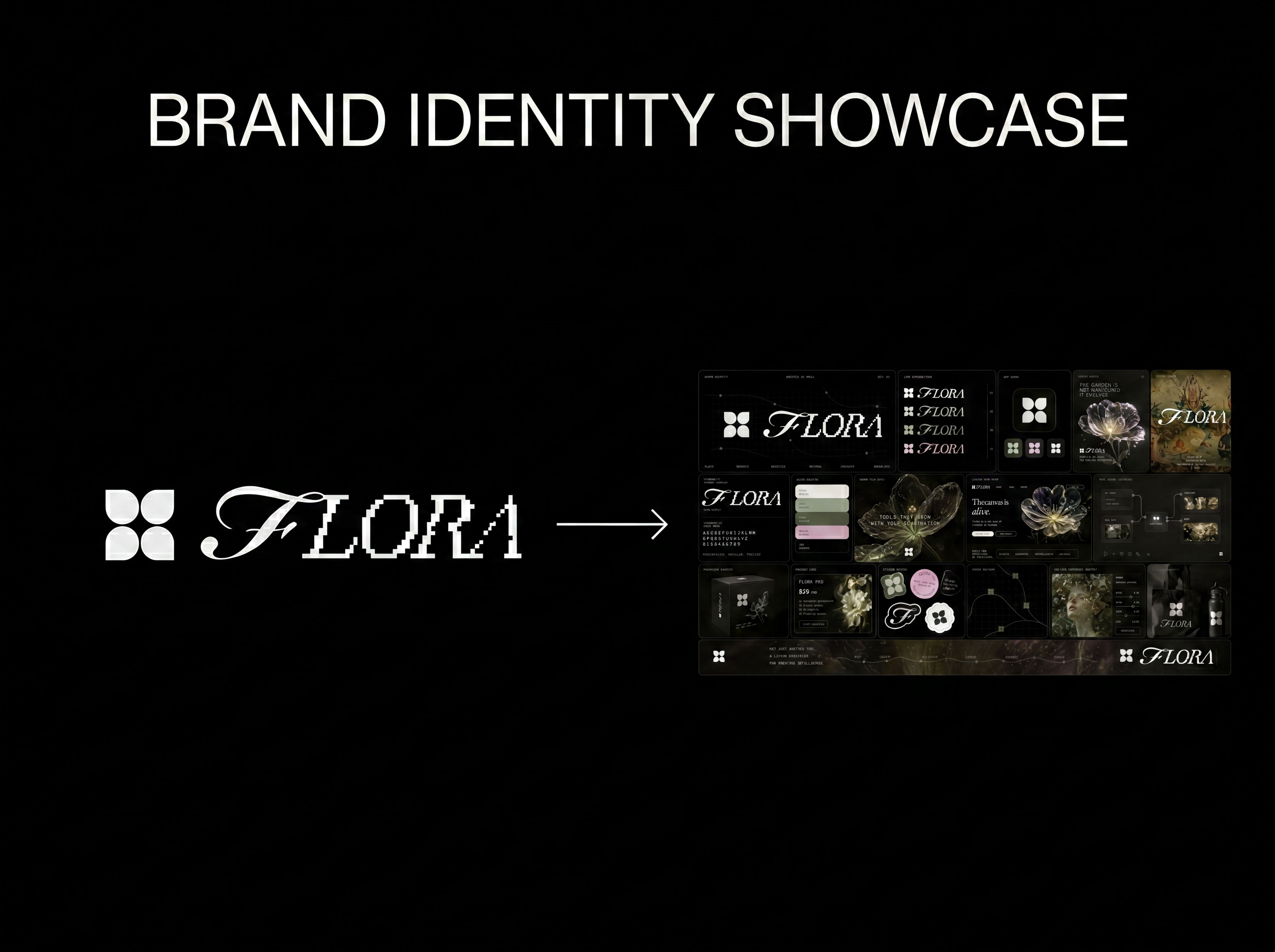 Logo to Brand IdentityUpload any logo. The technique analyzes its letterforms, construction, color, and finish to infer the brand's category, audience, and visual direction.
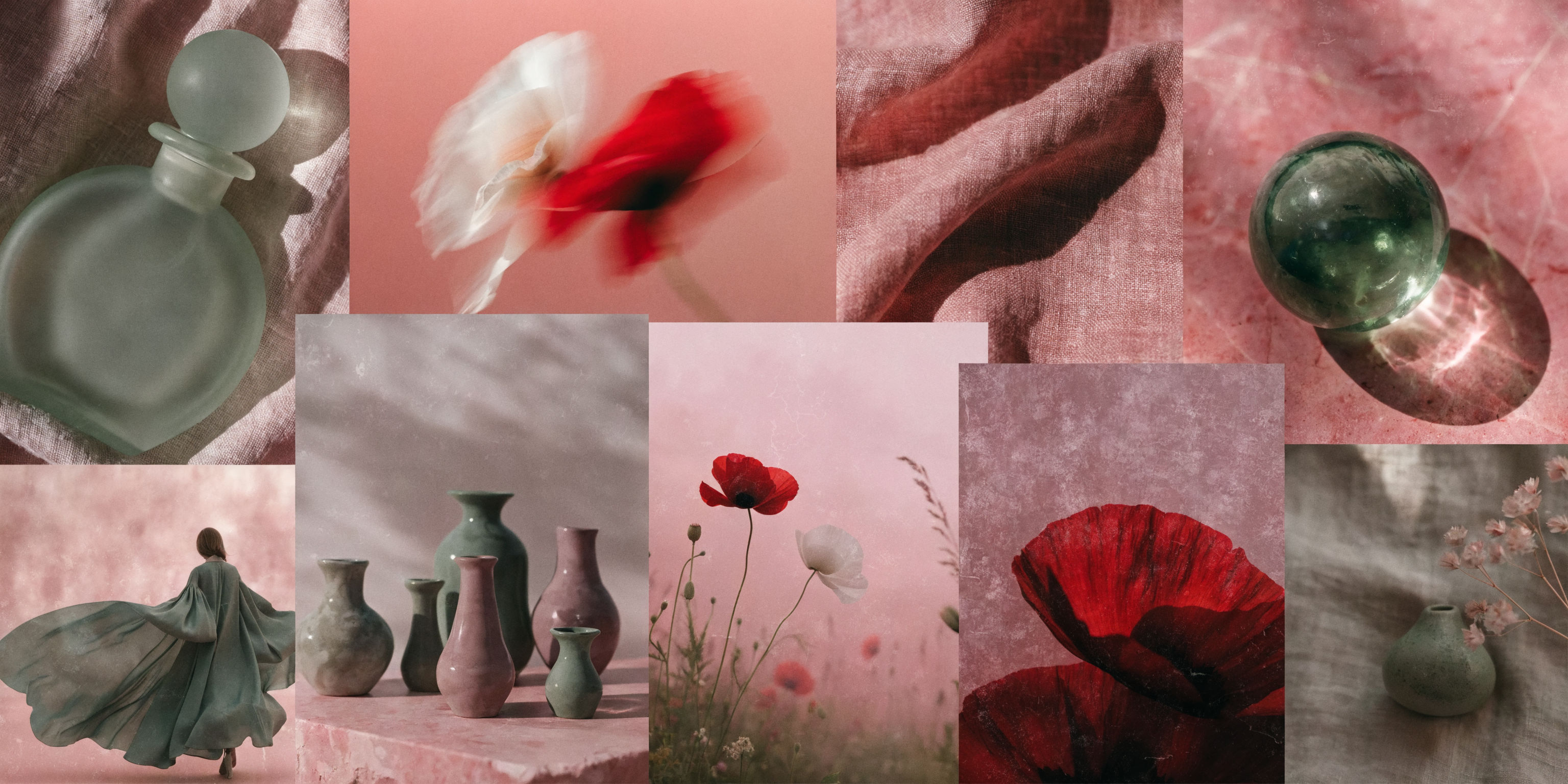 Mood Board MakerEclectic mood board from a photo
 Font BuilderDesign a whole font from a single letterform.
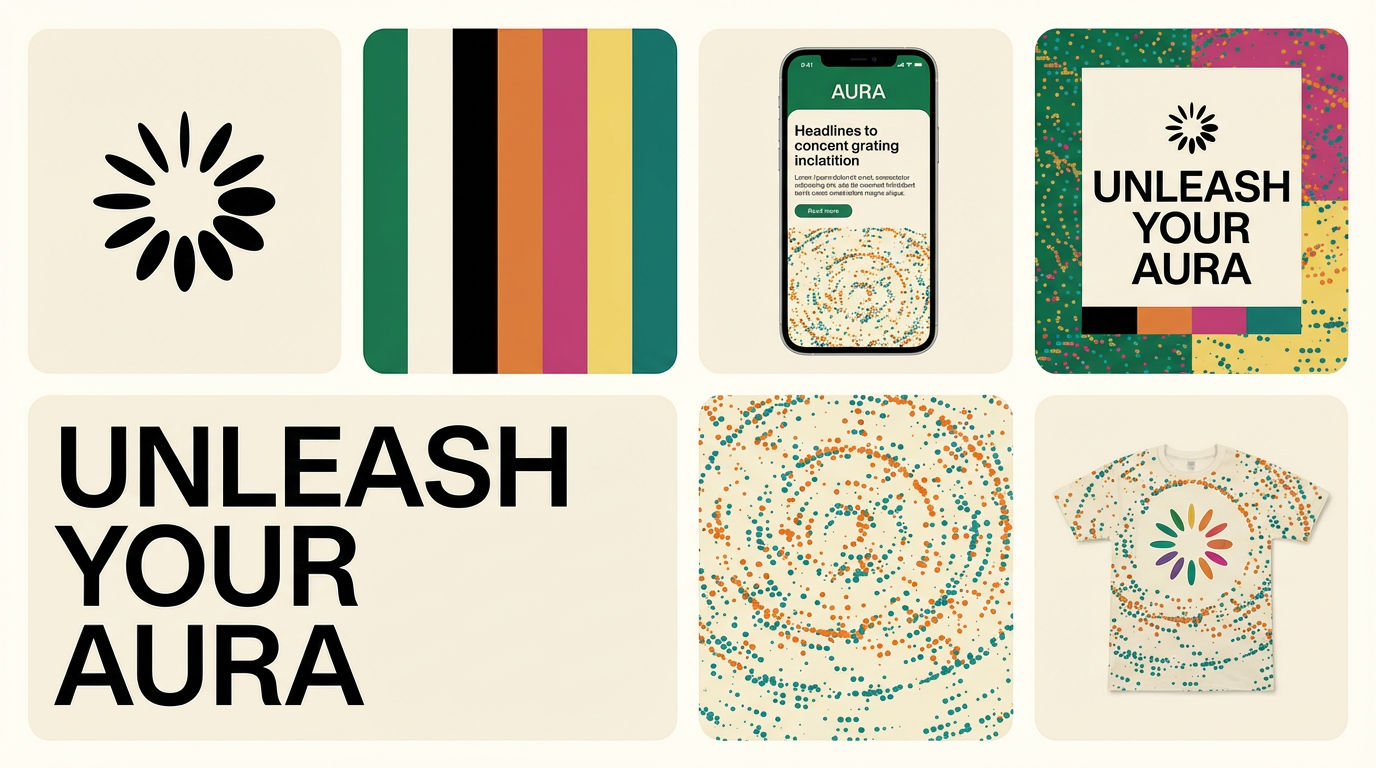 Brand Extension GeneratorDrop brand details, get identity boards
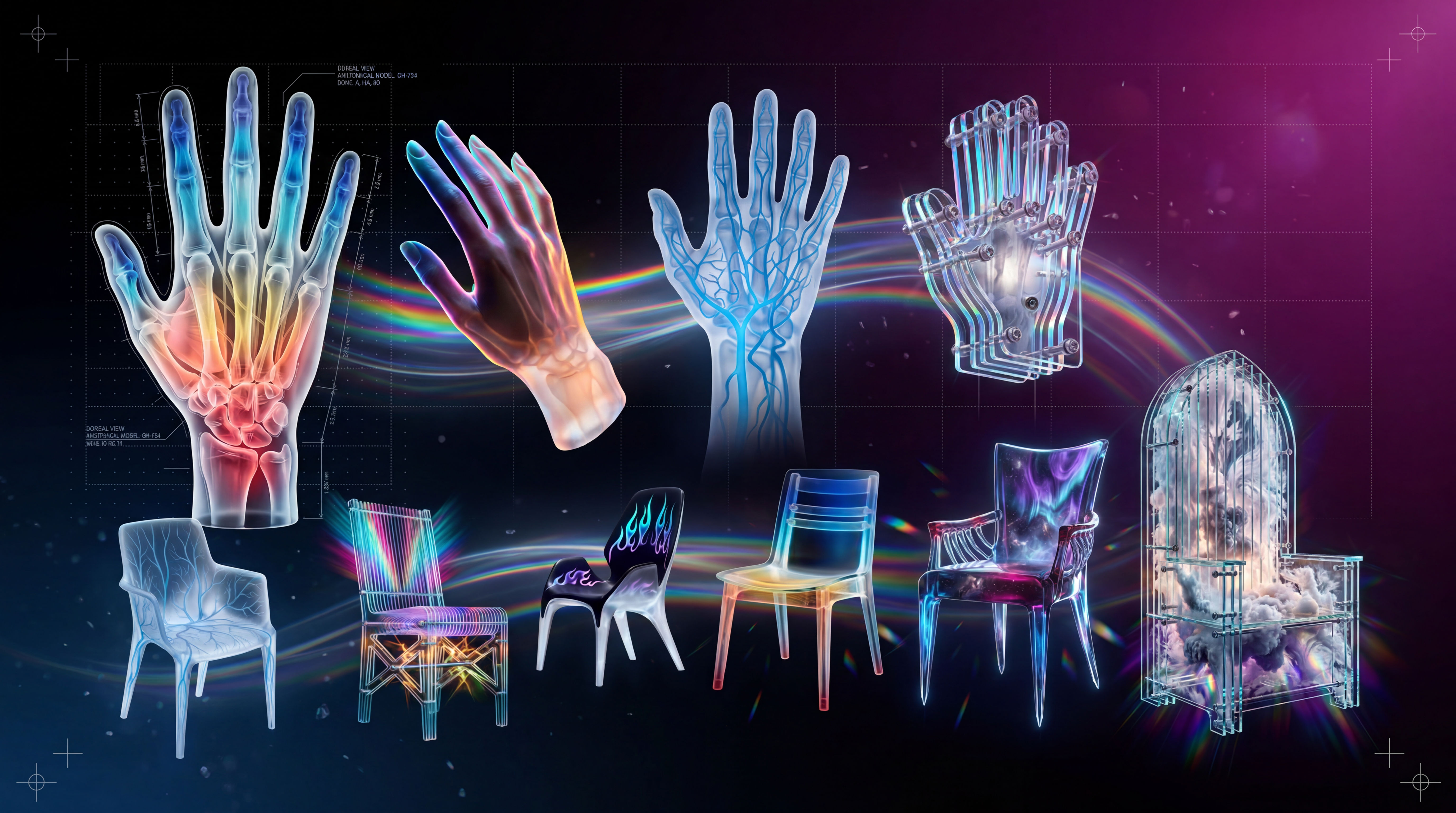 3D Subject RenderTransform any subject into cinematic 3D artwork using six custom styles including holographic glass, spectral, acrylic, futuristic, and surreal renders.
Lock Any Character into 6 Consistent Angles
One character, 6 different angles
DJ Kim from FLORA