


Upload a color reference image and a base subject image to the Color Transfer technique — receive a single image with the color palette and grading of your reference applied to your subject.

Brand Color Consistency
Photographers and designers use the Color Transfer technique to match the color grading of new photos to an established brand aesthetic or existing campaign imagery.

Mood Matching
Creative teams run the technique to apply the mood and color tone of a reference image — a sunset, a film still, a painting — to their own photography.

Portfolio Cohesion
Content creators use the technique to unify the color palette across a series of images, creating a cohesive visual style for galleries and feeds.
How to use Techniques?
Discover how to utilize Color Transfer for different scenarios.
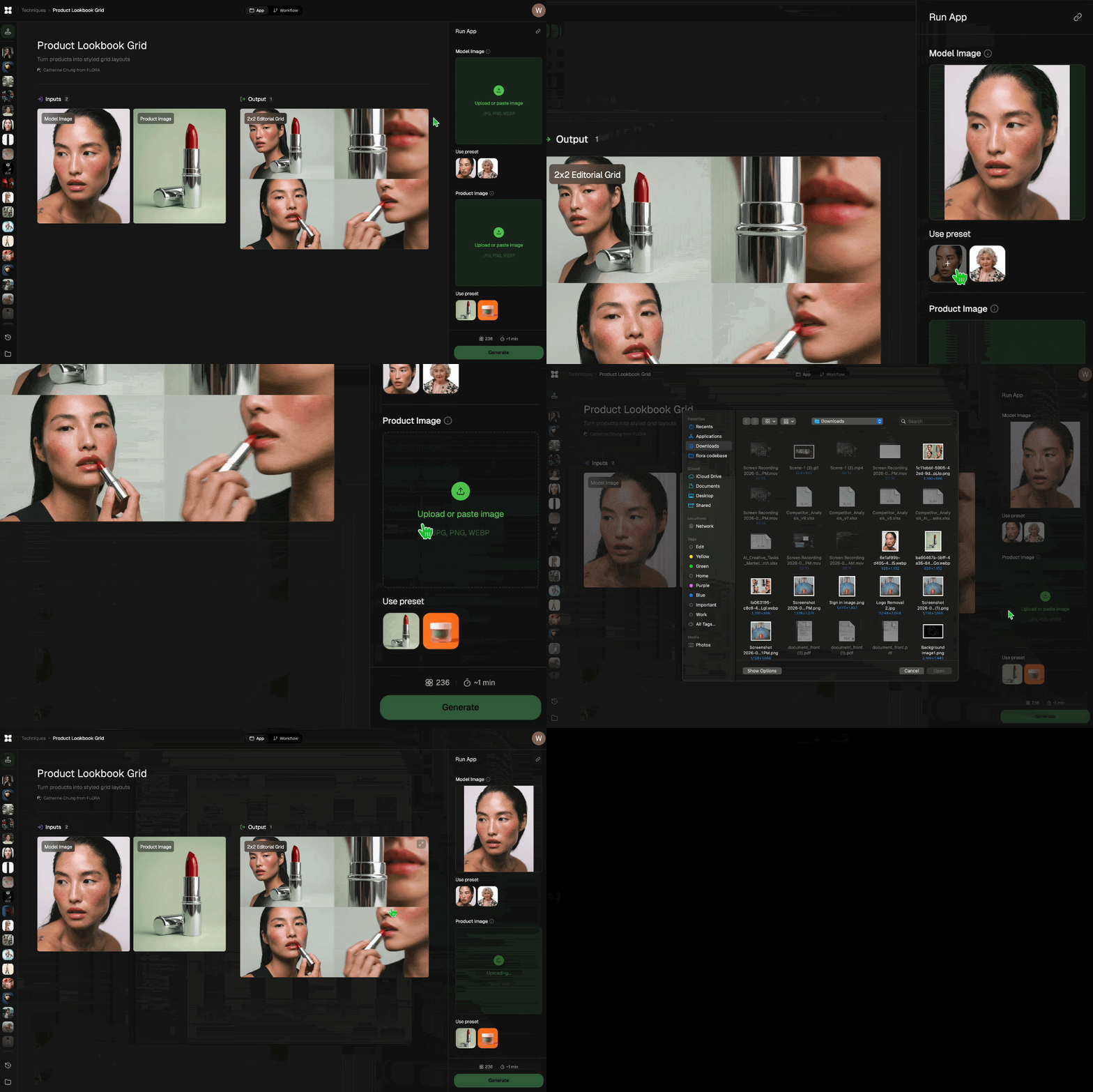
Add inputs
Upload images, videos, or type in the prompts to get started.
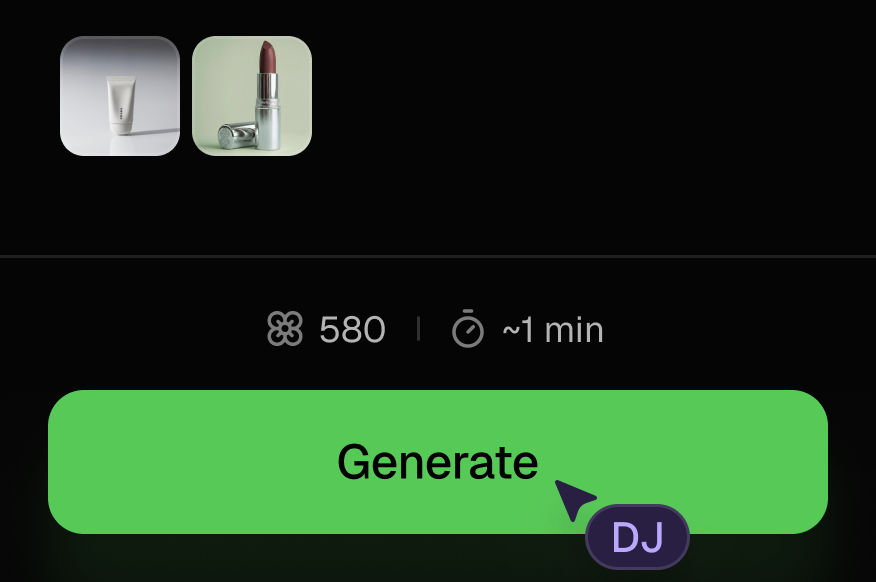
Generate outputs
Next, hit the "Generate" button to start generating your outputs.
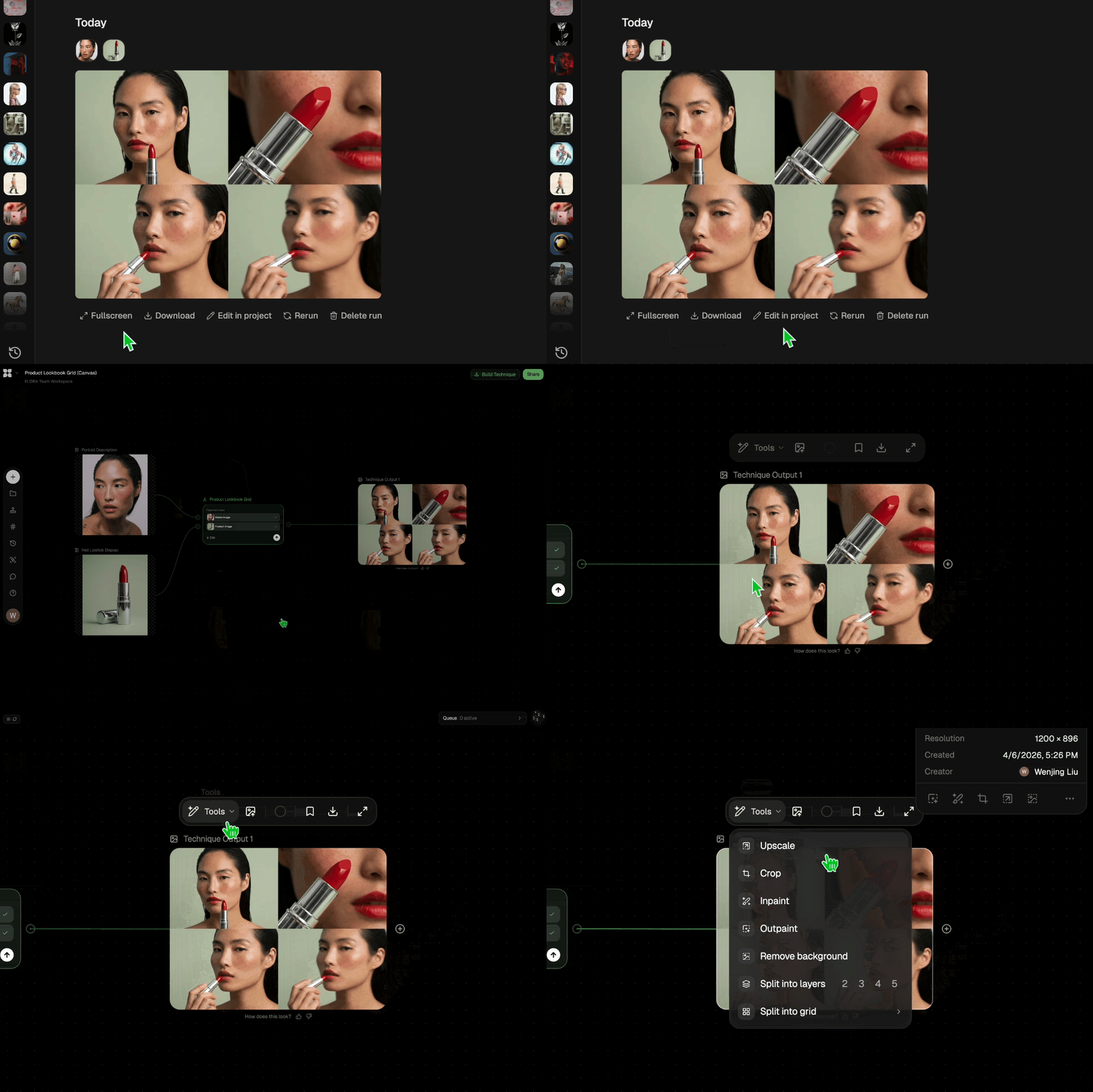
Edit and export
Refine your outputs on canvas, or download them directly.
Frequently asked questions
All you need to know about Color Transfer
Related techniques
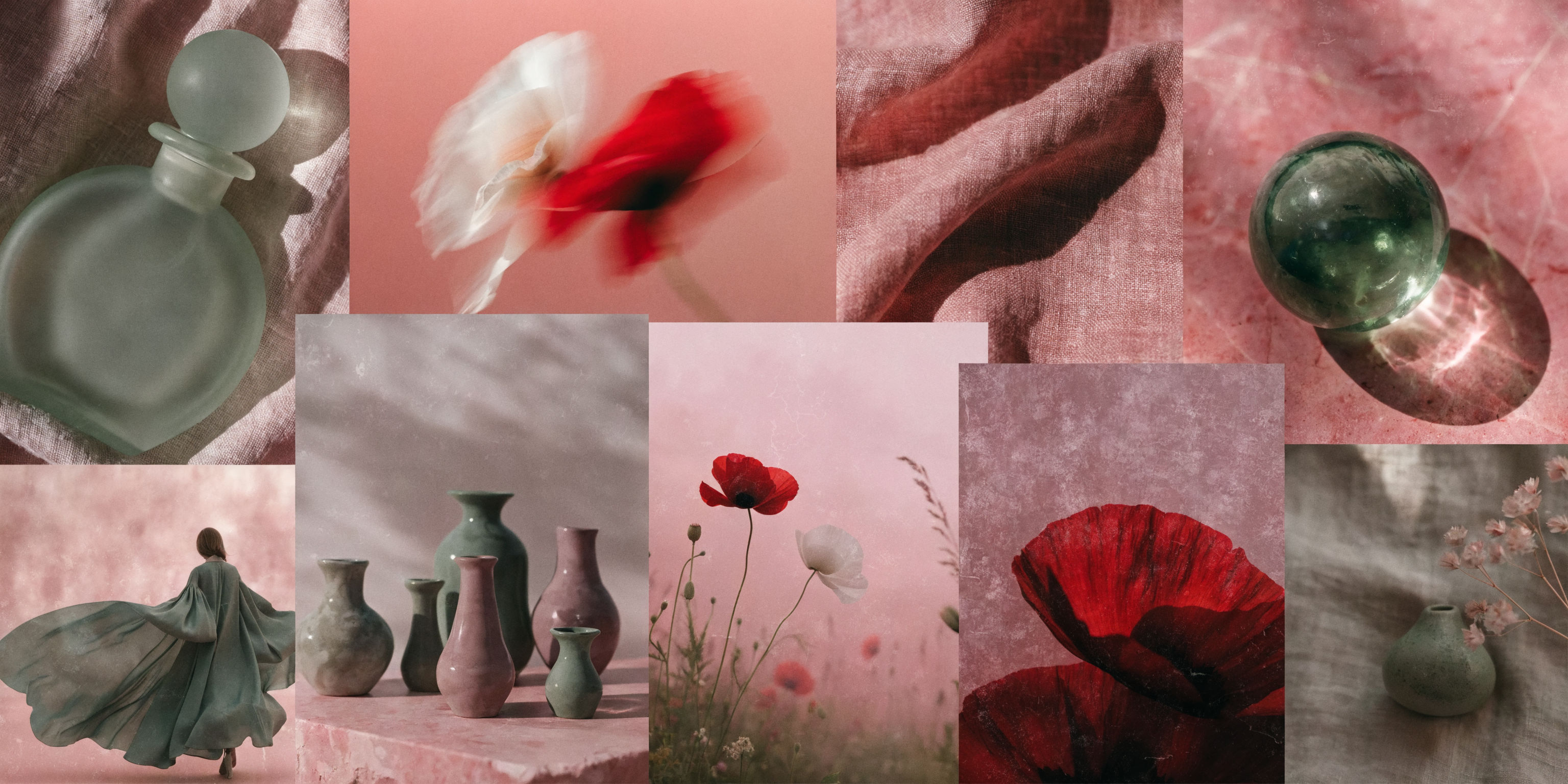 Mood Board MakerEclectic mood board from a photo
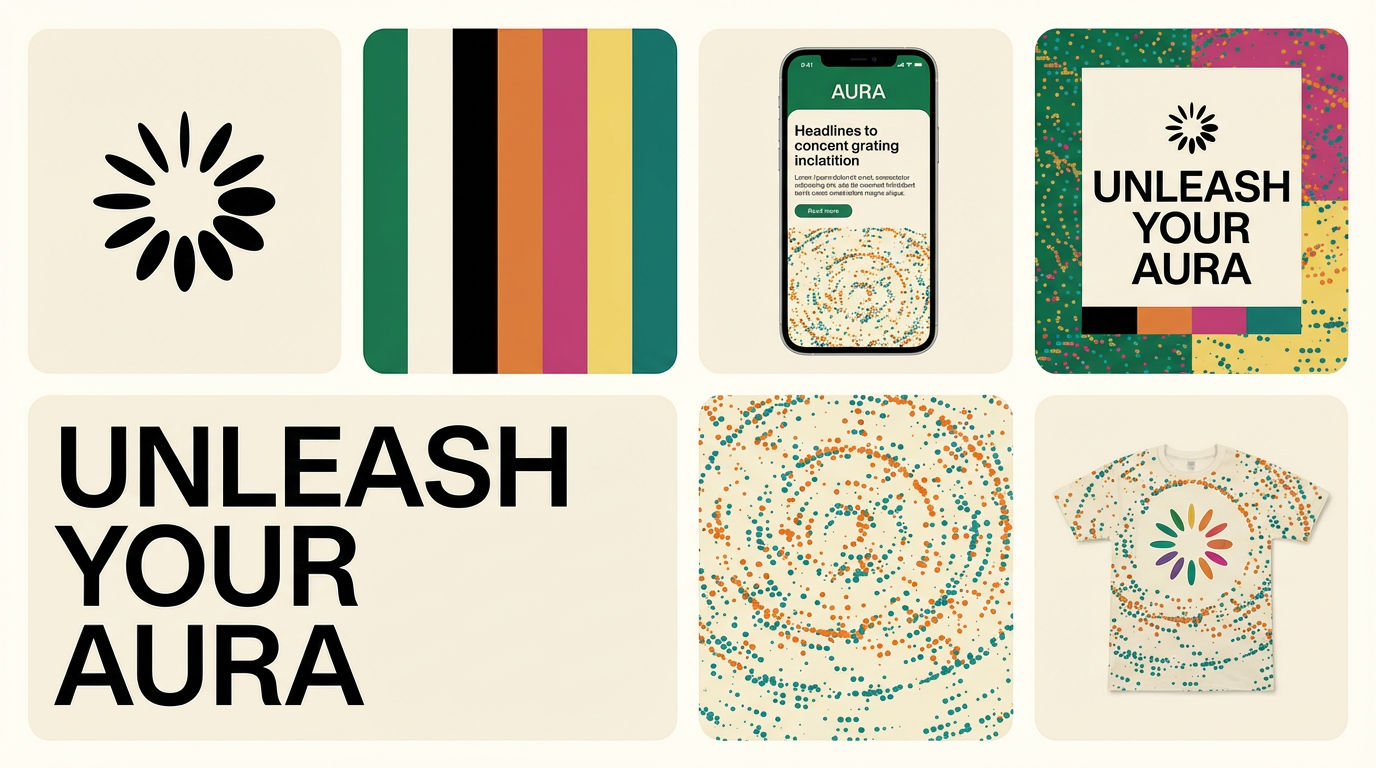 Brand Extension GeneratorDrop brand details, get identity boards
 Material 3D Logo Render EngineUpload a logo, get it rendered in 3D across a set of materials.
 Icon PackGenerate matched icon sets from a prompt
 Character LockOne character, 6 different angles
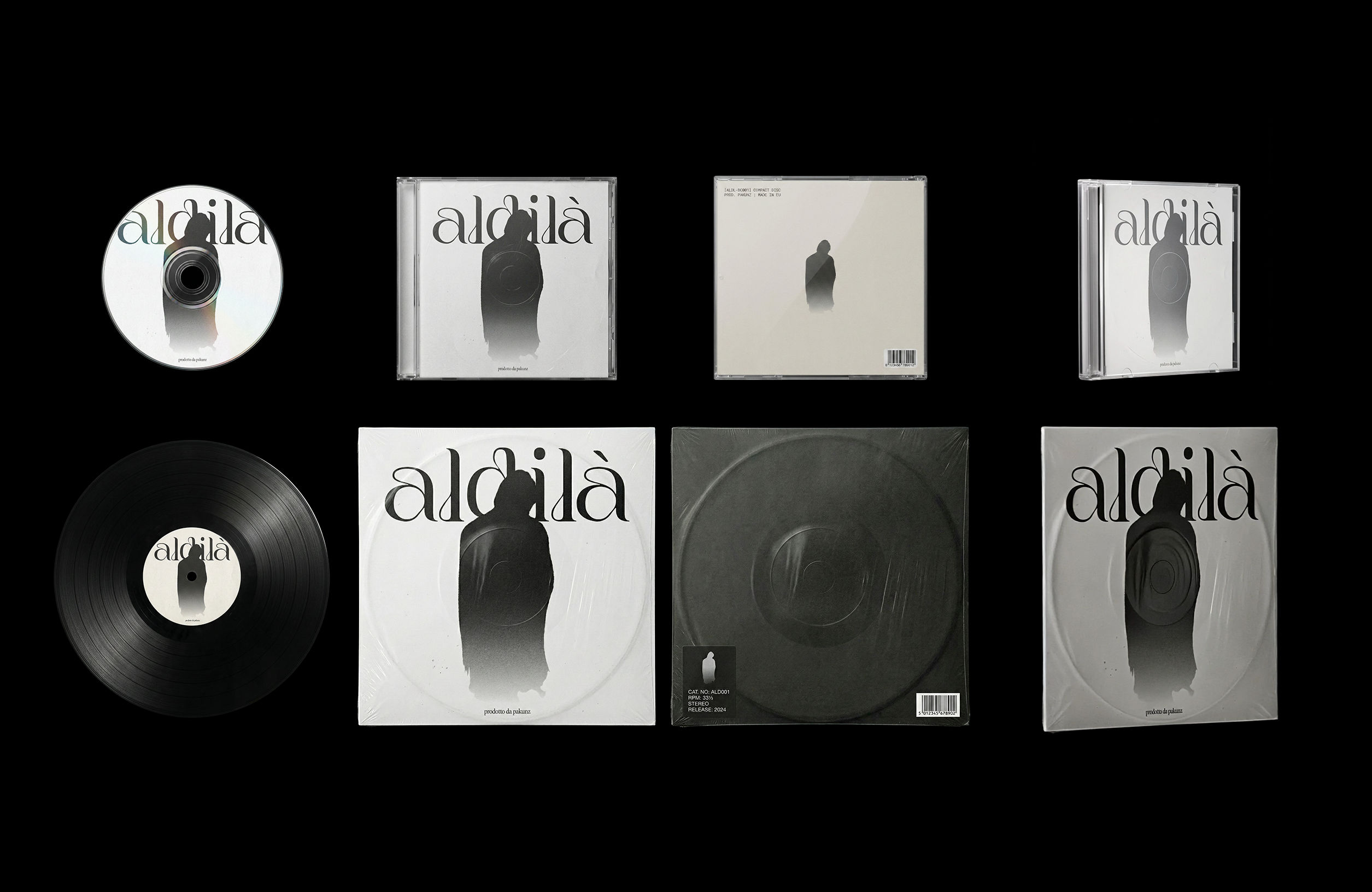 CoverArtTransform a single artwork into a full set of physical music assets.
CD, vinyl, posters: all consistent, clean, and ready to use.
CoverArtTransform a single artwork into a full set of physical music assets.
CD, vinyl, posters: all consistent, clean, and ready to use.Apply Color Grading from Any Reference Image
Apply color grading from any reference

Jeremy Somers from Not Content