




Upload your logo to the Logo Stylist technique and receive 4 styled visual variations — each presenting your logo in a distinct creative direction, generated in one click.

Brand Refresh Exploration
Brand managers use the Logo Stylist technique to explore fresh visual directions for an existing logo without starting from scratch in a design tool.

Event & Campaign Theming
Marketing teams run the technique to generate themed logo variations for seasonal campaigns, events, and special promotions.

Creative Concepting
Designers use the technique as a starting point for logo redesign projects, generating 4 stylistic directions to discuss with clients.
How to use Techniques?
Discover how to utilize Logo Stylist for different scenarios.

Add inputs
Upload images, videos, or type in the prompts to get started.

Generate outputs
Next, hit the "Generate" button to start generating your outputs.

Edit and export
Refine your outputs on canvas, or download them directly.
Frequently asked questions
All you need to know about Logo Stylist
Related techniques
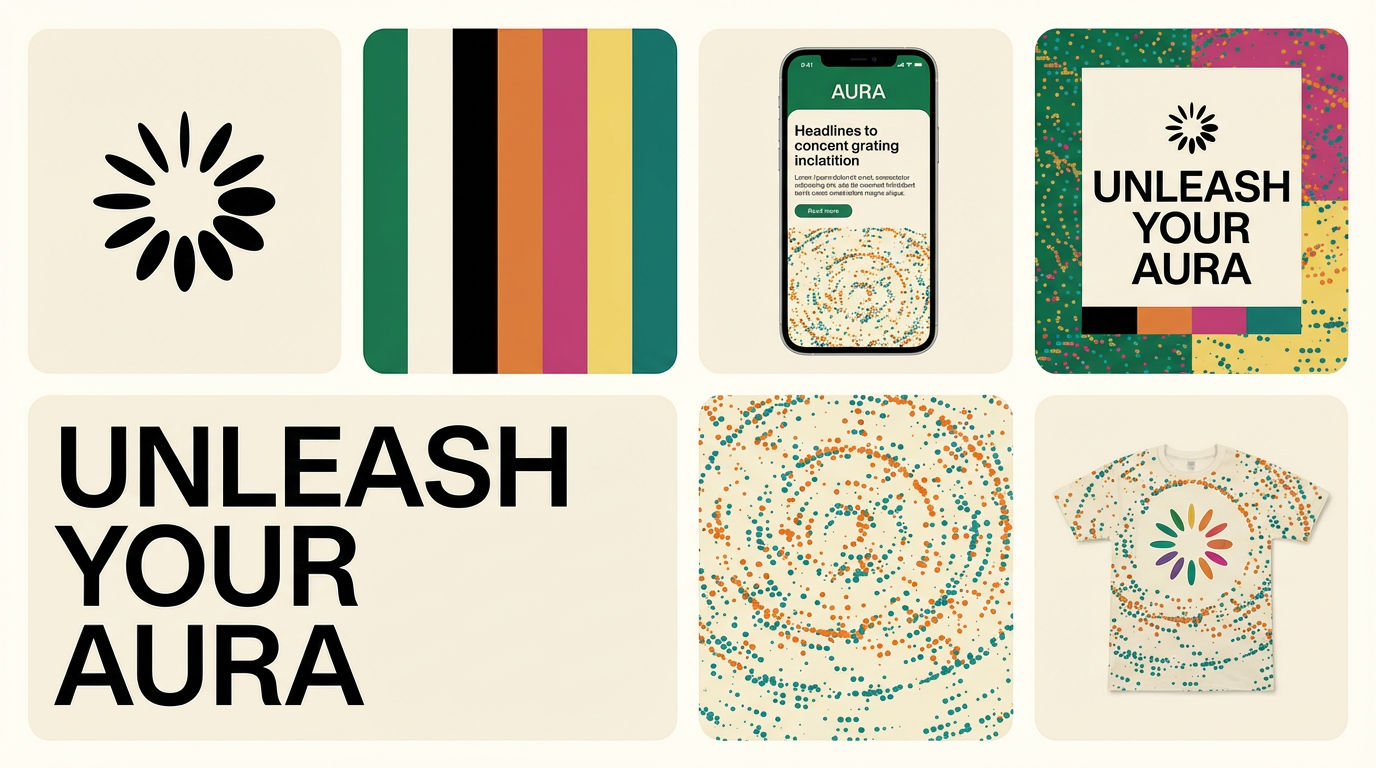 Brand Extension GeneratorDrop brand details, get identity boards
 Material 3D Logo Render EngineUpload a logo, get it rendered in 3D across a set of materials.
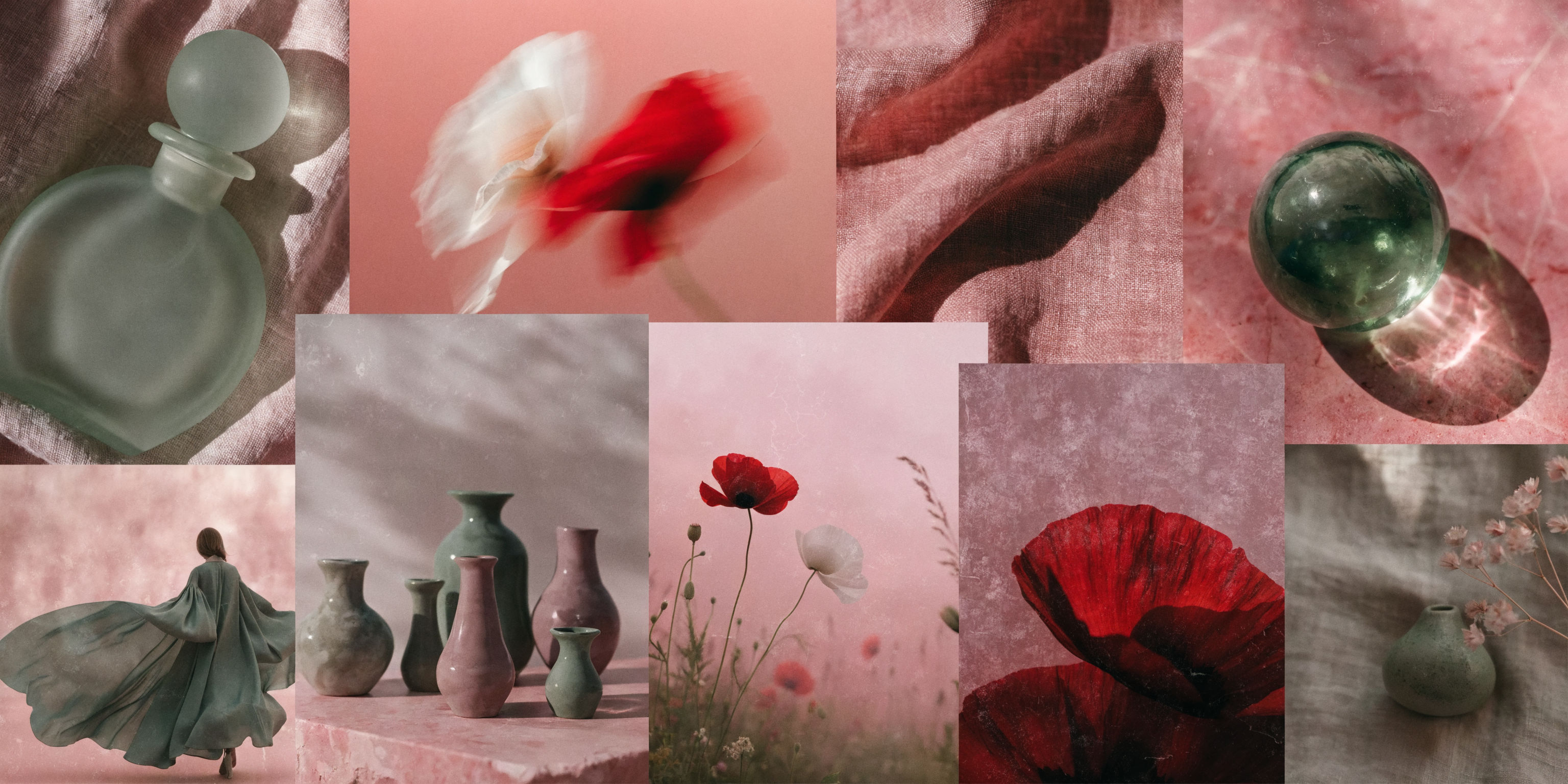 Mood Board MakerEclectic mood board from a photo
 Icon PackGenerate matched icon sets from a prompt
 Character LockOne character, 6 different angles
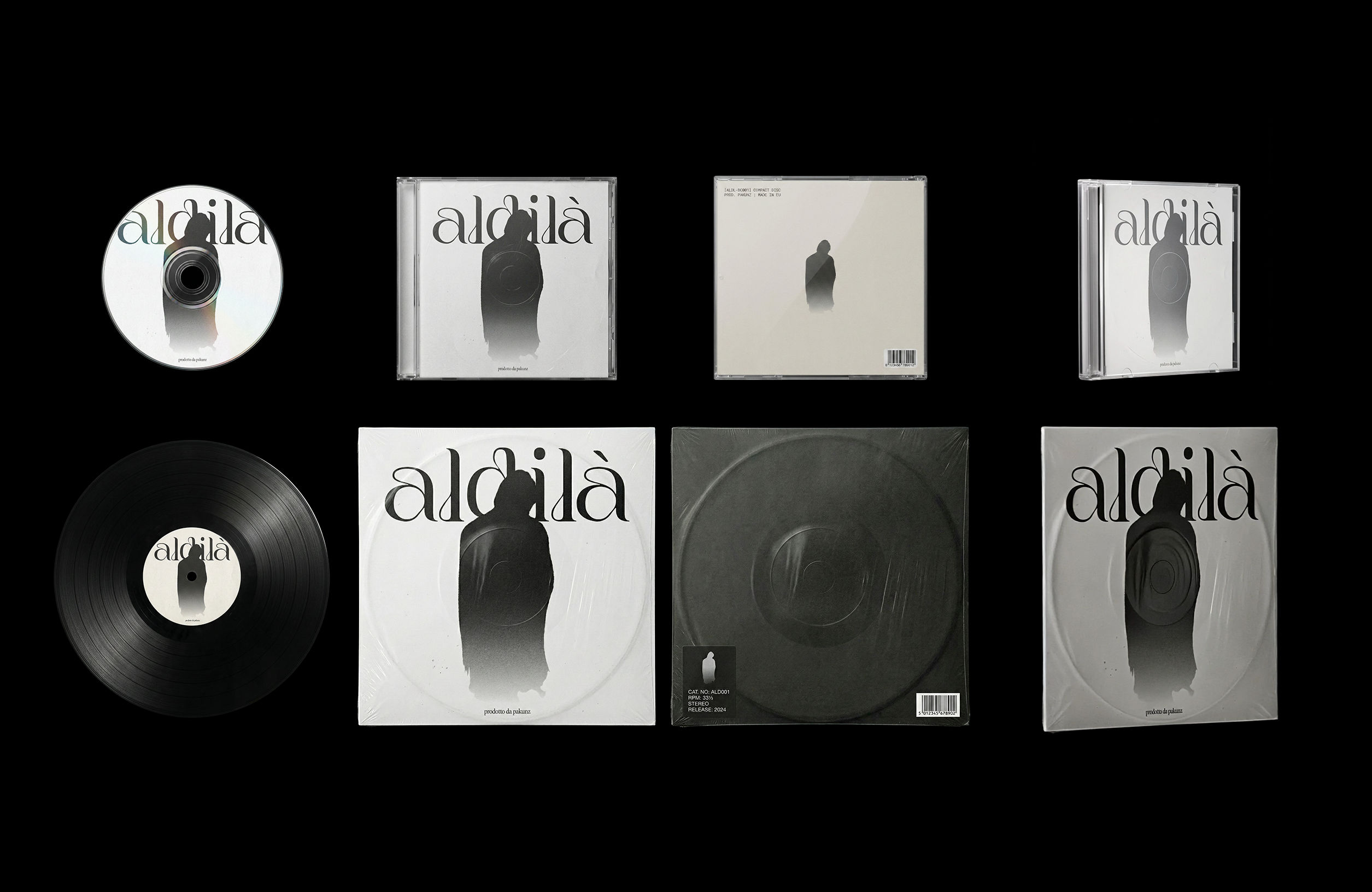 CoverArtTransform a single artwork into a full set of physical music assets.
CD, vinyl, posters: all consistent, clean, and ready to use.
CoverArtTransform a single artwork into a full set of physical music assets.
CD, vinyl, posters: all consistent, clean, and ready to use.Style Any Logo into 4 Unique Variations
Upload a logo. Get four stylized versions, each with a different visual treatment.
DJ Kim from FLORA