

Run this AI-powered technique in your browser. Upload your inputs, hit generate, and get professional results in moments.

Creative Production
Design teams use FLORA techniques to produce professional-quality creative assets in seconds, accelerating production timelines and reducing dependency on manual editing.

Marketing Content
Marketing teams generate on-brand visual content for campaigns, social media, and ads — iterating quickly on concepts without waiting for design resources.

Product Visualization
E-commerce and product teams create high-quality product visuals, mockups, and lifestyle imagery to showcase their offerings across channels.
How to use Techniques?
Discover how to utilize Wonder(fy) for different scenarios.

Add inputs
Upload images, videos, or type in the prompts to get started.

Generate outputs
Next, hit the "Generate" button to start generating your outputs.

Edit and export
Refine your outputs on canvas, or download them directly.
Frequently asked questions
All you need to know about Wonder(fy)
Related techniques
 Cinematic Movie StillsGenerate film-quality scene stills
 Blake Ridder's Cinematic PlateCreate a video in Blake Ridder's Cinematic Style
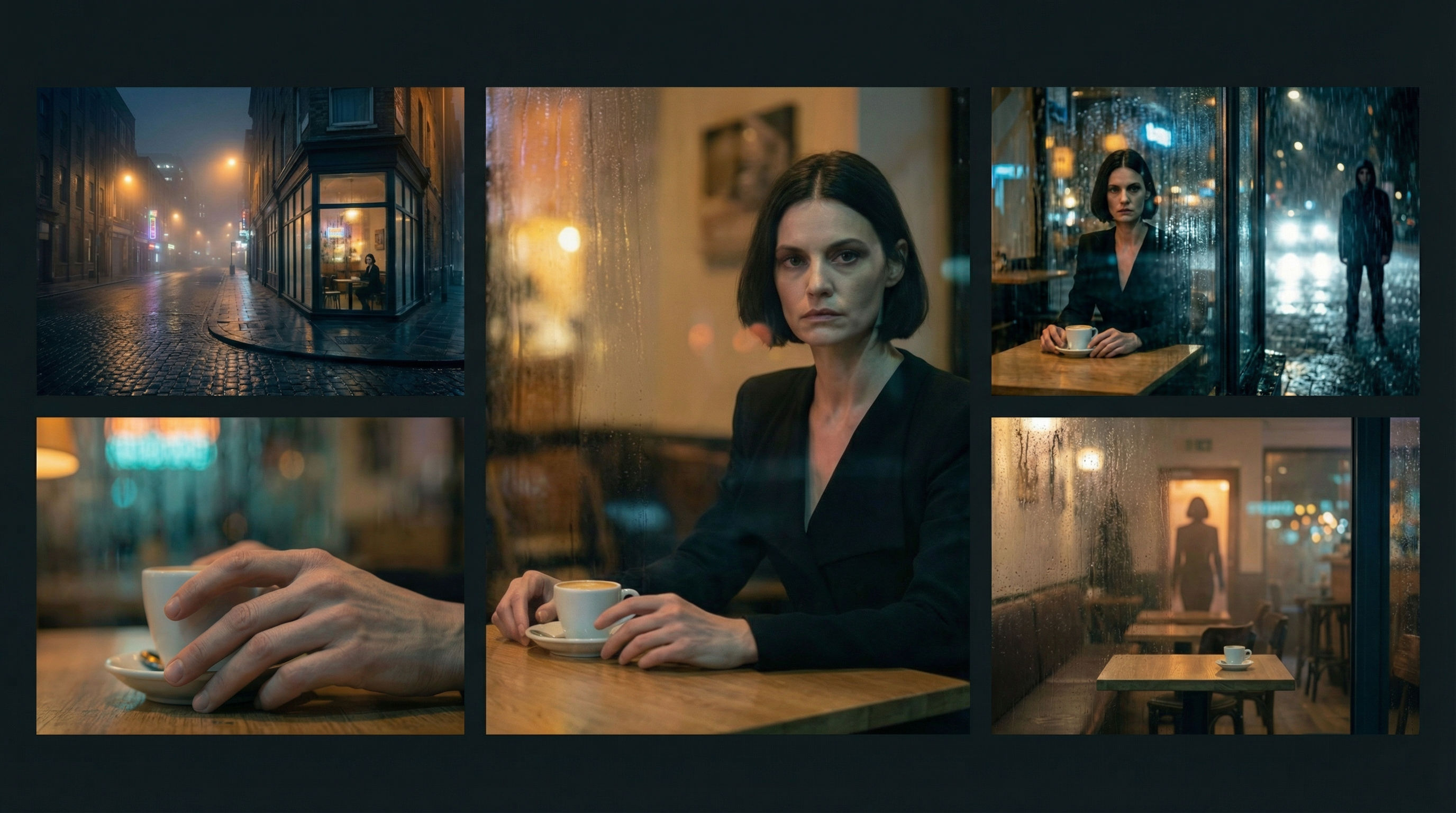 Scene Continuity LockFrom one finished cinematic frame, you get the surrounding shots that would make a coherent edited sequence. It's about editorial continuity, the shots an editor would need to build a scene.
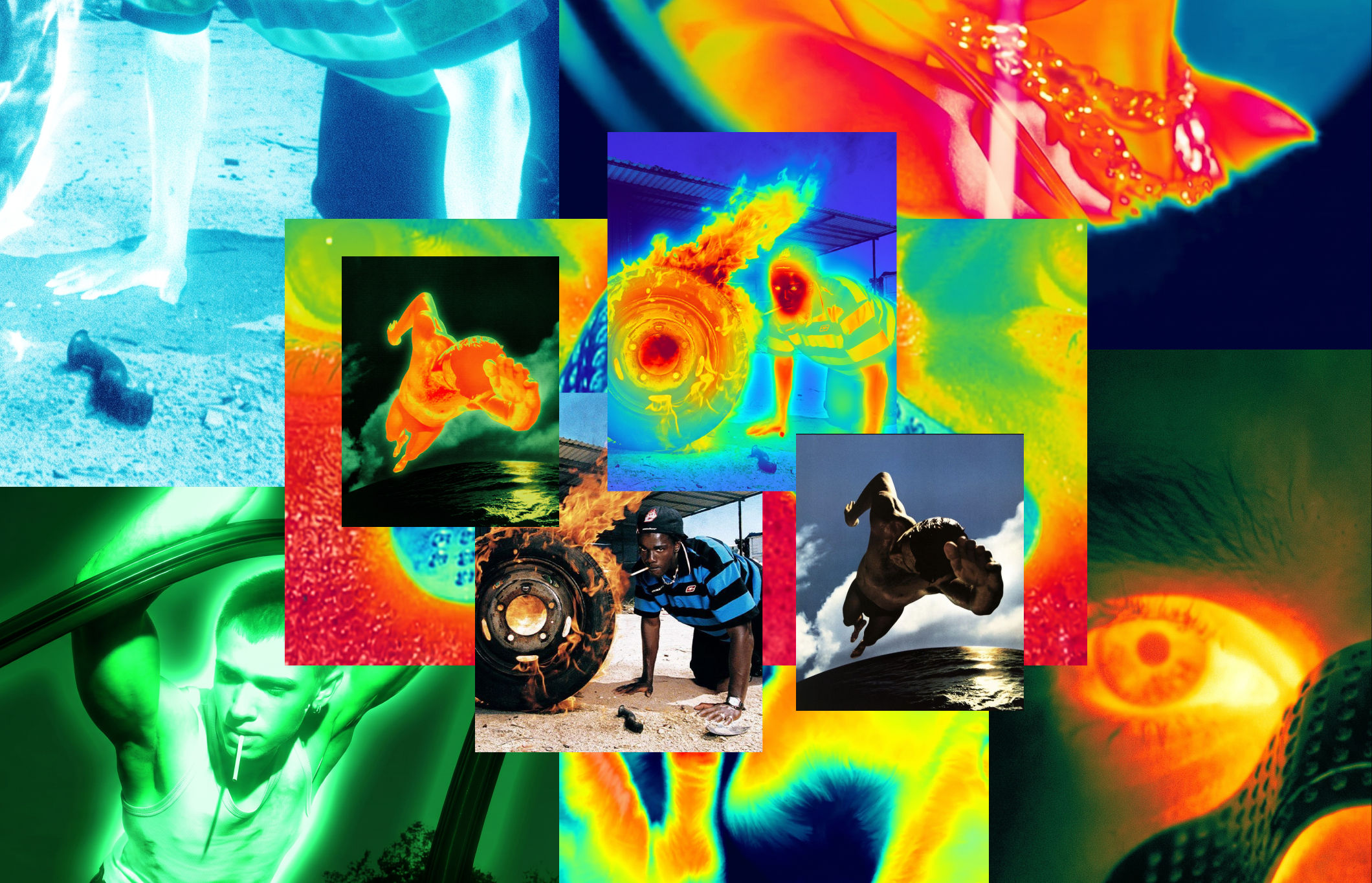 Thermal Vision Photo ConverterTurn any photo into thermal/night-vision imagery.
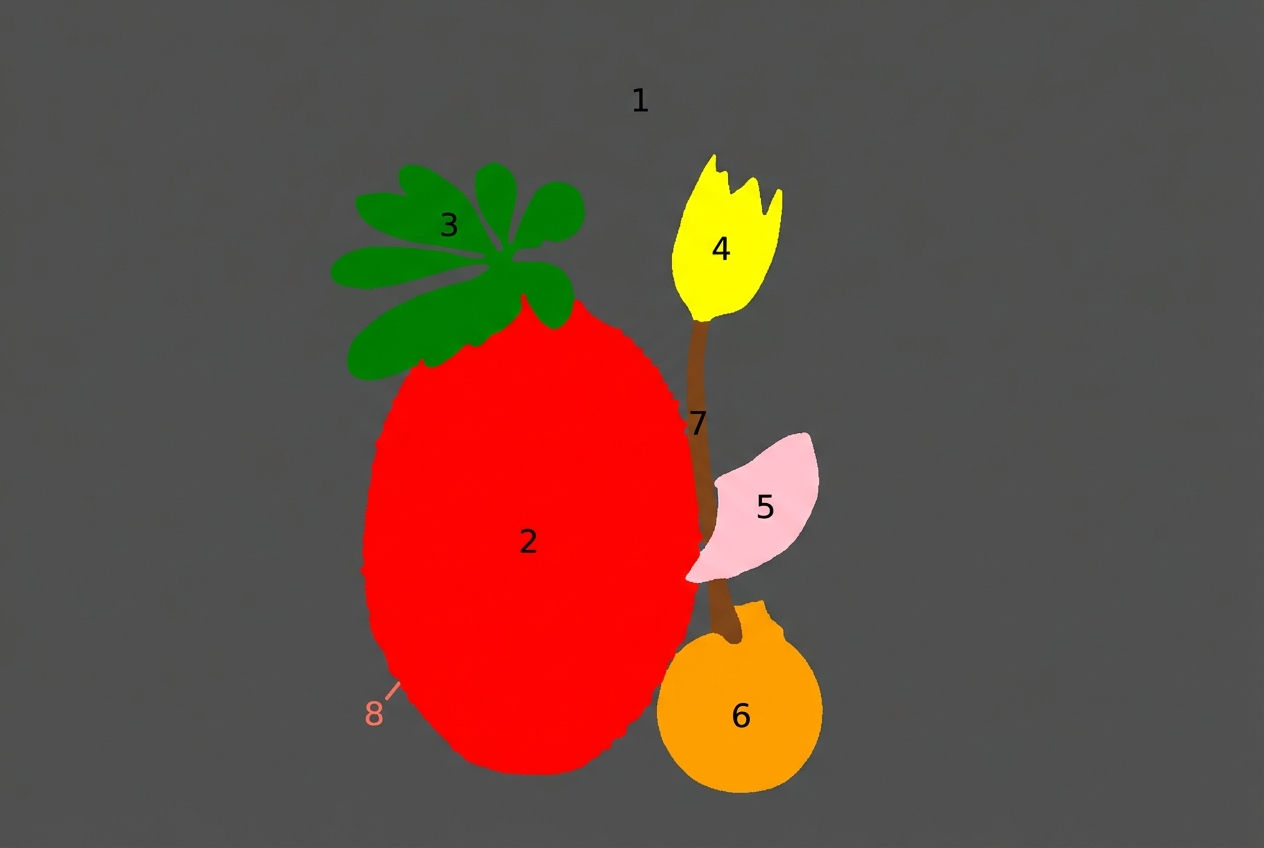 Segment MapperColor-codes every element in your image
 Video Scene BuilderCompose video scenes from still assets
Wonder(fy)
Apply Wonder's cinematic style to images

Wonder Studios