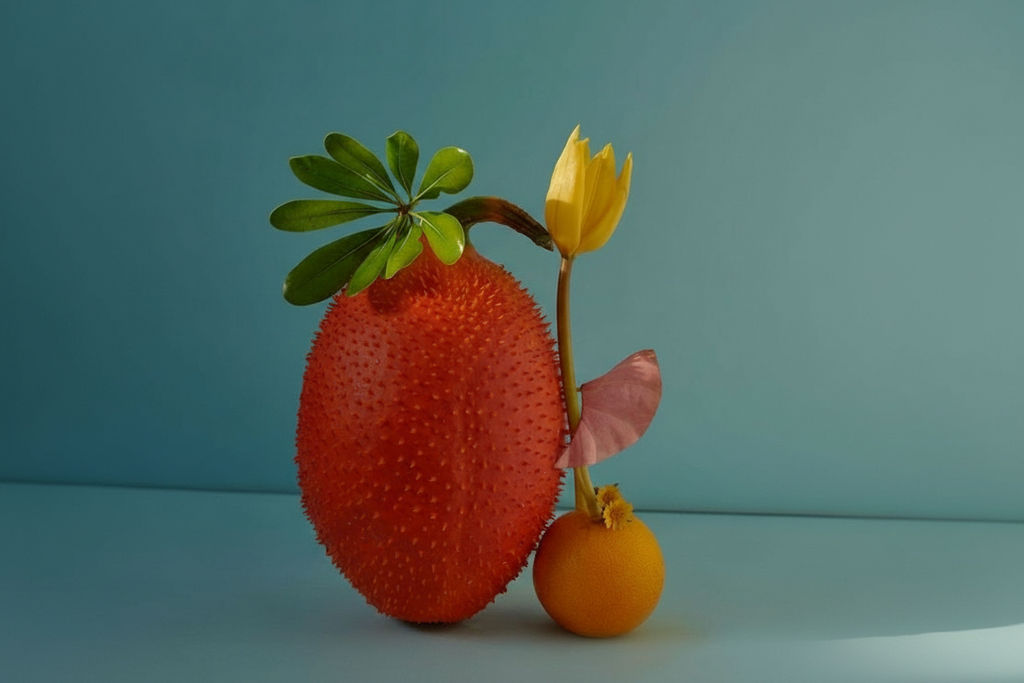

Upload any image to the Segment Mapper technique and receive a color segmentation map — every distinct element in your image color-coded and labeled in one click.

Design Analysis
Designers use the Segment Mapper technique to break down complex images into distinct color-coded regions, helping analyze composition and spatial relationships.

Creative Reference
Art directors run the technique to create visual breakdowns of reference images, making it easier to communicate about specific elements in a composition.

Educational Content
Educators use the technique to create visual aids that highlight different elements in photographs, useful for design, photography, and art instruction.
How to use Techniques?
Discover how to utilize Segment Mapper for different scenarios.

Add inputs
Upload images, videos, or type in the prompts to get started.

Generate outputs
Next, hit the "Generate" button to start generating your outputs.

Edit and export
Refine your outputs on canvas, or download them directly.
Frequently asked questions
All you need to know about Segment Mapper
Related techniques
 Cinematic Movie StillsGenerate film-quality scene stills
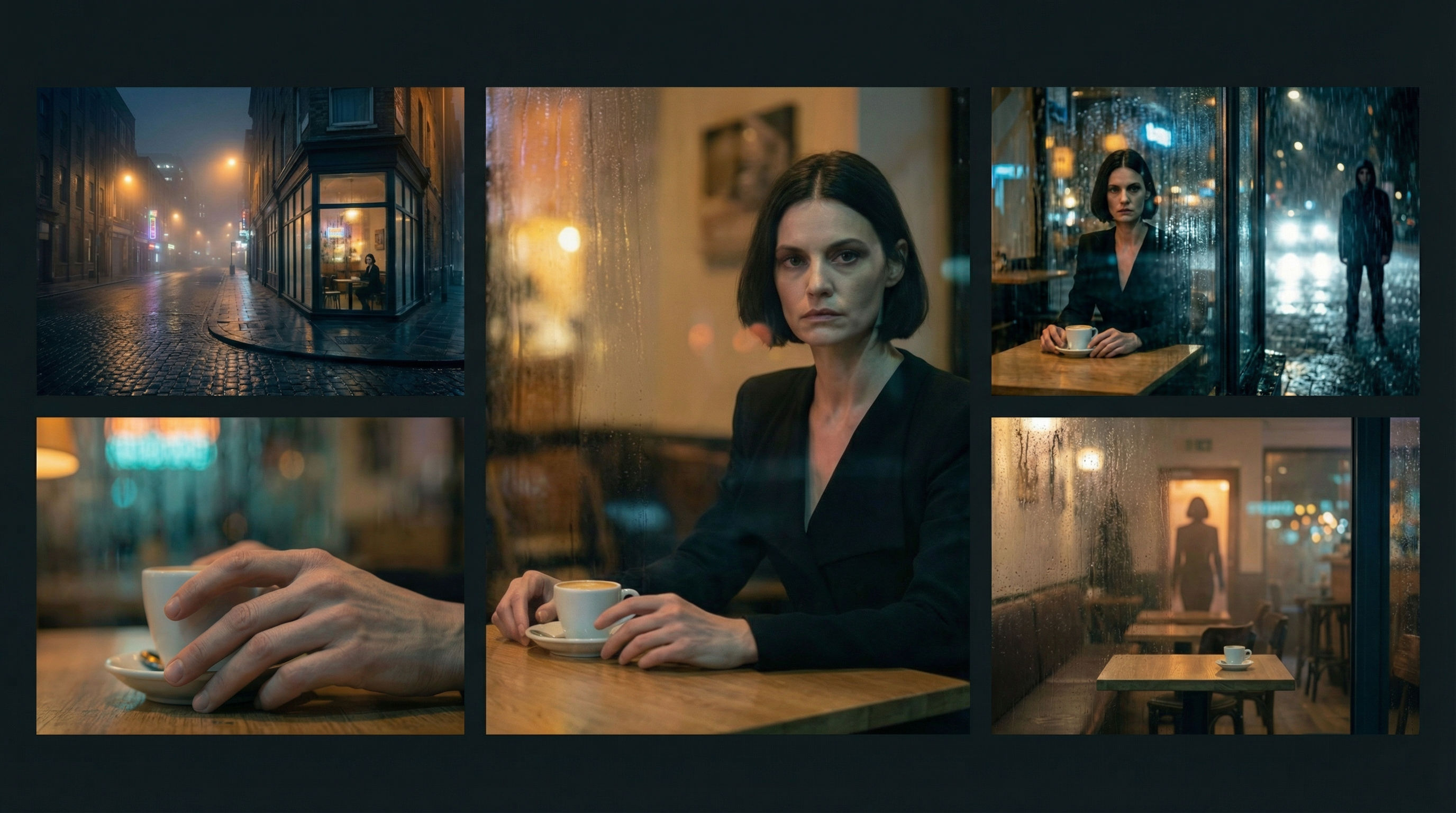 Scene Continuity LockFrom one finished cinematic frame, you get the surrounding shots that would make a coherent edited sequence. It's about editorial continuity, the shots an editor would need to build a scene.
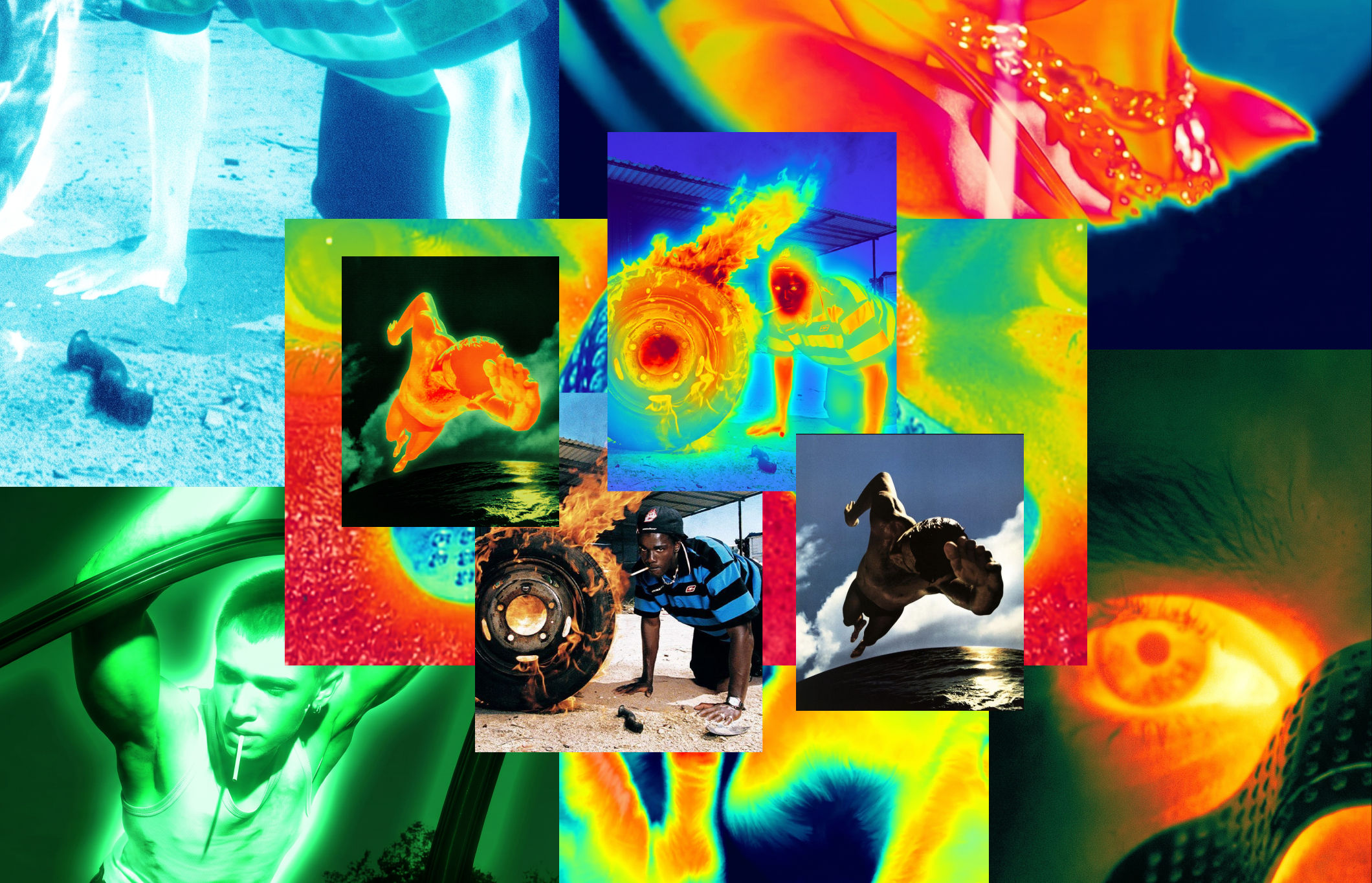 Thermal Vision Photo ConverterTurn any photo into thermal/night-vision imagery.
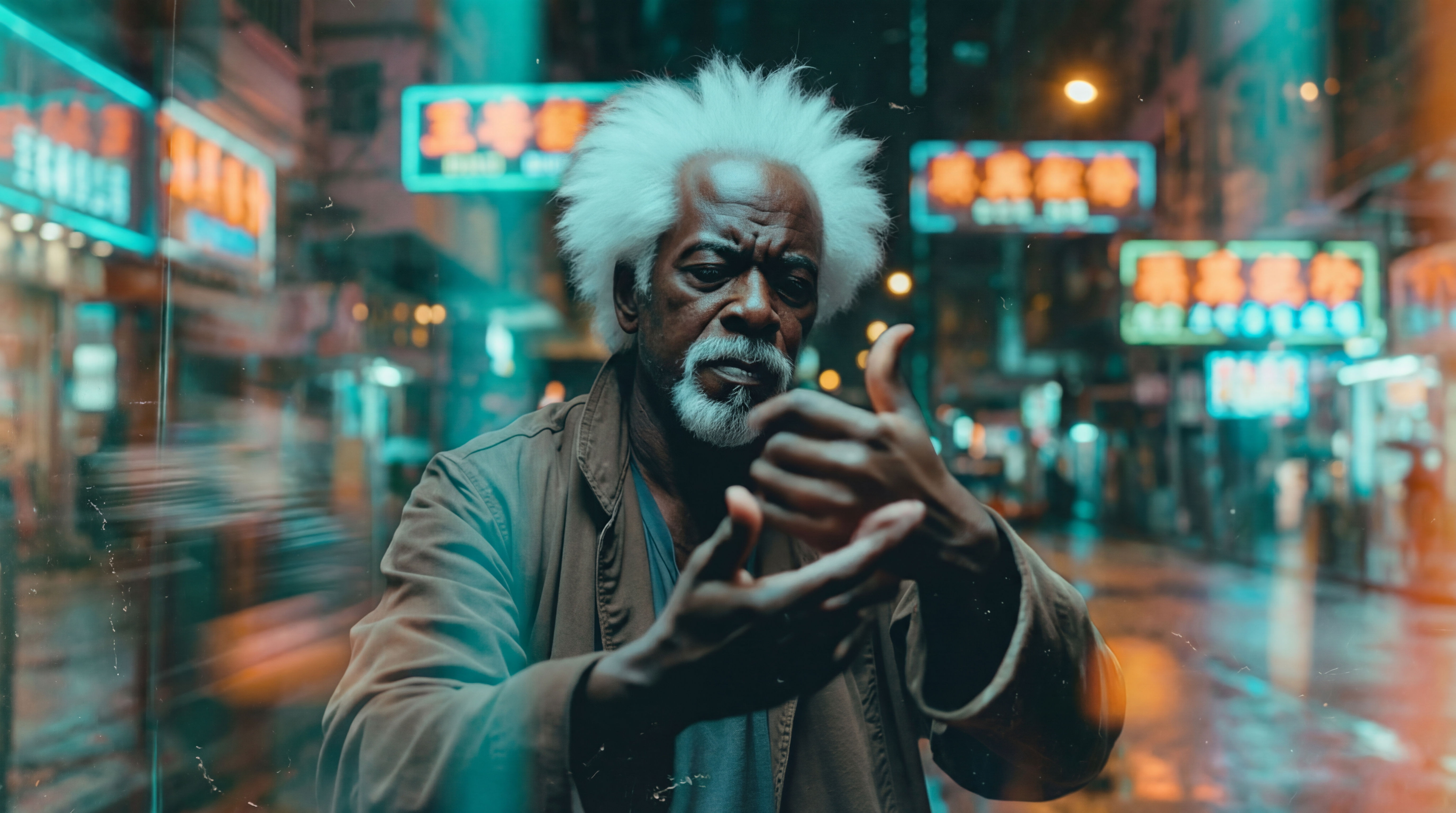 Wonder(fy)Apply Wonder's cinematic style to images
 Character LockOne character, 6 different angles
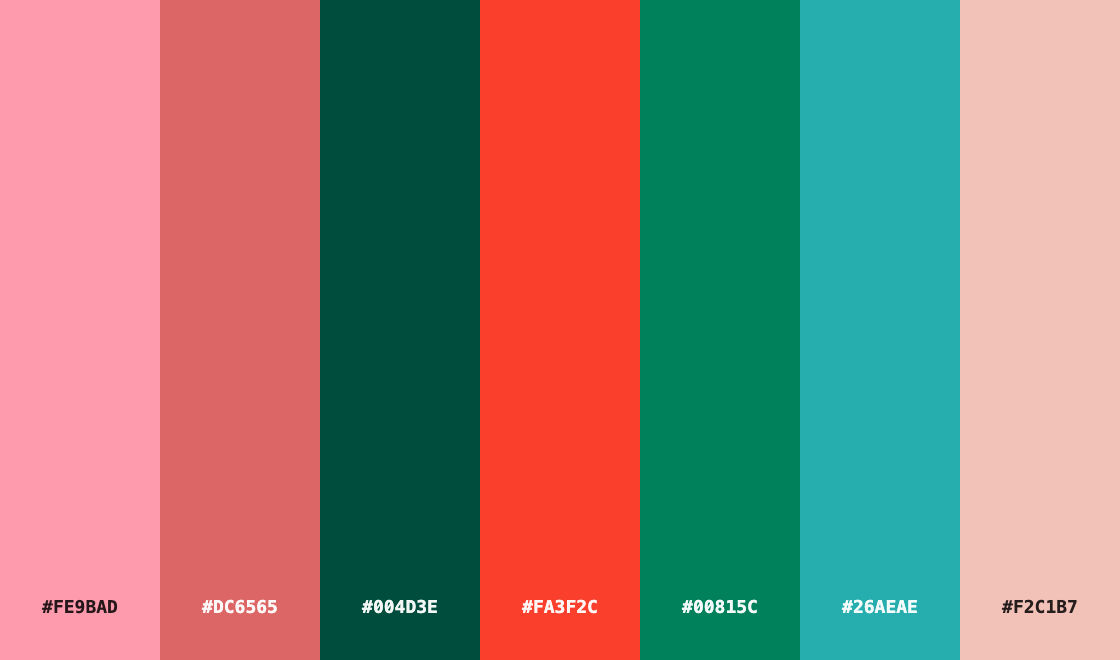 Color Palette ExtractionExtract color palettes from any image
Map Image Segments with Color Coding
Color-codes every element in your image

Kyle Spiker from Netflix