
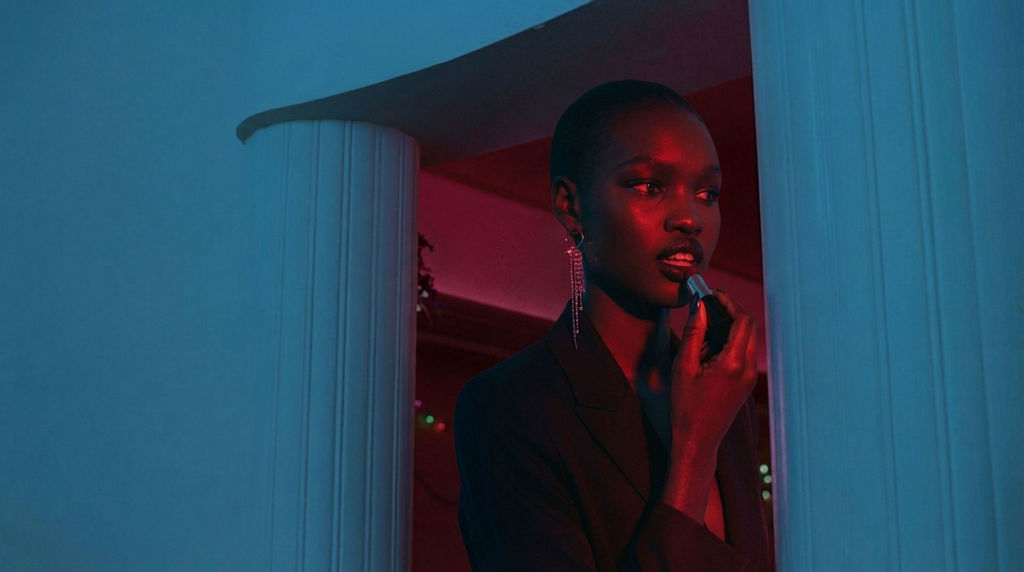


The Technique reads a clearly visible face and returns 4 cinematic images in 9:16, each composed like a frame from a feature film.

Portfolio & Headshots
Photographers and actors use the Cinematic Movie Stills technique to transform standard portraits into dramatic, film-quality cinematic photos for portfolios and casting submissions.

Social Media Content
Content creators run the Technique to generate cinematic pictures that stand out in feeds, giving everyday photos a Hollywood treatment.

Creative Direction Exploration
Art directors use the Technique to visualize cinematic imagery of a subject across different scenarios before committing to an expensive photoshoot.
How to use Techniques?
Discover how to utilize Cinematic Movie Stills for different scenarios.

Add inputs
Upload images, videos, or type in the prompts to get started.

Generate outputs
Next, hit the "Generate" button to start generating your outputs.

Edit and export
Refine your outputs on canvas, or download them directly.
Frequently asked questions
All you need to know about Cinematic Movie Stills
What separates cinematic photography from a good portrait
Cinematic photography is photography that behaves like film: light with a source you can point at, color that's been graded, and a frame that suggests you've walked in partway through something. Portraits are usually about the person. A film still is about the person plus whatever the shot implies is happening past the edges, and most of that comes from choices that have nothing to do with the face.
People asking what is cinematic photography tend to expect an answer about gear, and the honest answer is that gear is the smallest part of it. You can try FLORA free and put one portrait through to watch the difference land without a lens change.
What actually makes a frame look filmic
What makes photography cinematic comes down to a few things that tend to travel together.
Light is where it starts. Most snapshots are lit flatly from the front, which levels out every surface, whereas film lighting is usually coming from somewhere you could point at in the room: a window, a lamp that's visible in the shot, a hard rim behind someone's head. Shadow does a lot of the work in cinematic photos and it's meant to be there.
Color is the next piece. Cinematic images almost never keep what came out of the camera. Contrast gets weighted into the shadows, skin gets pulled toward a single temperature, and the palette narrows to a few hues that agree with each other. If you want that consistency to hold across a whole set, it helps to pull the palette off a still you already like and build from there.
Depth works for a related reason. Once the background falls away into softness, the subject stops sitting on top of the image and starts sitting inside it, which is the effect studio blur is after.
Framing is usually the last thing people think about and the first thing that gives a photo away. Tight centered crops read as documentation, while film frames leave air above or beside someone so the space carries part of the meaning, and that's some of why the stills here come back vertical at 9:16 instead of square.
Why a filter can't get you there
Most attempts at cinematic photography start and end with a filter, which is where they stall. A filter shifts color. It has no way to move where the light appears to originate, and no way to rebuild the room behind the subject. That's roughly the difference between a filtered photo and a cinematic pic, since the first works on the image you already have and the second invents the scene it might have come from.
Models trained on film stills pick these relationships up as a bundle rather than as separate sliders, so the grade, the lighting and the crop turn up already agreeing with each other. It's why one clear portrait comes back as four finished frames rather than four recolors of the same crop. You don't choose a genre on the way in. If you want a different read, run it again on another base image, or take a still onto the FLORA canvas and keep working there.
Where the stills go afterward
Cinematic pictures tend to get used bigger than anyone plans for, so it's worth running anything print-bound or portfolio-bound through the upscaler. Casting profiles and social placements rarely want the same ratio either, so reframe a still instead of shooting the whole thing again.
Glam shots covers the cleaner, beauty-lit take on the same portrait. Handy to have sitting next to a film still when you're putting cinematic imagery in front of a director and want two directions on the table at once. Everything else lives under the FLORA AI image generator.
Related techniques
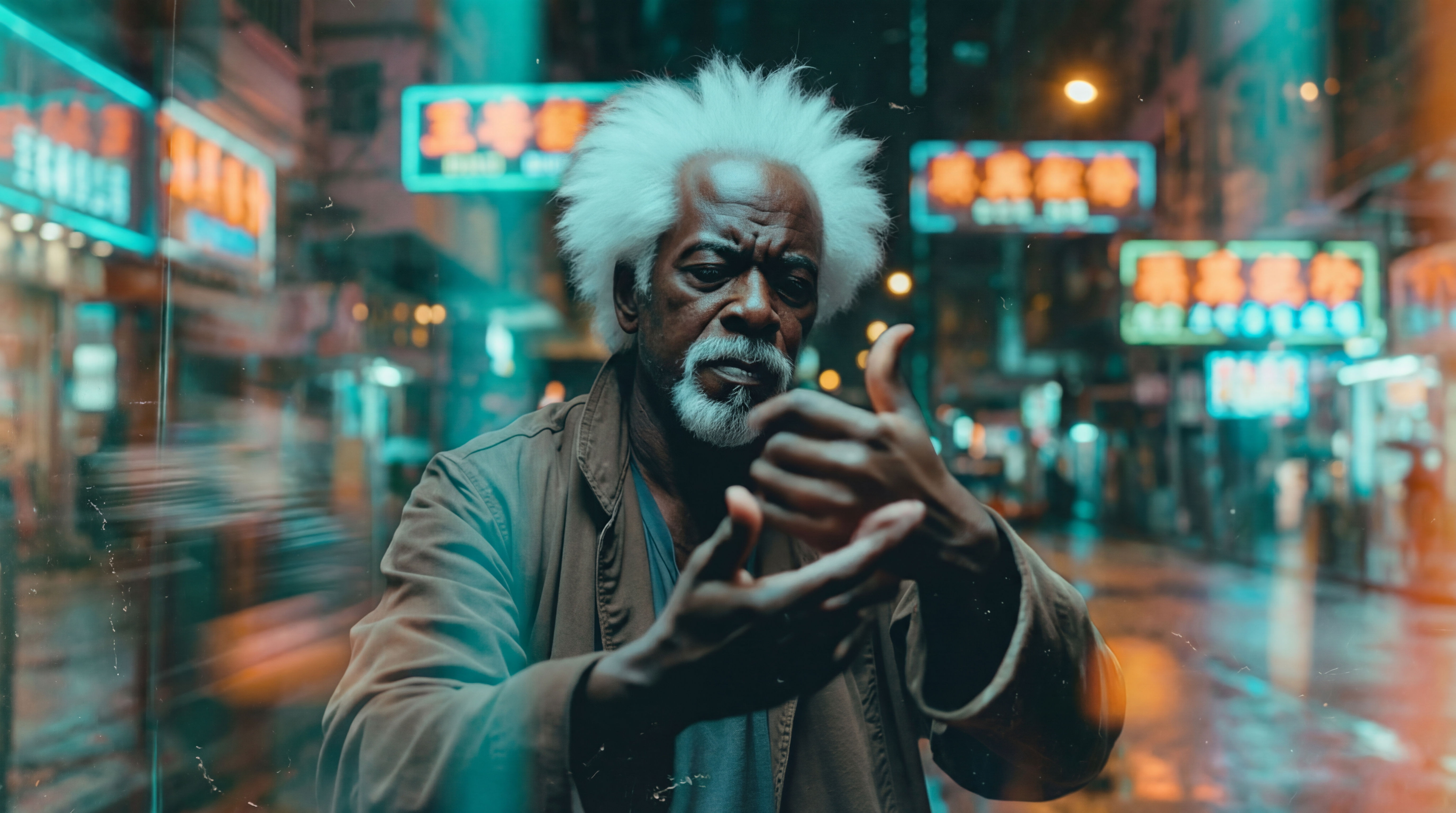 Wonder(fy)Apply Wonder's cinematic style to images
 Video Scene BuilderCompose video scenes from still assets
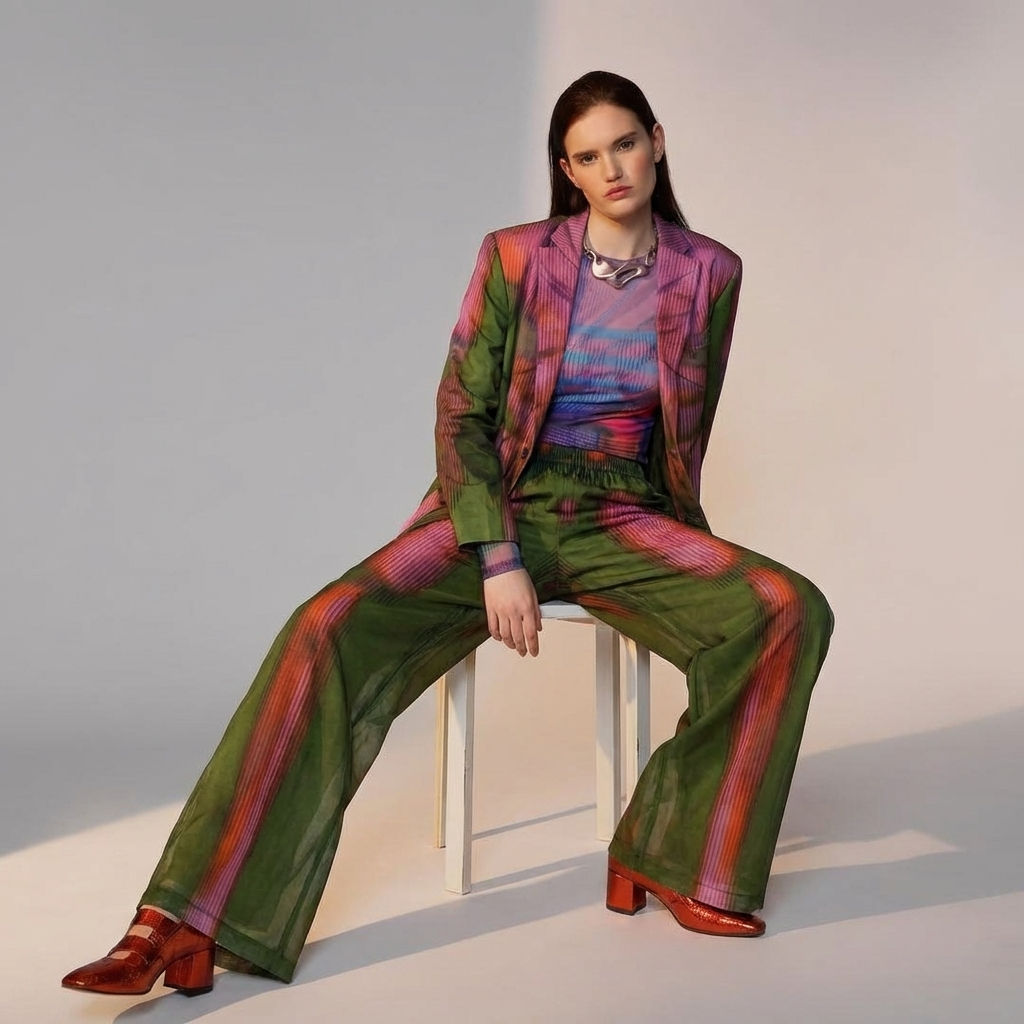 Fit CheckExtract outfits & swap onto new looks
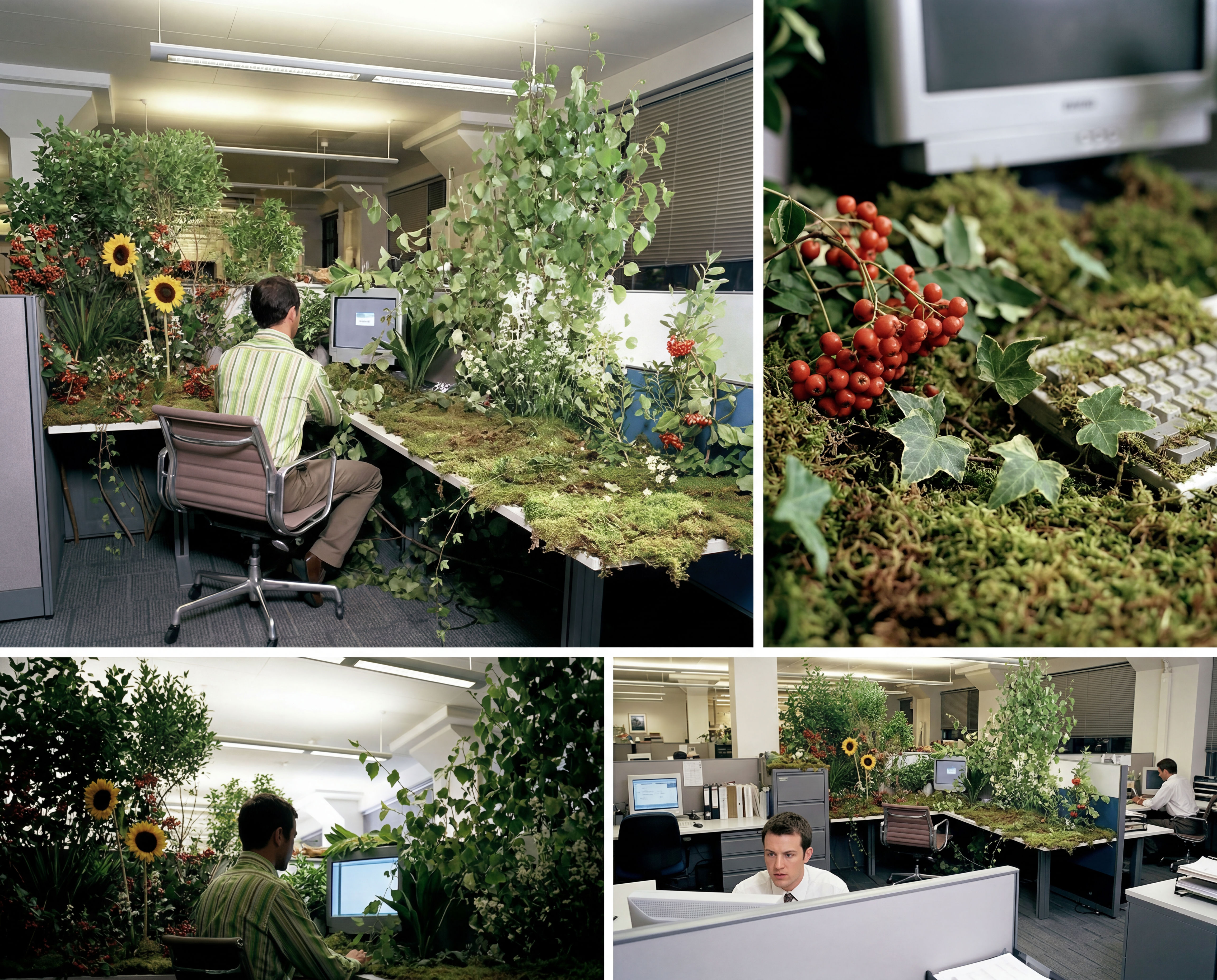 Storyboard MakerInput one image and creates cohesive 9 storyboard shots
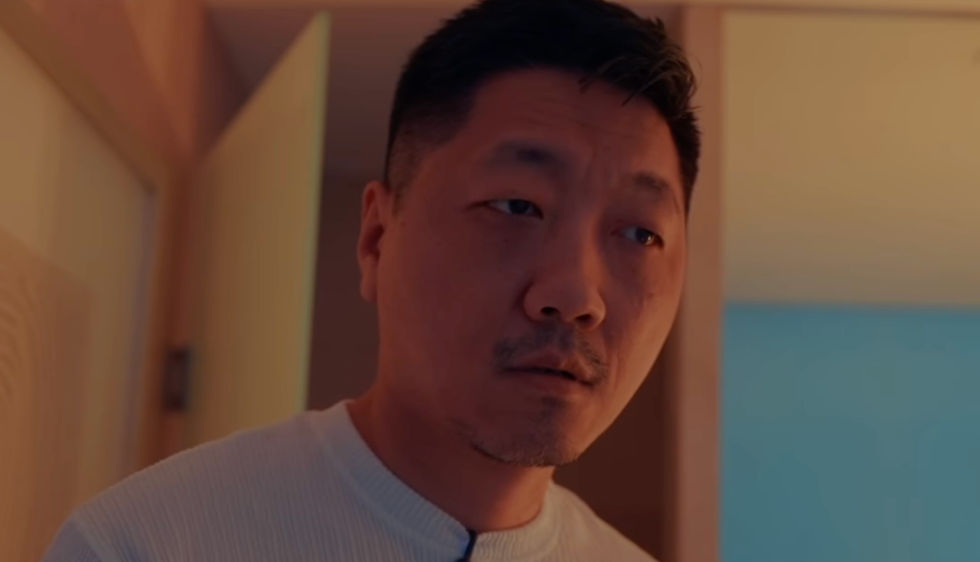 Blake Ridder's Cinematic PlateCreate a video in Blake Ridder's Cinematic Style
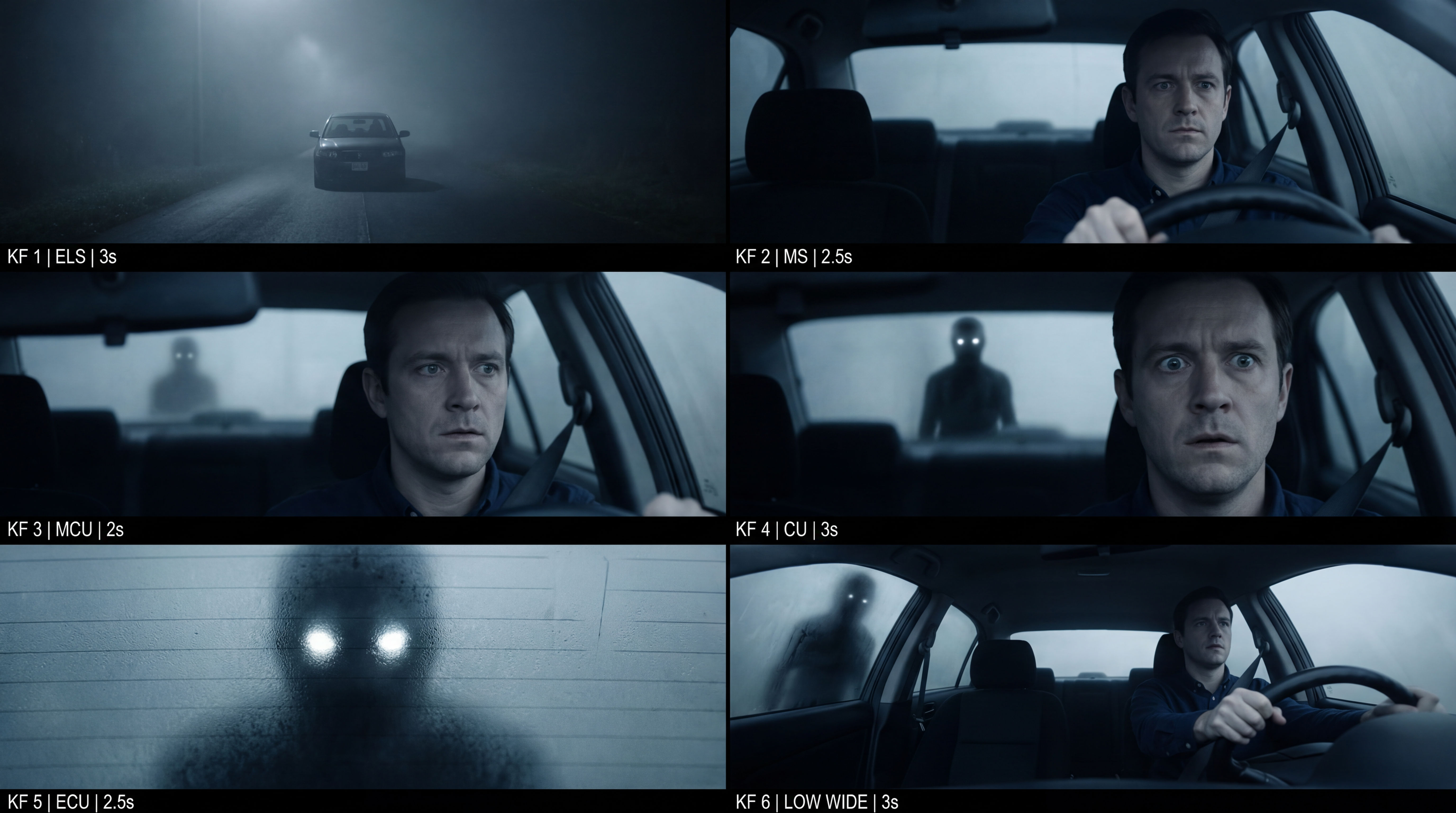 Frame the Mood for CreativesTurn a single reference image and a mood description into a complete set of production-ready visual assets, in one run. You get 7 assets total: 1 full storyboard + 6 individually exported keyframes.
Generate Cinematic Photography Stills from a Single Portrait
Generate film-quality scene stills
Ariel Alejandro Ibañez from Superside