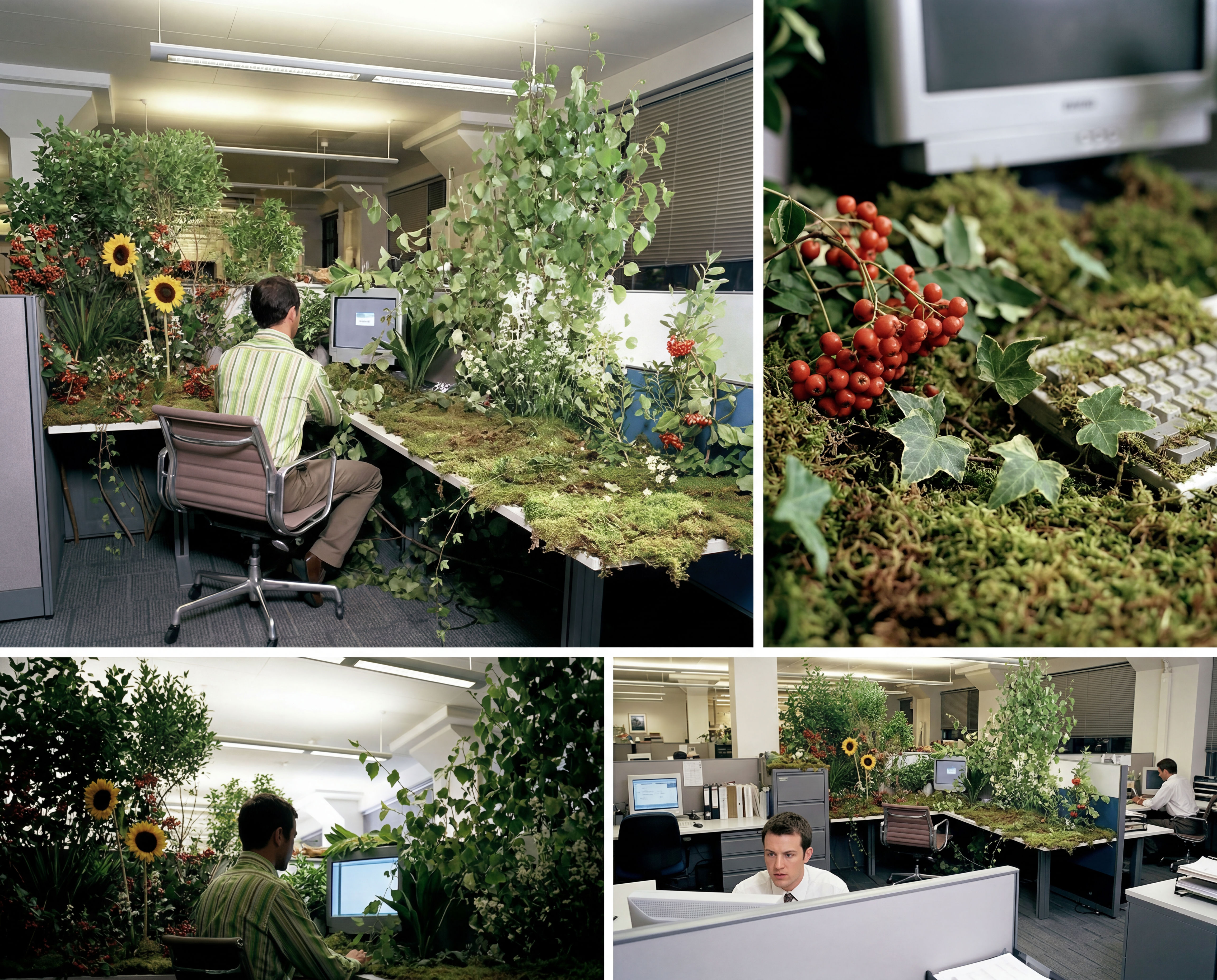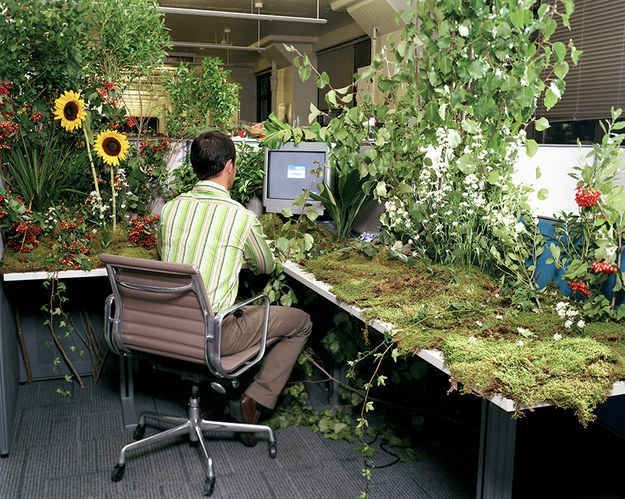
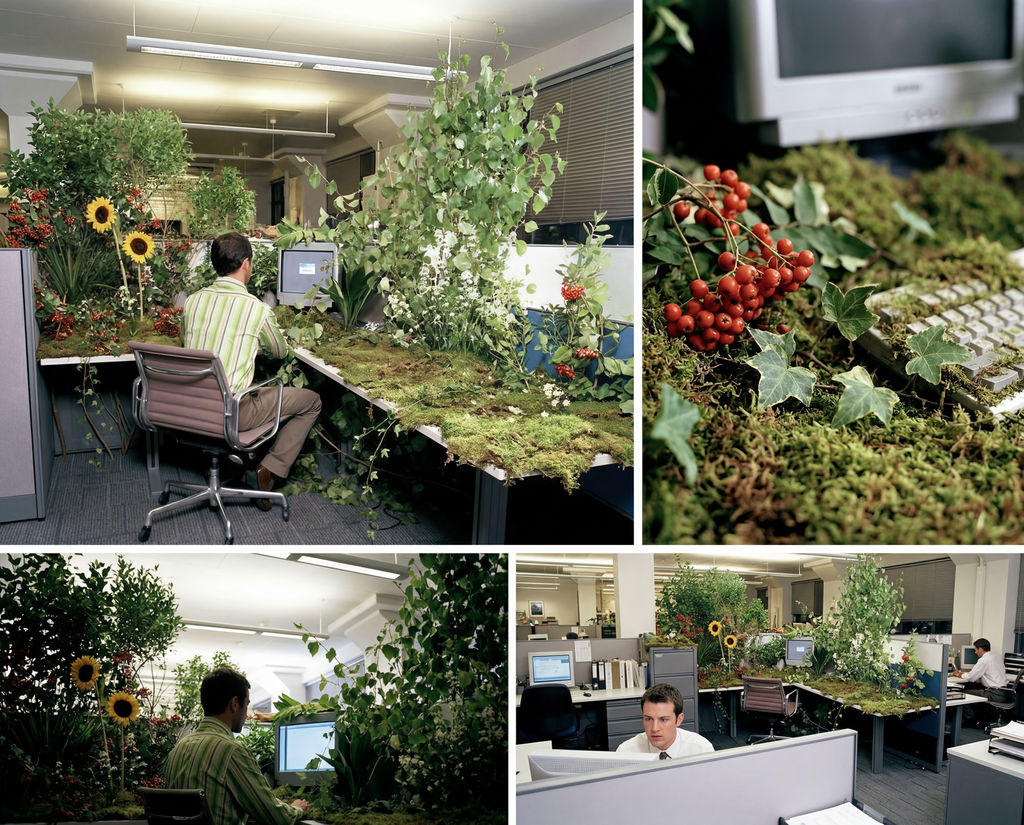
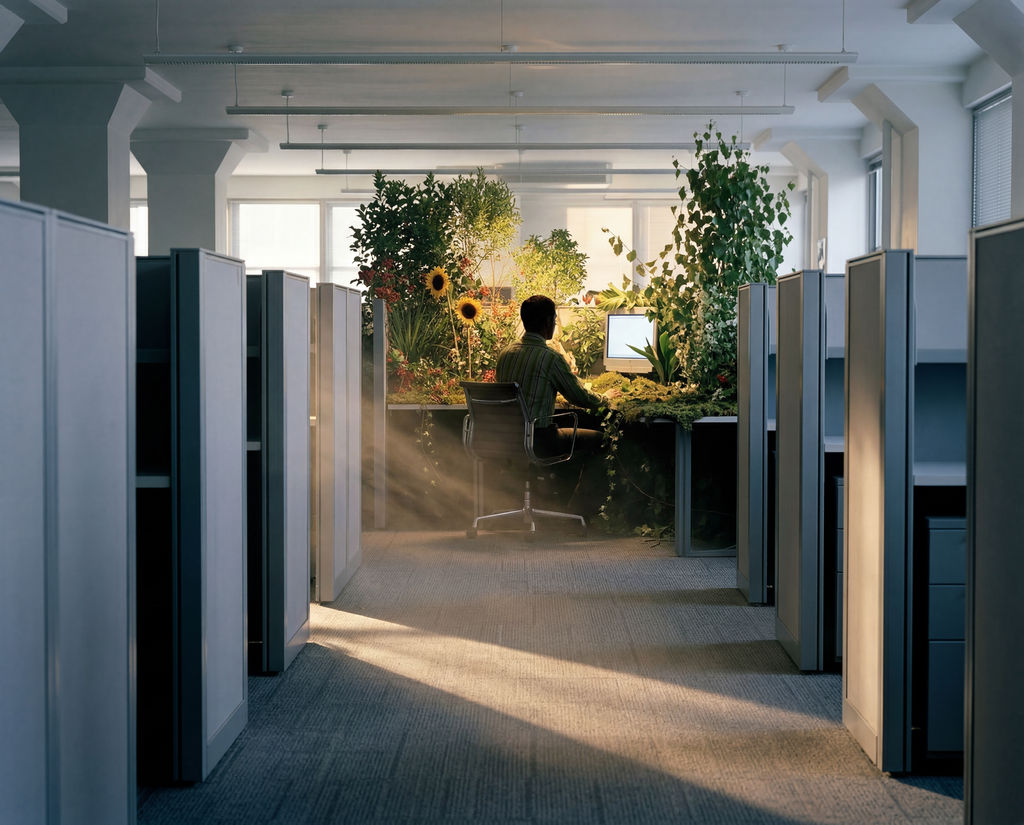
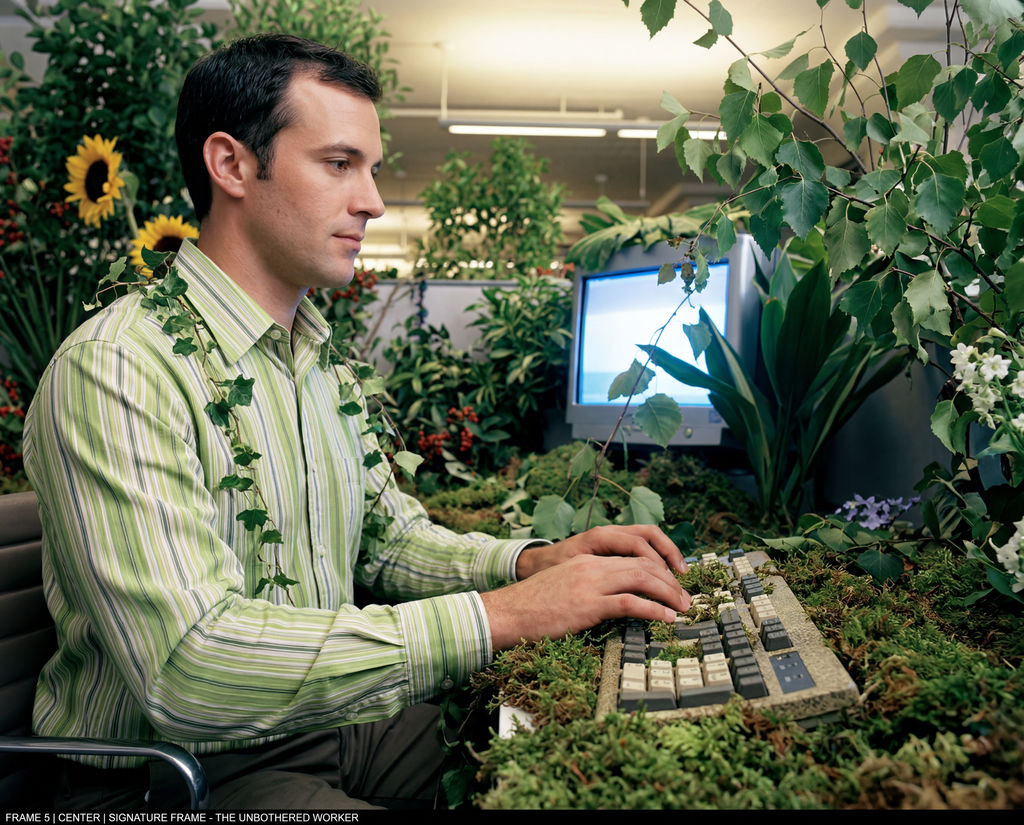
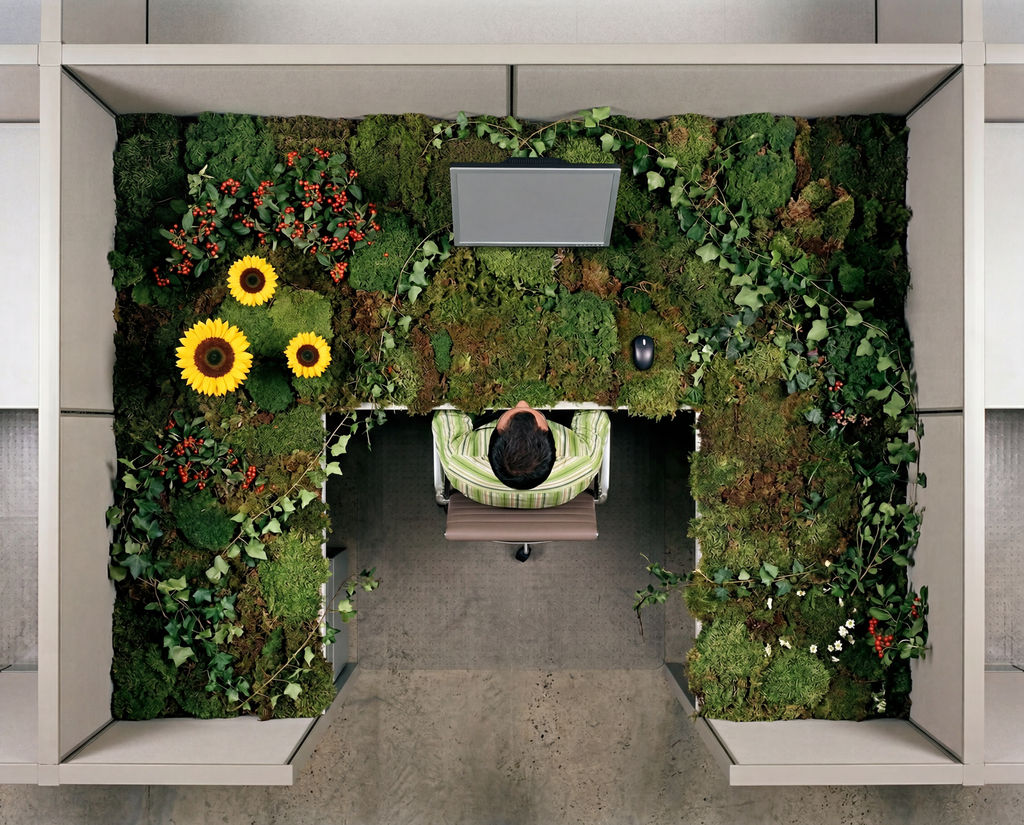
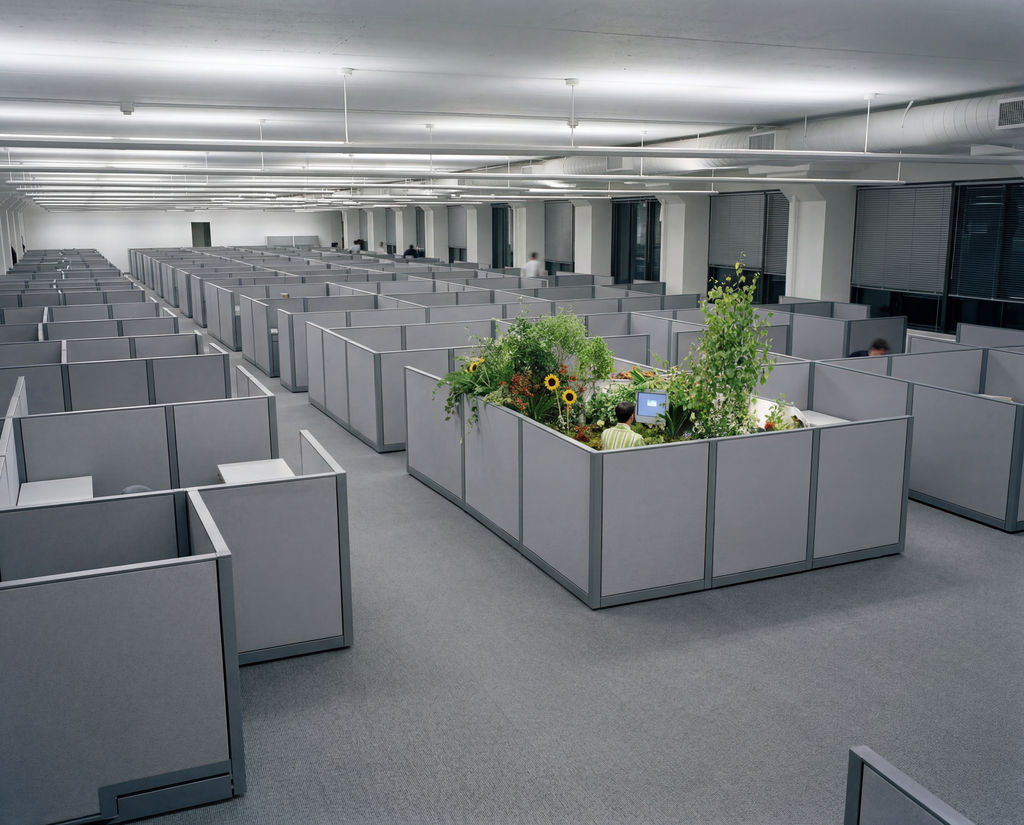
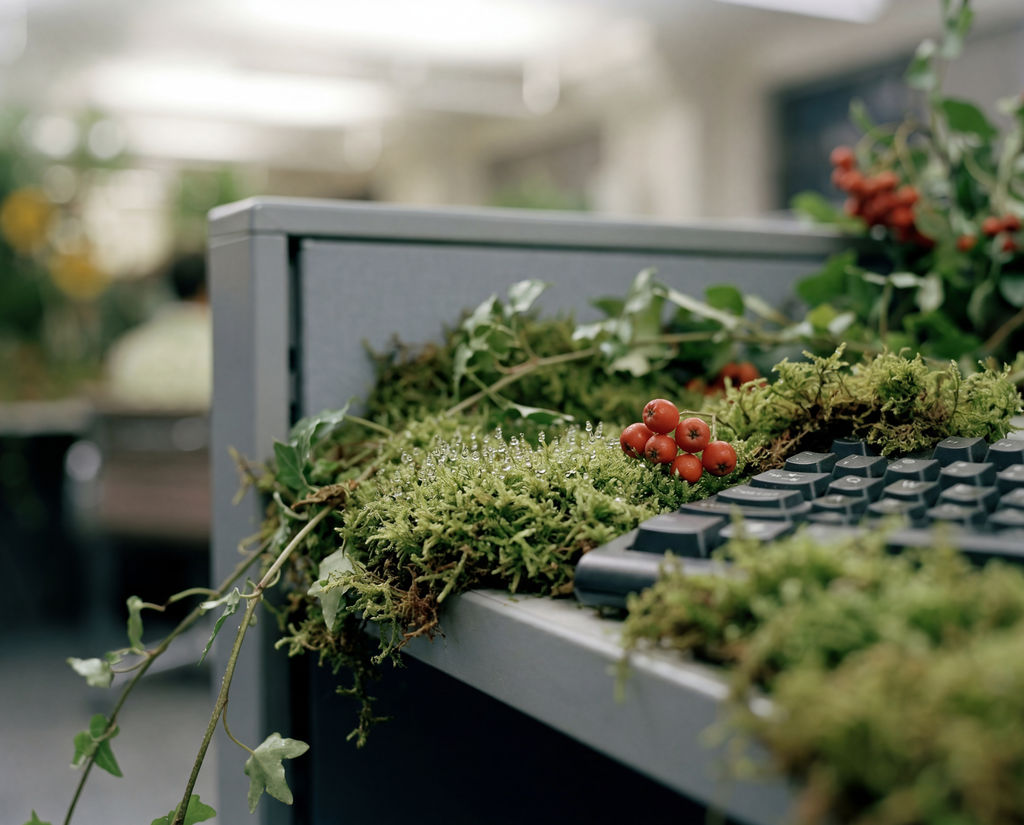
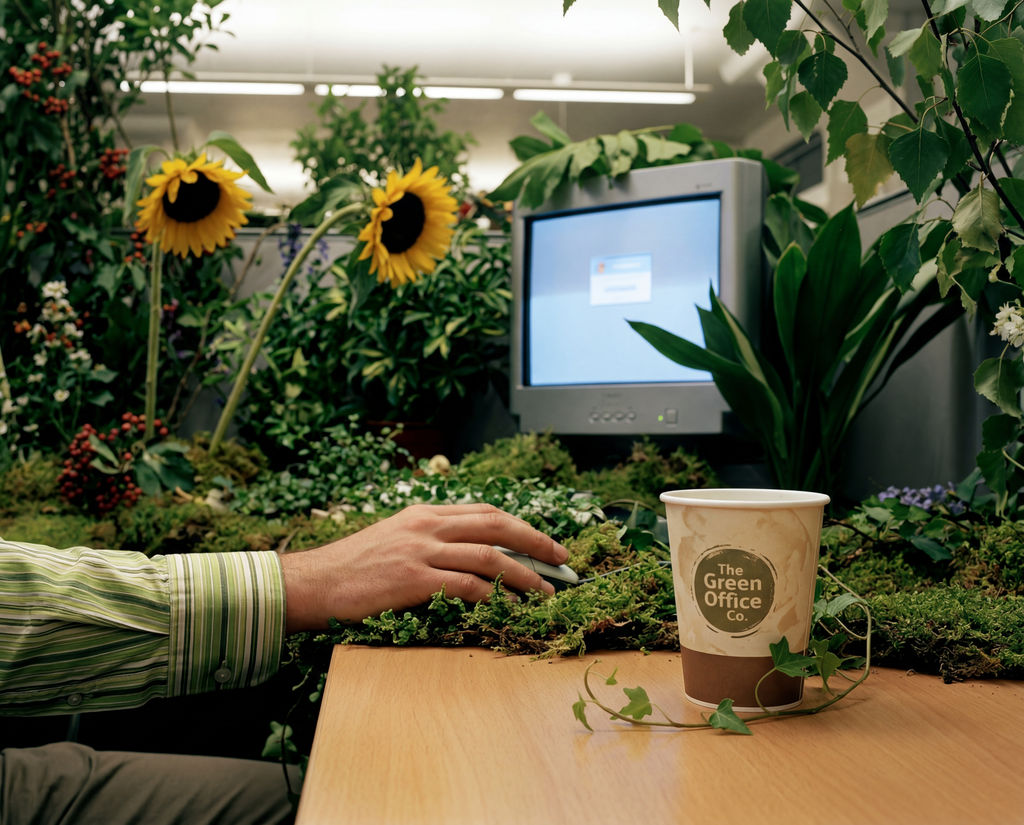
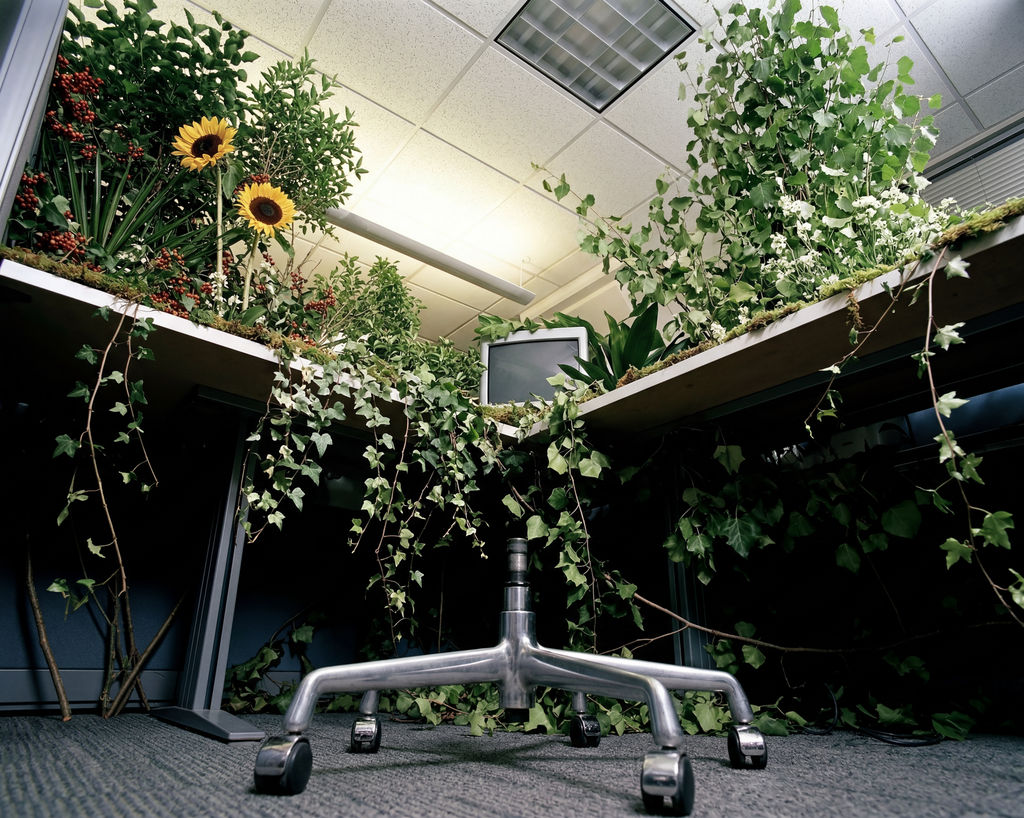
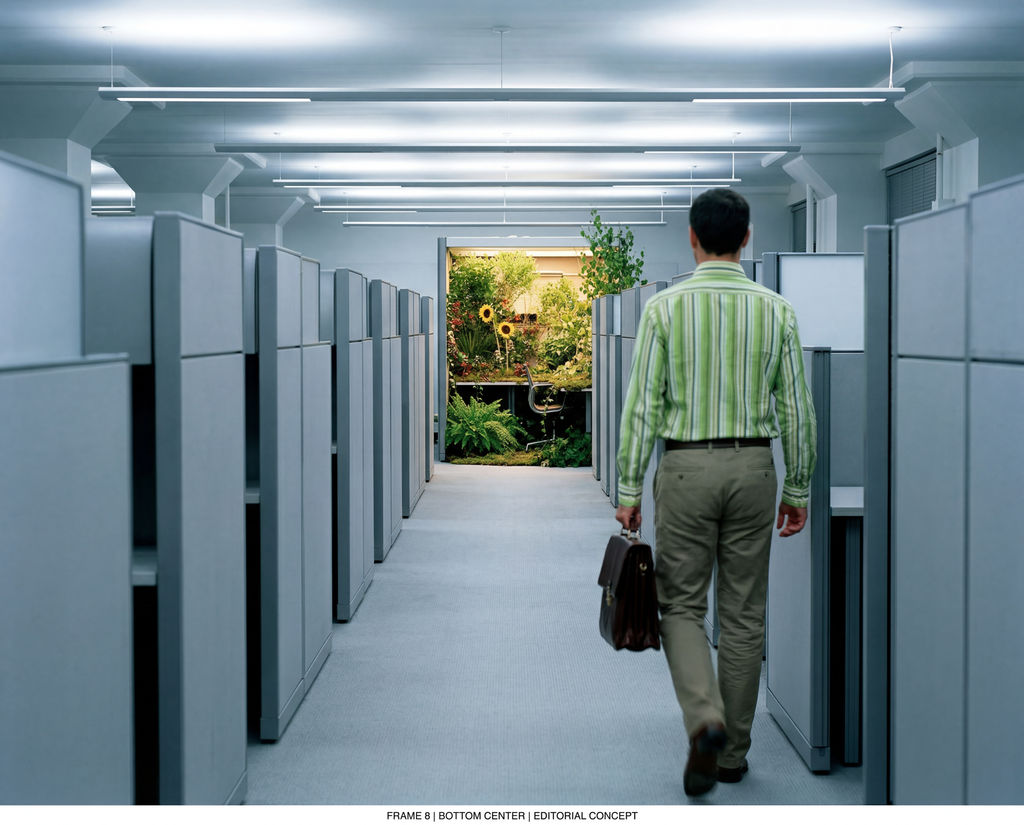
Upload one photo to this AI storyboard generator and get a cohesive 9-shot sequence in one click.
Video Pre-Production
Directors and videographers use the Storyboard Maker technique to create storyboard sequences from a key scene image, generating a 9-frame visual flow that speeds up pre-production planning.

Creative Pitches
Advertising agencies run the technique to produce storyboard sequences for client pitches, turning a single concept image into a narrative flow.

Content Planning
Content creators map out an AI story board for short-form video with the technique, generating frame sequences to guide shooting and editing.
How to use Techniques?
Discover how to utilize Storyboard Maker for different scenarios.
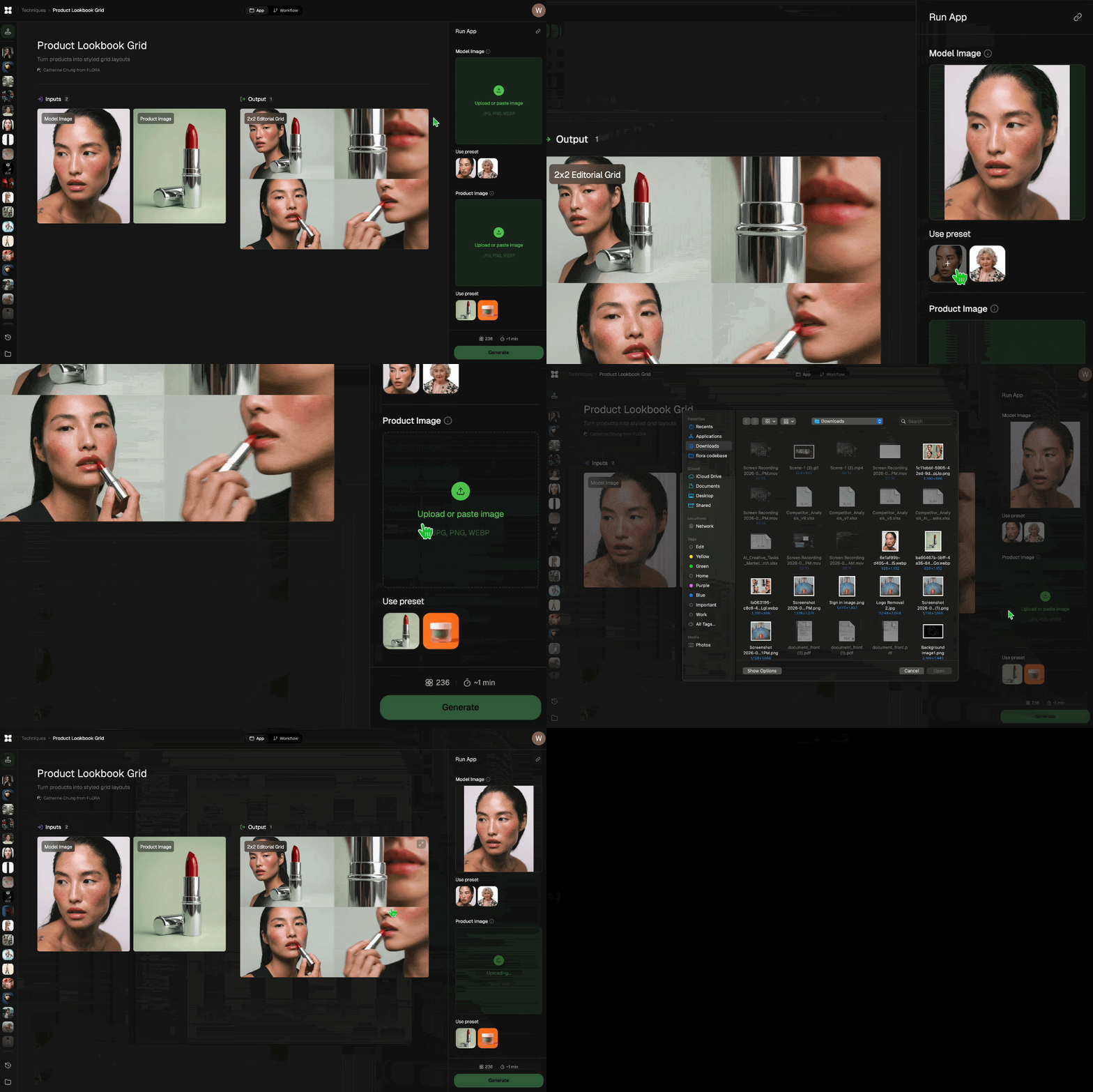
Add inputs
Upload images, videos, or type in the prompts to get started.
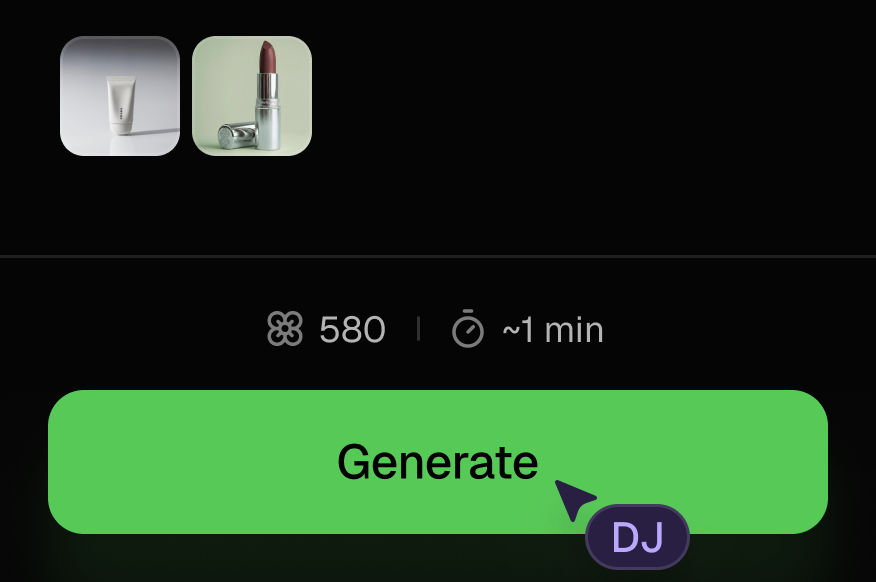
Generate outputs
Next, hit the "Generate" button to start generating your outputs.
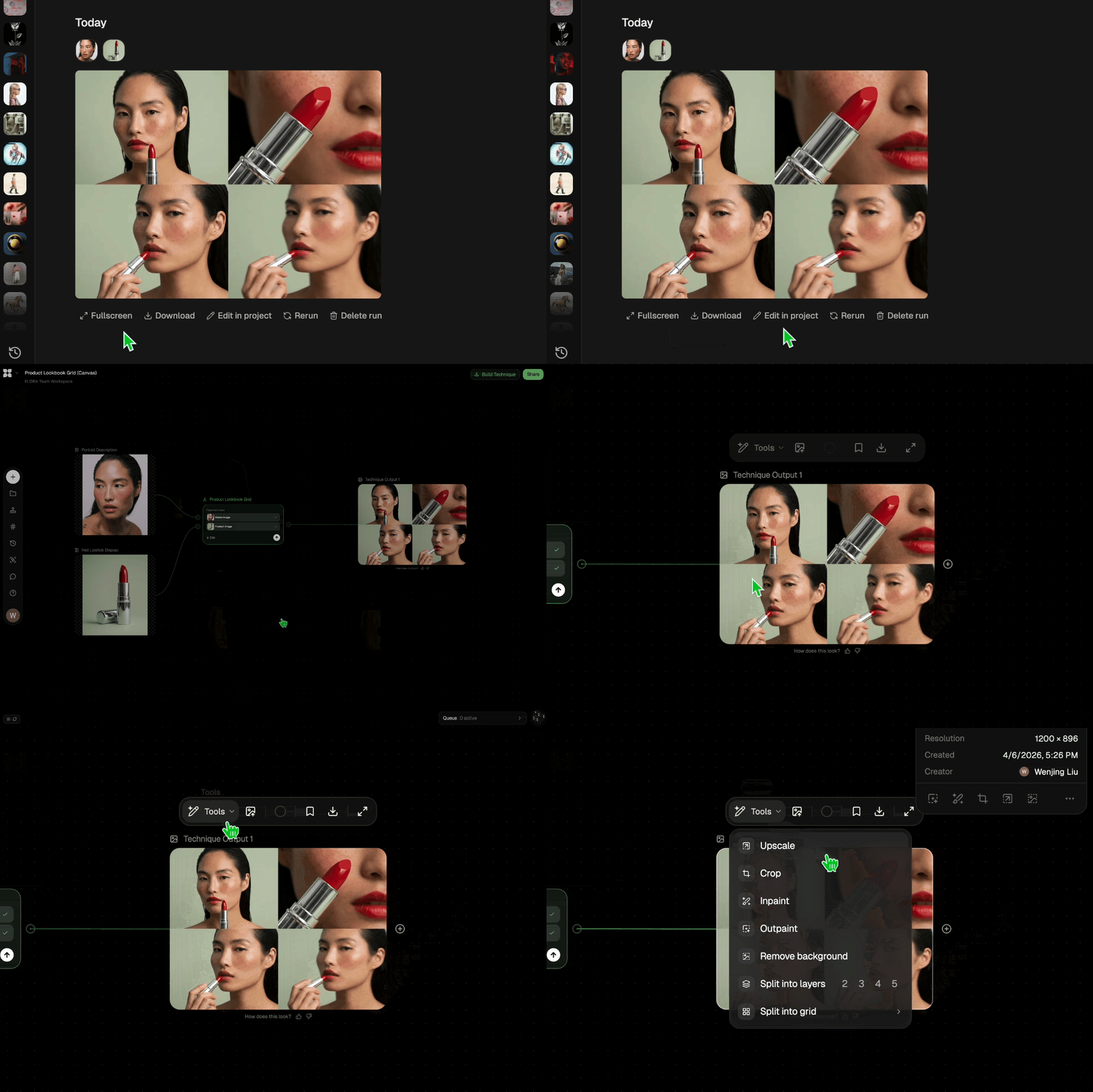
Edit and export
Refine your outputs on canvas, or download them directly.
Frequently asked questions
All you need to know about Storyboard Maker
What storyboard AI actually does with a single image
A storyboard is a shot-by-shot map of a scene, built before anyone rolls camera. Storyboard AI does that mapping from a picture: you hand the model one image, and it returns a run of frames that hold the same character, wardrobe, lighting, and world while the camera moves through the beats. The nine frames read left to right as a single scene.
Continuity is the reason to bother. Nine separate generations would hand you nine unrelated looks and a board nobody can follow. Upload a key frame on the FLORA canvas and the shots come back as a set you can reorder or regenerate before it goes into a deck.
How an AI storyboard generator infers nine shots from one frame
The model reads your reference and fixes what has to stay fixed before it starts varying anything:
- It parses the subject and setting: who's in frame, what they're wearing, and what time of day the light implies.
- It locks those as constants so your character doesn't drift into a different person by frame four.
- It applies shot grammar. Establishing wide, medium, close, over-the-shoulder, reverse, insert. Nine frames that move around a scene the way a director would cover it.
- It varies camera distance and blocking while holding the color and texture treatment steady.
Step four is where most attempts fall over. Look consistency is easy to lose across a batch of generations, and once it goes, a board stops doing its job.
Why an image-first storyboard AI tool beats a blank grid
Most storyboard software hands you an empty grid and asks you to fill it. Every panel becomes a fresh decision about framing and style, which is why so many boards get abandoned halfway. An image-first storyboard AI tool moves that decision upstream: the art direction is settled in the reference before a single panel exists, so every frame inherits it.
The useful work becomes choosing the right hero frame. If you're still deciding on tone, a moodboard pass will do more for the board than any amount of per-panel tweaking afterward.
Using an AI storyboard generator from script
This technique reads images, not screenplays, so an AI storyboard generator from script takes two moves here. Generate the key beat as a still with the AI image generator, pick the frame that carries the scene best, then run it through Storyboard Maker for the sequence.
There's a practical reason the two-step route wins. Prose leaves too much open, and a model filling nine panels from a paragraph will invent nine slightly different worlds: the jacket changes color, the room gains a window, the light jumps from morning to dusk. Anchoring to a picture you've already signed off on removes that variance up front, and it means the notes you get back from a client are about the shots instead of the continuity.
What a storyboard template AI gets right, and what it flattens
Templates solve format. A storyboard template AI gives you evenly sized panels, a caption slot, and a tidy export, which genuinely helps when a board has to be read by a client instead of a crew. Structure is a different problem from continuity, though. Evenly matched boxes with mismatched frames inside them still fail the test that counts, which is whether someone reading along the row believes it's one scene.
Format also tends to get solved late, once the frames exist and somebody needs to send them. Continuity has to be solved at generation time or not at all, which is why it's worth choosing your reference carefully and letting the layout follow.
Taking frames further with storyboard to video AI
Storyboard to video AI is the step where a board stops being a plan and starts being footage, and having an approved sequence first makes that step far less speculative. You already know the shot order and the look, so you're generating against a spec. From a finished board, the natural next moves are the video scene builder for the shots themselves, seamless transition for the cuts between them, and quick reframe when the same sequence has to run vertical for social and wide for the pitch.
The many names for an AI storyboard maker
The vocabulary around this is loose, and the requests land in the same place. People ask for an AI storyboard maker for a client pitch, an AI story board for a short-form content plan, a way to create storyboard frames from one hero image, a script to storyboard AI free of hand-sketching every panel, or an AI storyboard generator free of the per-frame prompting that makes boards a chore. Some just want a storyboard maker that keeps the same character in every shot.
What they're after is a sequence that holds together, produced fast enough to be worth doing before a shoot rather than after it. On FLORA that happens on the same canvas as the models you'll reach for next, so a board doesn't need exporting and re-explaining somewhere else before it can become a film. Once your frames are locked, the AI video generator is where the motion side opens up, and the best AI video generators roundup covers what each model is actually good at.
Related techniques
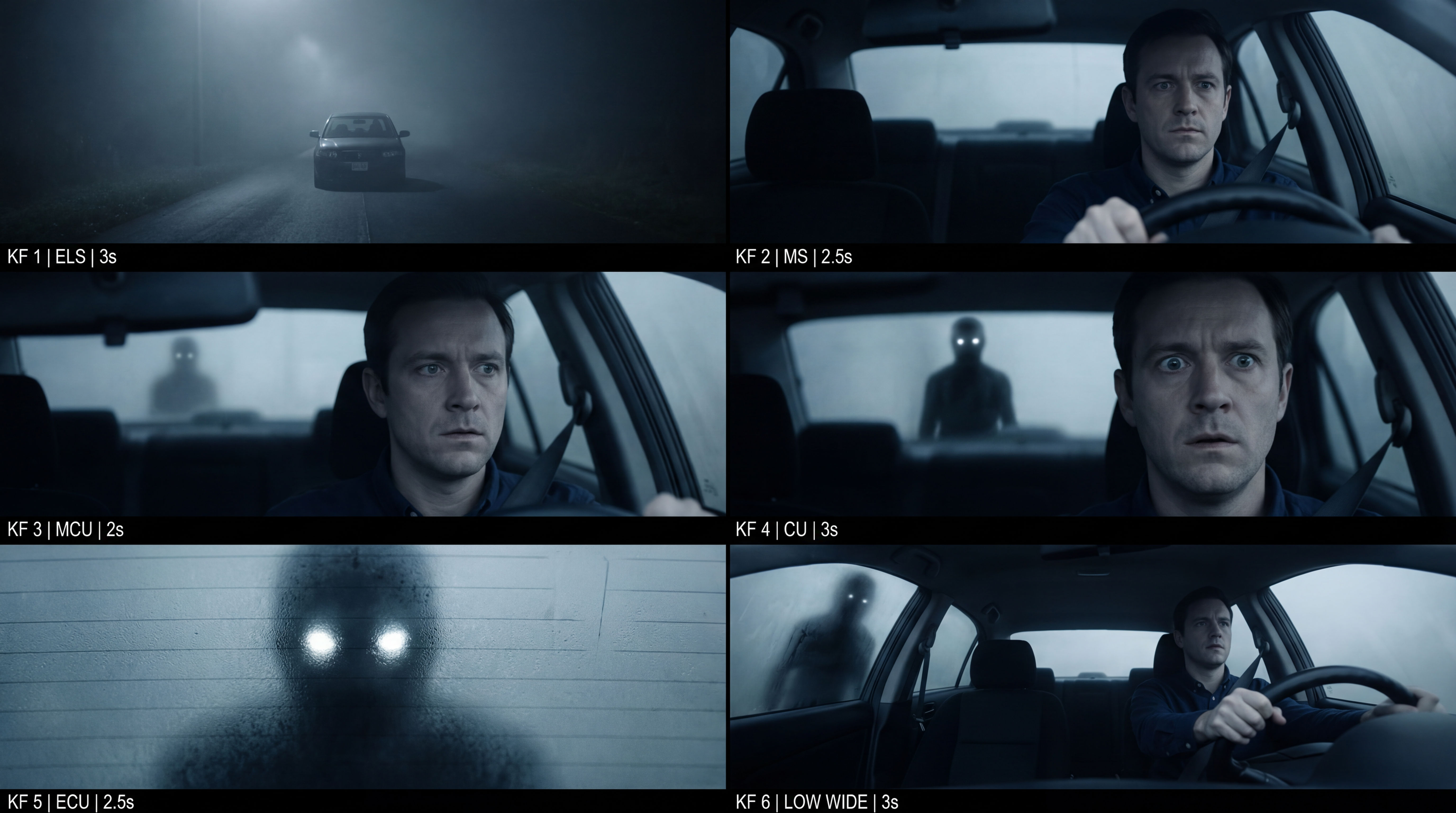 Frame the Mood for CreativesTurn a single reference image and a mood description into a complete set of production-ready visual assets, in one run. You get 7 assets total: 1 full storyboard + 6 individually exported keyframes.
 Cinematic Movie StillsGenerate film-quality scene stills
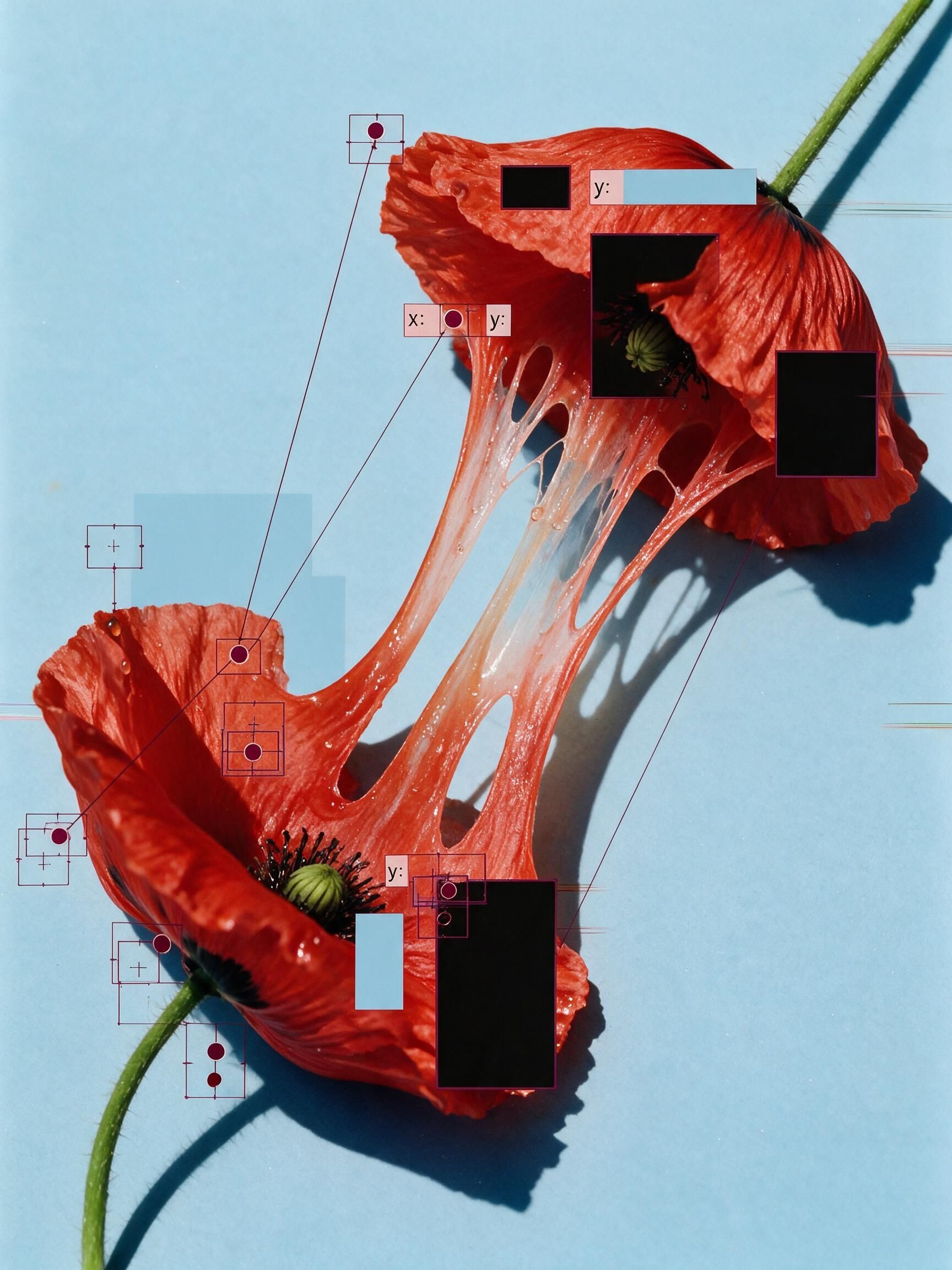 'Pollen CheeseAn editorial still-life of your flower pulled apart, like cheese.
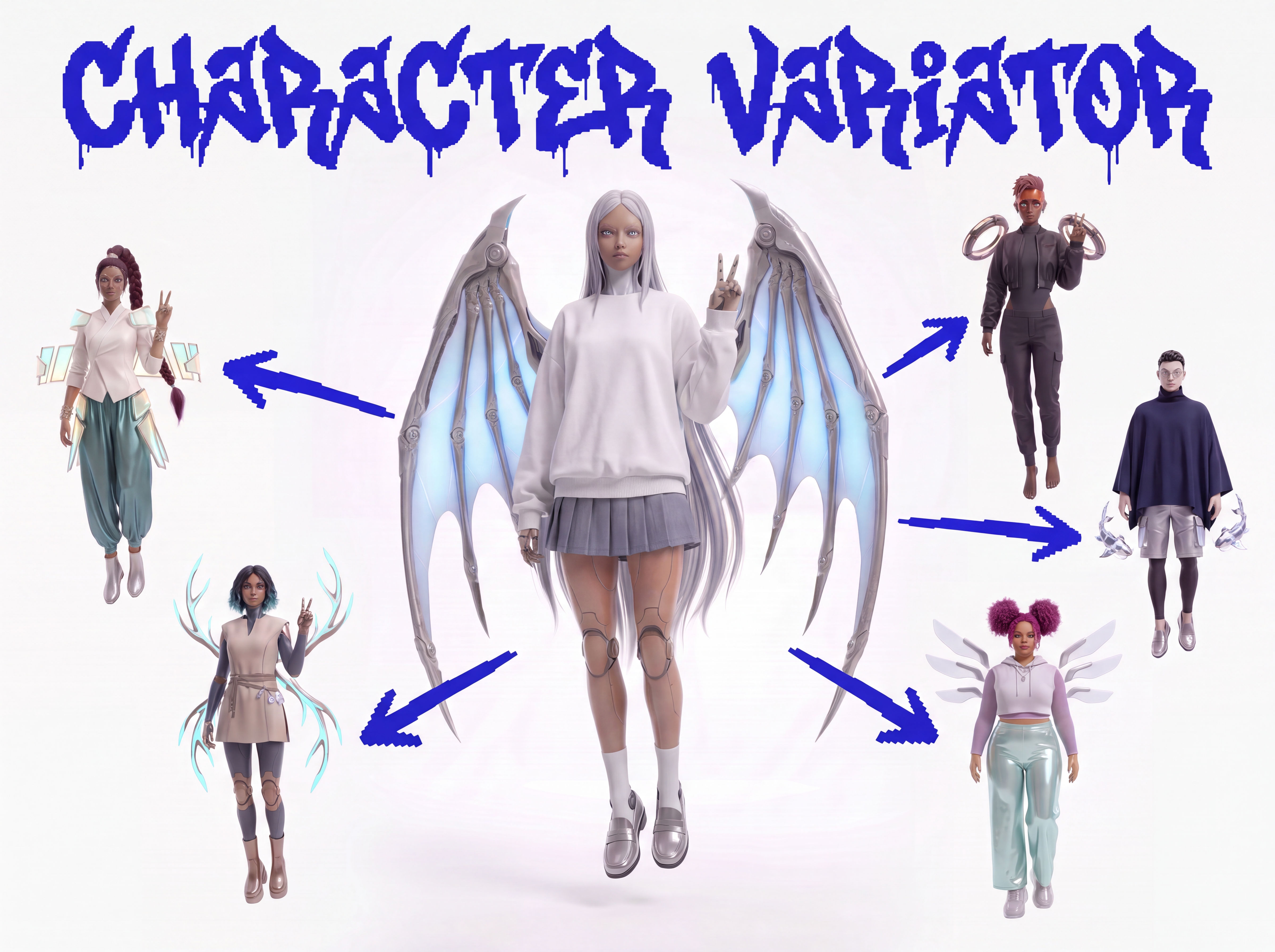 Character VariatorTurn one character into a roster of five.
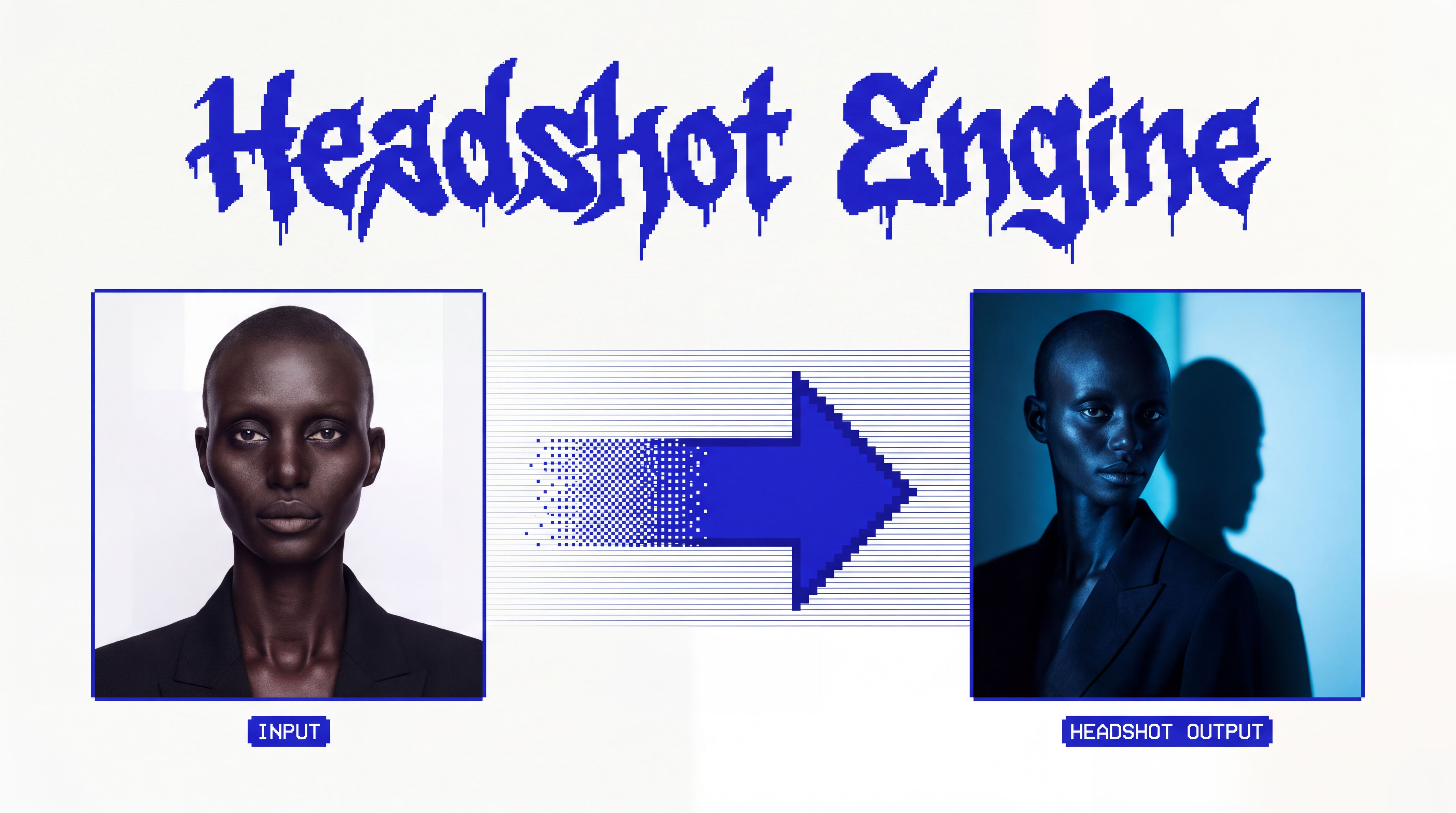 Headshot EngineAny photo of a person, reshot in the style of any headshot you feed it.
 InkCreate ink sketches for storytelling and animation.
Storyboard AI: Generate 9 Frames from a Single Image
Input one image and creates cohesive 9 storyboard shots

Sasha Zabegalin from FLORA