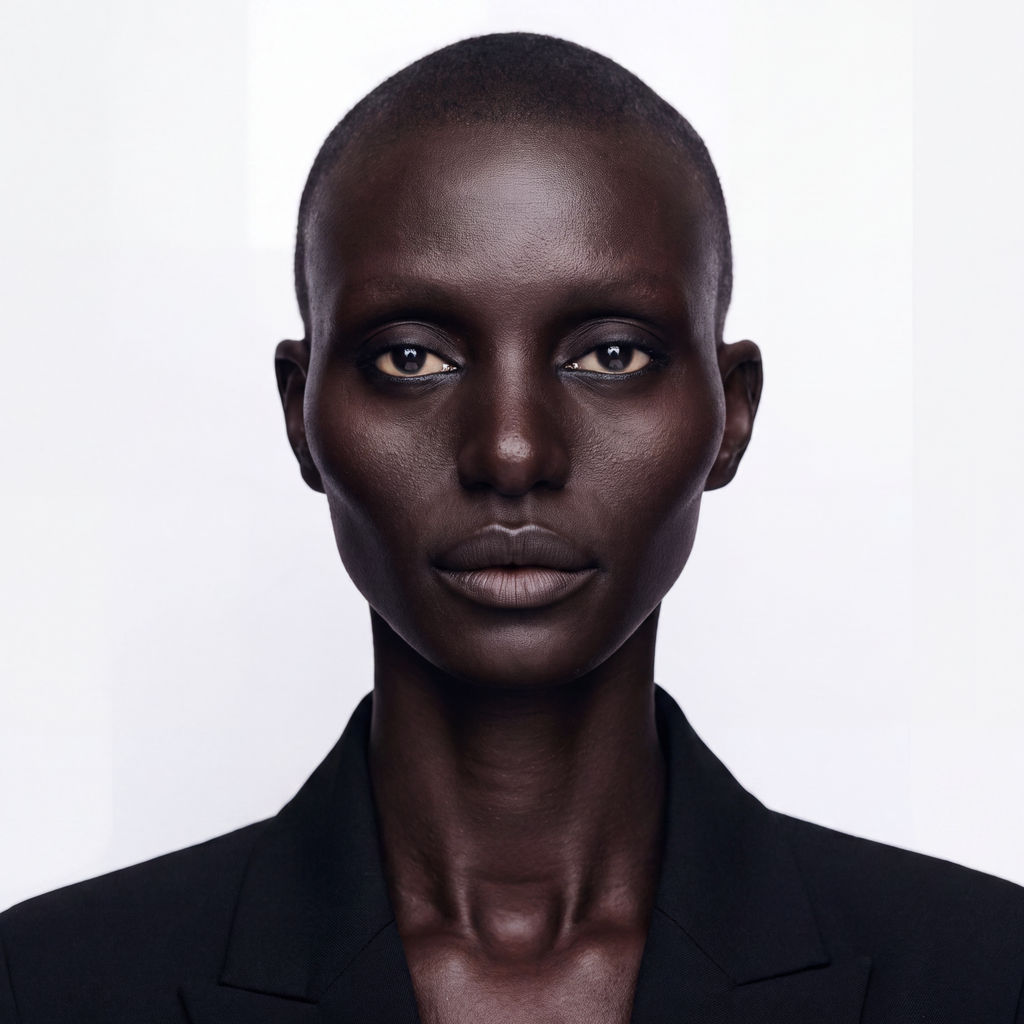
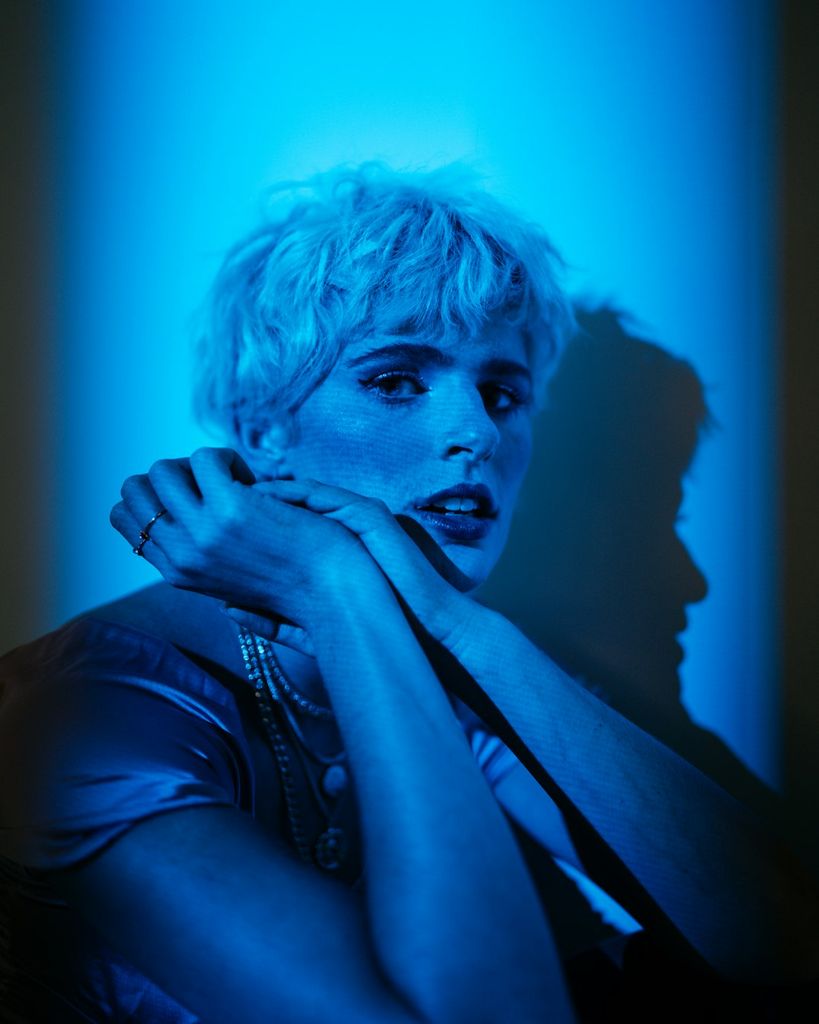
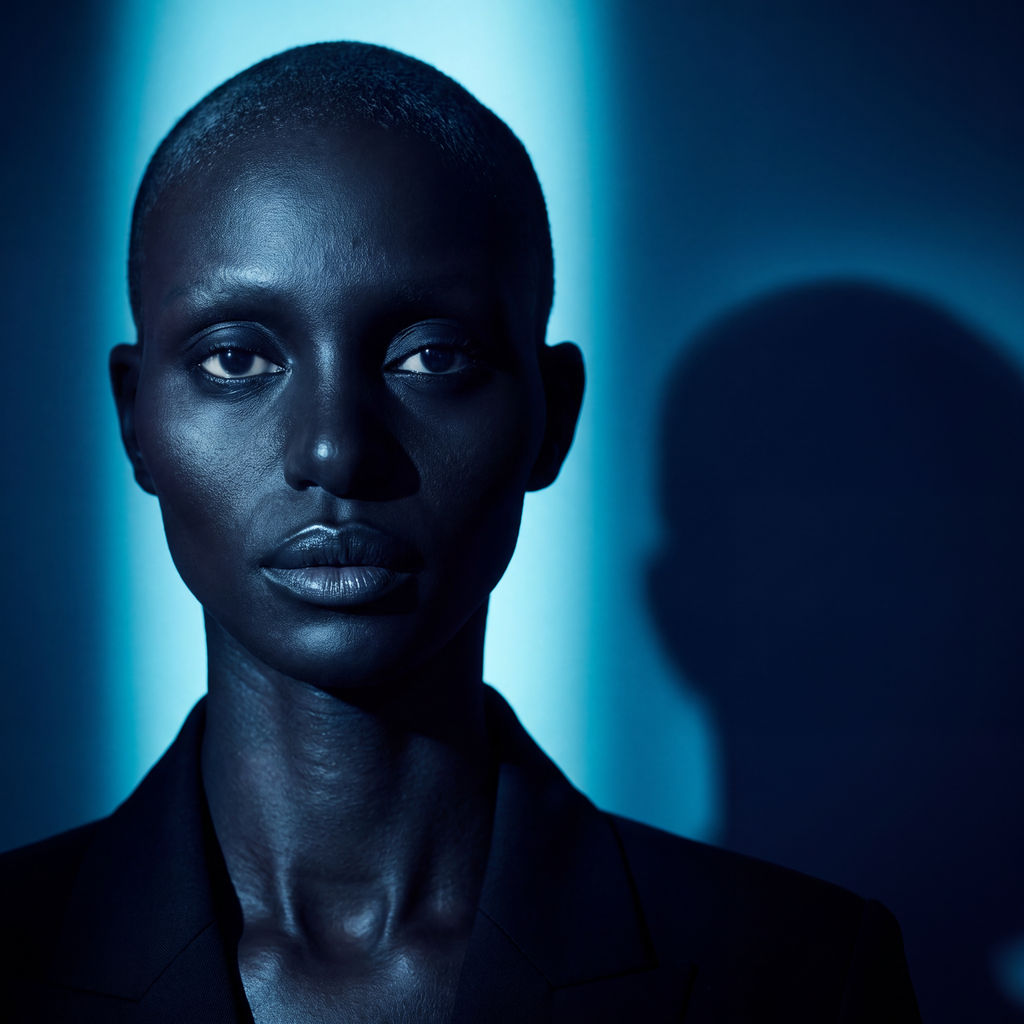
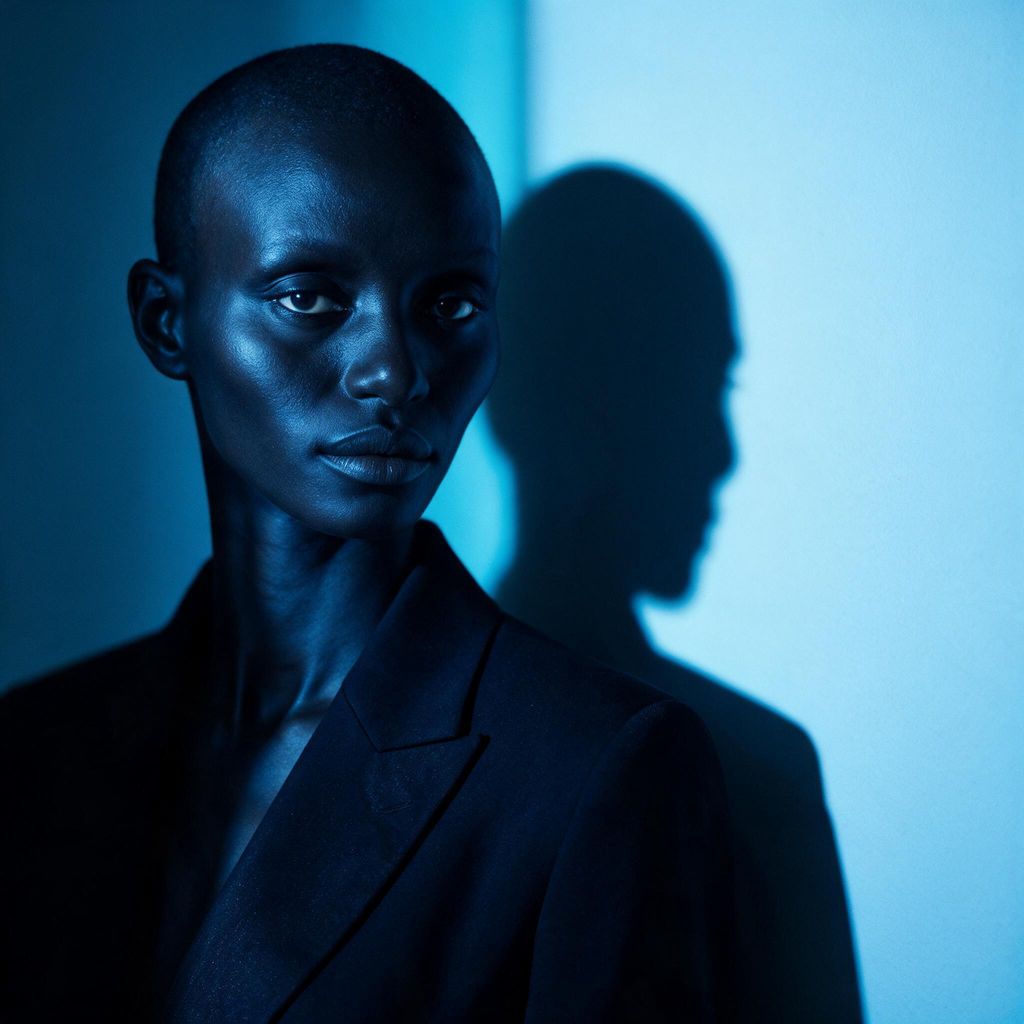
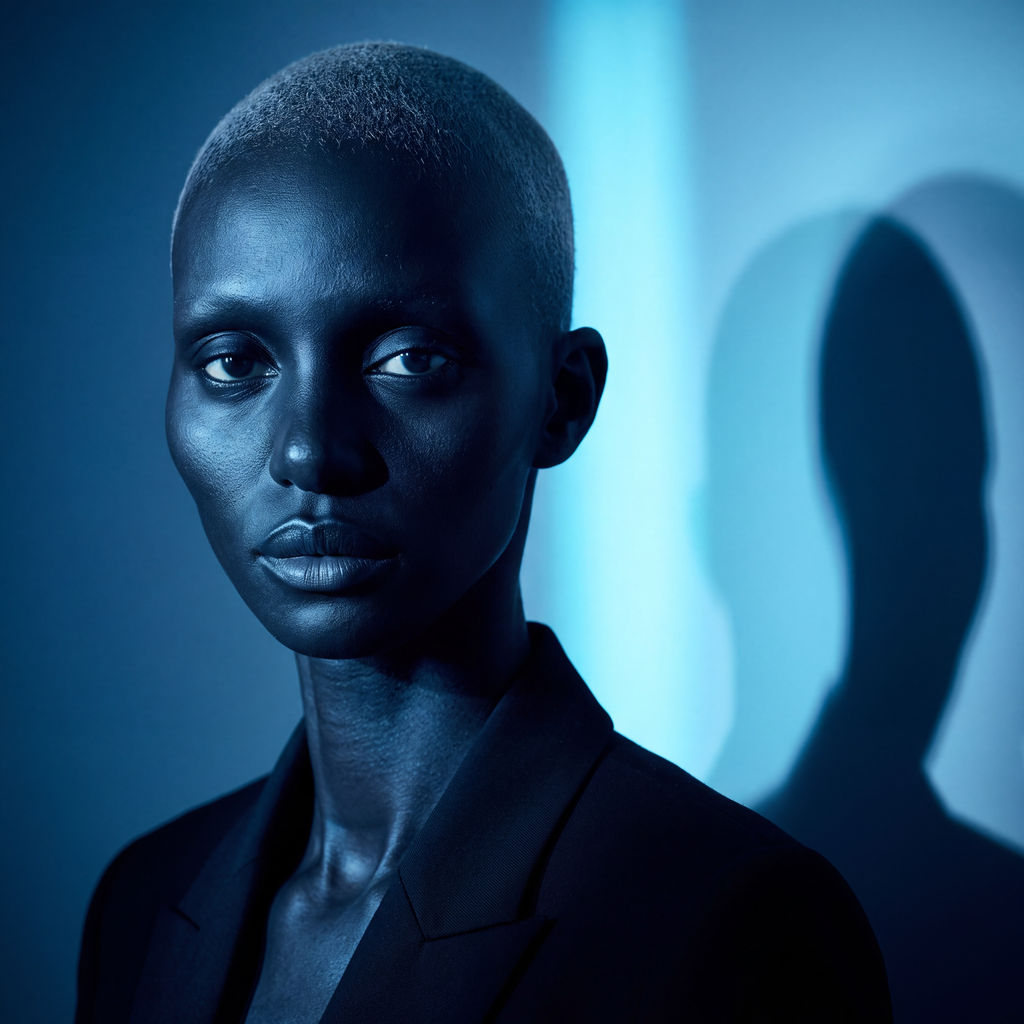
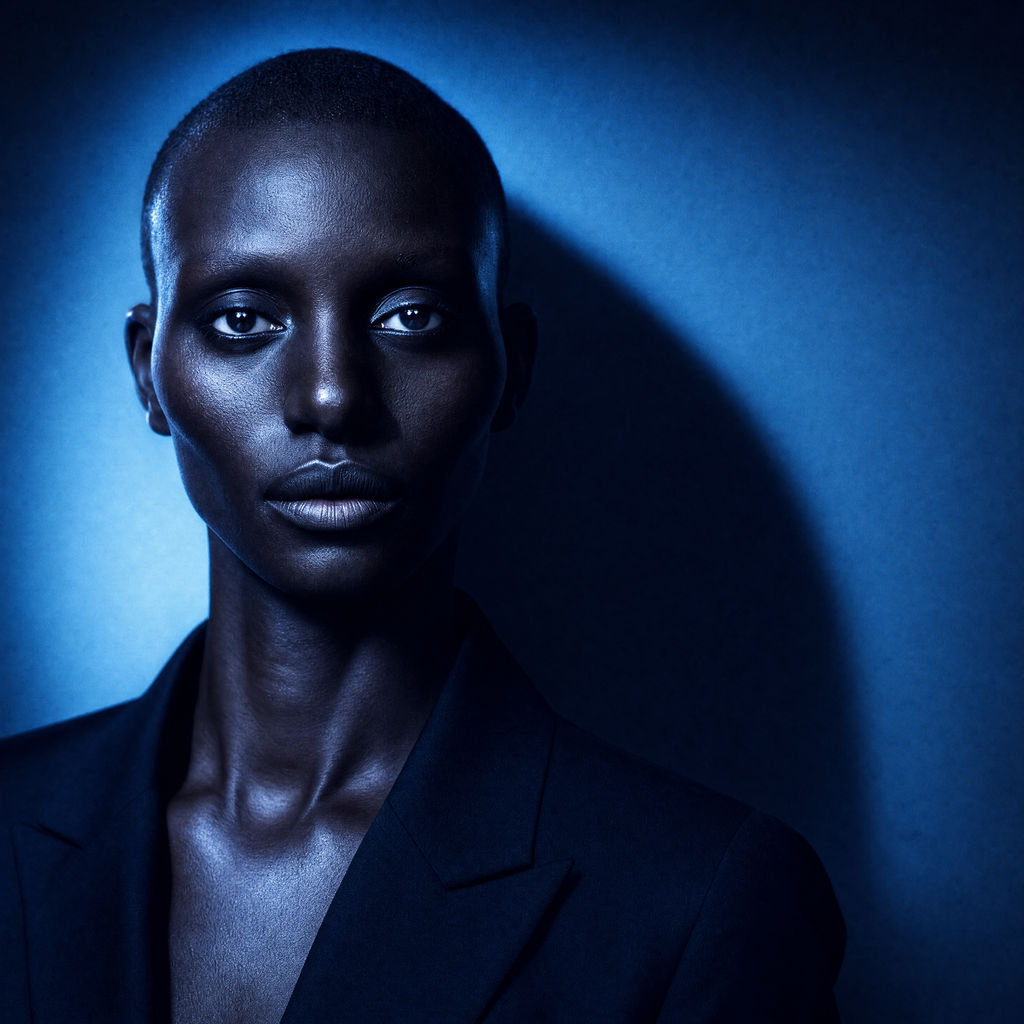
Upload any photo of a person plus the headshot you want to look like, and FLORA reshoots your subject in that exact style. Selfie or snapshot in, a polished headshot out, in about a minute.

Professional Profile Photos
Turn a casual selfie into a professional AI headshot for LinkedIn, a resume, or a team page. Point it at the reference look you want and get a polished, on-brand result in about a minute, with no studio booking.

Consistent Team Headshots
Give a whole team one consistent look by running each person's photo against the same reference. This AI headshot tool keeps every face recognizable while matching lighting, crop, and finish across the set.

Creator & Social Profiles
Refresh your profile across every platform without a reshoot. Use this AI headshot app to restyle an existing photo into the exact look you want, then post it anywhere.
How to use Techniques?
Discover how to utilize Headshot Engine for different scenarios.

Add inputs
Upload images, videos, or type in the prompts to get started.

Generate outputs
Next, hit the "Generate" button to start generating your outputs.

Edit and export
Refine your outputs on canvas, or download them directly.
Frequently asked questions
All you need to know about Headshot Engine
What are AI headshots, and how do they actually work?
AI headshots are professional-looking portraits generated by AI from a photo you already have, instead of from a studio session. You give the model a picture of a person and a reference for the look you want, and it reshoots the subject to match: same face, new lighting, framing, and finish. The result reads like it was taken on purpose, not run through a filter.
What sets this apart is control. Rather than gambling on a single preset, you hand FLORA the exact headshot you want to look like and let it match that style. Create an AI headshot from a selfie in about a minute, then feed it a different reference to get an entirely different result.
How the AI reshoots your photo
The technique runs on two inputs, and understanding them is most of how to use AI to create a headshot that actually looks like you:
- Subject. Any photo of a person: a selfie, a snapshot, a casual phone picture. This is the identity the model preserves.
- Photography reference. The photograph you want to look like. Its lighting, lens, background, and mood become the target style.
From there the model separates who the person is from how the reference was shot, then rebuilds your subject inside that style. Because it works from a real reference instead of a fixed template, you can use AI to create professional headshot sets in a corporate style on one run and use AI to create headshot variations in a warmer editorial style on the next, all from the same source image.
Choosing a reference that works
The output is only as good as the reference you feed it, so pick a photo with the lighting and crop you actually want. A clean, well-lit portrait gives the model clear signal for a professional look, while a moody editorial frame carries its shadows and tone straight into your shot. The subject photo can stay casual; the reference is where you set the bar.
One job, a dozen names
AI headshots go by almost as many names as they have uses. You might want to turn photo into headshot for a new job, create a professional headshot for a team page, or create AI headshot variants for a quick profile refresh. Some people reach for an AI headshot tool before a LinkedIn update, others use it as an AI headshot editor to restyle a portrait they already have, and plenty just want an AI enhanced headshot that looks sharper than the original without booking a reshoot. There's no separate AI headshot app to download; it all runs on FLORA's canvas in the browser.
Where it fits on the canvas
An AI headshot rarely travels alone. Once you have the shot you want, keep going on the same canvas: push it further with Glam Shots for editorial polish, spin a matching avatar with Memoji Me, or branch into a full set with the AI image generator. Generating AI headshots where the rest of your creative work already lives means the portrait is a starting point, not a dead end.
Related techniques
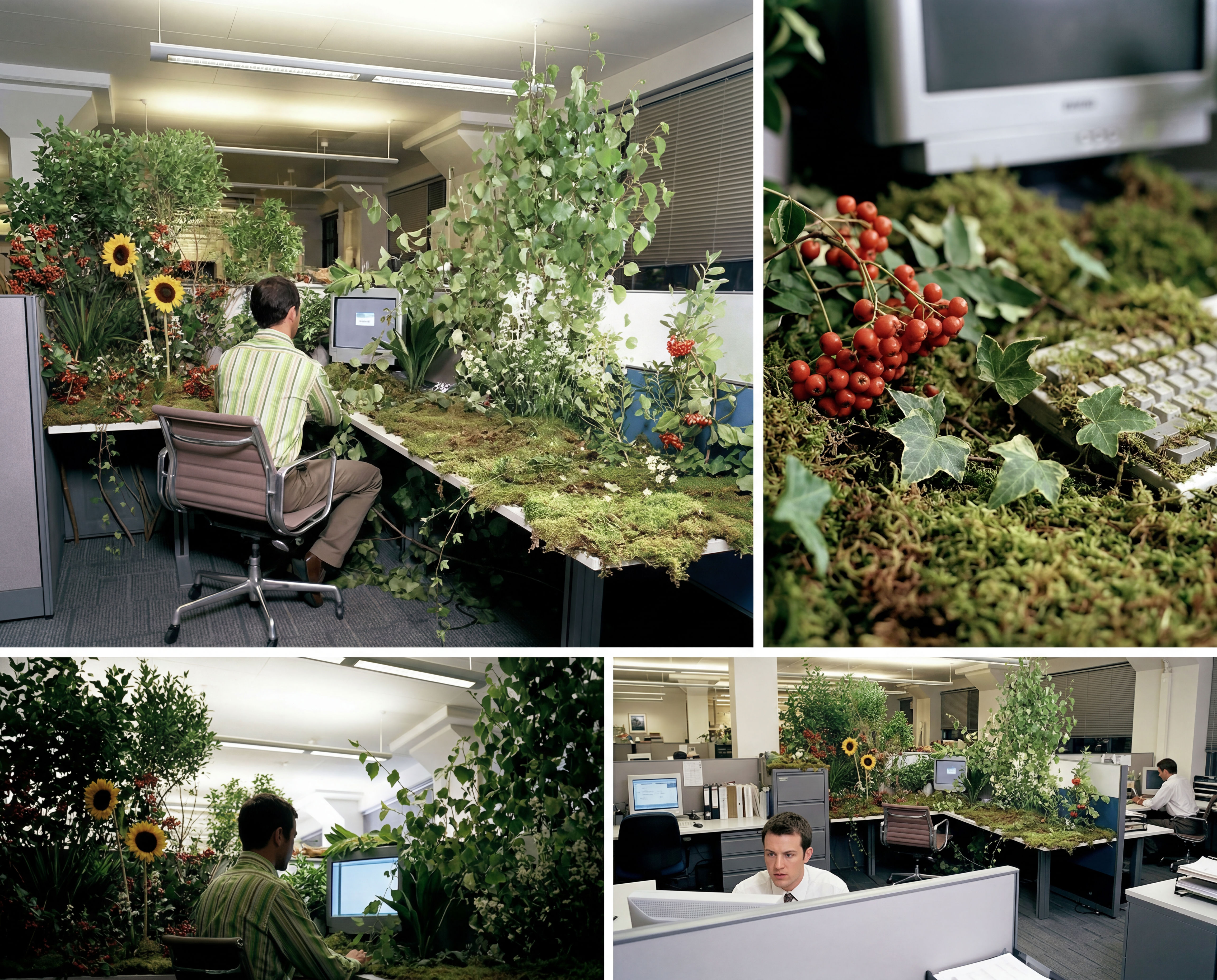 Storyboard MakerInput one image and creates cohesive 9 storyboard shots
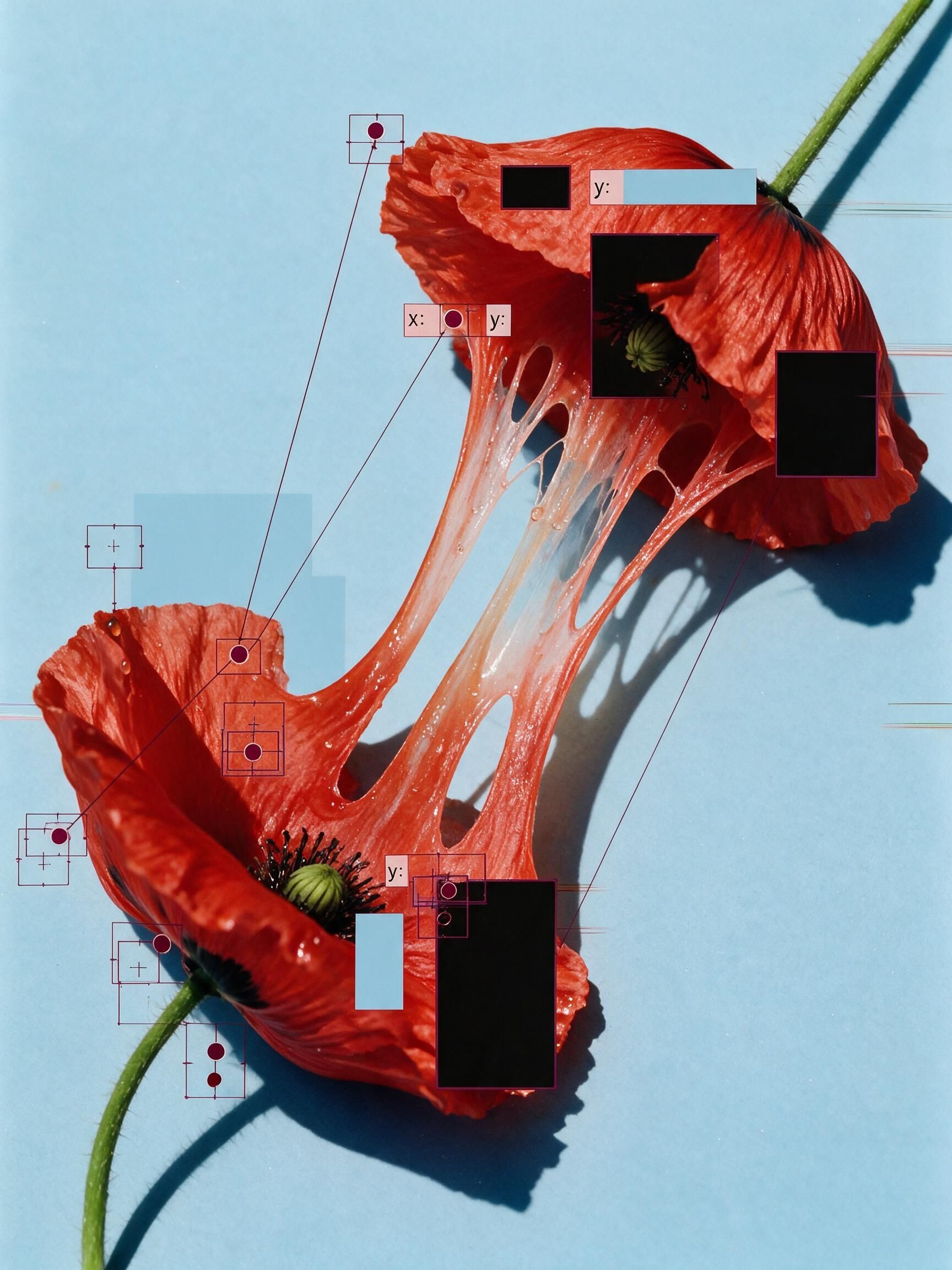 'Pollen CheeseAn editorial still-life of your flower pulled apart, like cheese.
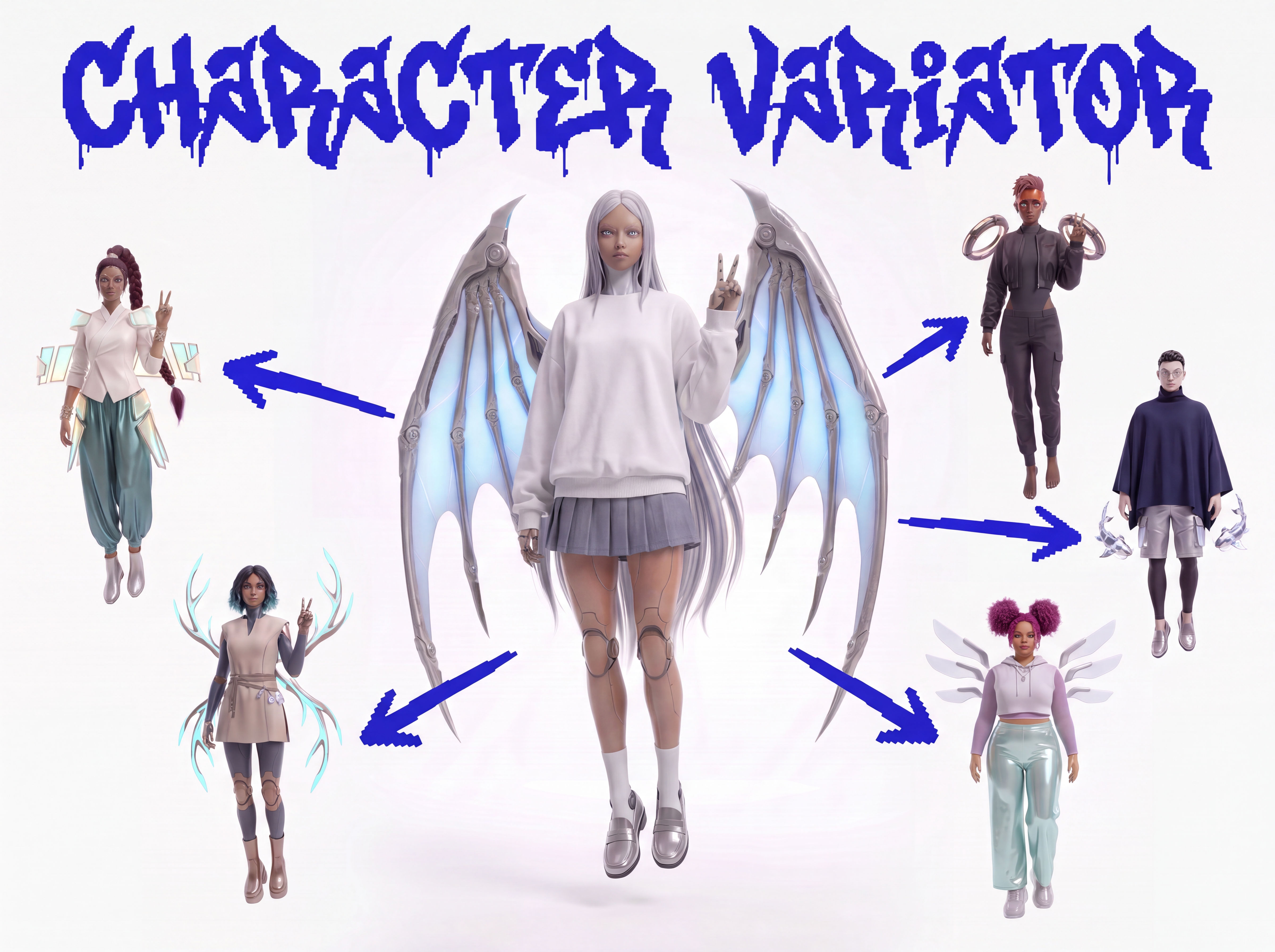 Character VariatorTurn one character into a roster of five.
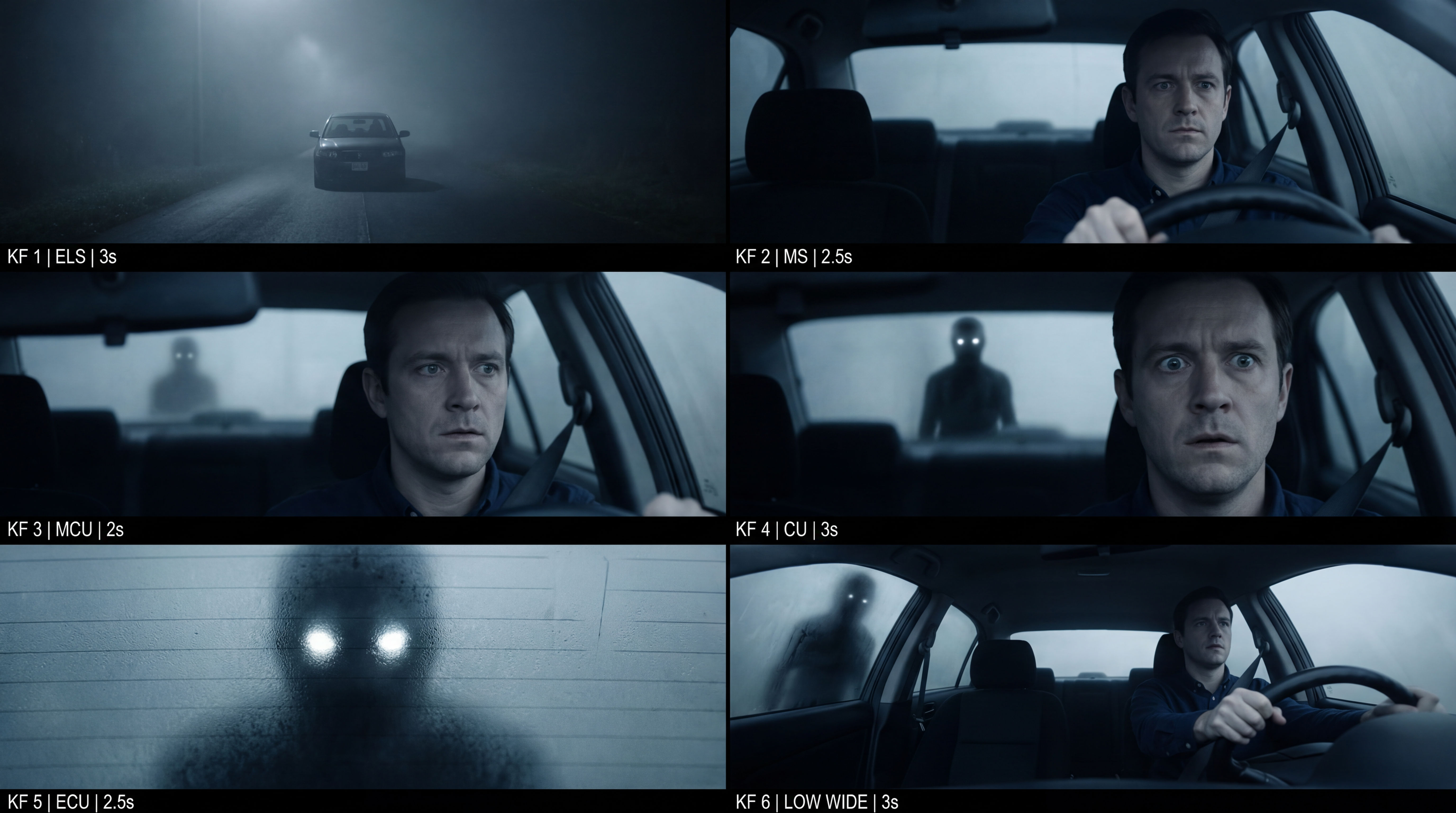 Frame the Mood for CreativesTurn a single reference image and a mood description into a complete set of production-ready visual assets, in one run. You get 7 assets total: 1 full storyboard + 6 individually exported keyframes.
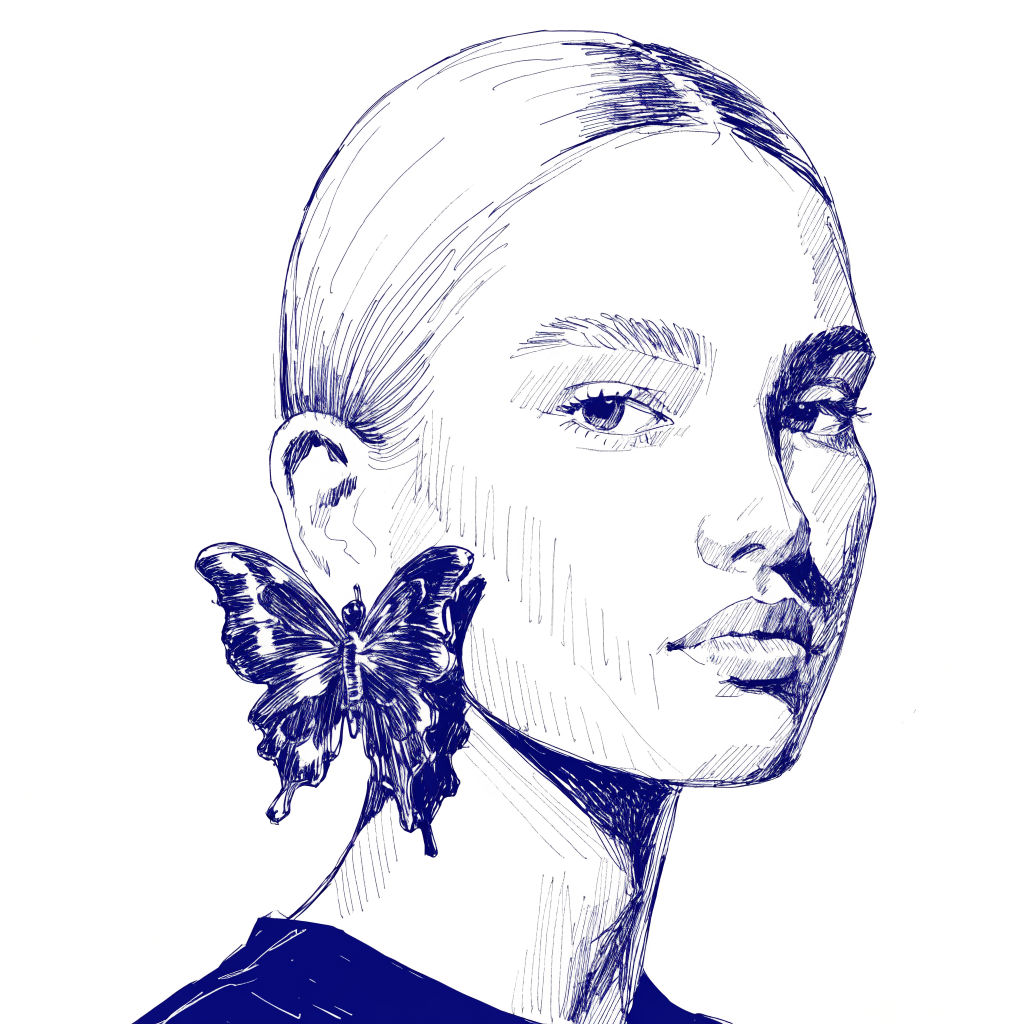 InkCreate ink sketches for storytelling and animation.
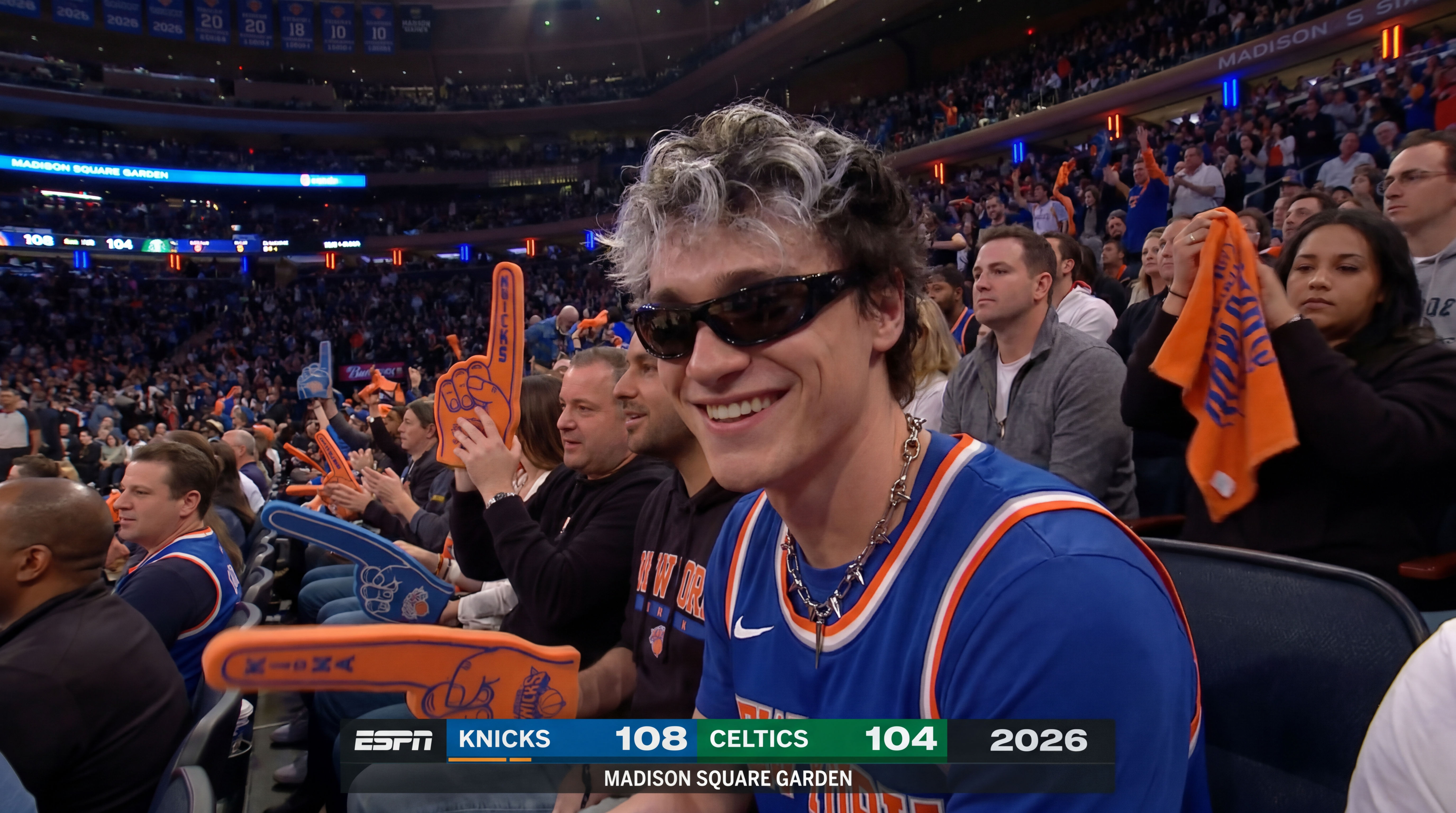 Knicks Fan CamDrop in a photo and get courtside at a Knicks game.
Create AI Headshots From Any Photo, in Any Style
Any photo of a person, reshot in the style of any headshot you feed it.

Sasha Zabegalin from FLORA