
Upload one portrait and this Technique generates a 16:9 video, a shotlist visualization built from the face in your image.

Film Previsualization
Directors and filmmakers use this AI short film generator to previsualize a shotlist from a single character portrait before a shoot.

Content Creation
Creators who want a movie maker generator drop in one face and get a ready cinematic sequence, no timeline editing required.

Concept and Mood Boards
Writers and concept artists use this AI movie maker to visualize a scene sequence, turning one portrait into a moving reference.
How to use Techniques?
Discover how to utilize Video Scene Builder for different scenarios.
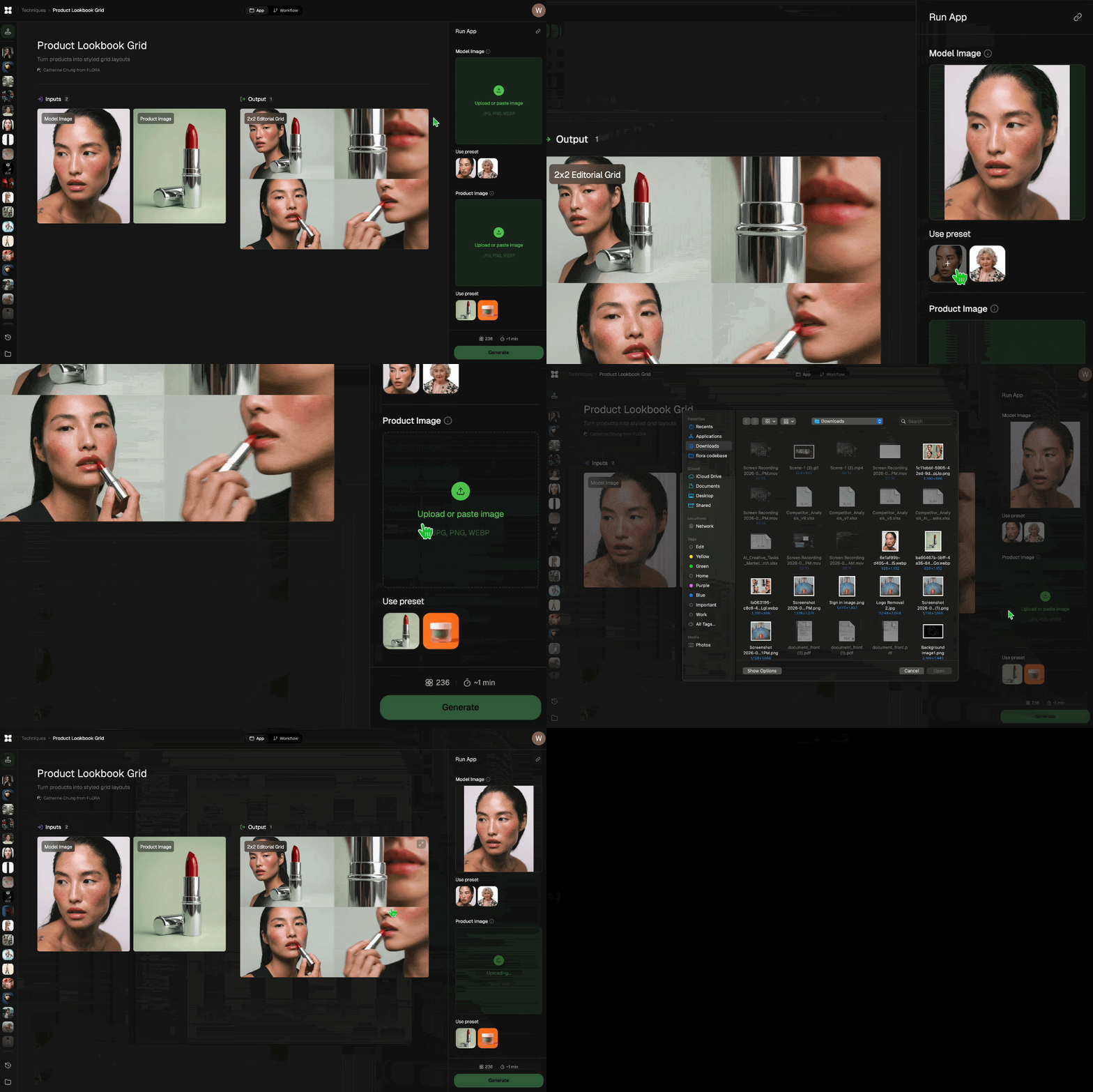
Add inputs
Upload images, videos, or type in the prompts to get started.
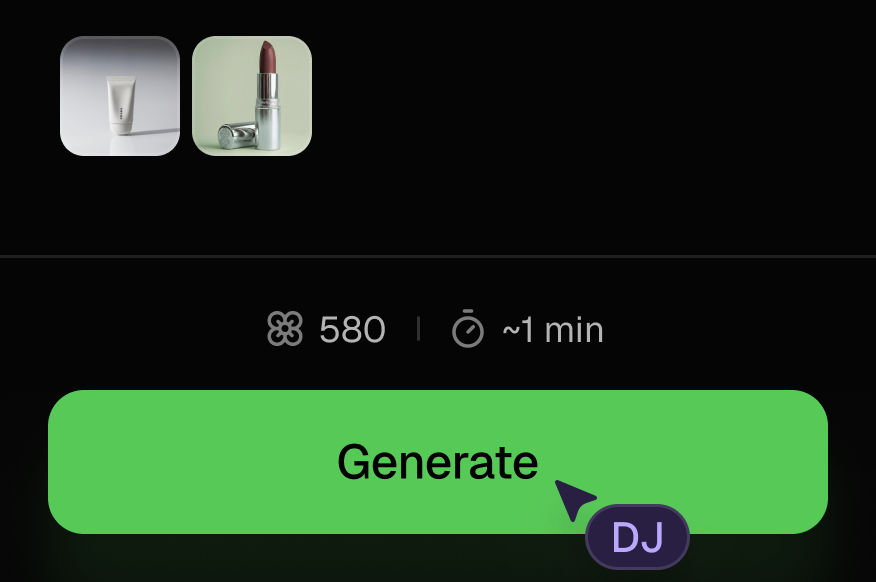
Generate outputs
Next, hit the "Generate" button to start generating your outputs.
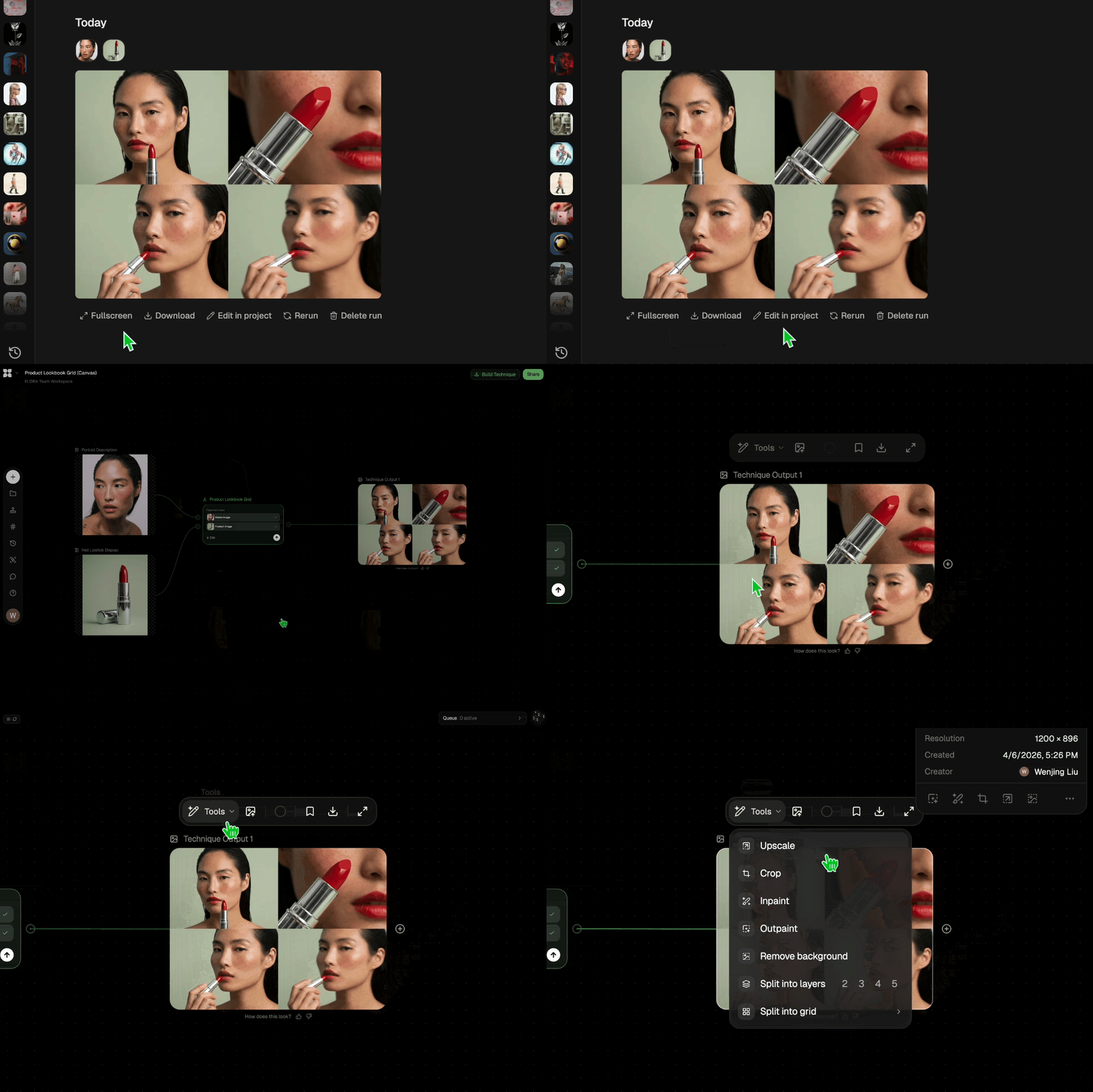
Edit and export
Refine your outputs on canvas, or download them directly.
Frequently asked questions
All you need to know about Video Scene Builder
What an AI movie maker actually does with a single portrait
An AI movie maker turns a small input into footage that moves and cuts like film. Most of them take a script or a prompt. This one takes a portrait with a clearly visible face, reads it, and builds a 16:9 video that runs through a sequence of cinematic scenes. What plays back is closer to a shotlist than a trailer.
Most tools in the category want the story from you first. Here the face carries it, and the model handles framing and cutting without further instruction. You can try FLORA free, upload a headshot, and have the sequence back in about five minutes.
How to make an AI movie from one portrait
Upload a JPG, PNG, or WEBP with a face in it, press Generate, wait. There is no timeline to fill and nothing to assemble afterward, since what comes back is a single continuous video.
Knowing how to make an AI movie this way comes down to the portrait you feed it. A well-lit, front-facing shot with clean separation between subject and background gives the model plenty to read. Heavy shadow or extreme profile gives it less, and the scenes drift further from the person in the photo. To make an AI movie that stays about one character, start with the sharpest portrait you have.
Why an AI short film generator gives you shots instead of a finished film
The output is a shotlist visualization. An AI short film generator answers the question a director asks in pre-production: what does this character look like across a run of scenes? So the video moves through framings and setups rather than through a plot. Nothing is spoken, and nothing resolves.
That places it next to a storyboard or a location scout in the pre-production stack. It is what you show a producer to settle a look before anyone books a crew.
What a movie maker generator decides for you
Any movie maker generator makes calls you would otherwise make yourself. This one picks the scenes, the camera moves, and the order they run in. There is no tone control, and no way to lock one shot while the rest regenerate.
Iteration means re-rolling. Run it again on the same portrait and you get a different sequence rather than an adjusted version of the last one. Anything you want to change afterward happens on the FLORA canvas, where the output sits beside every other model and Technique. From there it can be trimmed, extended, or pushed into a seamless transition or a cinematic still.
Can you make AI movies free, and what a free run covers
You can make AI movies free on FLORA within your plan's usage limits, and paid plans give more headroom. Each generation uses compute, so every run draws on that allowance whether you keep the result or not. Spend the first one on your best portrait.
Searches for this land in a lot of shapes:
- "Create movies free"
- "AI movie creator free"
- "AI movie scene generator free"
- "MakeFilm AI free"
The wording shifts around, though the job behind it holds steady: get something small moving without buying software first.
Where an AI movie maker app fits in a longer workflow
An AI movie maker app that runs on a canvas gives you somewhere to put the result. The sequence lands in the same workspace as your stills and the 50+ image and video models FLORA runs, so previz can feed a mood board or sit next to frames a client already signed off on.
For the wider picture there is the FLORA AI video generator and our roundup of the best AI video generators. Nothing you generate leaves the canvas unless you take it there.
Related techniques
 Blake Ridder's Cinematic PlateCreate a video in Blake Ridder's Cinematic Style
 Cinematic Movie StillsGenerate film-quality scene stills
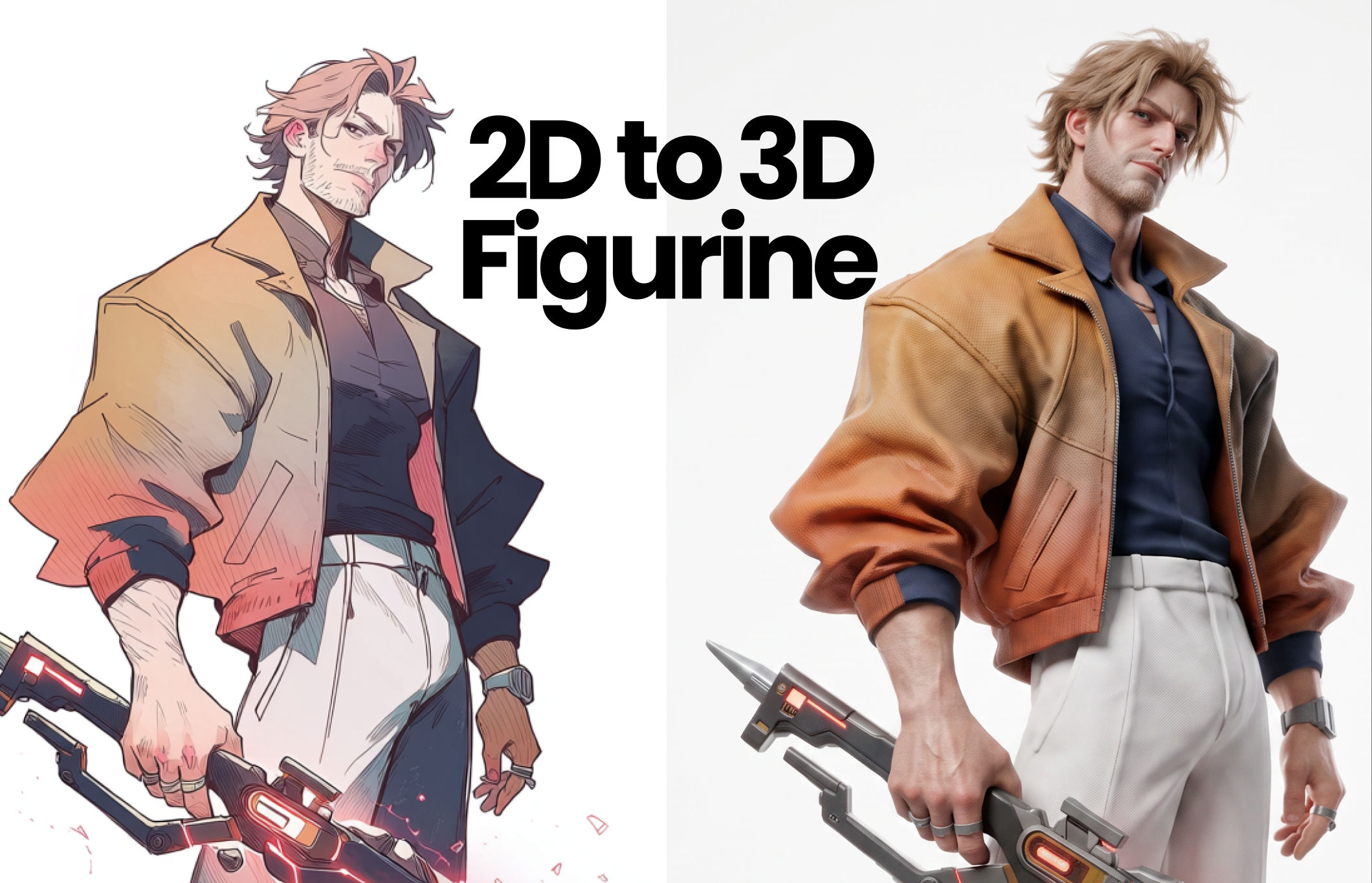 2D to 3D FigurineTurns 2D character art into a hyper-realistic 3D CGI collectible figurine studio-lit, PBR materials, and premium detail, with original colors, pose, and design exactly preserved.
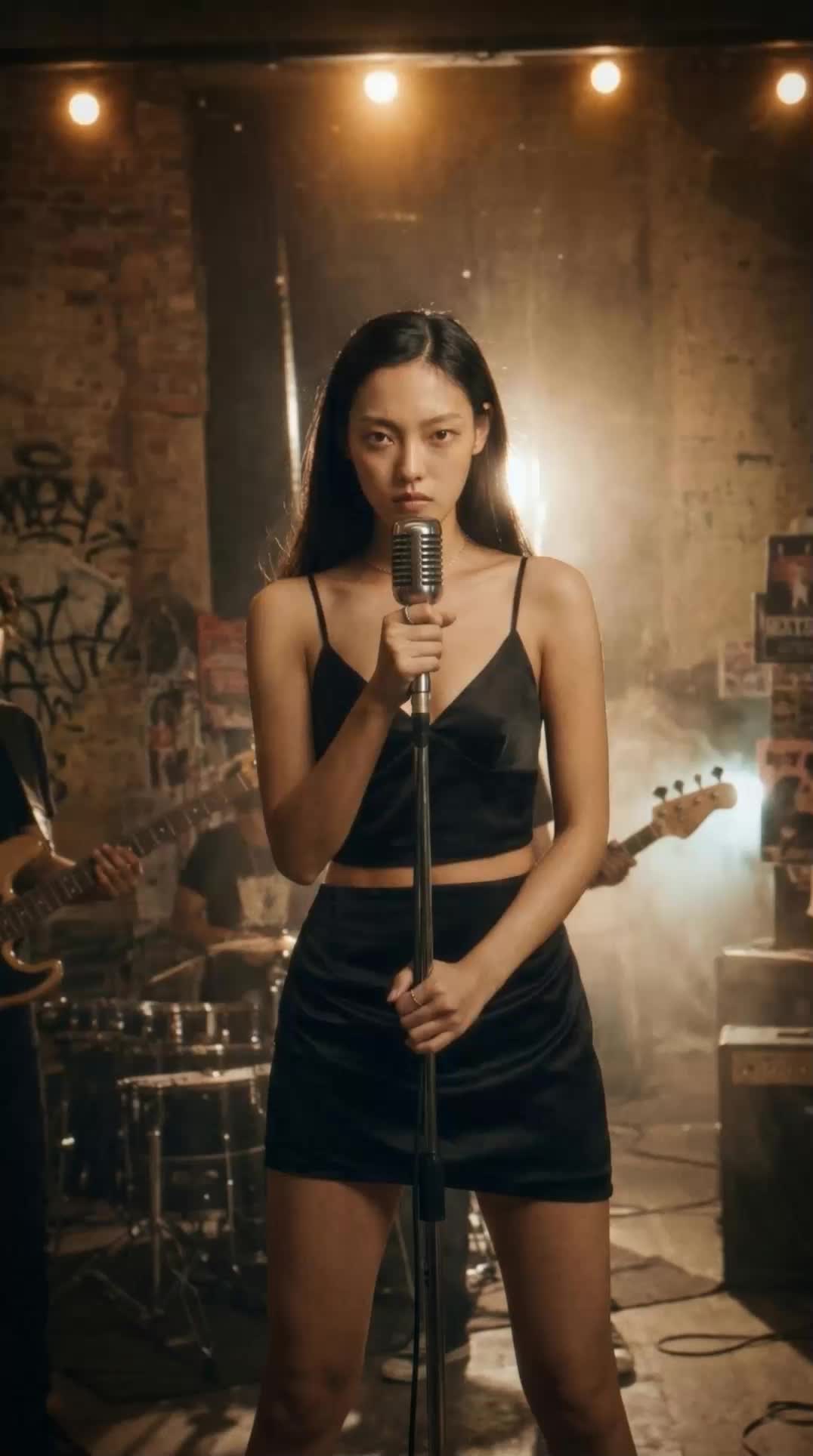 Album Art VisualizerMake a cool looping video based on your album art image
 Cinematic Sizzle Reel CreatorMake a cinematic fast paced reel out of multiple videos. Technique built by DJ Kim
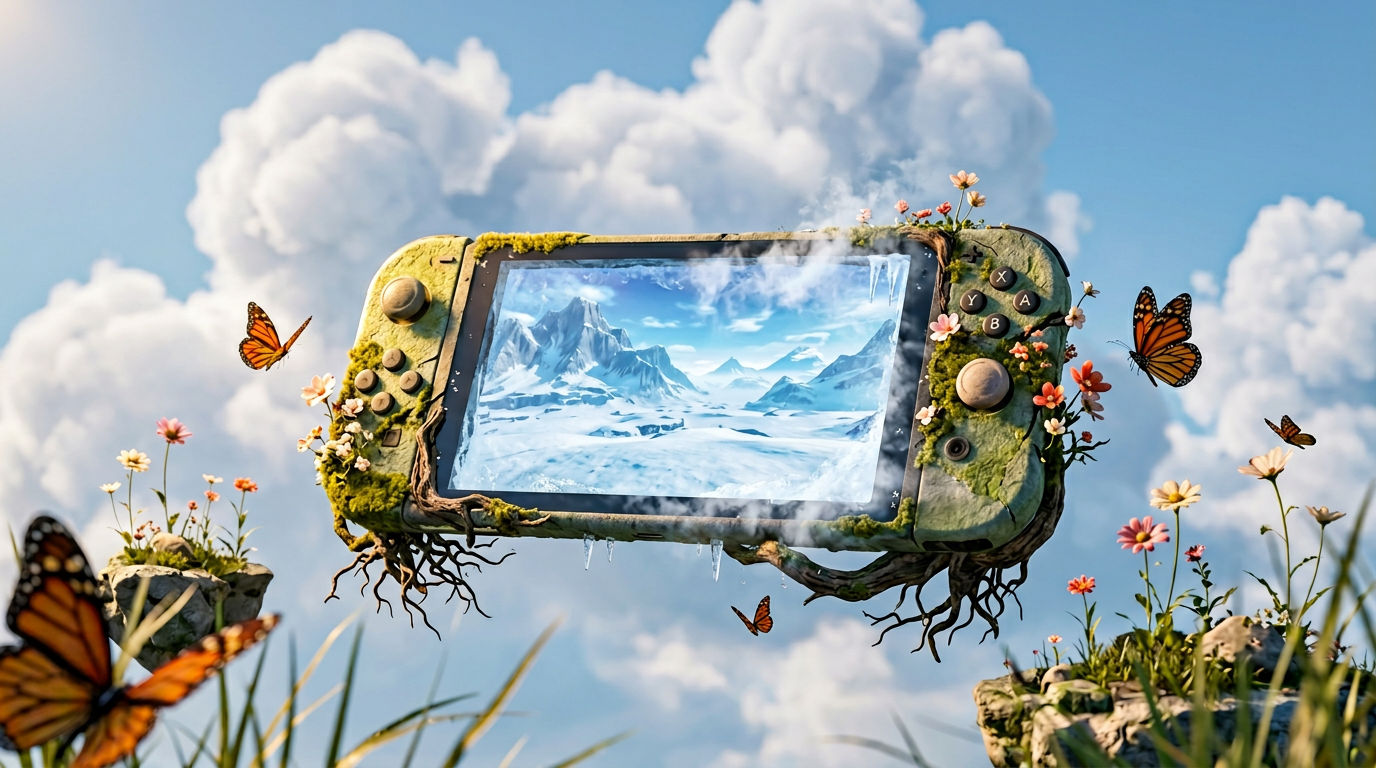 DreamscapeCreate dreamy realism images and loop animation backgrounds for tech and SaaS hero sections.
Use This AI Movie Maker to Build a Cinematic Scene Sequence
Compose video scenes from still assets

Phil Franco from AI Did That