

The Palette Pull Technique reads any image and returns its colors with HEX code values on one 3:2 palette image.

Brand Color Discovery
Designers pull HEX code from image references to set brand colors and keep every screen and asset consistent.

Moodboards and Inspiration
Art directors extract HEX code from image moodboards and present the result as image swatches for fast client sign-off.

Photo and Content Editing
Photographers and content creators turn one shoot into a color palette from image stills they can reuse across edits and posts.
How to use Techniques?
Discover how to utilize Palette Pull for different scenarios.

Add inputs
Upload images, videos, or type in the prompts to get started.

Generate outputs
Next, hit the "Generate" button to start generating your outputs.

Edit and export
Refine your outputs on canvas, or download them directly.
Frequently asked questions
All you need to know about Palette Pull
What a color palette from image input actually is, and how the AI builds one
A color palette from image input is a small set of colors taken out of a photo and written down as exact values you can reuse. Rather than guessing at the orange in a sunset, you upload the picture and get its dominant and accent colors back as labeled swatches, each with its HEX value. Palette Pull puts all of them on one 3:2 palette image, so the colors and their codes stay together.
Color is usually what makes a group of assets look like it belongs together. A photographer, a brand designer, and a social media manager can start from the same shoot and finish with the same six values instead of three slightly different blues. You can try FLORA free and build a color palette from image files you already have on the canvas.
Why designers pull hex code from image references
A HEX code is a six-character shorthand for a screen color: a hash followed by six digits and letters. It is the value you type into a CSS file, a Figma fill, a deck template, or a brand sheet. That is why designers pull hex code from image references instead of describing a color in words, since "warm terracotta" will land differently with every person who reads it.
How the AI reads a photo to extract hex code from image data
A photo of one flat wall can hold thousands of distinct pixel values, since lighting, shadow, and compression all shift the numbers. The model has to bring that down to a handful of colors someone would actually name.
Broadly, it runs three passes:
- Samples the full frame. It reads every pixel instead of a few sample points, so a small accent color does not get skipped.
- Groups similar pixels. Near-identical values collapse into clusters, and each cluster resolves to one representative color.
- Ranks and labels. Clusters get ordered by how much of the frame they cover, then written out with their HEX values.
Since the grouping is perceptual instead of a flat average, the palette stays close to the colors you noticed in the photo when you picked it as a reference.
Why the output arrives as image swatches
The result is a picture: image swatches in a row, each with its HEX value printed alongside. That format travels well. An image drops into a deck, a moodboard, a client email, or a Slack thread without anyone needing particular software to open it, and no value gets separated from the color it belongs to before sign-off.
The palette also behaves like any other asset on the FLORA canvas. It sits next to the photo it came from, so you can run a second reference, compare the two, and keep the one you want without opening a new file.
Using Palette Pull as a colour identifier from image uploads
Someone trying to find colour from image files is asking for the same thing a designer means by extracting a palette. Because Palette Pull runs in the browser, it doubles as a colour identifier online with nothing to install. The phrasings tend to include:
- "colour identifier from image"
- "find colour from image"
- "extract hex code from image"
- "image swatches for a moodboard"
- "colour identifier online"
Each one asks for the same result: read the picture, return the colors, show the codes.
Where image to Pantone fits, and what changes in translation
HEX and Pantone measure different things. HEX describes light on a screen. Pantone is a licensed system of physical inks, matched against printed guides for press and product work. Going from image to Pantone means translating between the two, so a screen color can be matched to its closest Pantone equivalent, but paper stock, ink, and room lighting will keep the two from landing in exactly the same place.
Pulling pantone from photo references works best as a shortlist for that reason. Get the palette, lock the HEX values, then check the printed match against a physical guide before anything goes to press.
What the palette feeds next
Most projects use a color palette from image references as the input for whatever comes after it:
- Build the reference set around it with the moodboard maker.
- Push the colors back onto artwork by recoloring an image or recoloring a product.
- Carry the palette across a full set of assets with the brand extension generator.
- Match a new shot to the same range with studio blur or a solid color background.
- Keep generated work in the same family using the FLORA AI image generator, or compare models in our roundup of the best AI image generators.
Naming the colors once is what keeps the rest of a project consistent, and on the FLORA canvas the palette sits beside the next step instead of in a separate file.
Related techniques
 Material 3D Logo Render EngineTurn flat logos into high-end 3D visuals. Upload your logo, choose a style, and generate studio-quality renders with realistic materials or object-based transformations.
 Color TransferApply color grading from any reference
 Icon PackGenerate matched icon sets from a prompt
 Character LockOne character, 6 different angles
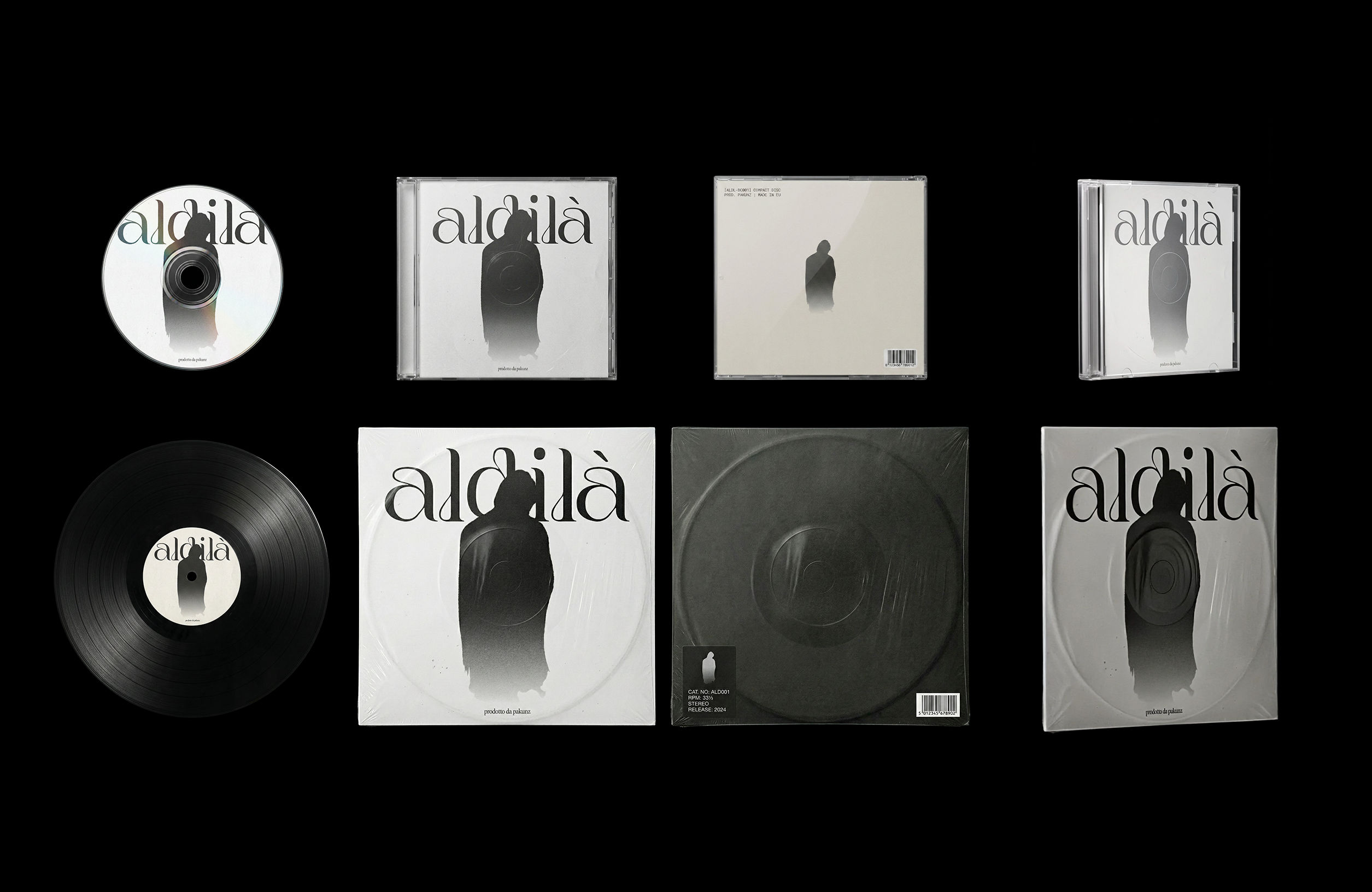 CoverArtTransform a single artwork into a full set of physical music assets.
CD, vinyl, posters: all consistent, clean, and ready to use.
CoverArtTransform a single artwork into a full set of physical music assets.
CD, vinyl, posters: all consistent, clean, and ready to use.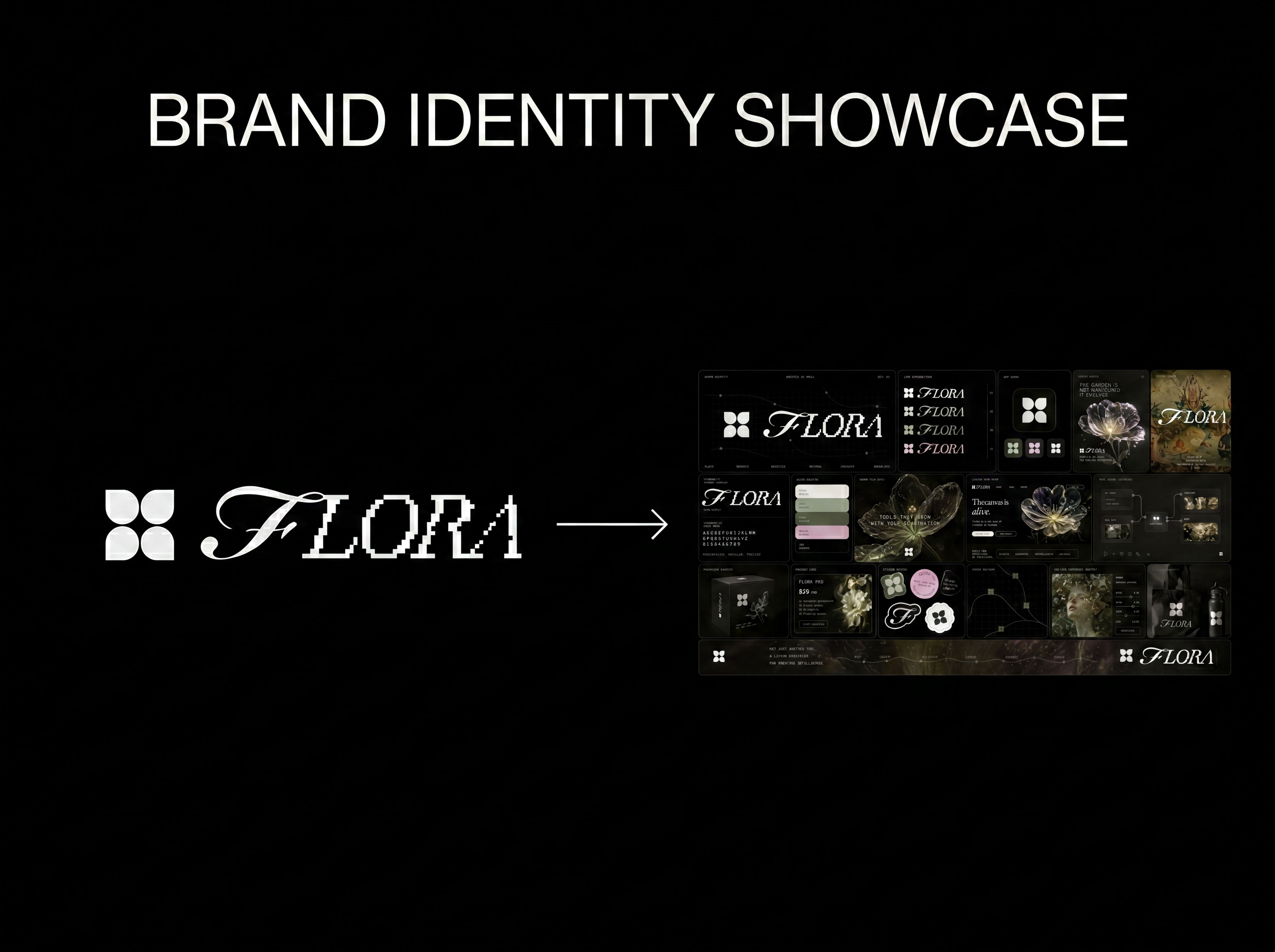 Logo to Brand IdentityUpload any logo. The technique analyzes its letterforms, construction, color, and finish to infer the brand's category, audience, and visual direction.
Pull a Color Palette From Image in One Click
Extract color palettes from any image

Catherine Chung from FLORA