Extracted Prompt
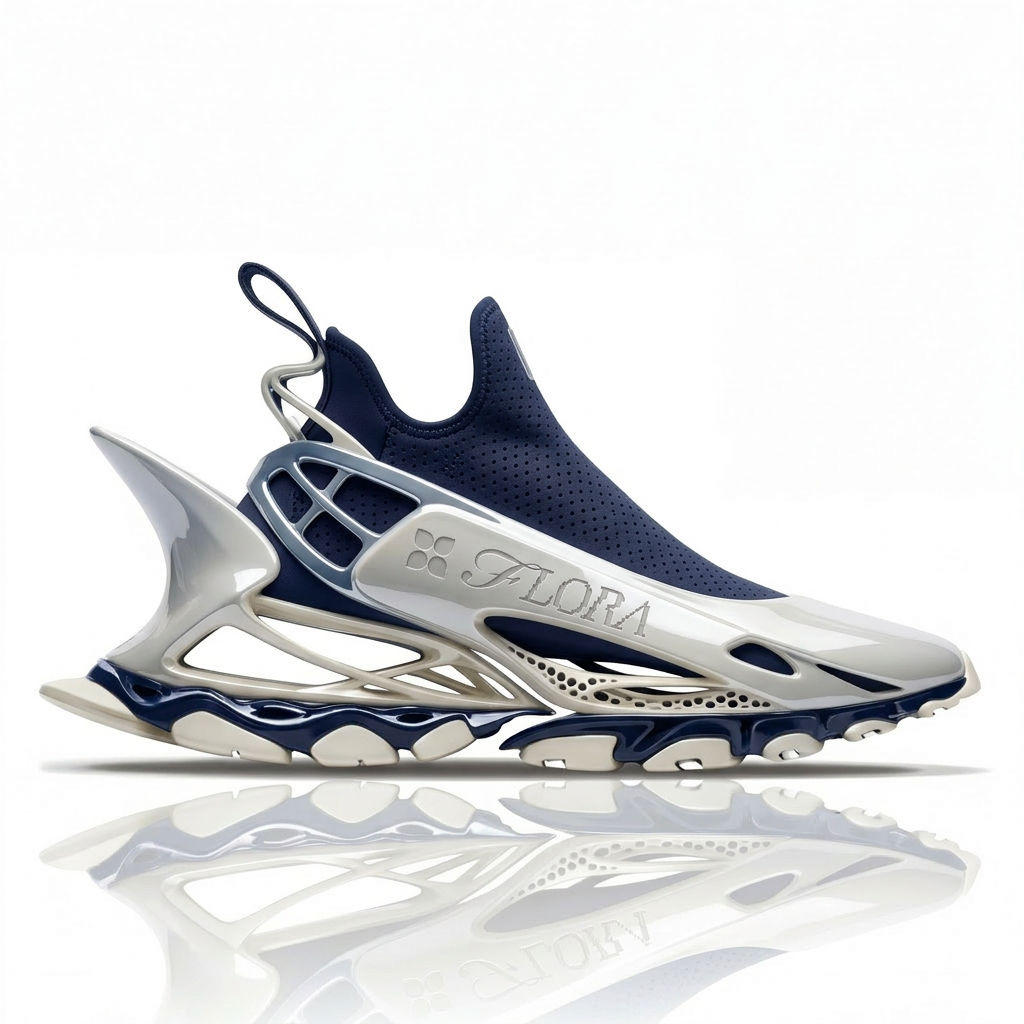
Photorealistic 3D product visualization, pure side profile shot of a futuristic biomechanical slip-on sneaker resting on a flawless highly reflective white studio floor against a pure white seamless background. The shoe features a deep navy blue, fine-perforated stretchy knit upper sock bootie with an extended heel pull tab. Wrapping the midfoot and heel is a complex, high-gloss cream and off-white polymer exoskeletal cage with aerodynamic cutouts, swooping organic lines, and a dramatic swept-back heel spoiler. The lateral side of the glossy cage features an embossed four-petal geometric logo alongside the word FLORA in elegant, silver metallic serif typography. The midsole is an intricate, hollowed-out architectural structure combining matte cream and glossy dark navy wave-like suspension elements with circular perforations and pill-shaped traction nodes. Hyper-detailed studio lighting creates razor-sharp specular highlights on the rigid plastic components and soft diffuse shading on the textile upper. Shot with an 85mm macro lens, hyper-deep depth of field, f/16, ensuring edge-to-edge sharpness. Pristine, ultra-high resolution, commercial footwear photography style, sleek gradient reflections on the ground plane, clean lines, minimalist luxury aesthetic.
Run this AI-powered technique in your browser. Upload your inputs, hit generate, and get professional results in moments.

Creative Production
Design teams use FLORA techniques to produce professional-quality creative assets in seconds, accelerating production timelines and reducing dependency on manual editing.
Marketing Content
Marketing teams generate on-brand visual content for campaigns, social media, and ads — iterating quickly on concepts without waiting for design resources.

Product Visualization
E-commerce and product teams create high-quality product visuals, mockups, and lifestyle imagery to showcase their offerings across channels.
How to use Techniques?
Discover how to utilize Prompt Extractor for different scenarios.
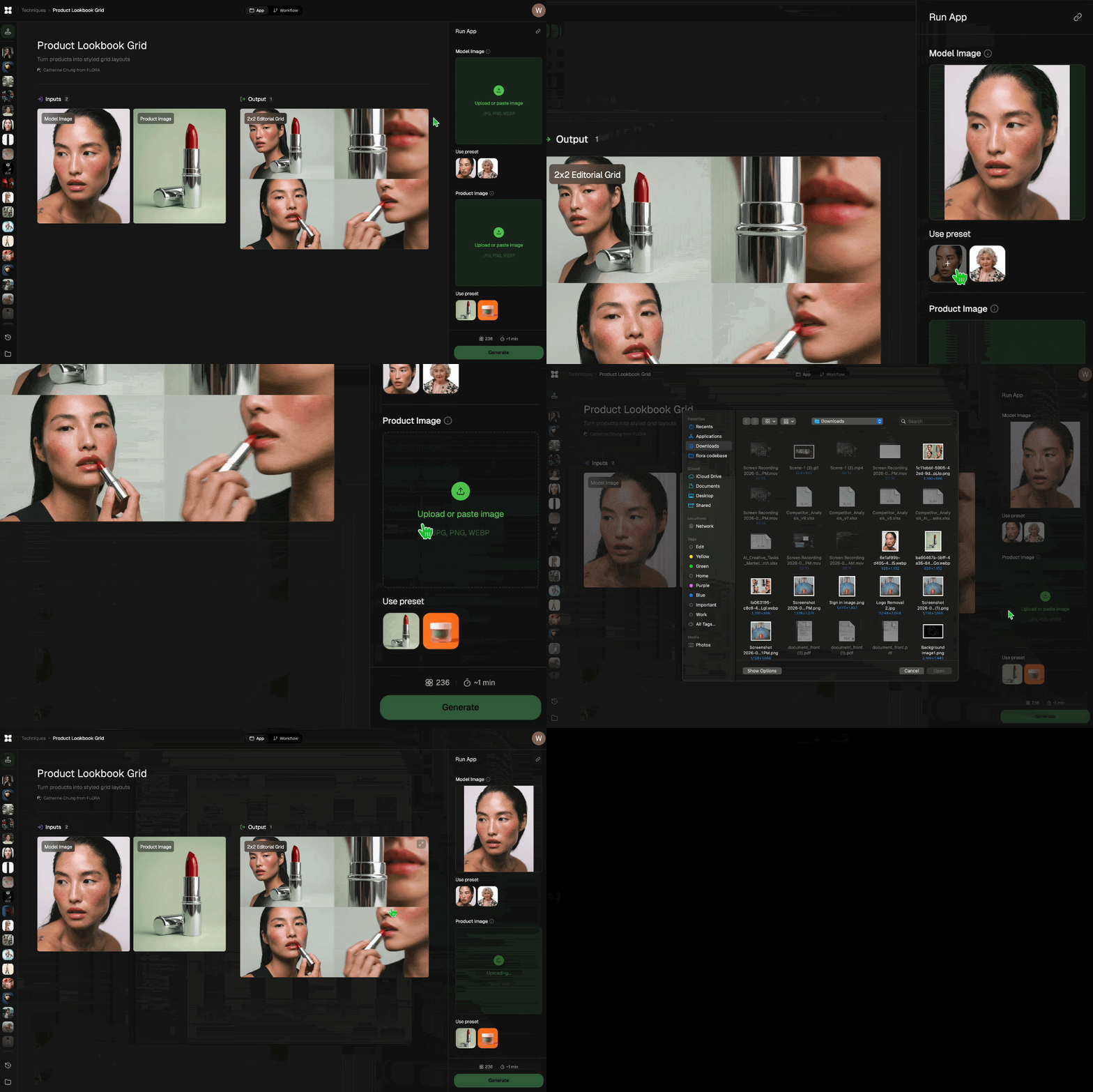
Add inputs
Upload images, videos, or type in the prompts to get started.
Generate outputs
Next, hit the "Generate" button to start generating your outputs.
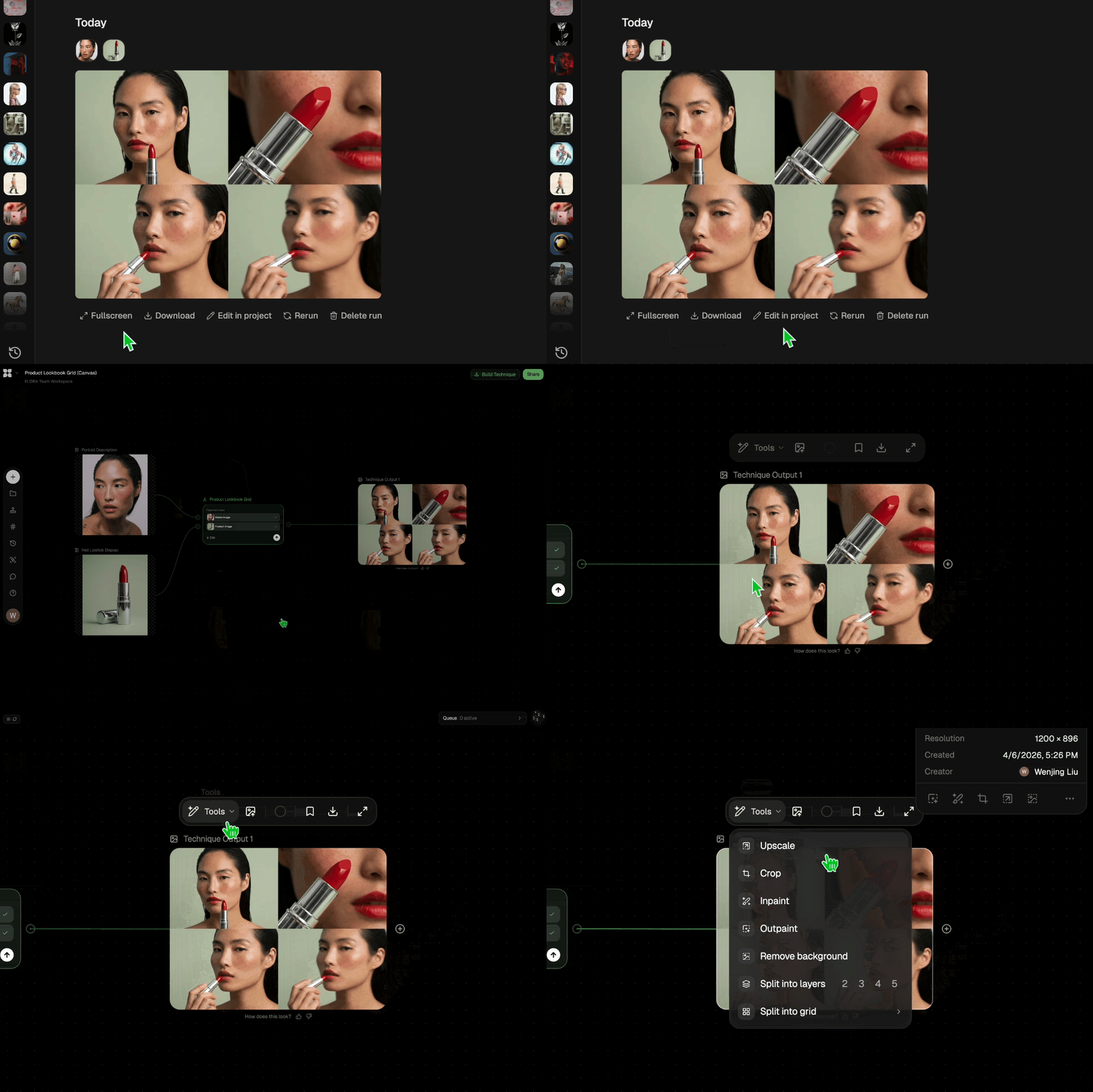
Edit and export
Refine your outputs on canvas, or download them directly.
Frequently asked questions
All you need to know about Prompt Extractor
Related techniques
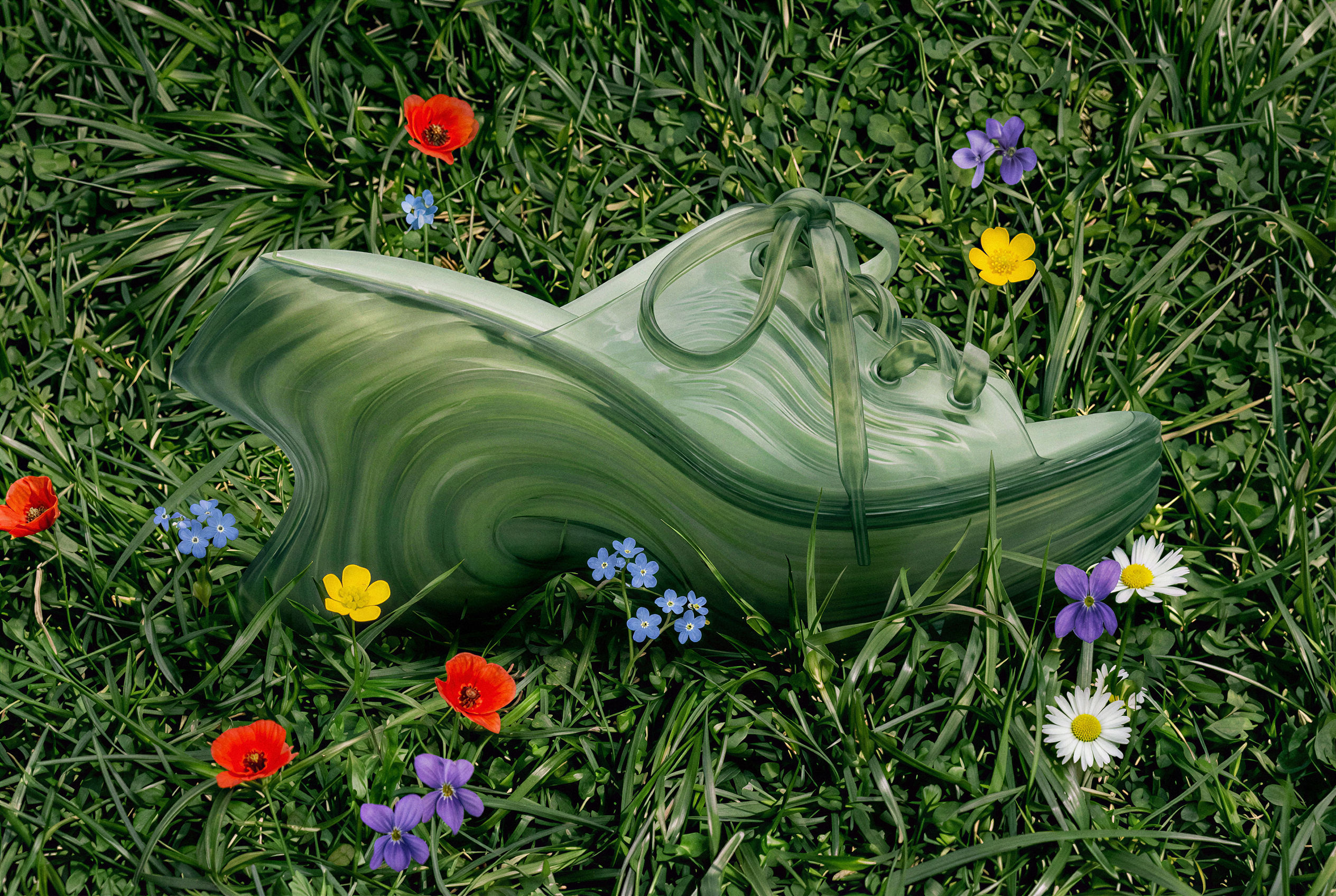 Image UpscalerUpscale any image to a higher resolution in one click.
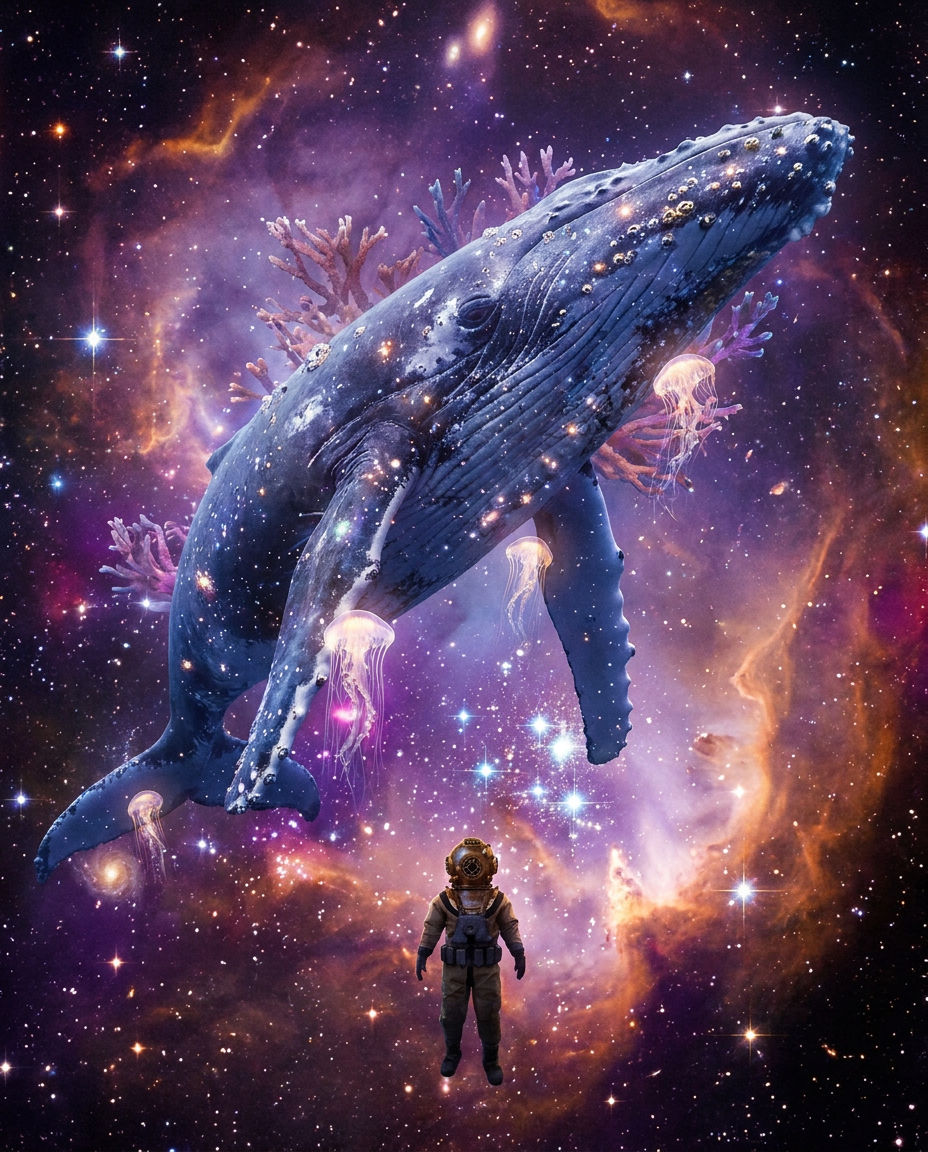 AI Art Generatorone idea becomes a whole gallery: an original art piece, restyled across art movements, printed, and set in motion. Useful for: artists, print-shop sellers, and anyone who types a wild idea into an "AI art generator" and wants more than one random square — a coherent body of work they can hang, print, and post.
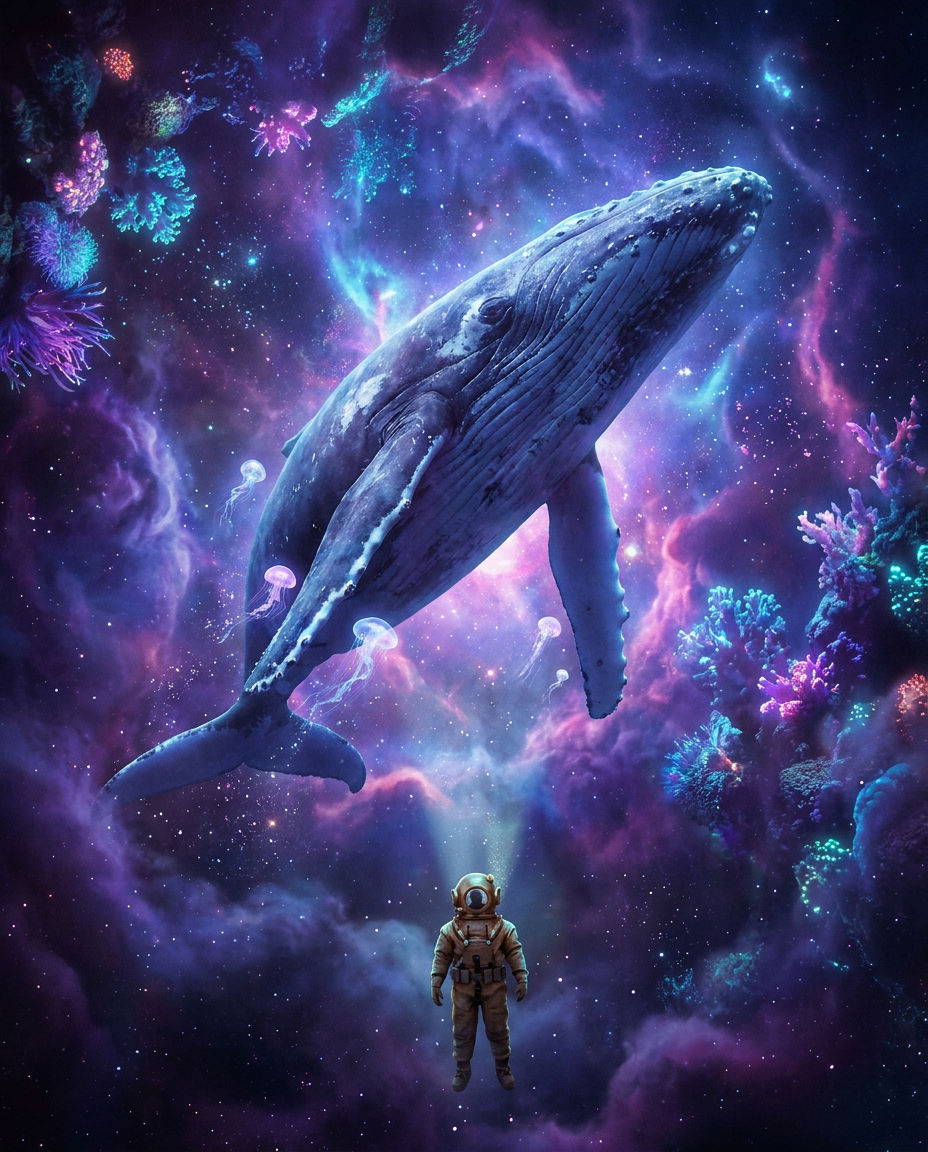 AI Art Generatorone idea becomes a whole gallery: an original art piece, restyled across art movements, printed, and set in motion. Useful for: artists, print-shop sellers, and anyone who types a wild idea into an "AI art generator" and wants more than one random square — a coherent body of work they can hang, print, and post.
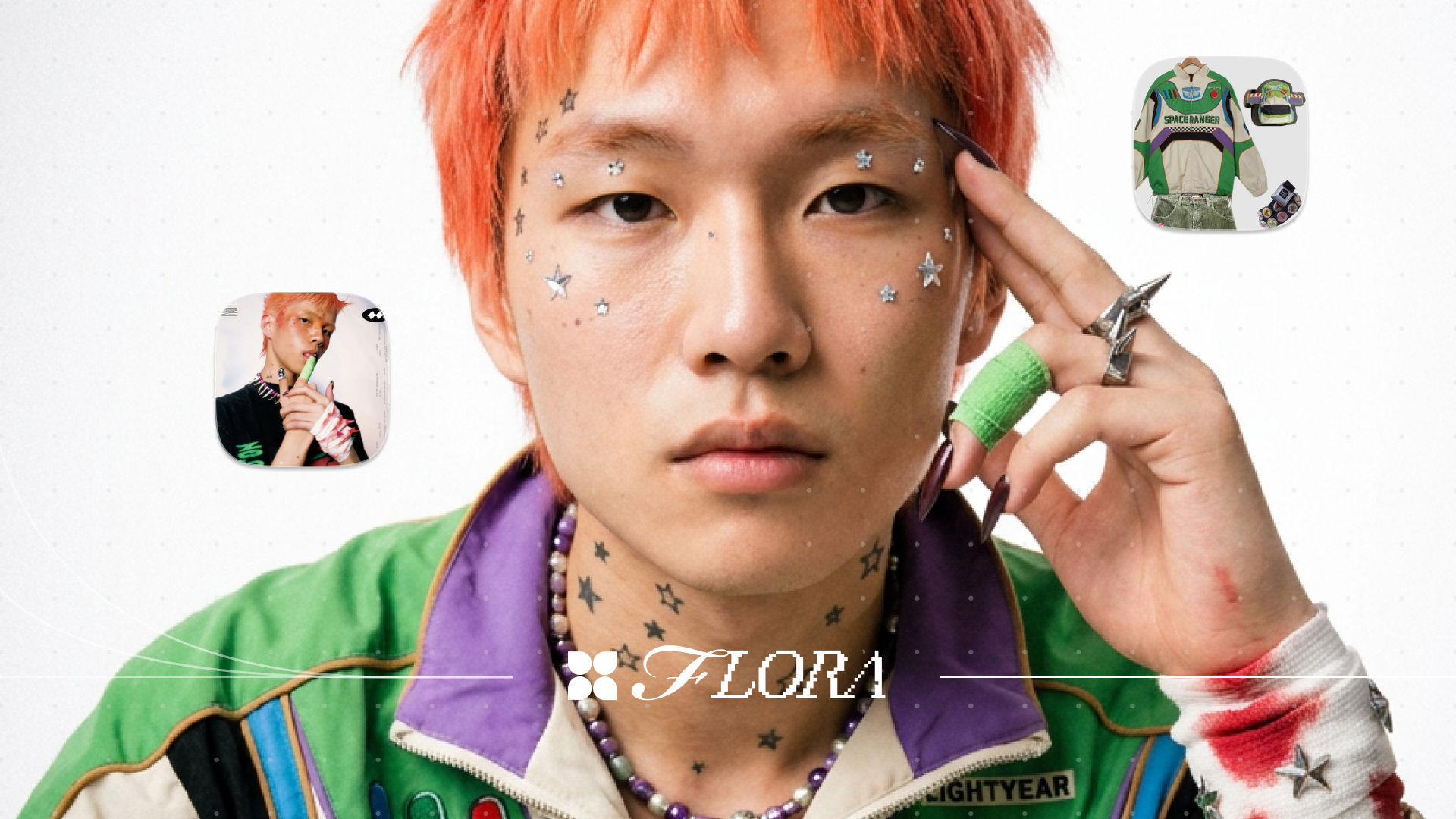 AI Model EngineGenerate a model for your future campaign
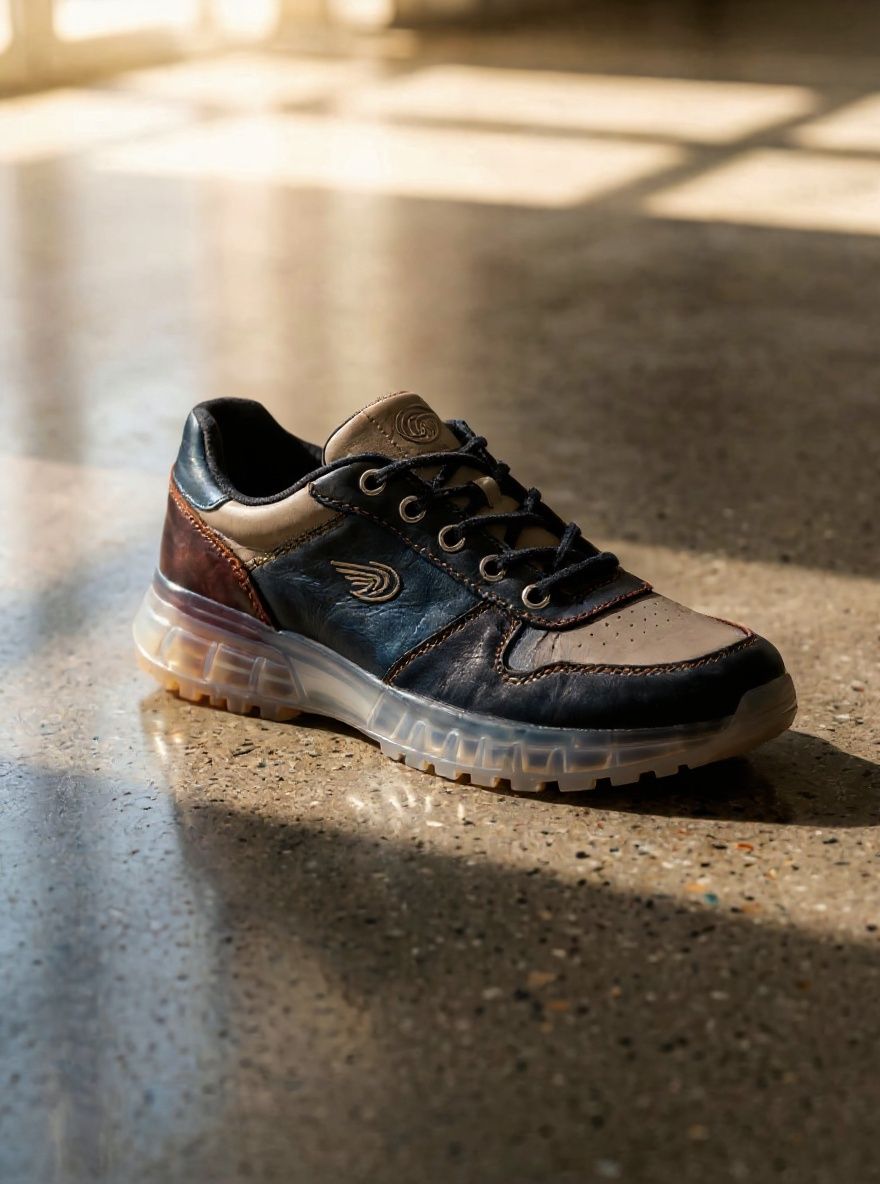 Aspect Ratio Converterreframe ONE master image into every platform aspect ratio without cropping the subject. Useful for: social / performance marketers who shoot one hero and need 1:1 (feed), 9:16 (Reels/TikTok/Stories), 16:9 (YouTube/OG), and 4:5 (IG portrait) — each one generatively extended, not letterboxed or center-cropped.
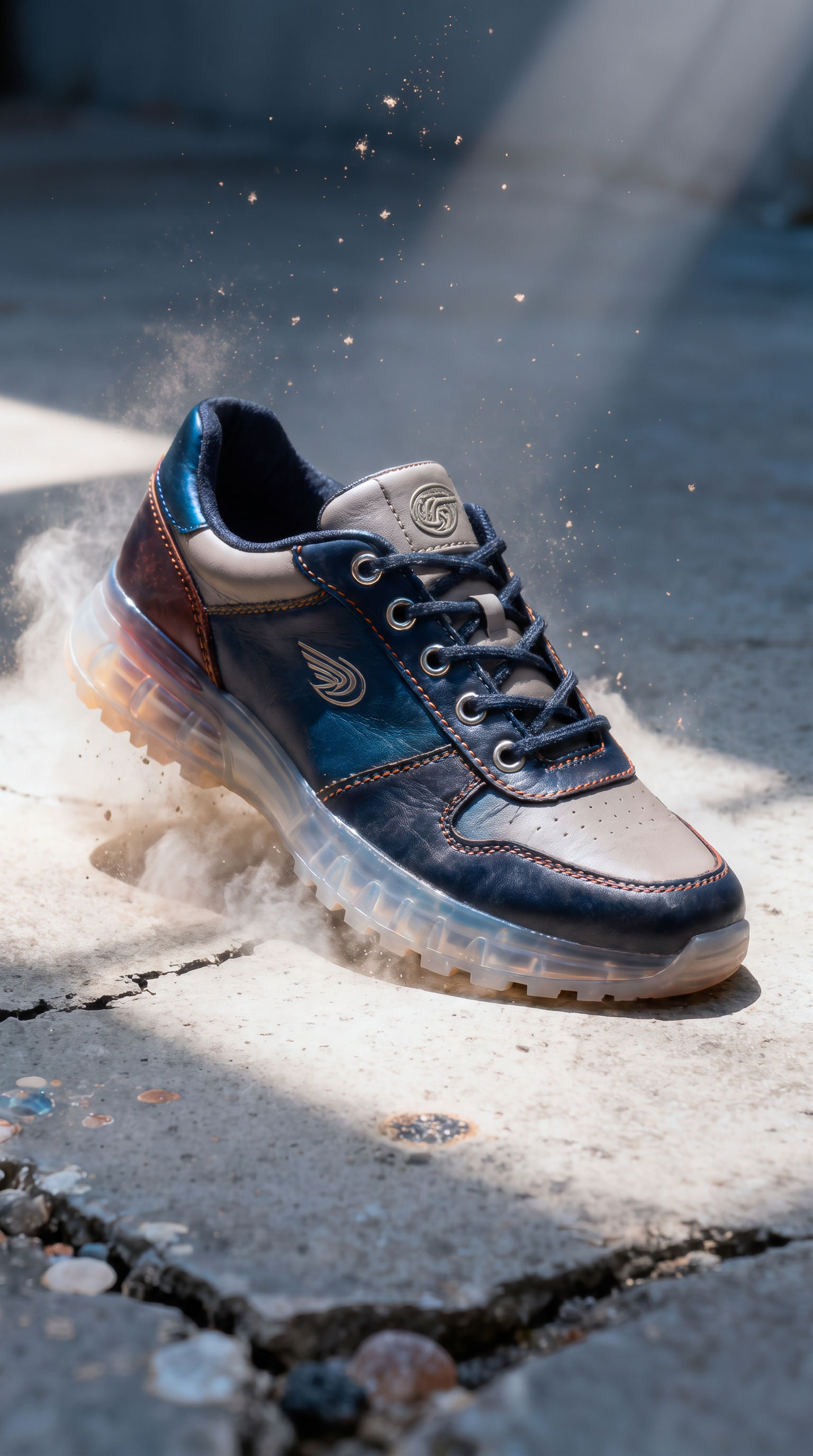 Aspect Ratio Converterconvert ONE image into every platform aspect ratio by generatively EXTENDING the frame, never cropping it. Useful for: social / performance marketers and designers who shoot one hero and need 9:16 (Reels/TikTok/Stories), 16:9 (YouTube/OG/banners), 4:5 (IG portrait) and 1:1 (feed) — each one outpainted to fit, so nothing is lost to a center crop and no black bars are added.
Prompt Extractor
Reverse-engineers any image into a clean, structured prompt you can reuse, remix, or feed into another model.

Sasha Zabegalin from FLORA