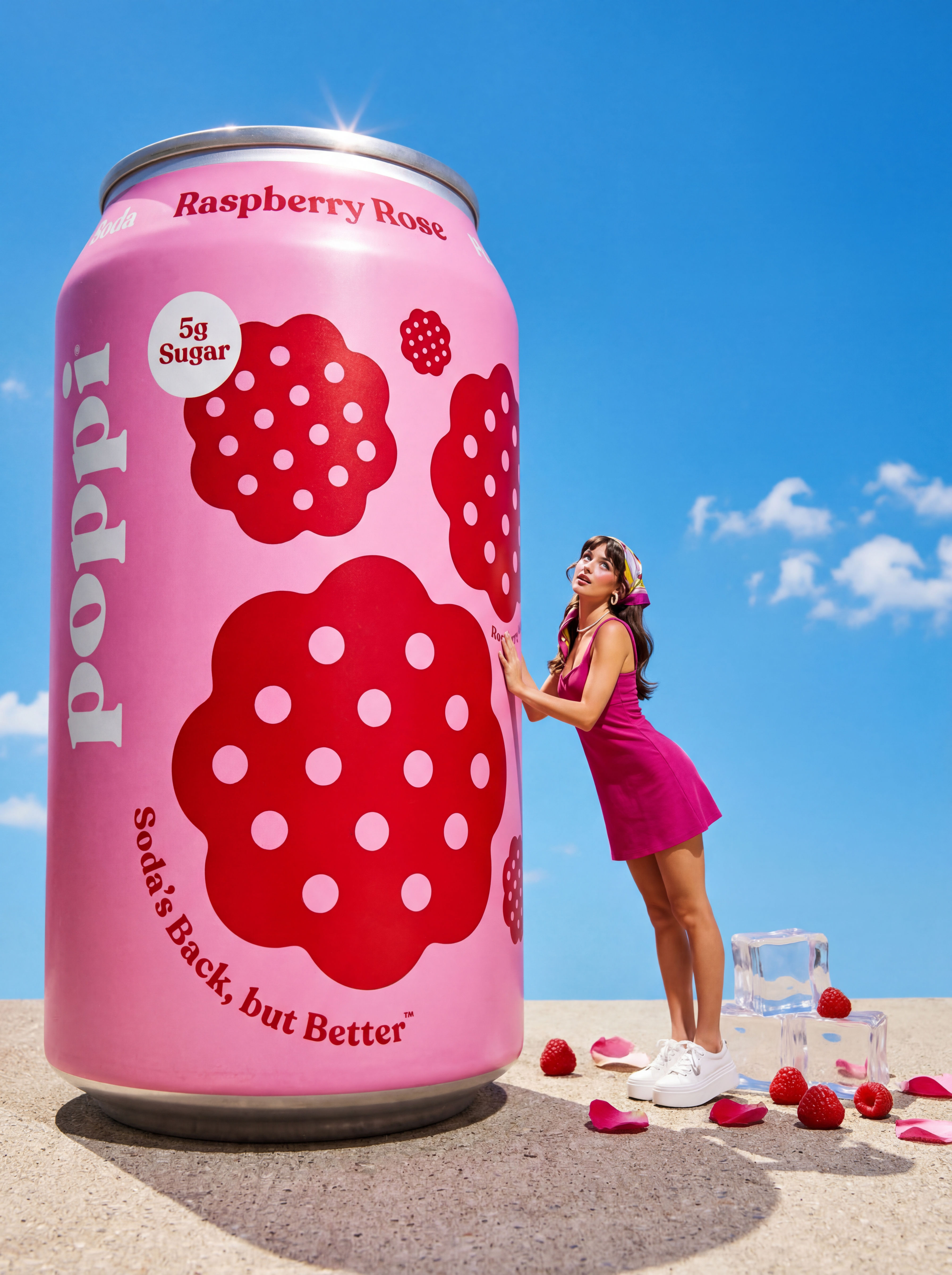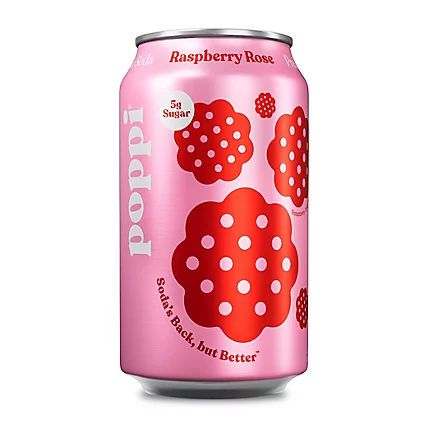
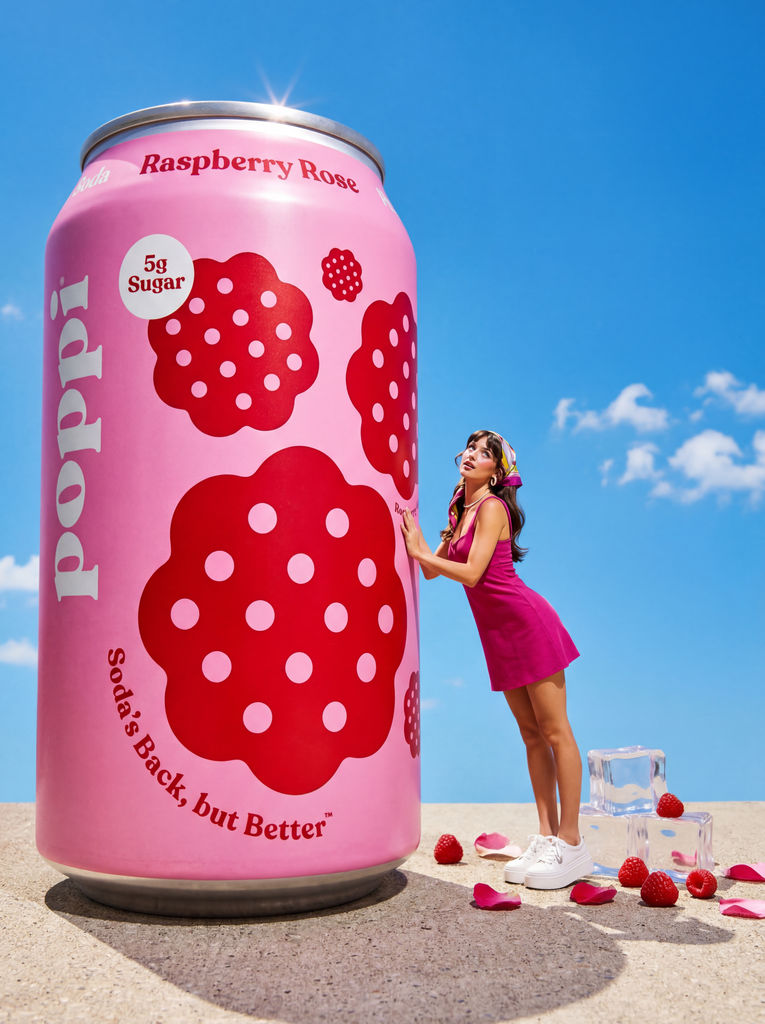
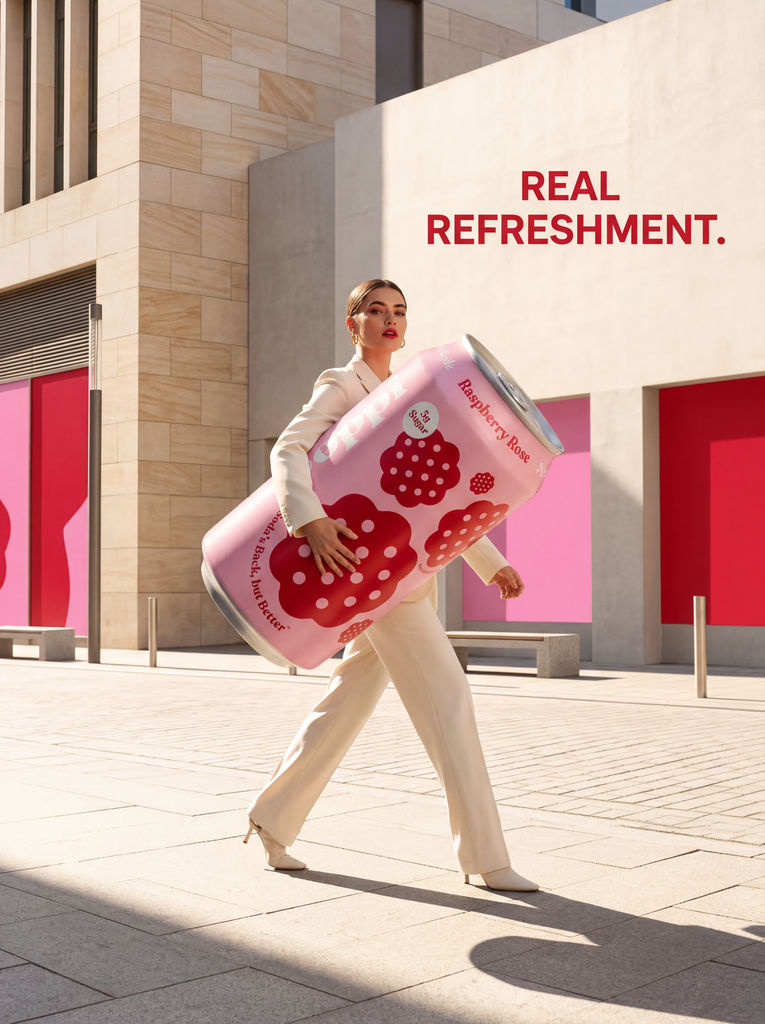
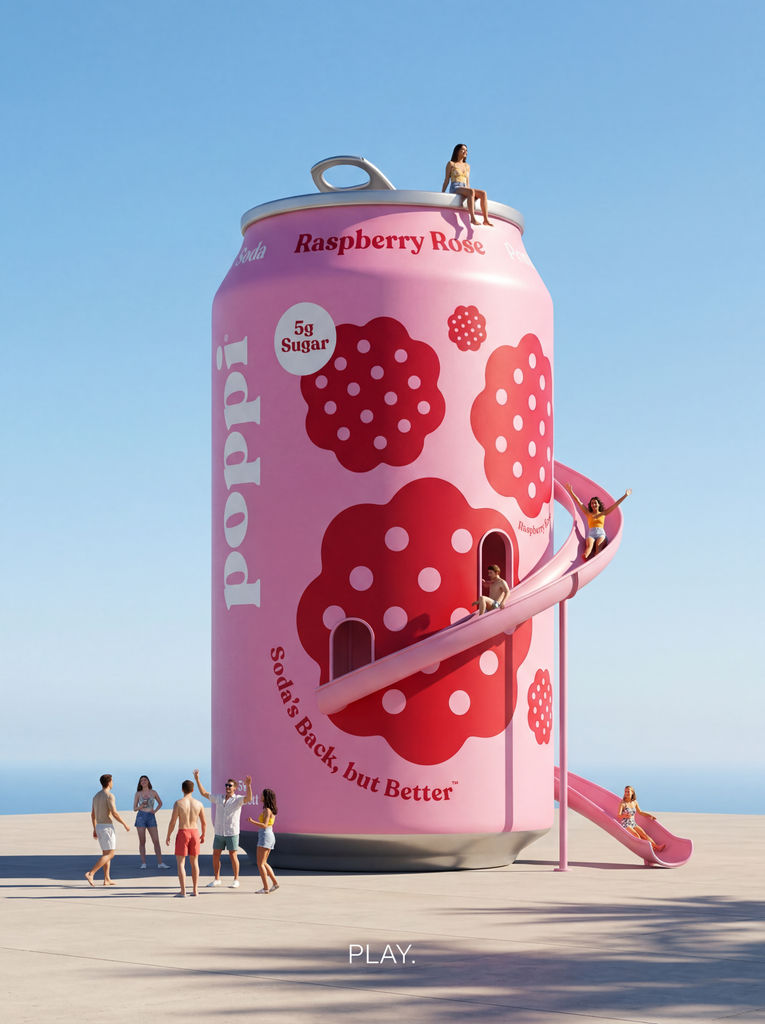
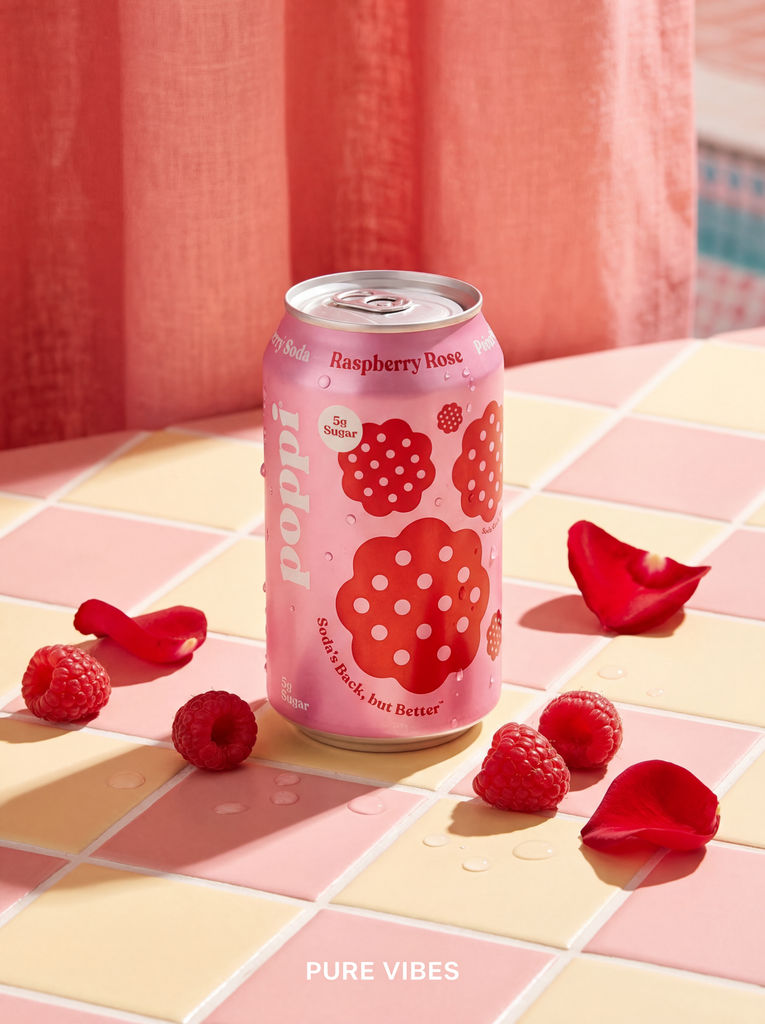
This AI ad creative generator builds 4 distinct ad concepts from one product shot, each with its own aesthetic direction.

Campaign Concepting
Creative teams use this AI tool to create ads, generating 4 distinct visual directions from a single product shot to accelerate the concepting phase of ad campaigns.
Social Media Ads
Marketing managers run this AI ads image generator to produce ready-to-use ad imagery across different aesthetic styles, from lifestyle to surreal, without a photoshoot.

Product Launch Assets
Brand teams use this AI business ad generator to create a variety of launch visuals from one product photo, giving them multiple options to test with audiences.
How to use Techniques?
Discover how to utilize Product to Ad Visuals for different scenarios.
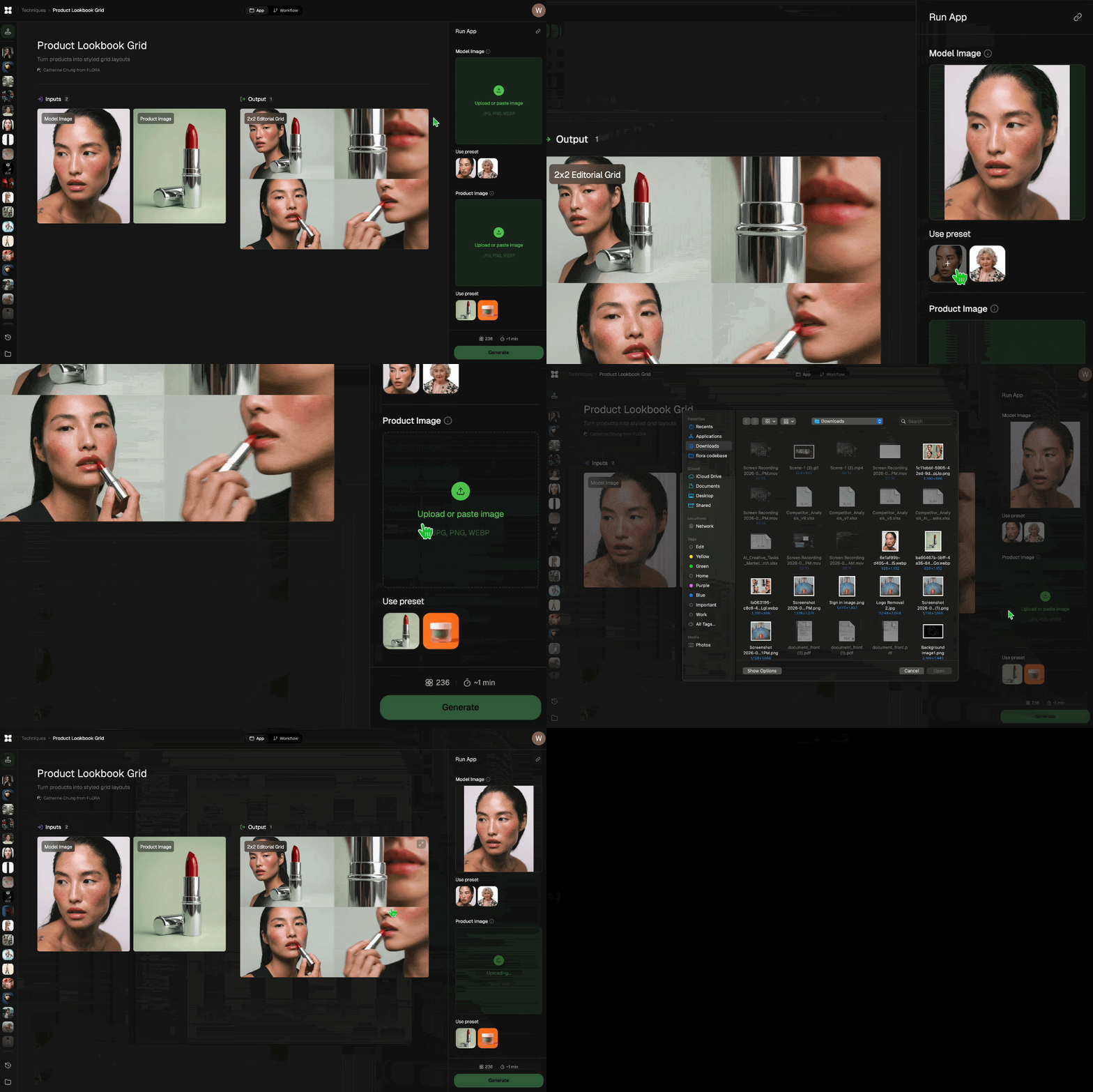
Add inputs
Upload images, videos, or type in the prompts to get started.
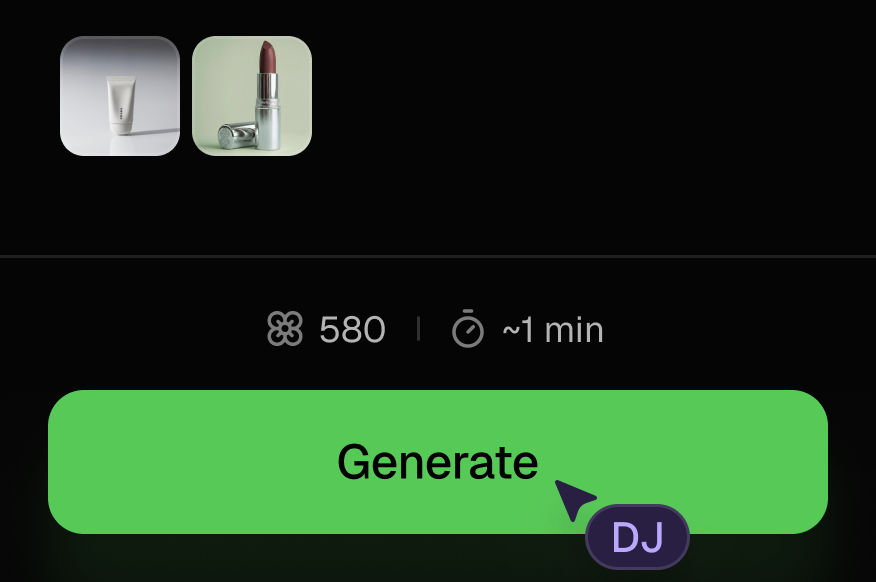
Generate outputs
Next, hit the "Generate" button to start generating your outputs.
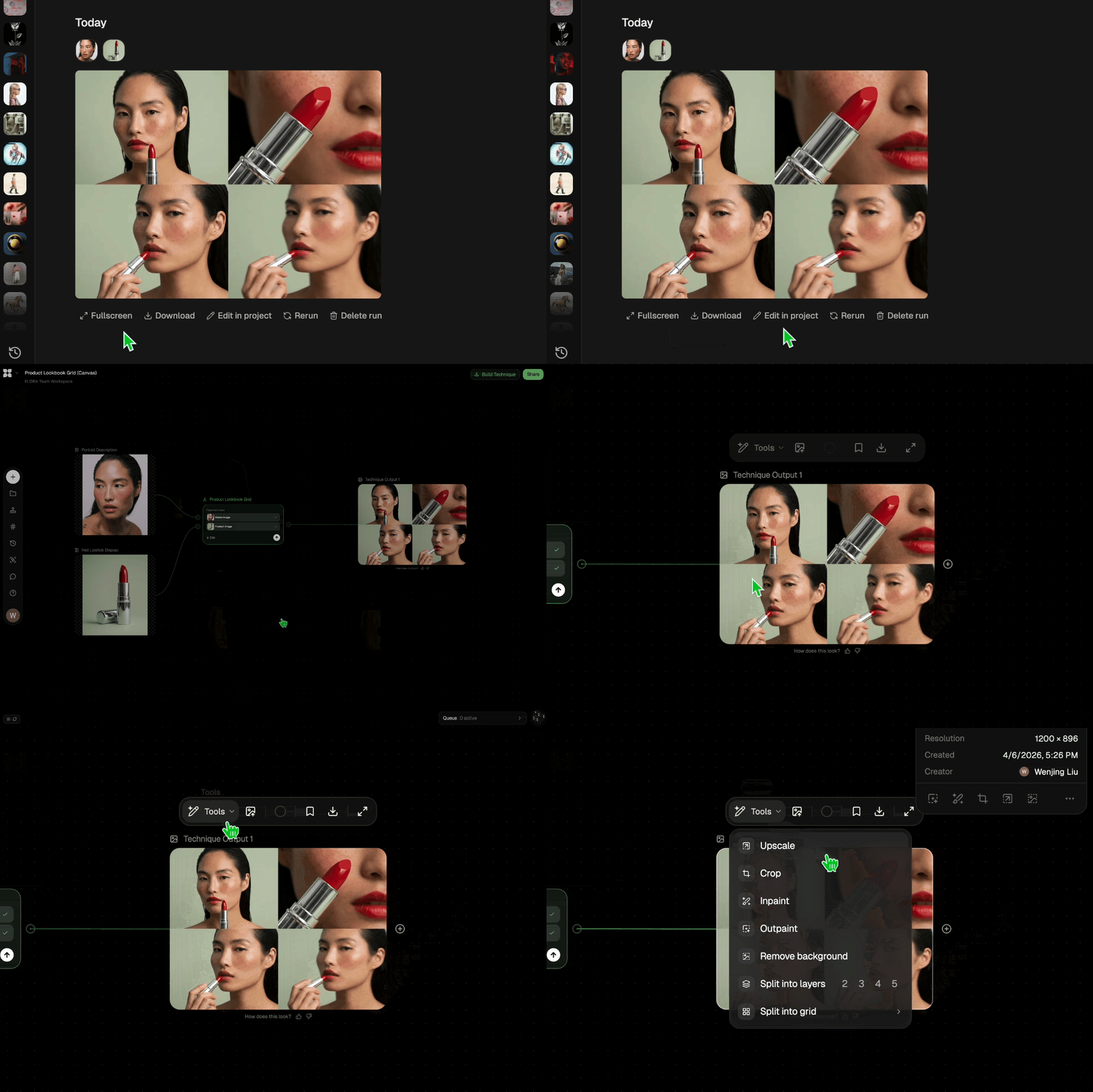
Edit and export
Refine your outputs on canvas, or download them directly.
Frequently asked questions
All you need to know about Product to Ad Visuals
Related techniques
 Photography/Image Aspect Ratio ChangeWorks best with photography or images without text.
 Material 3D Logo Render EngineUpload a logo, get it rendered in 3D across a set of materials.
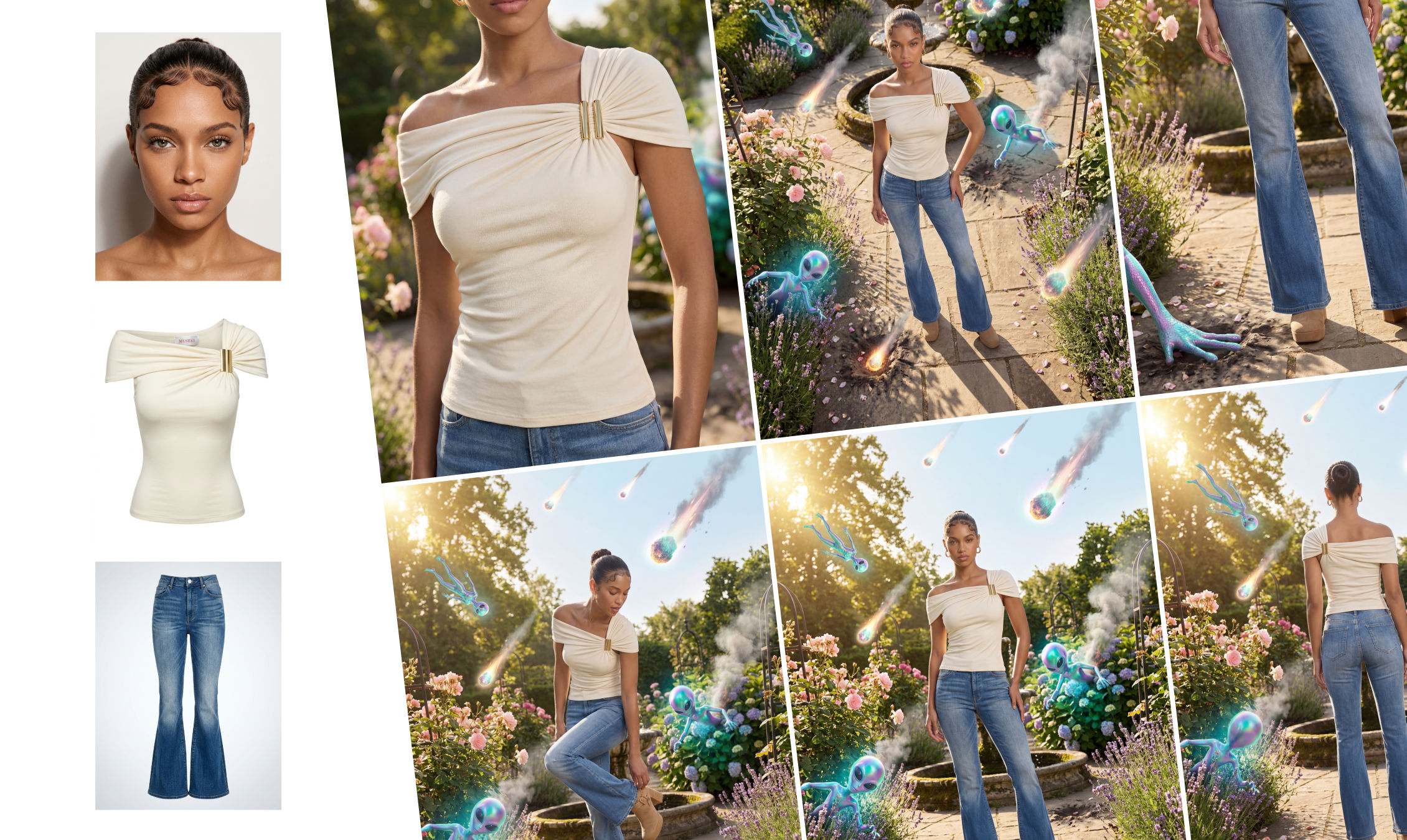 Outfit to CampaignUpload a model, outfit, and environment to generate a complete fashion campaign. The system creates full-body shots, styled scenes, close-ups, and product visuals with consistent, realistic results.
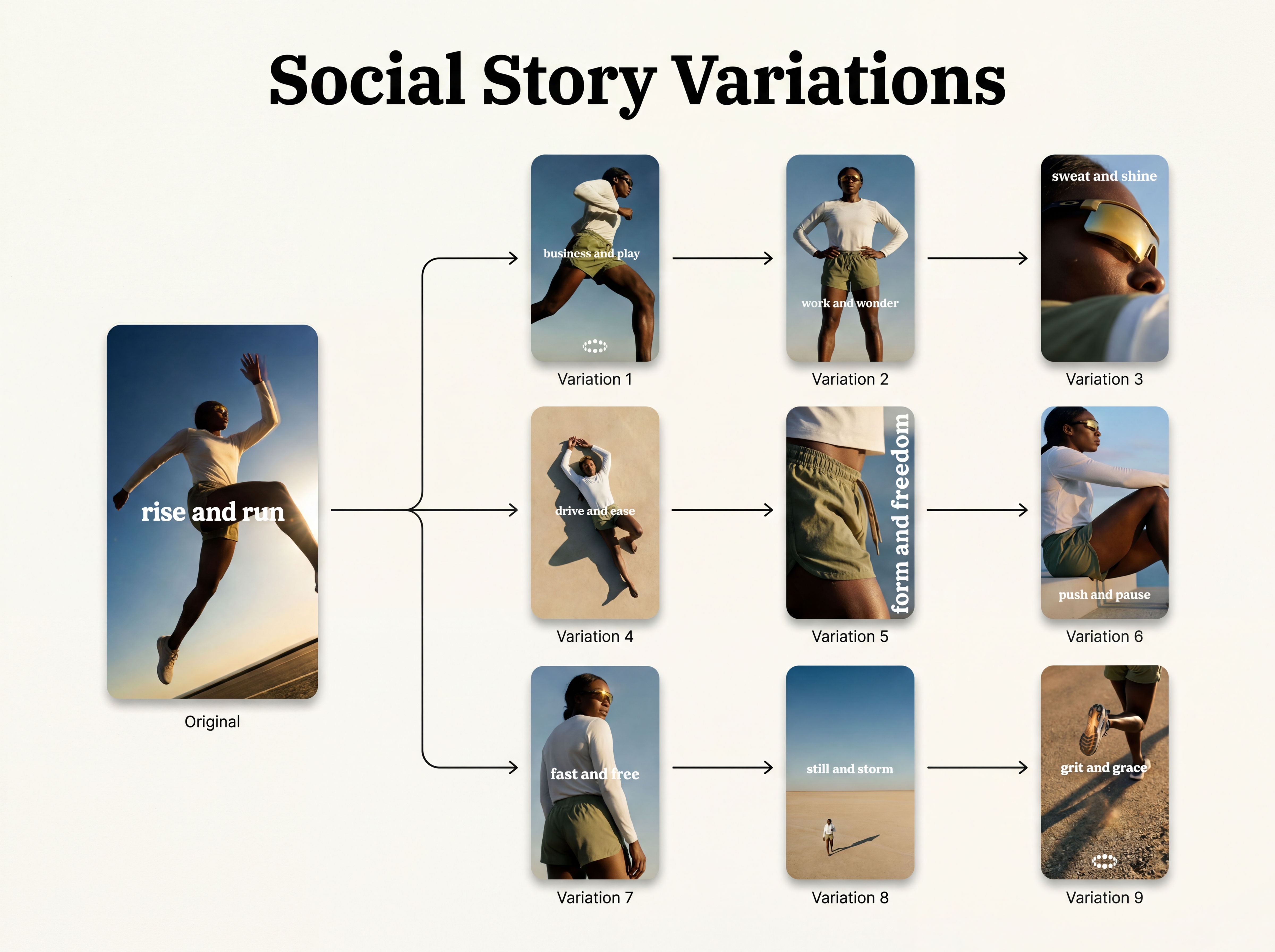 Instagram Story VariatorOne IG story in, nine variations out.
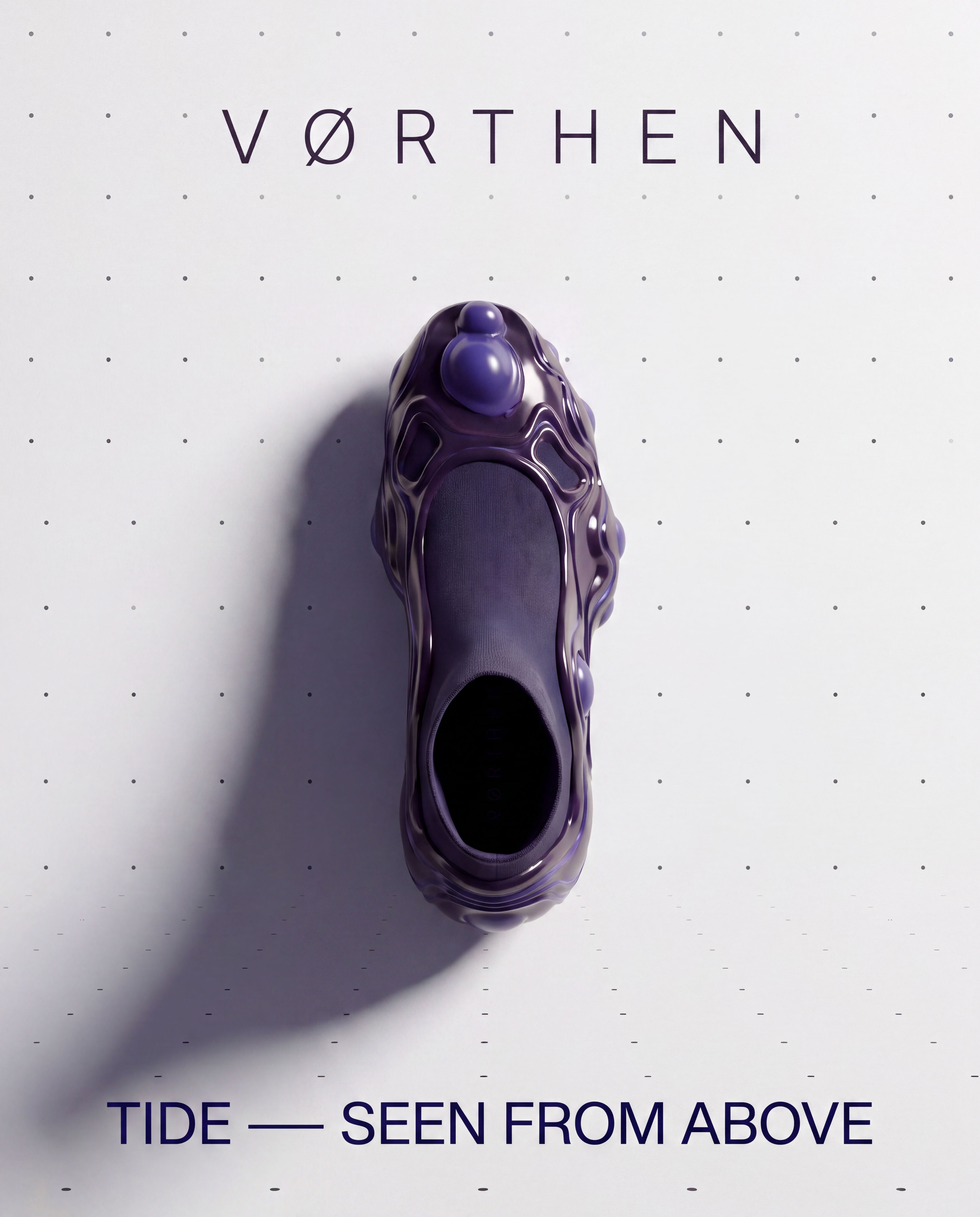 Meta Ad VariatorOne ad in, nine variations out.
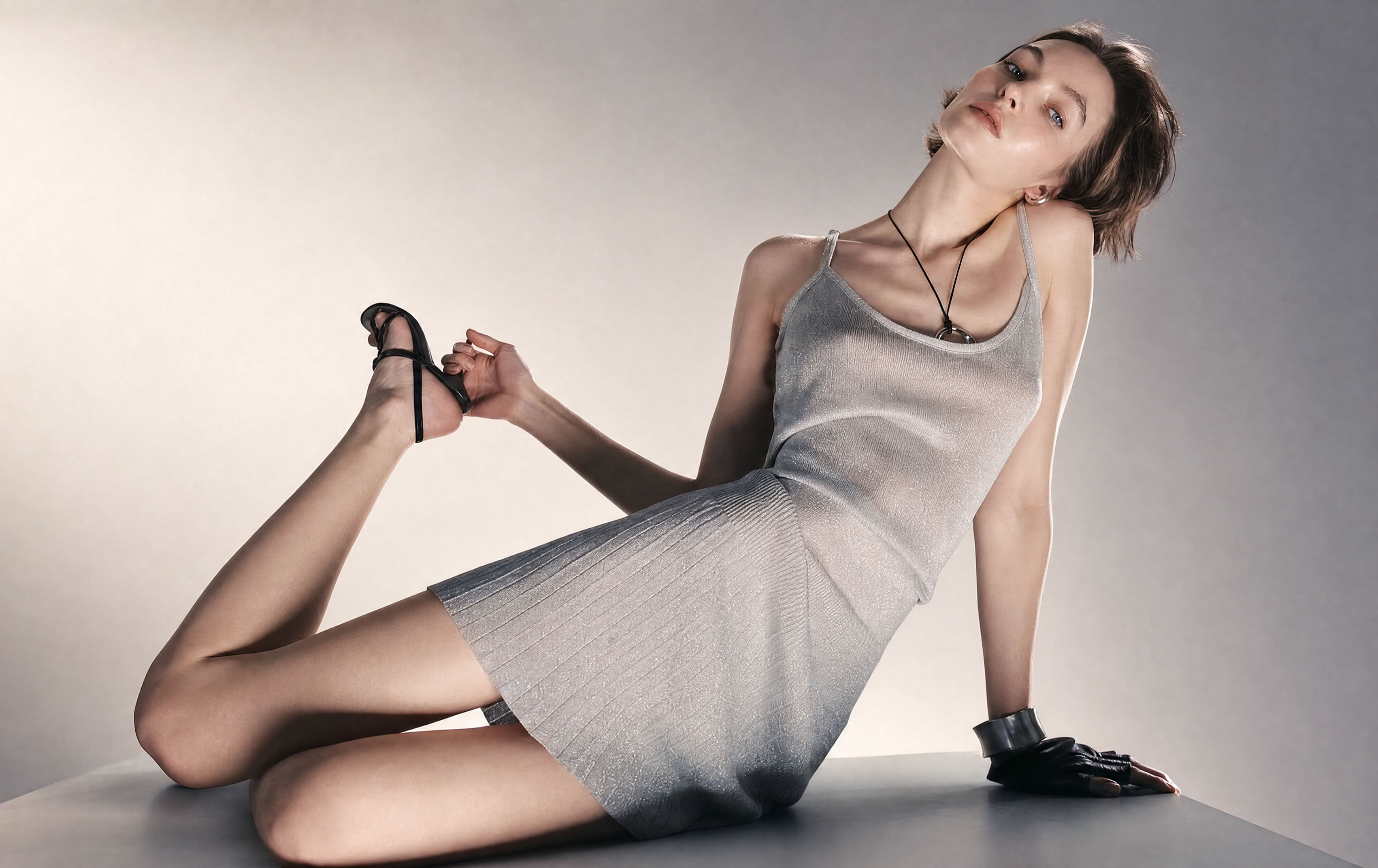 Relighting Photoshootconfirm the lighting with your team/client and have a lighting diagram to share with your team.
Use the AI Ad Maker to Turn One Product Photo into 4 Ad Visuals
Make a compelling ad campaign of 4 visuals from 1 product shot

Hristina Mancheva from L8 Studio