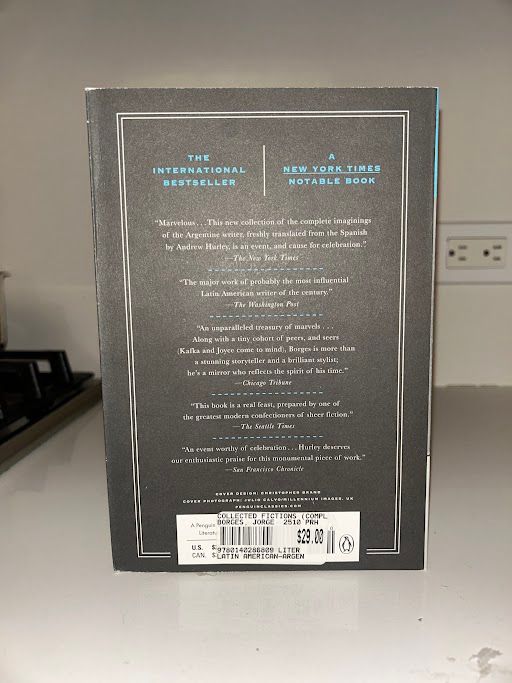
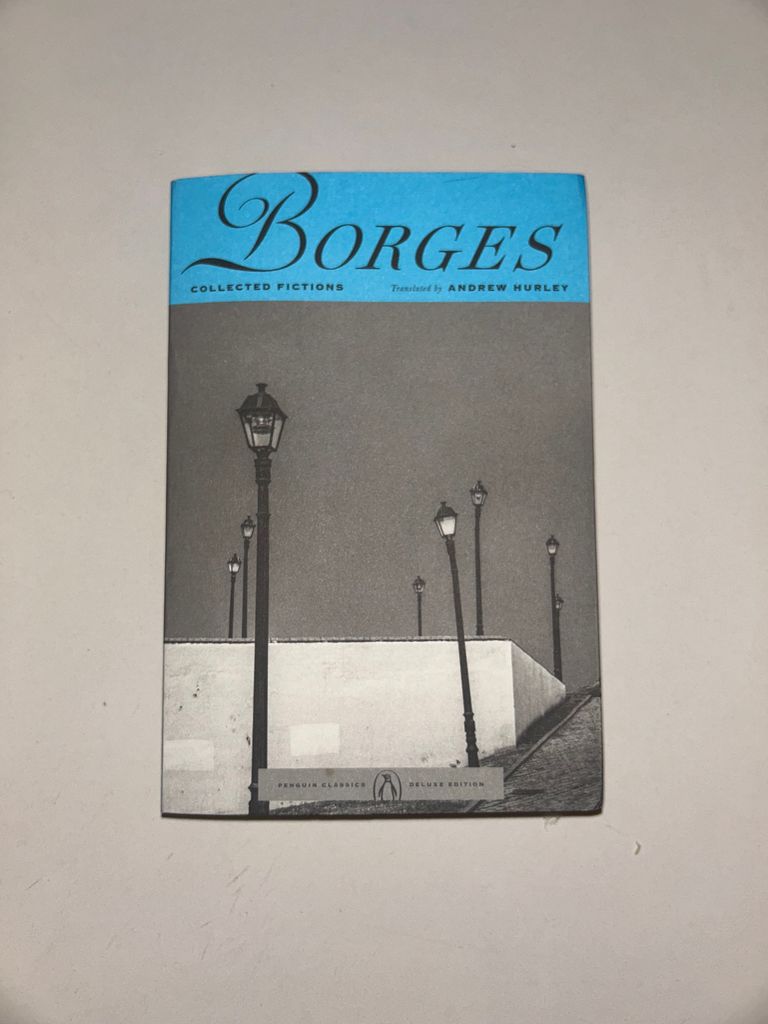
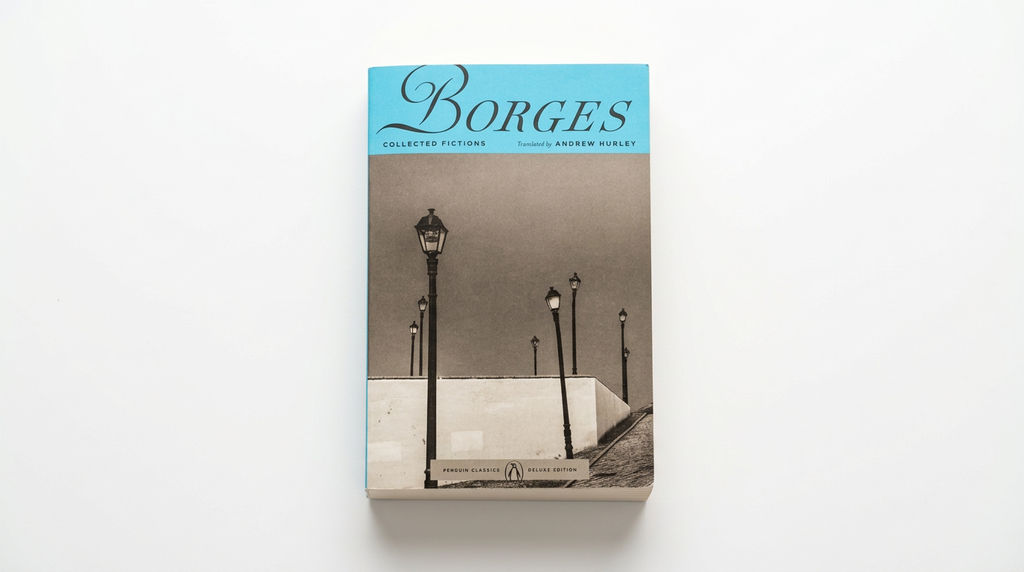
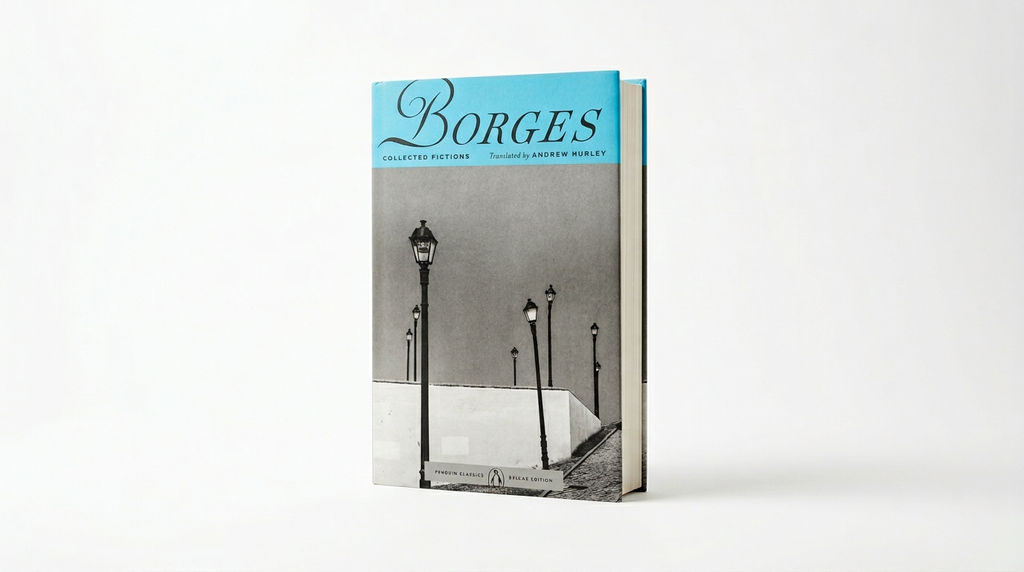
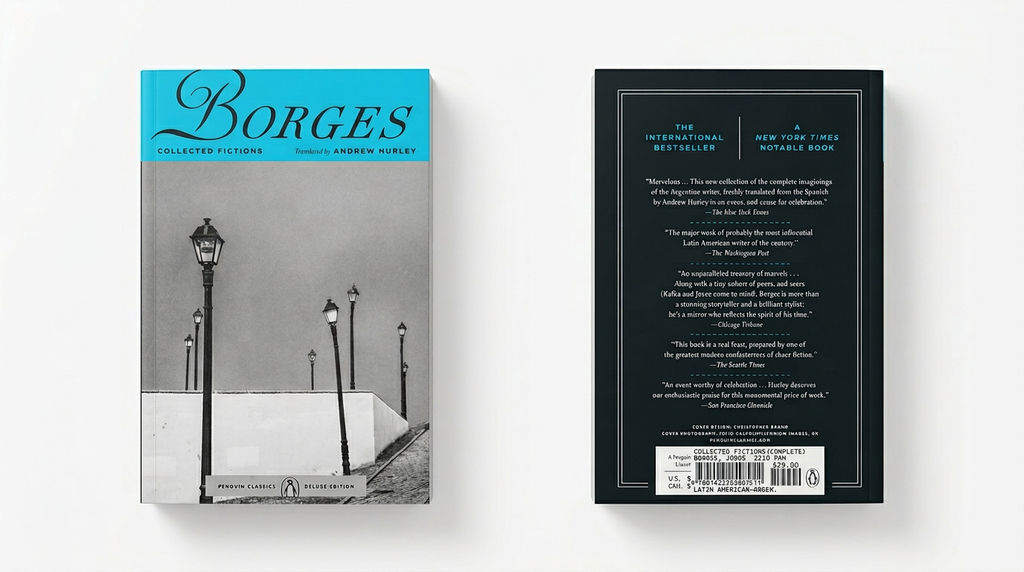
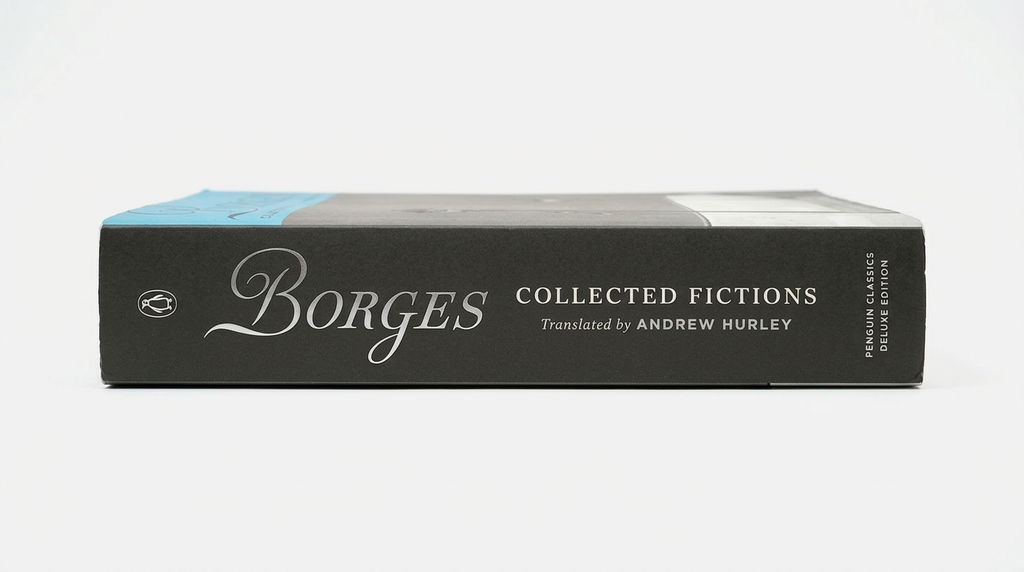
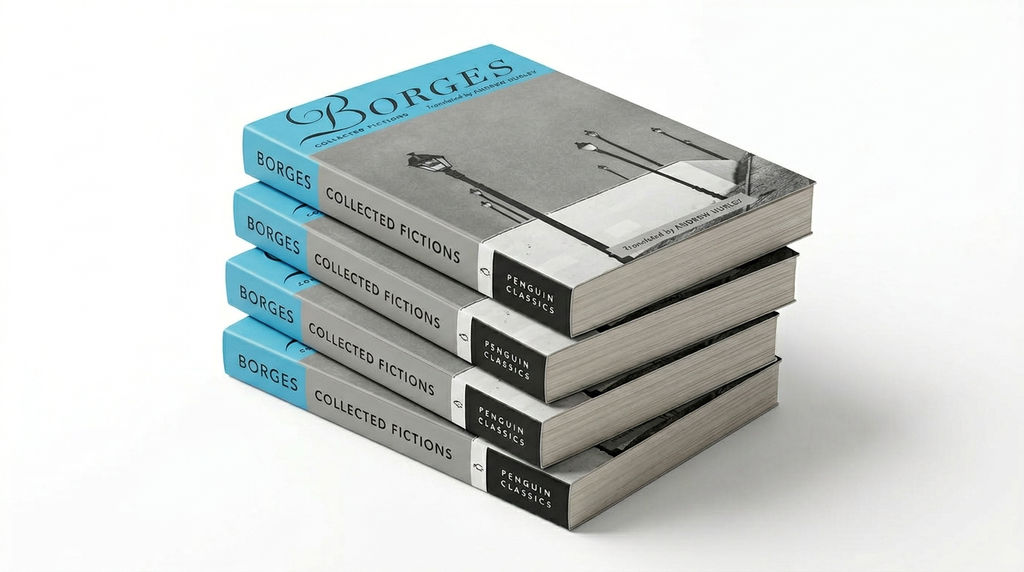
Upload a front and back cover and the Technique returns 5 book presentations in 16:9, each shown at an angle, like a 3D book cover.

Self-Publishing Promotion
Authors use the Book Drop technique to create professional mockup images, including an ebook mockup, for social media announcements, Amazon listings, and author websites.

Publisher Marketing
Publishing houses use this book cover mockup generator to quickly produce mockup visuals for catalogs, press releases, and retail partners without scheduling product photography.

Pre-Launch Marketing
Marketing teams use the technique to create a 3D book cover mockup before physical copies exist, enabling early promotional campaigns and pre-order pages.
How to use Techniques?
Discover how to utilize Book Drop for different scenarios.

Add inputs
Upload images, videos, or type in the prompts to get started.

Generate outputs
Next, hit the "Generate" button to start generating your outputs.

Edit and export
Refine your outputs on canvas, or download them directly.
Frequently asked questions
All you need to know about Book Drop
What a book mockup is, and how the AI makes one look real
A book mockup is a rendered image of your cover art wrapped onto a three-dimensional book, angled on a surface with lighting, shadow, and page depth. No print run, no photo shoot. The flat cover file you already have becomes an object a reader can picture holding.
The distinction is commercial, not aesthetic. A cover file reads as a design. A book catching light down the spine reads as something for sale. Upload a cover and see it.
What makes a realistic book mockup read as a photograph
A few physical cues do most of the work, and people catch them instantly when they are off.
Perspective has to hold across the whole object, so the front cover, the spine, and the visible page block vanish toward the same point. Trimmed paper is slightly warm in color and never perfectly smooth, which is why a flat white page block gives a render away. Cover stock has thickness, so a hardback edge overhangs the pages. Light comes from one dominant direction, and the reflection matches the finish: broad and soft on matte, tight and bright on gloss. The shadow is darkest where the book meets the surface.
When those are wrong, the cover looks pasted onto a photo of a table.
How a book mockup generator turns two flat files into five angles
A book mockup generator does more than drop artwork into a template. The sequence runs roughly:
- Reads the front cover for layout, typography, and palette, so the crop never buries the title.
- Maps the back cover onto the opposite face, keeping the spine and rear panel consistent with the front.
- Builds the book geometry and wraps the artwork with correct perspective, including the curve where the cover meets the spine.
- Lights the scene, then derives shadow and reflection from that light instead of applying a generic drop shadow.
- Renders several presentations at different angles and framings.
Book Drop returns five in 16:9, the shape most listings, banners, and social placements want without a re-crop. If the cover art itself is not final yet, you can build it on the same canvas with FLORA's AI image generator.
The 3D book cover mockup, and why the angle sells
The 3d book cover became a publishing convention for a practical reason. Early digital sellers needed an intangible file to look like a product, so they gave it a spine and a shadow.
A 3d book cover mockup shows depth, and depth reads as page count. The rotation also puts a diagonal in the frame, which keeps the image from sitting flat next to every other cover thumbnail. Author sites, retail listings, and pre-order pages still run on it.
Ebook mockup vs. ebook cover mockup: no back, no spine
Digital-only titles arrive with one file. An ebook mockup usually starts from a front cover alone, since there is no printed back panel and no spine copy, so you either commission a back purely for presentation or pick framings that keep it out of view.
Then decide what the cover sits on. An ebook cover mockup can be rendered as a physical book, which is what most authors pick because buyers respond to the object, or shown on a screen to stay literal about the format. Store listings tend to want the book. A download page can take the device.
Booklet mockup, zines, and other short-run formats
A booklet mockup follows different rules. Saddle-stitched pieces like programs, catalogs, lookbooks, and zines have no rigid spine, so the fold is a crease, and they are thin enough to curl, drape, and fall over. Flat or gently fanned open reads correctly. Propped upright like a hardback does not. The same goes for workbooks, manuals, and thin trade paperbacks.
Book cover mockup PSD templates vs. a book cover mockup generator
The older route is a layered Photoshop file with a smart object where the artwork drops in. A book cover mockup psd is often beautifully lit, but the angle, surface, lighting, and shadow are fixed. One look per file. Five presentations means five documents, and a palette change means redoing all five.
A book cover mockup generator builds the scene around the artwork instead, so variations cost nothing and a different mood is one more generation.
Most covers need a few passes after the render anyway. Push resolution for print collateral with the image upscaler, set the result on a clean solid color background for a retail listing, lay a series into a product lookbook grid for a catalog spread, or put the cover in motion with the product animator for a launch reel. On FLORA's canvas each step picks up where the last one left off.
Related techniques
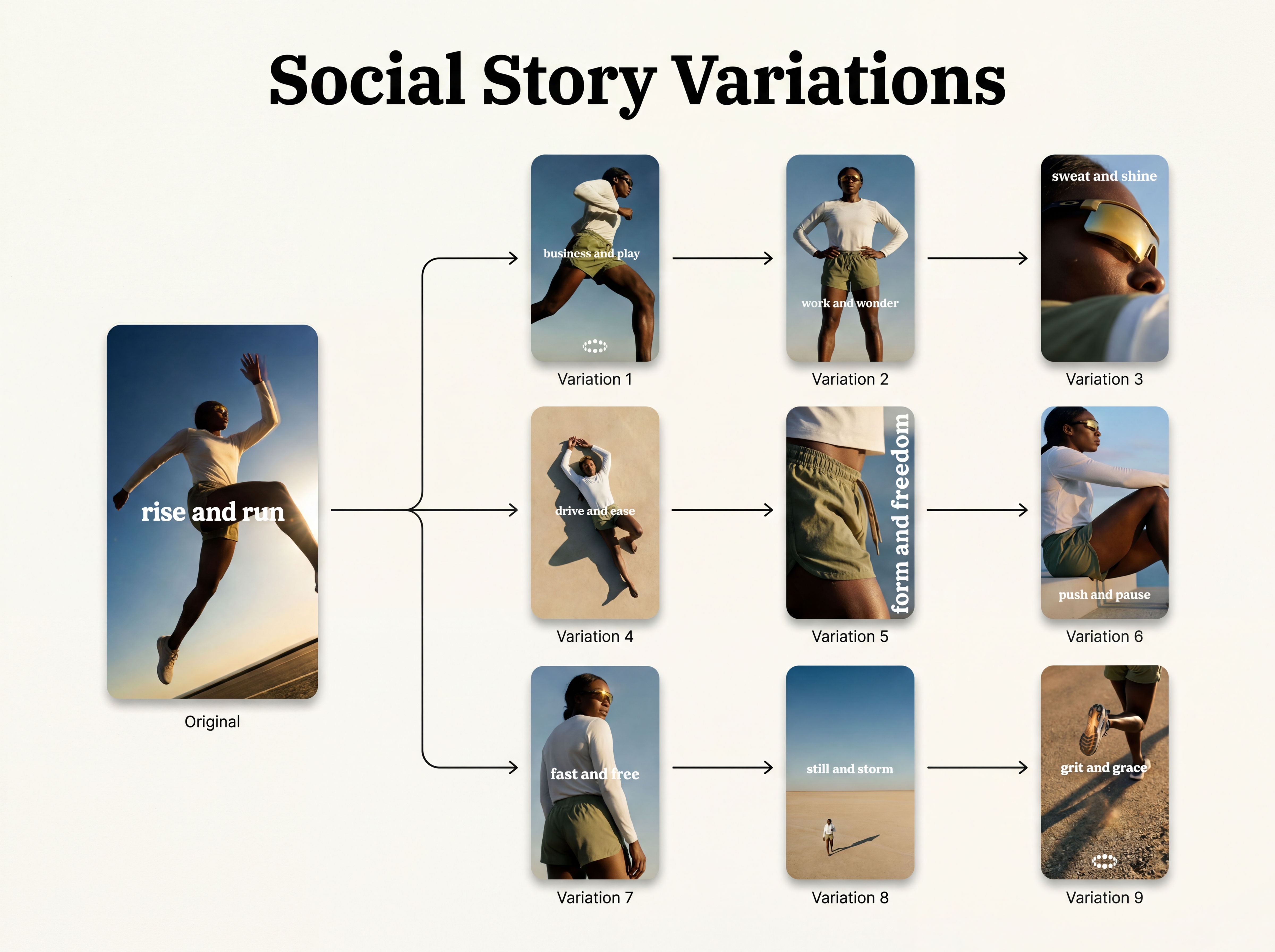 Instagram Story VariatorOne IG story in, nine variations out.
 Meta Ad VariatorOne ad in, nine variations out.
 Photography/Image Aspect Ratio ChangeWorks best with photography or images without text.
 Product to Ad VisualsMake a compelling ad campaign of 4 visuals from 1 product shot
 Auto TranslateTranslate text in images instantly
 Glam ShotsCreate polished makeup ads instantly
Generate a Realistic Book Mockup in One Click
Mocks up front and back book covers

Claire Shin from Google