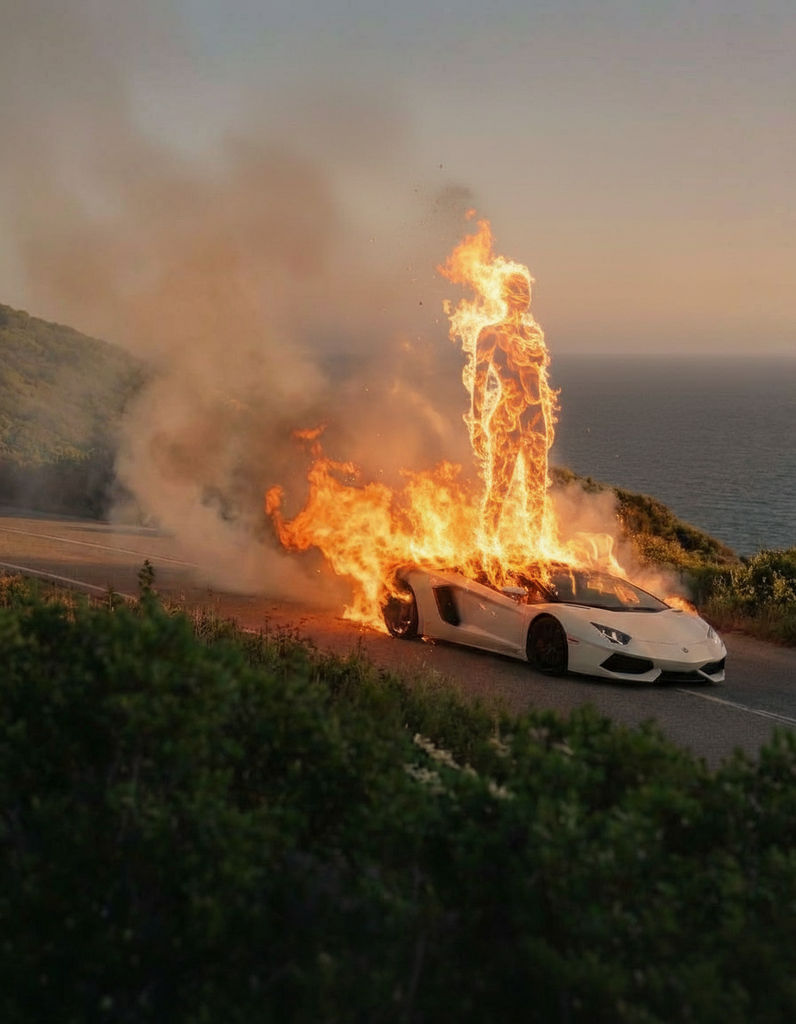
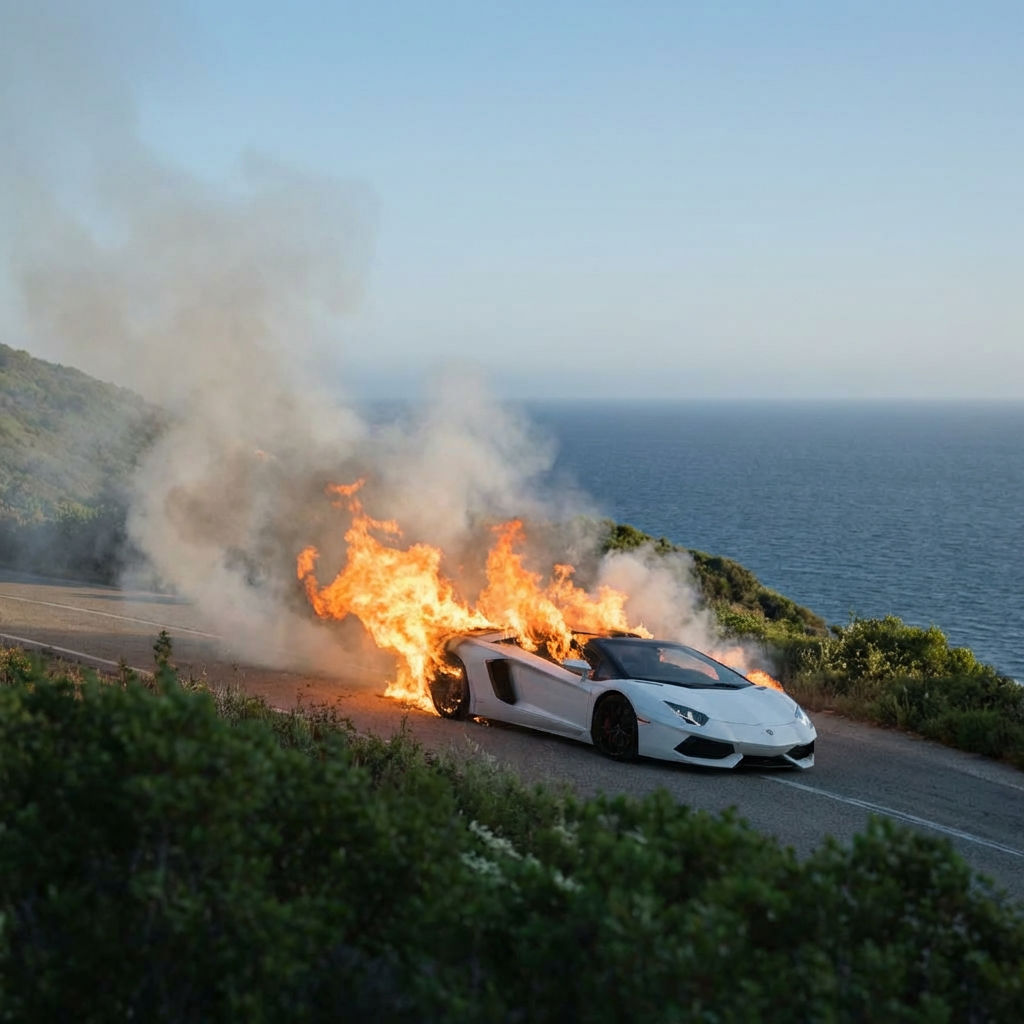
Upload a first frame and a last frame, and this transition maker returns a smooth 5-second video that transitions between your two images.

Before & After Reveals
Marketers use the Seamless Transition technique to create AI transition reveal videos showing before-and-after transformations for products, renovations, and makeovers.

Social Media Content
Content creators run the technique to produce AI video transitions between two scenes, perfect for short-form video platforms.
Presentation Animations
Designers use the technique to create polished transitions between slides or visual concepts for client presentations and pitch decks.
How to use Techniques?
Discover how to utilize Seamless Transition for different scenarios.
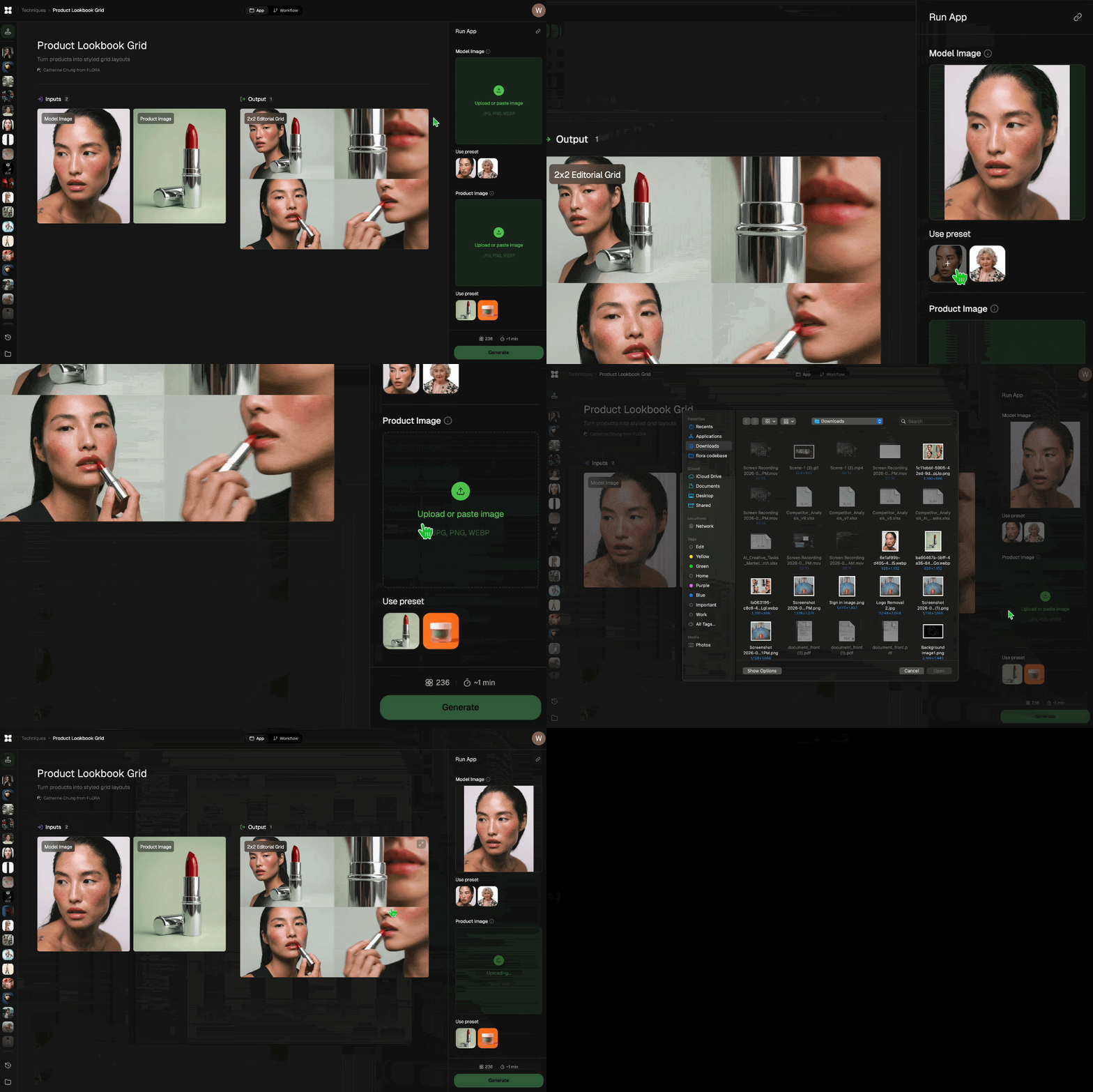
Add inputs
Upload images, videos, or type in the prompts to get started.
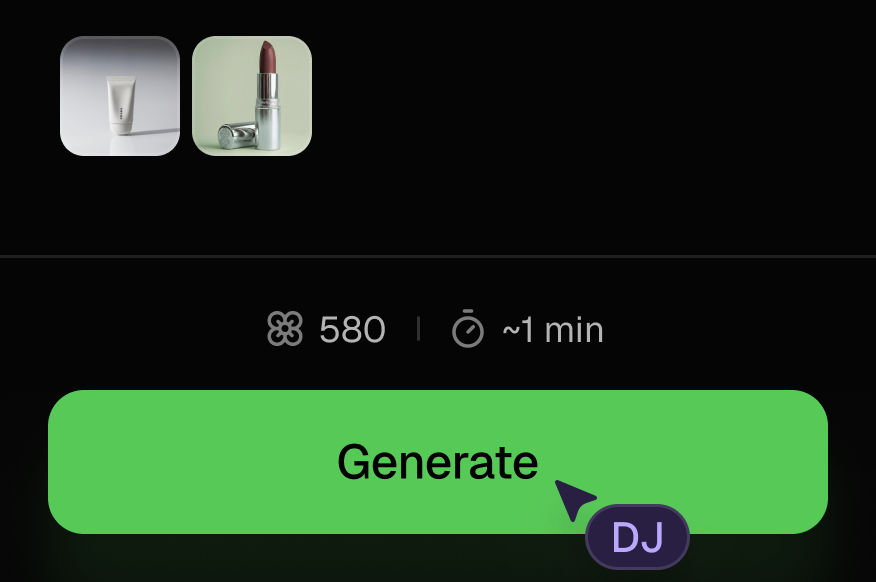
Generate outputs
Next, hit the "Generate" button to start generating your outputs.
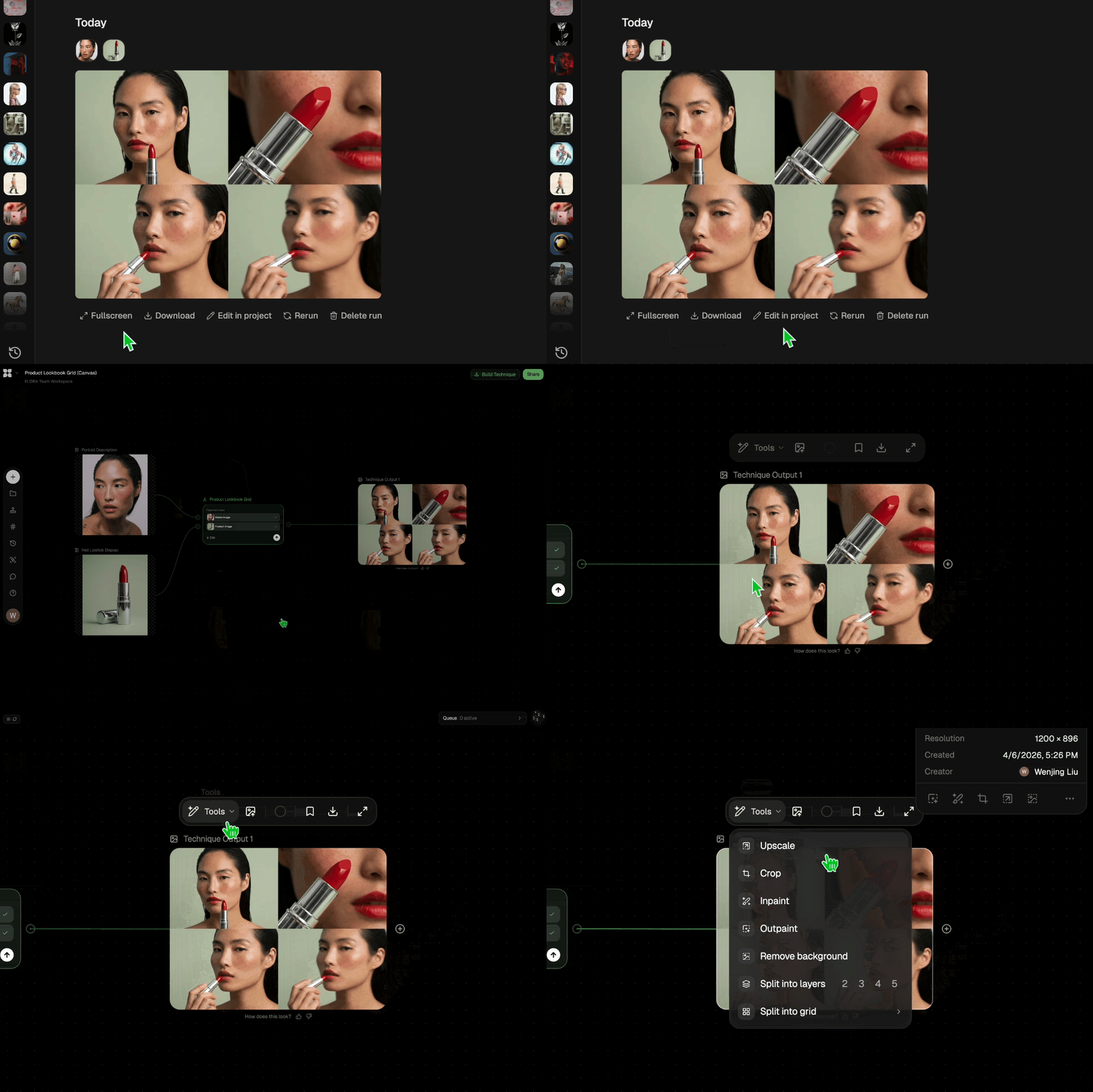
Edit and export
Refine your outputs on canvas, or download them directly.
Frequently asked questions
All you need to know about Seamless Transition
What is an AI transition, and how does it work?
An AI transition is a short video clip generated between two still images, where a model draws every frame in between so the first image becomes the second without a cut. You supply the start and the end. The frames connecting them get invented rather than pulled from footage you shot.
That difference matters more than it sounds. Traditional editing gives you a fixed menu of effects to lay over two clips. Generating the middle instead means the connection can be anything the model can plausibly render: a camera push, a material morph, a subject turning to face a new scene. You can start on FLORA for free and run a pair of frames through to see what the gap between them produces.
How a transition generator builds the in-between frames
The two uploads work as anchors. Everything between them is a generation problem, solved in roughly four moves:
- It reads both frames as endpoints. Subject, composition, palette, and lighting get parsed on each side so the model knows where the clip starts and where it has to land.
- It finds a path between them. The model works out a plausible route from one state to the other, whether that reads as camera movement, object motion, or a change of form.
- It renders the intermediate frames. Each frame is generated in sequence, with the subject carried forward so identity holds instead of flickering between versions of itself.
- It lands exactly on your last frame. The final frame matches the image you uploaded, which is what makes the clip usable as a join between two known shots.
The result is a piece of footage in its own right, not a filter sitting on top of one.
Why AI video transitions look different from editor effects
A crossfade lowers the opacity of one clip while raising the other. A wipe slides a hard edge across the frame. A zoom transition scales and blurs what is already there. In each case nothing new gets drawn, which is why the same handful of effects show up everywhere and read as familiar within half a second.
AI video transitions carry content through the join instead. A product can rotate into a different colorway, a room can rebuild itself from bare walls to a finished space, a face can move from one lighting setup to another while staying recognizably the same face. The join stops being a visible edit and becomes part of the story the shot is telling.
That also changes where the work happens. Instead of choosing an effect after the fact, you are choosing two frames and letting the middle follow from them. The creative decision moves earlier.
What a transition maker can infer from your two frames
The distance between your start and end frame is the single biggest lever on the output, and it is worth thinking about before you upload.
Frames that share a subject and a setting produce continuity. Shift the camera angle slightly or change one element, and the AI transition reads as a real move: a dolly in, a pan, a reveal. Frames that share a subject but change the setting produce a transformation, which is the mode most before-and-after reveals want.
Push the distance further and the clip turns surreal. Two unrelated images give the model no shared anchor, so it invents a bridge, and the middle becomes a morph rather than a move. That is a legitimate look when you want it and a problem when you were expecting a clean join. Matching lighting direction and keeping the subject at a similar scale across both frames is usually enough to keep a transition maker in the territory you intended.
Where the transition fits in a longer edit
An AI transition is rarely the whole deliverable on its own. On FLORA's canvas the output stays live, so the surrounding shots can be built in the same file:
- Plan the sequence first with the storyboard maker, then generate the frames each join has to hit.
- Build longer sequences with the cinematic movie generator and use transitions to stitch the beats together.
- Give a product its own motion with the product animator or product motion before cutting between shots.
- Recut a finished clip for another platform's aspect ratio with quick reframe, or open it to other markets with auto translate.
Everything runs on the same canvas against 50+ image and video models, so a look you establish in one shot carries into the next. For the wider view, see the FLORA AI video generator or the roundup of the best AI video generators.
Related techniques
 Video Scene BuilderCompose video scenes from still assets
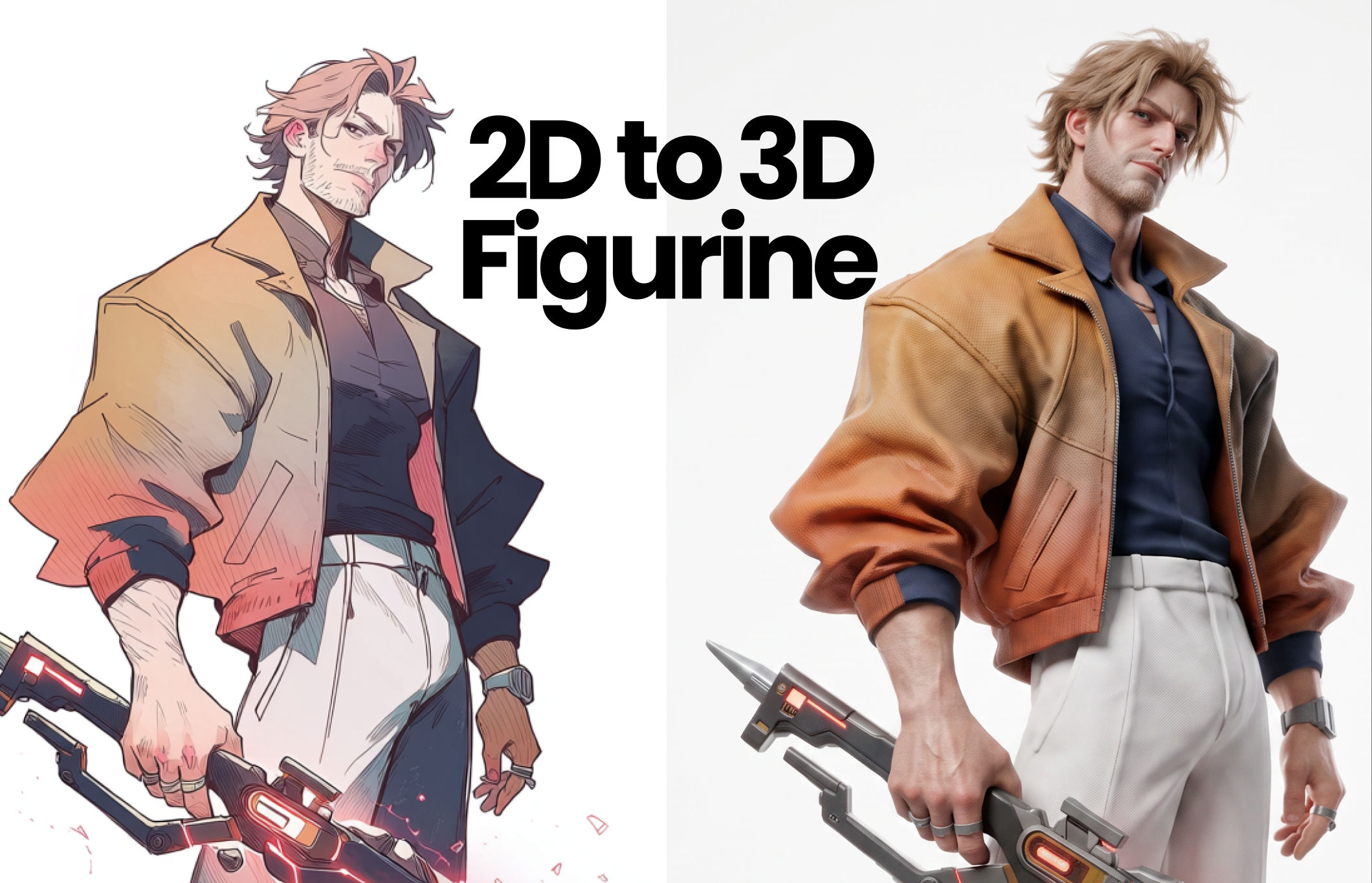 2D to 3D FigurineTurns 2D character art into a hyper-realistic 3D CGI collectible figurine studio-lit, PBR materials, and premium detail, with original colors, pose, and design exactly preserved.
 Album Art VisualizerMake a cool looping video based on your album art image
 Blake Ridder's Cinematic PlateCreate a video in Blake Ridder's Cinematic Style
 Cinematic Sizzle Reel CreatorMake a cinematic fast paced reel out of multiple videos. Technique built by DJ Kim
 DreamscapeCreate dreamy realism images and loop animation backgrounds for tech and SaaS hero sections.
Create a Seamless AI Transition Between Any Two Frames
Animate between any two frames
Michelle Ma from FLORA