

Add Professional Depth-of-Field Blur to Any Photo
Upload an image to the Studio Blur technique and receive a version with professional depth-of-field blur applied — studio-quality background separation in one click.

Product Photography Enhancement
E-commerce teams use the Studio Blur technique to add professional depth-of-field blur to product photos, drawing attention to the subject and creating a polished studio look.

Portrait Enhancement
Photographers run the technique to add bokeh-style blur to portraits shot without shallow depth of field, giving them a more professional appearance.

Social Media Content
Content creators use the technique to make photos look more cinematic and professional by separating subjects from backgrounds with studio-quality blur.
How to use Techniques?
Discover how to utilize Studio Blur for different scenarios.
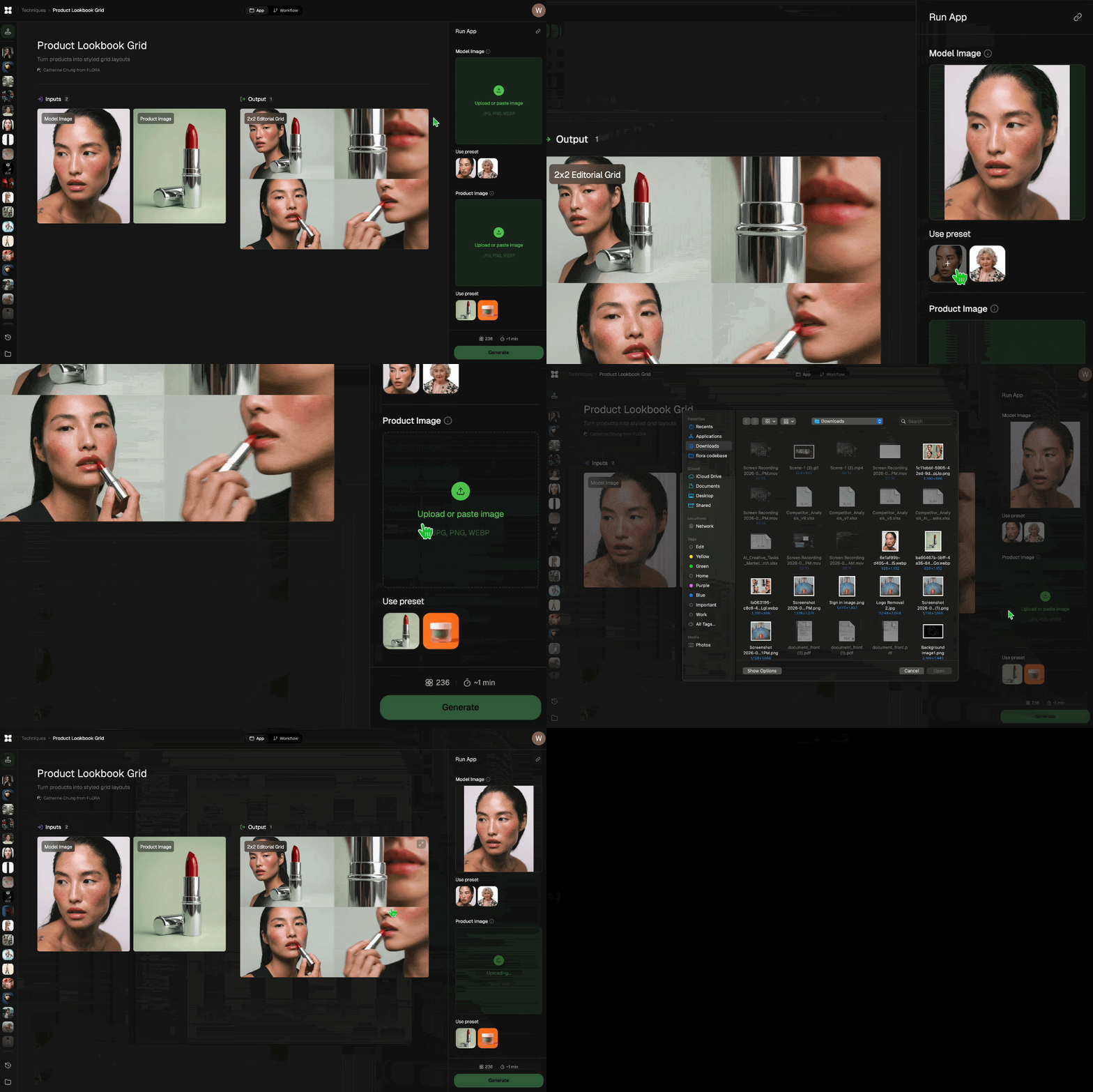
Add inputs
Upload images, videos, or type in the prompts to get started.
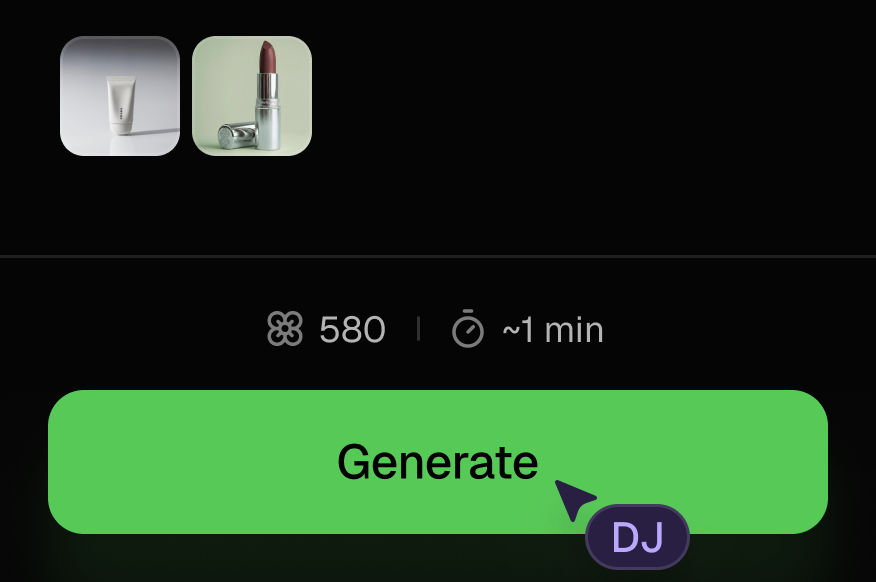
Generate outputs
Next, hit the "Generate" button to start generating your outputs.
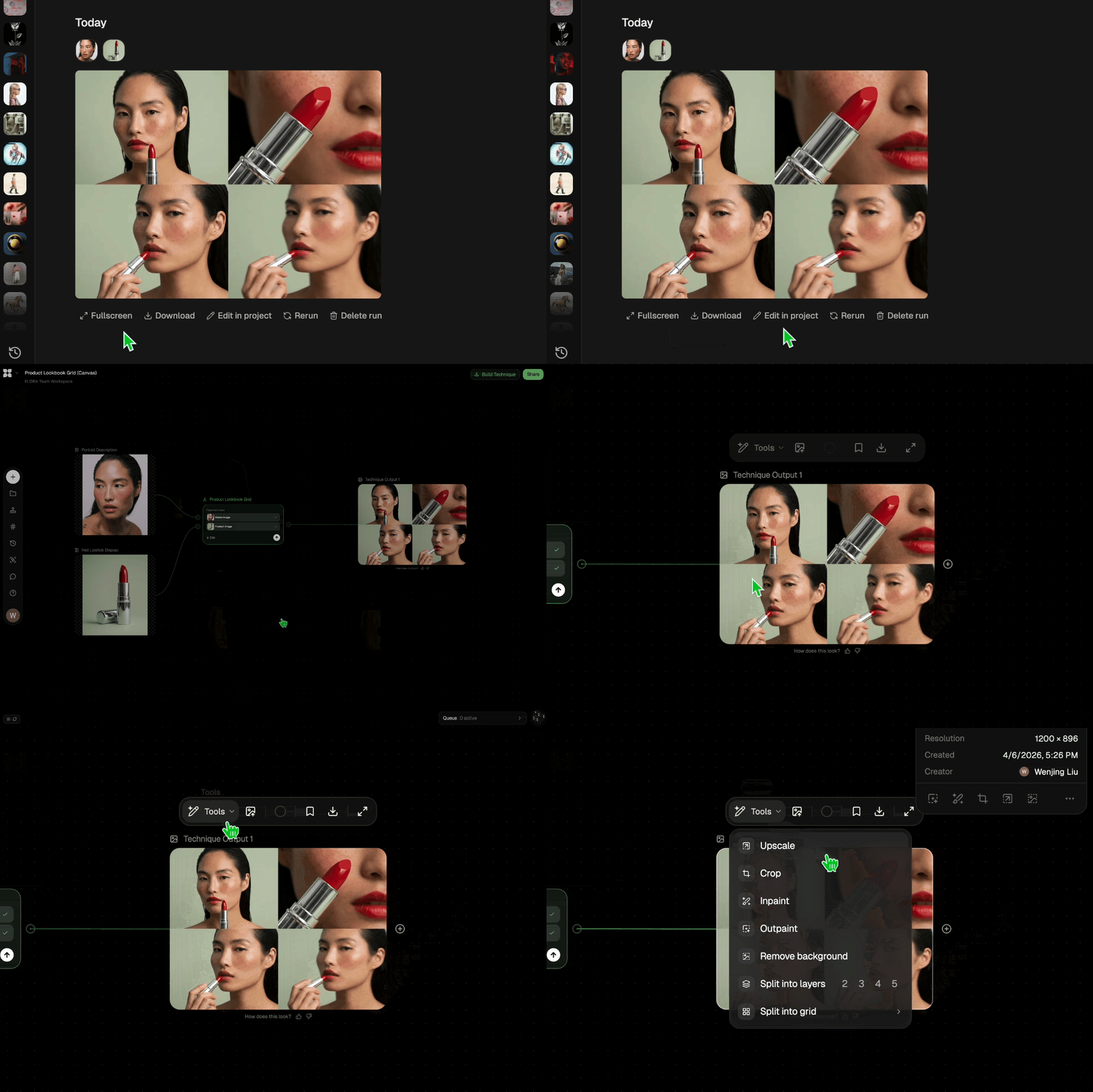
Edit and export
Refine your outputs on canvas, or download them directly.
Frequently asked questions
All you need to know about Studio Blur
Studio Blur
Add pro depth-of-field blur to photos

DJ Kim from FLORA