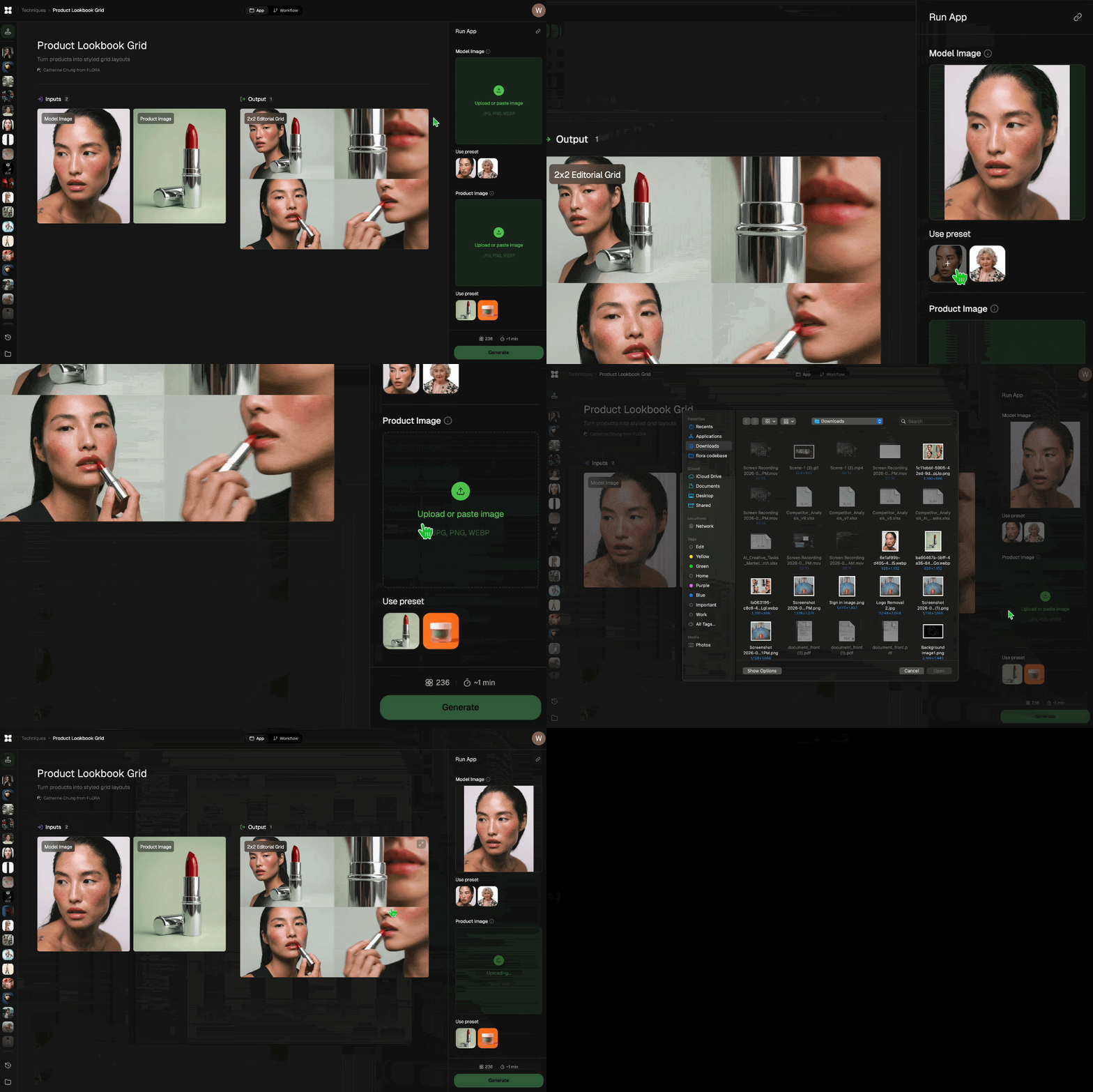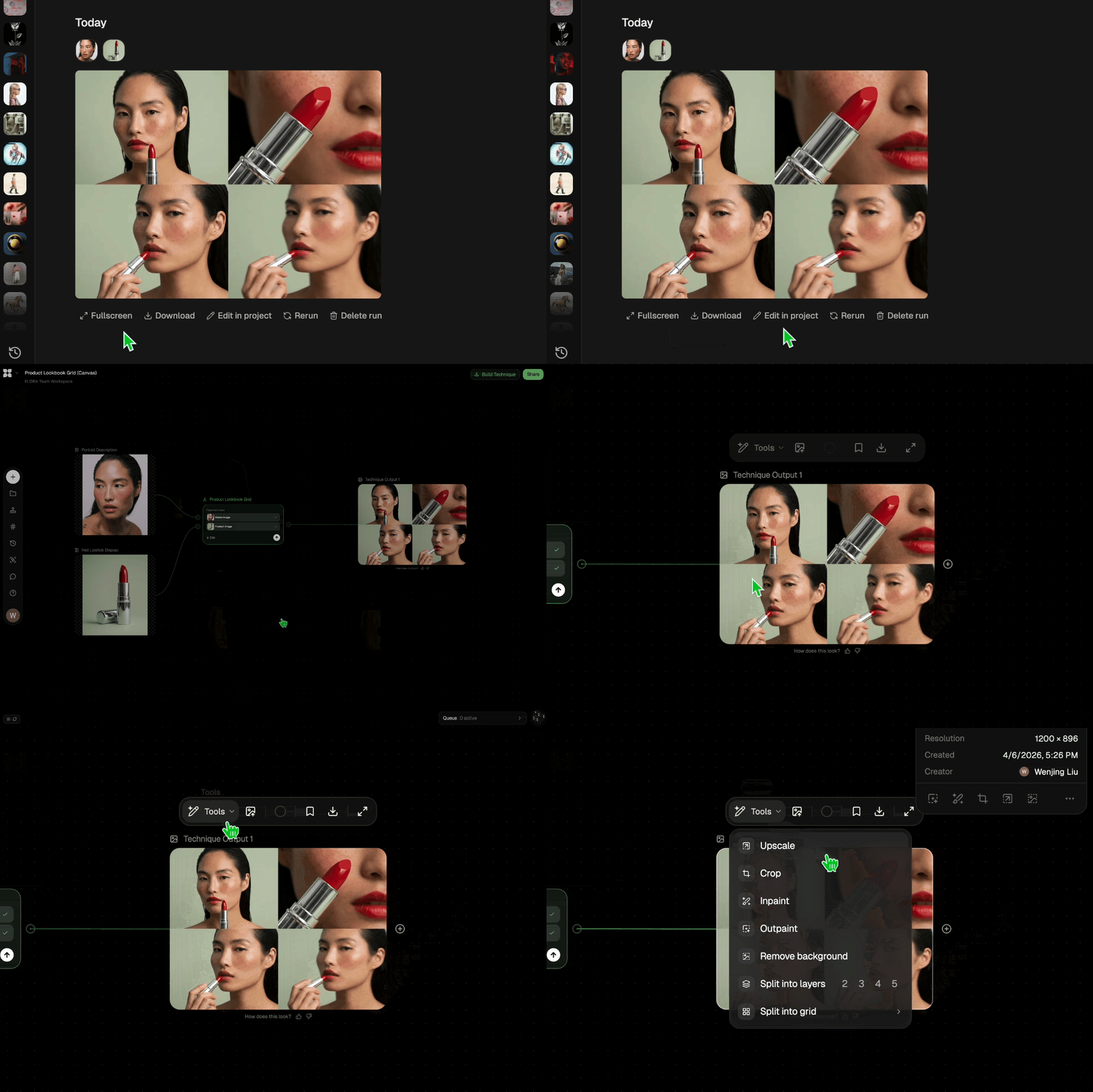


Run this AI-powered technique in your browser. Upload your inputs, hit generate, and get professional results in moments.

Creative Production
Design teams use FLORA techniques to produce professional-quality creative assets in seconds, accelerating production timelines and reducing dependency on manual editing.

Marketing Content
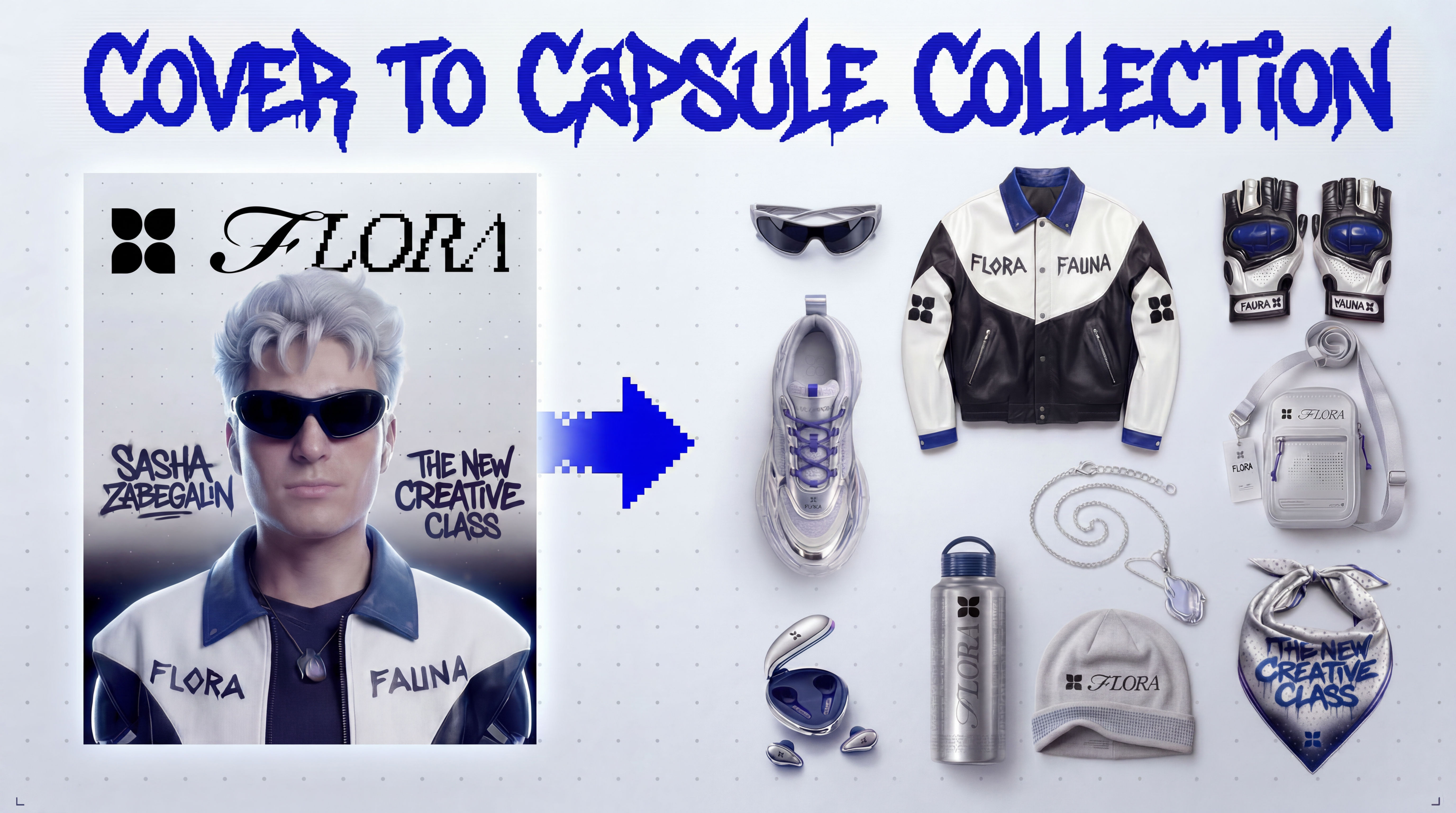
Marketing teams generate on-brand visual content for campaigns, social media, and ads — iterating quickly on concepts without waiting for design resources.

Product Visualization
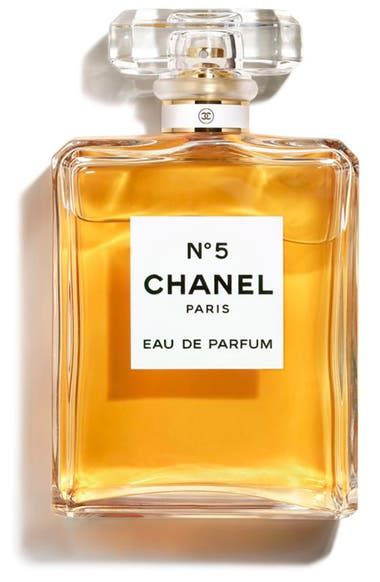
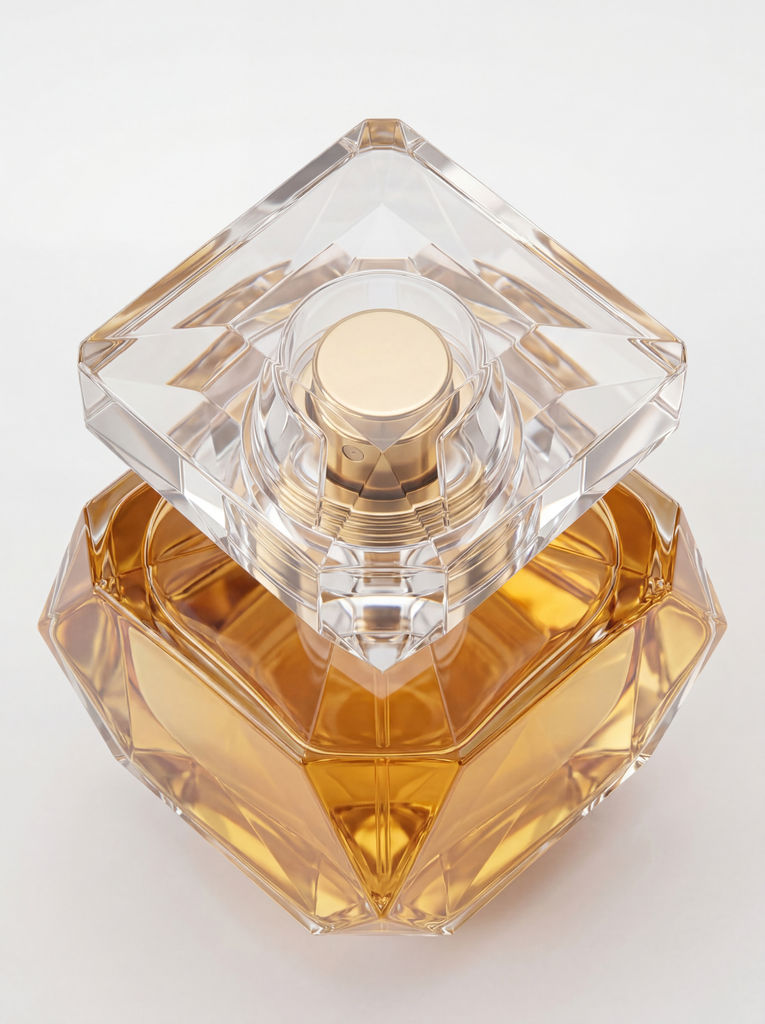
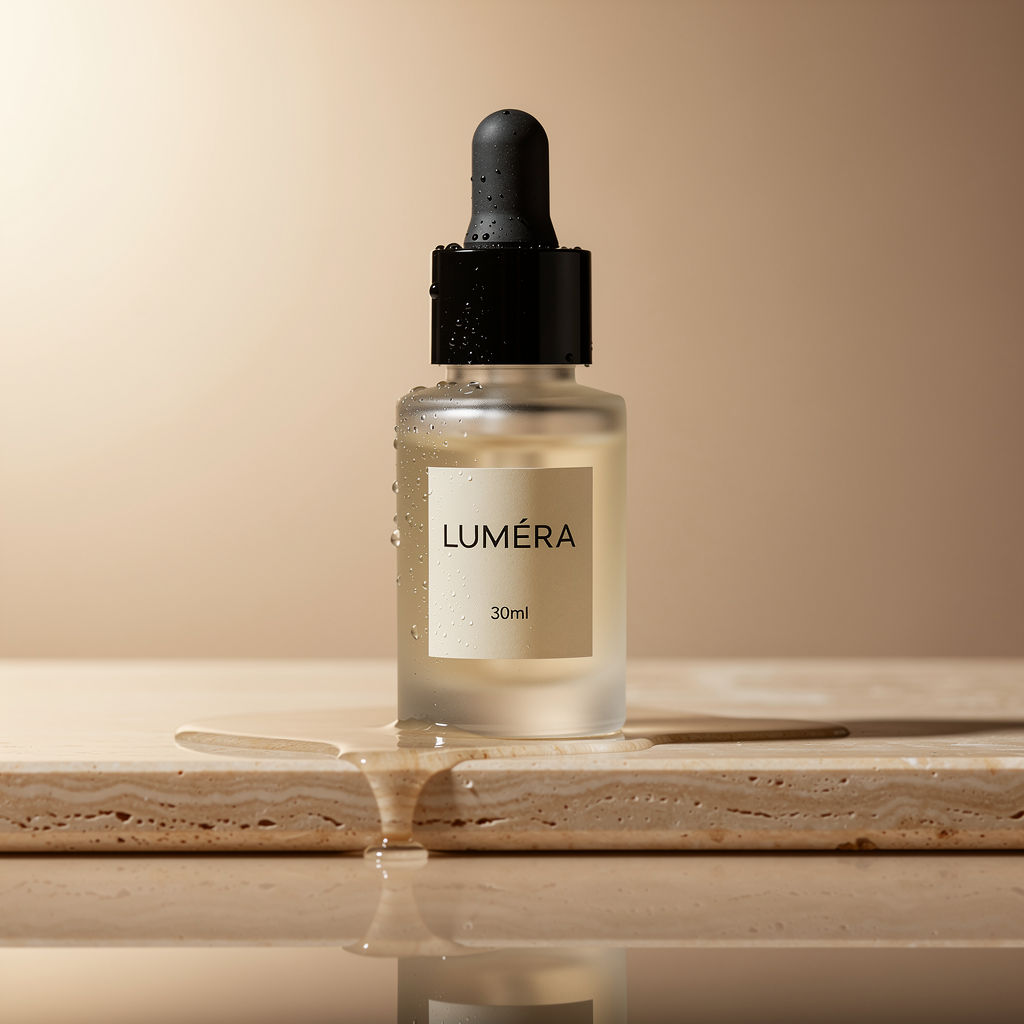
E-commerce and product teams create high-quality product visuals, mockups, and lifestyle imagery to showcase their offerings across channels.
How to use Techniques?
Discover how to utilize Sketch to Photorealistic Product Renderer for different scenarios.

Add inputs
Upload images, videos, or type in the prompts to get started.

Generate outputs
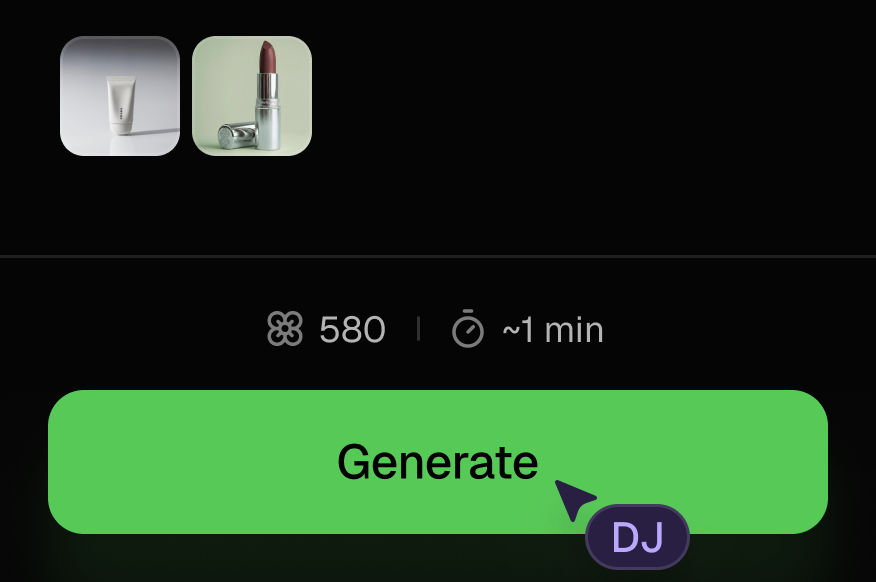
Next, hit the "Generate" button to start generating your outputs.

Edit and export
Refine your outputs on canvas, or download them directly.
Frequently asked questions
All you need to know about Sketch to Photorealistic Product Renderer
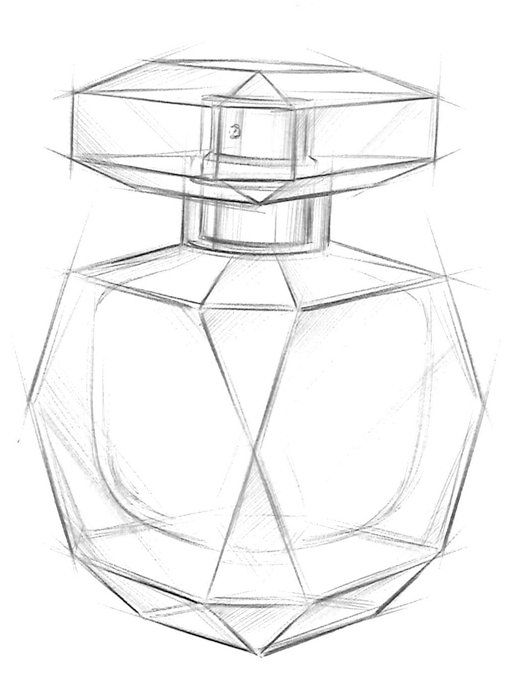
Sketch to Photorealistic Product Renderer
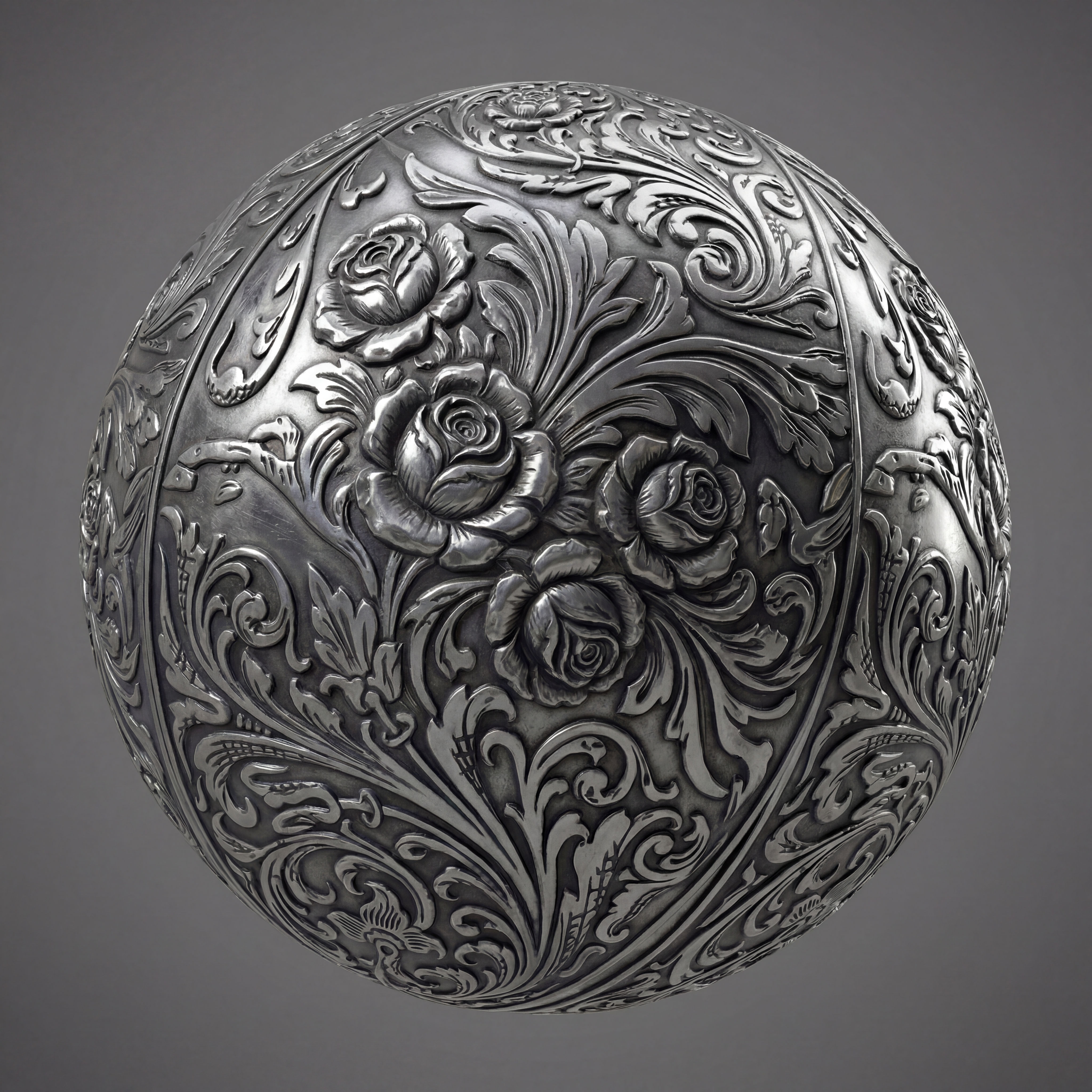
Upload any product sketch and a style reference. Get 9 photorealistic renders — rare angles, texture close-up, top, bottom and underside shots. Any product. Label-free. Production-ready.
Zazzy ㅤ