ANALISIS Prompt
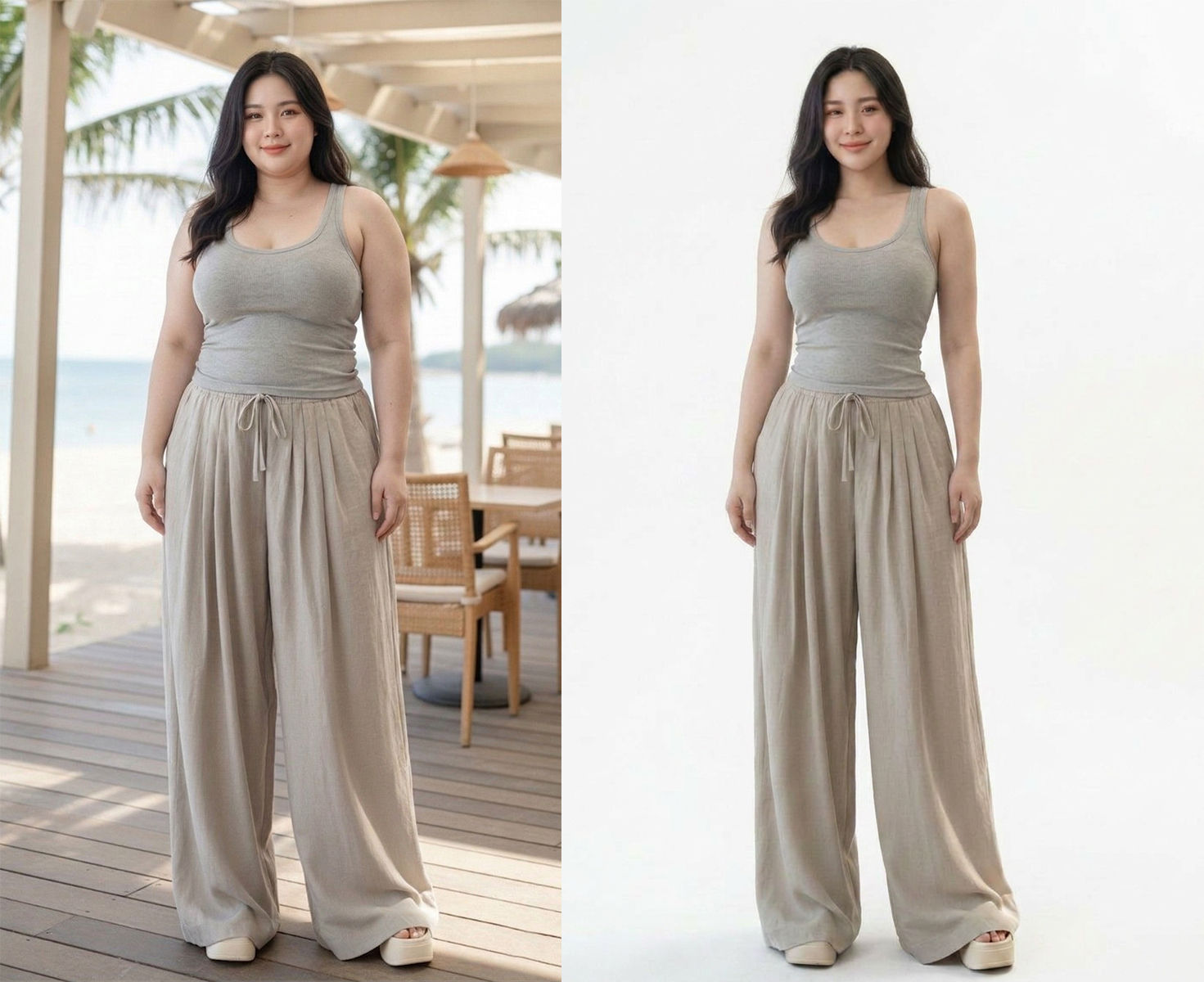
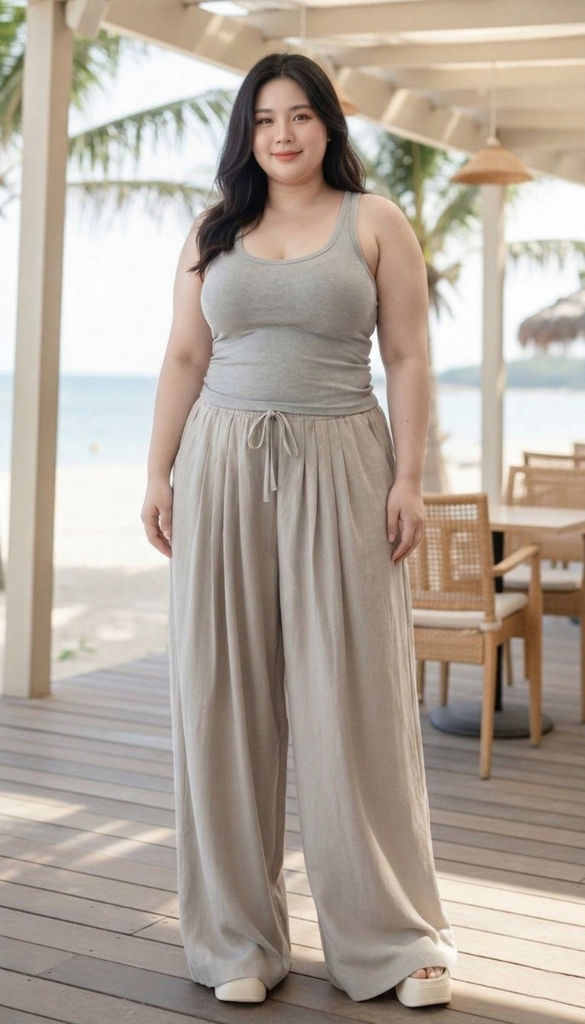
Analyze the uploaded photo in detail, including the subject (person), clothing, pose, lighting, shadows, and background. Carefully separate the main subject from the background with high precision (clean cut / smooth masking), especially around complex areas such as hair, hands, and clothing edges. Replace the entire background with a solid pure white color (#FFFFFF). The background must be completely clean, with no texture, no gradient, and no noise. Fully preserve the following: Face, expression, and identity of the person Original skin tone Hair details (keep fine strands natural, no harsh cut edges) Clothing, including colors and fabric texture Pose and body proportions Adjust lighting to ensure the subject looks natural on the white background: Add a soft, subtle shadow under the feet to prevent a floating effect Balance exposure and contrast so the subject blends naturally with the new background Ensure the final result looks like a professional studio photo with a clean white background. There must be no remnants of the original background, no halo effect, and no rough or jagged edges around the subject. messy edges, rough cut, halo effect, leftover background, shadow artifacts, color spill, blur edges, distorted body, cut hair, unnatural lighting, gray background, gradient background, texture background
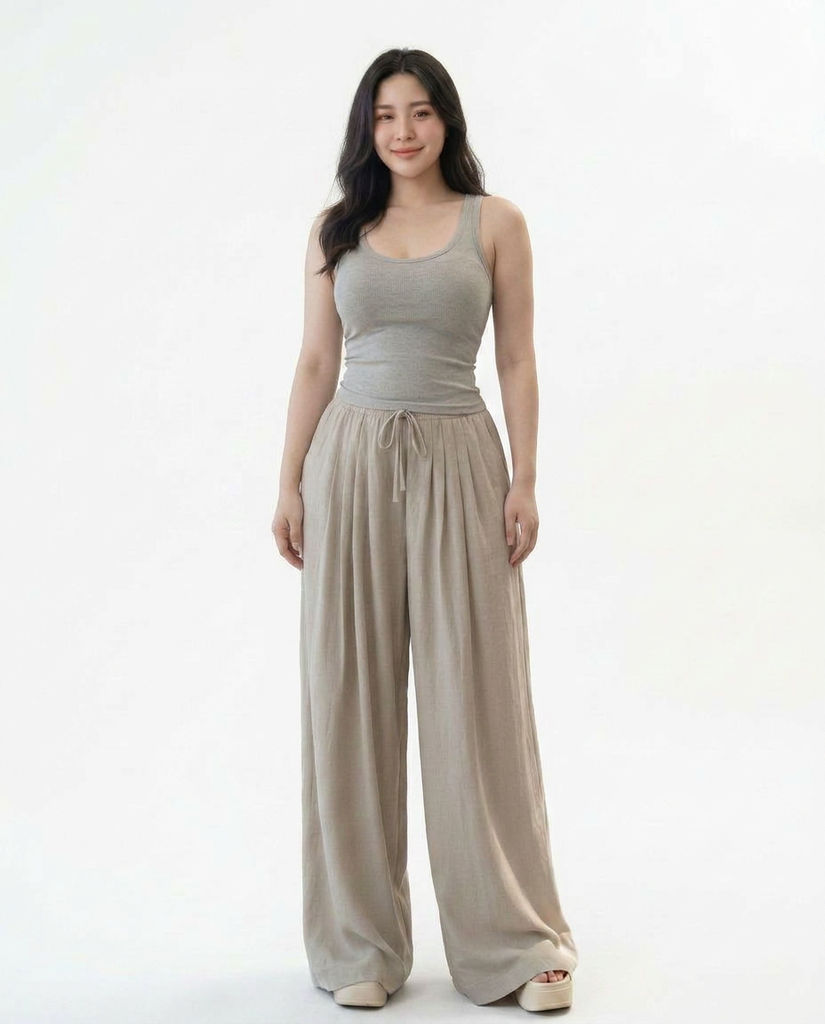
Run this AI-powered technique in your browser. Upload your inputs, hit generate, and get professional results in moments.

Creative Production
Design teams use FLORA techniques to produce professional-quality creative assets in seconds, accelerating production timelines and reducing dependency on manual editing.

Marketing Content
Marketing teams generate on-brand visual content for campaigns, social media, and ads — iterating quickly on concepts without waiting for design resources.

Product Visualization
E-commerce and product teams create high-quality product visuals, mockups, and lifestyle imagery to showcase their offerings across channels.
How to use Techniques?
Discover how to utilize “Silhouette Refinement Technique” for different scenarios.
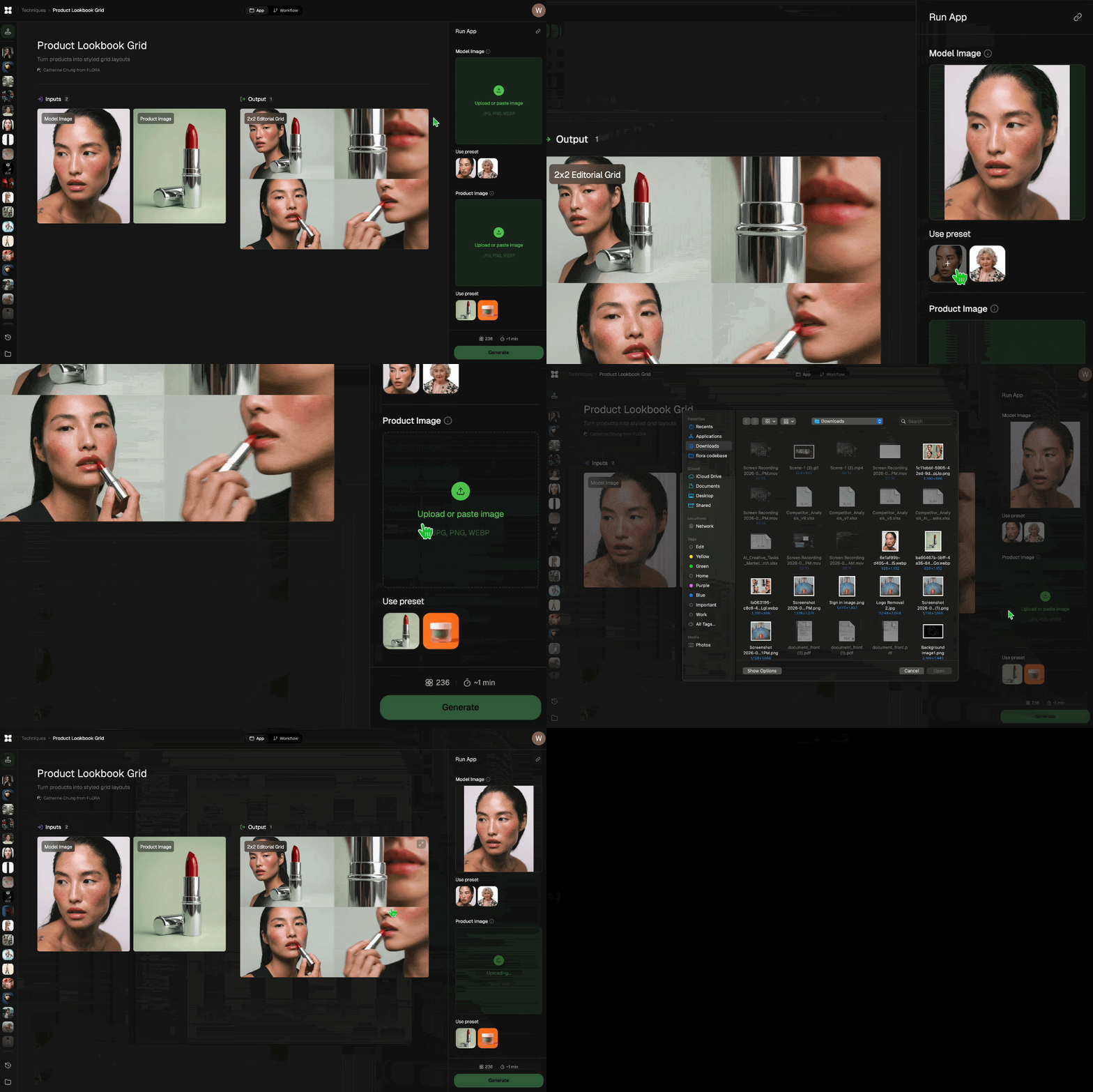
Add inputs
Upload images, videos, or type in the prompts to get started.
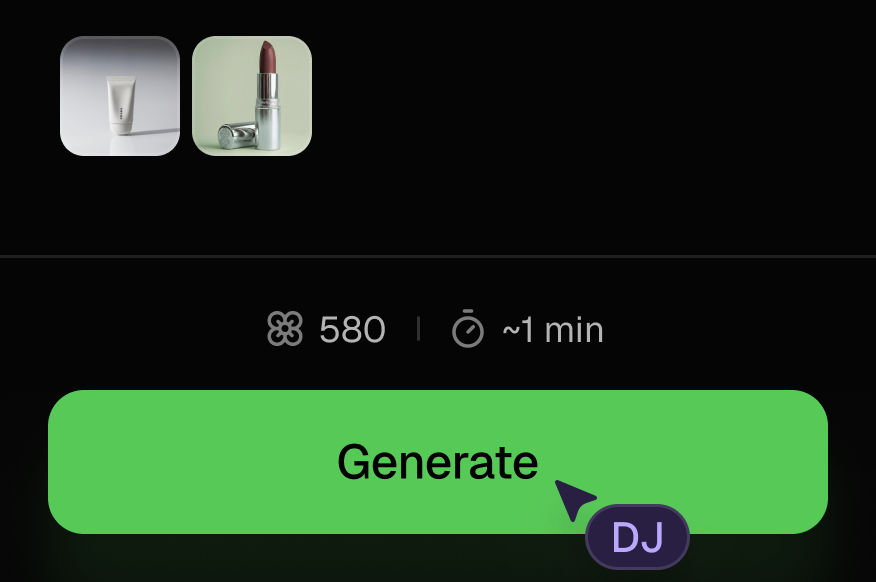
Generate outputs
Next, hit the "Generate" button to start generating your outputs.
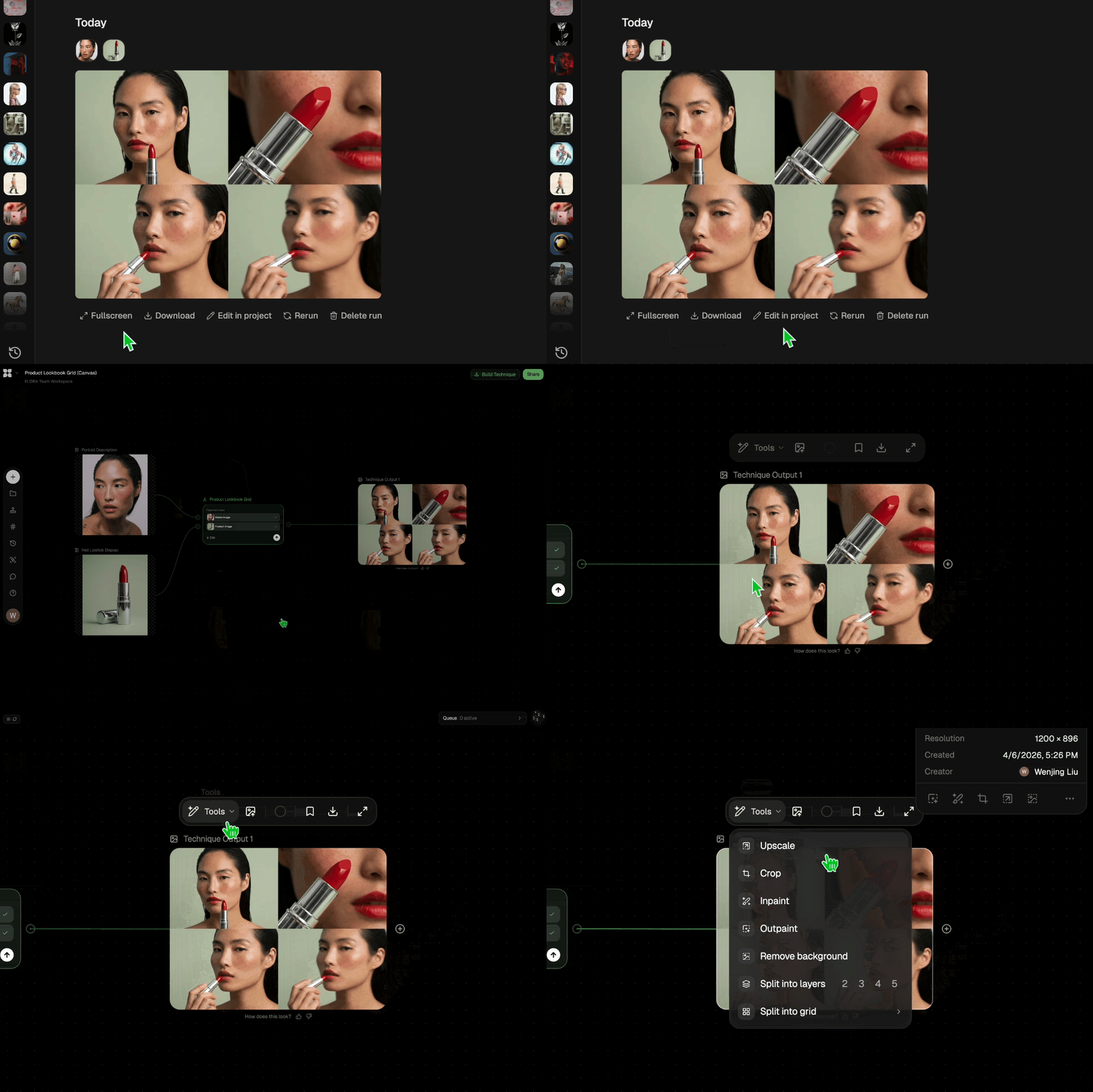
Edit and export
Refine your outputs on canvas, or download them directly.
Frequently asked questions
All you need to know about “Silhouette Refinement Technique”
“Silhouette Refinement Technique”
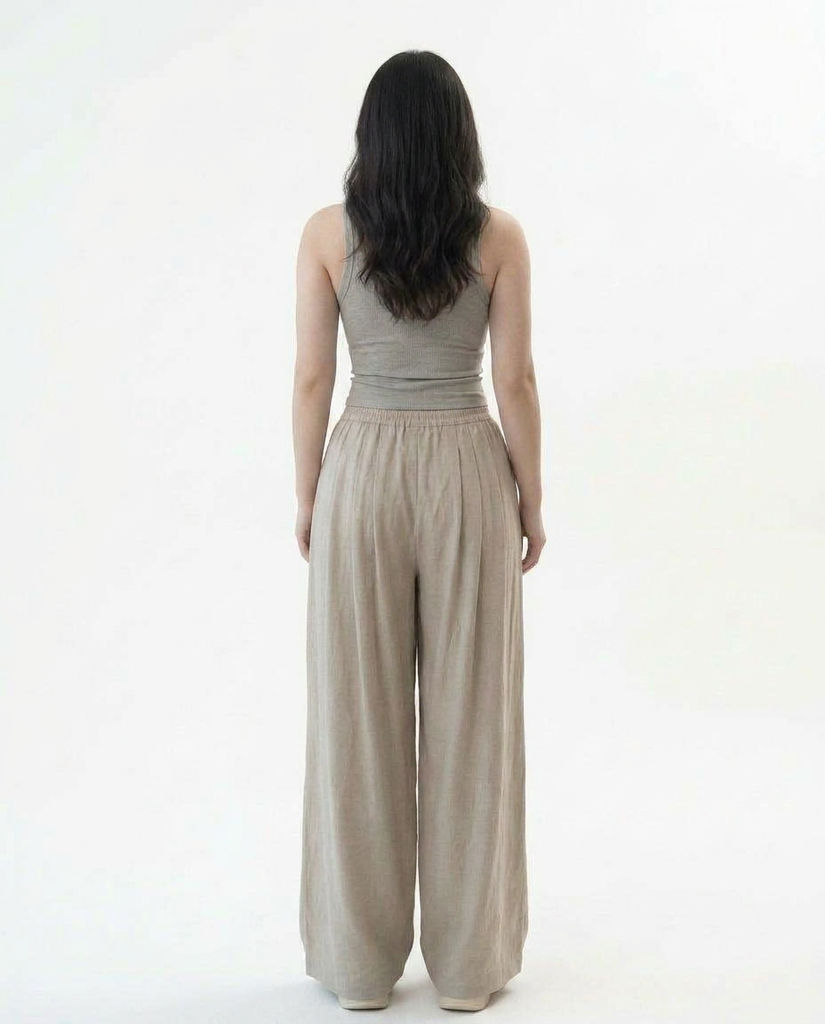
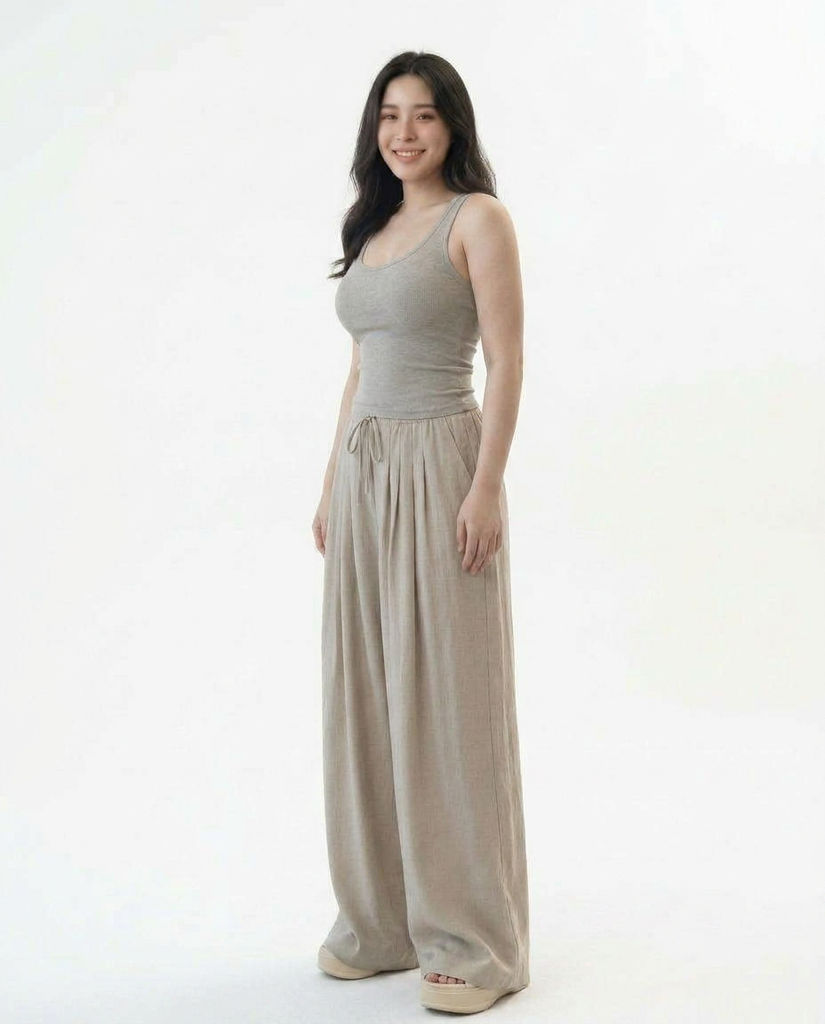
Simply upload one image where the body appears too large or less proportional. Then click “Generate” and wait for the result. You will receive outputs in three angles: front, side, and back.

Narendra Ai