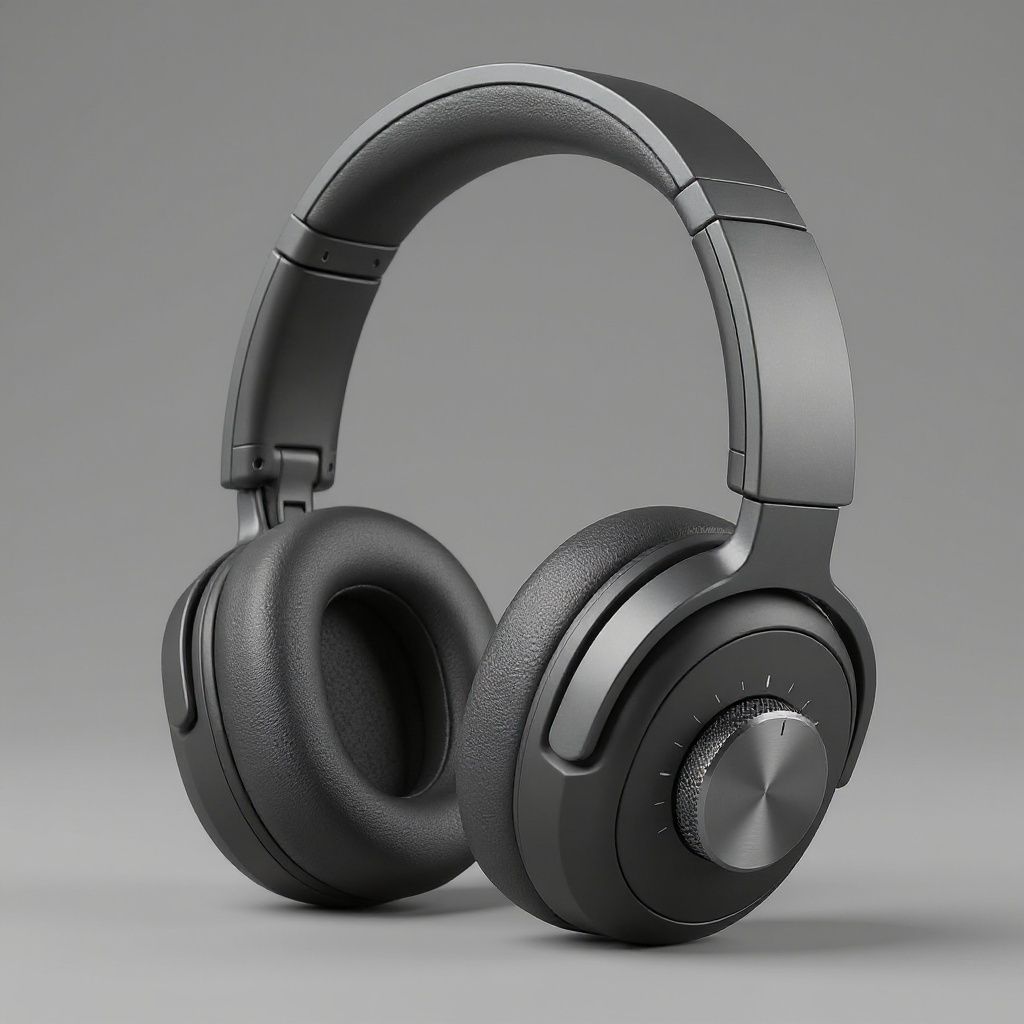
Run this AI-powered technique in your browser. Upload your inputs, hit generate, and get professional results in moments.

Creative Production
Design teams use FLORA techniques to produce professional-quality creative assets in seconds, accelerating production timelines and reducing dependency on manual editing.

Marketing Content
Marketing teams generate on-brand visual content for campaigns, social media, and ads — iterating quickly on concepts without waiting for design resources.

Product Visualization
E-commerce and product teams create high-quality product visuals, mockups, and lifestyle imagery to showcase their offerings across channels.
How to use Techniques?
Discover how to utilize Render AI for different scenarios.

Add inputs
Upload images, videos, or type in the prompts to get started.

Generate outputs
Next, hit the "Generate" button to start generating your outputs.

Edit and export
Refine your outputs on canvas, or download them directly.
Frequently asked questions
All you need to know about Render AI
Related techniques
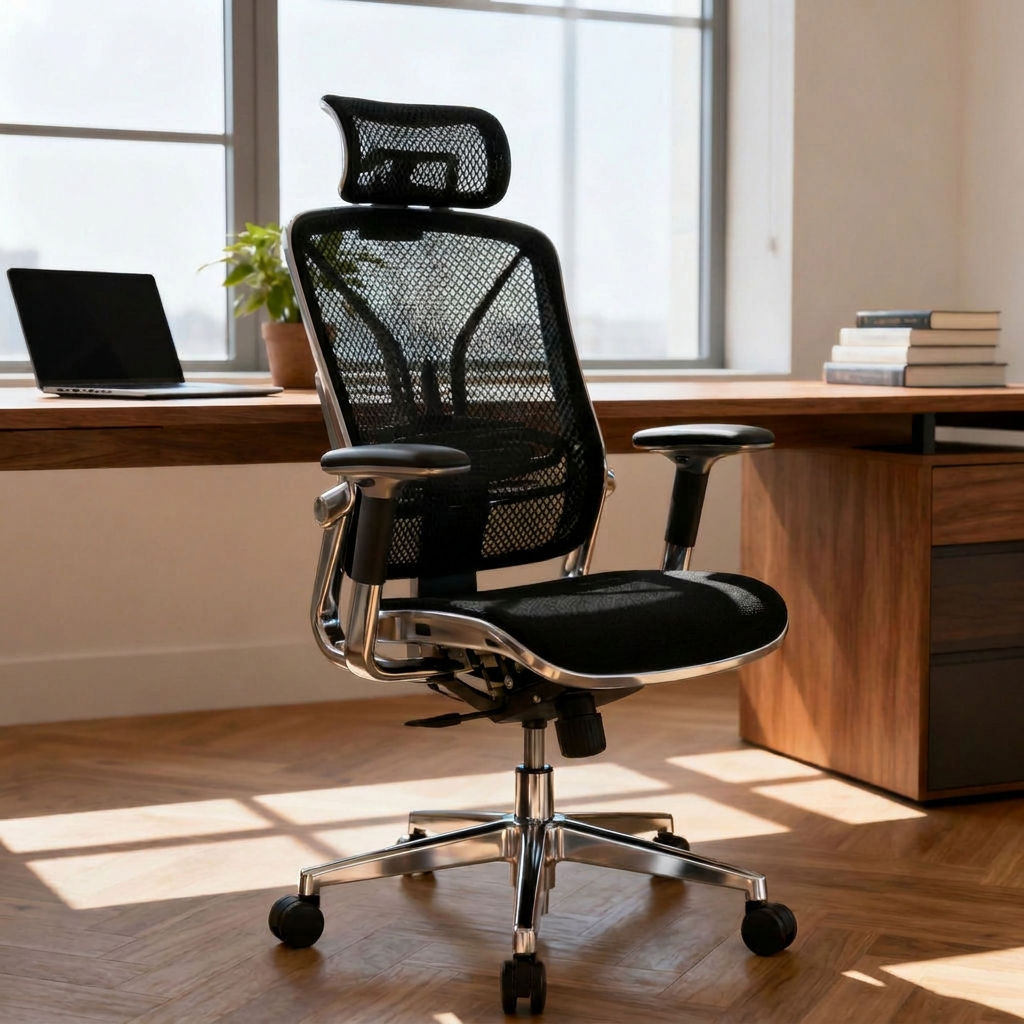 AI 3D Model Generatorturn one product photo into a clean "3D asset" set: orthographic views, a 3/4 studio hero, and a 360° turntable clip. Useful for: product designers, marketplace sellers, and game/AR teams who need turntable-style multi-view renders of an object but have no CAD, no 3D scanner, and no Blender pipeline.
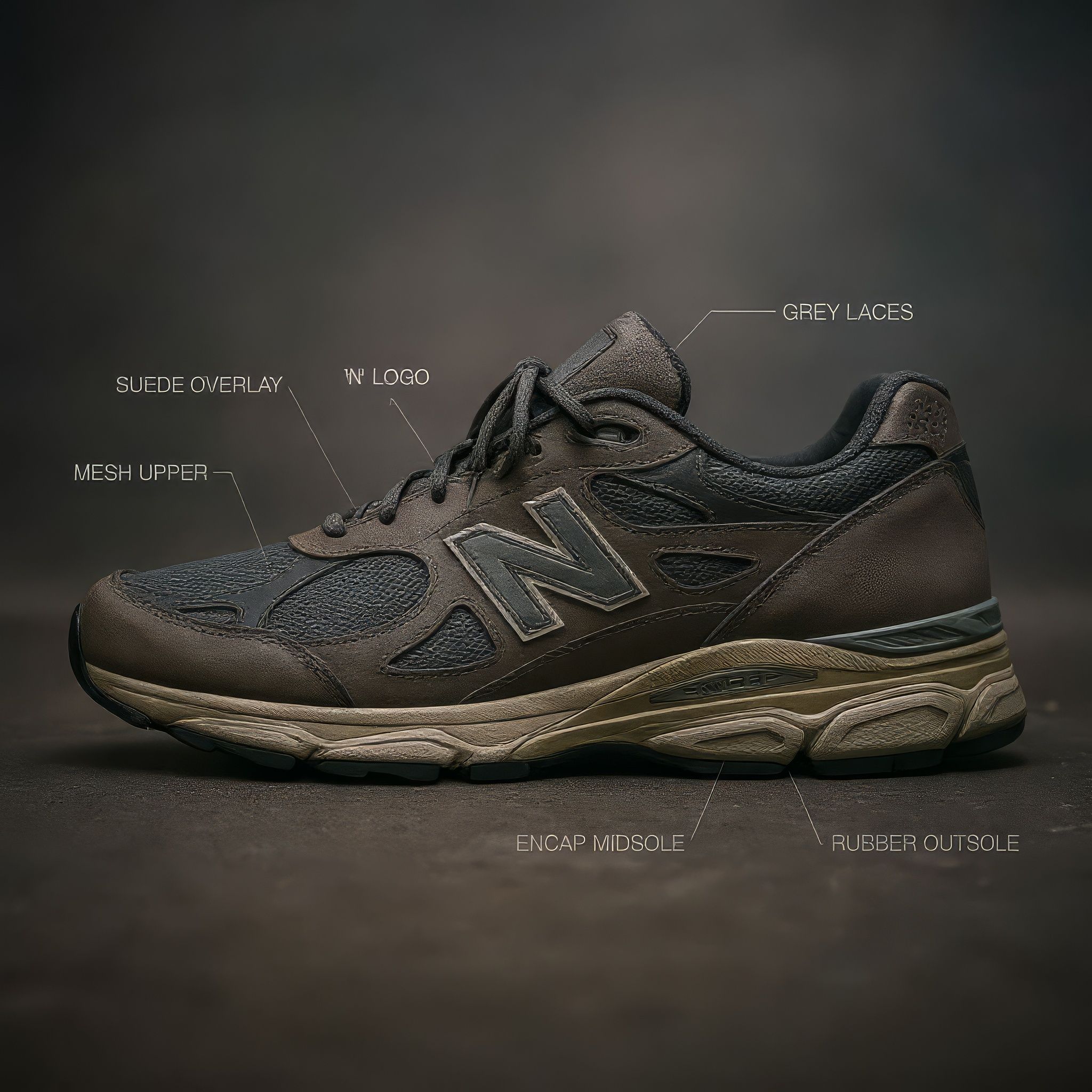 AI Image Generator From Imageturn ONE photo you already have into a whole set of new AI images. Useful for: anyone with a single product shot, headshot, or reference who wants variations, new scenes, new colorways, and a print-ready hero — without reshooting. This is the image-to-image search intent exactly.
 AI Rendering Softwareturn a rough grey CAD/clay model into finished photoreal renders, then re-light and re-material like a render engine. Useful for: product designers, industrial-design & architecture studios who want V-Ray/KeyShot-grade renders from a raw model, plus instant material and lighting variants and a turntable clip.
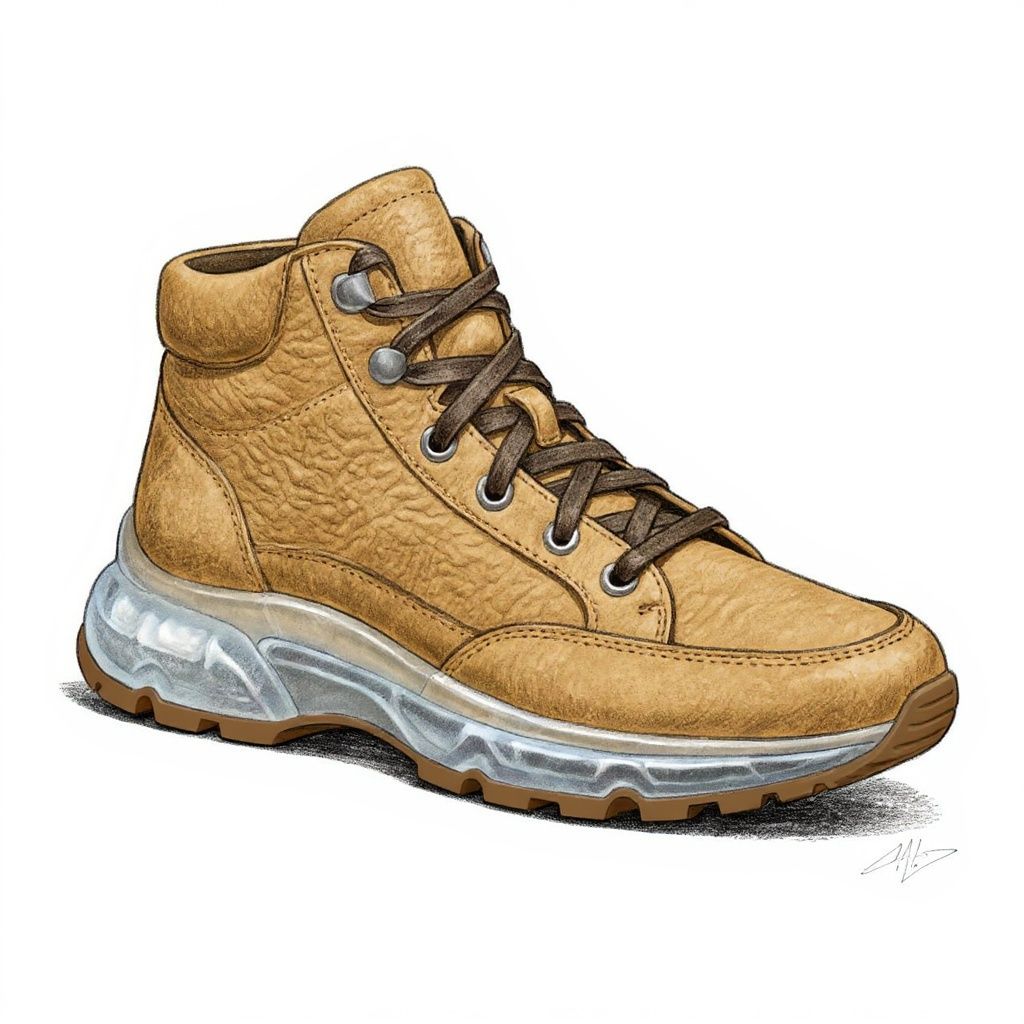 AI Sketchturn one rough hand sketch into a full, consistent visual set: a photoreal render, a clean line-art version, colorway variants, and a motion reveal. Useful for: designers, illustrators, and product teams who scribble a concept on paper and need it turned into presentable art — a realistic render for the pitch, a crisp inked line drawing, color options, and a short clip — all obviously the SAME design.
 AI Workflow Automationa hands-off content pipeline that briefs, generates, self-QAs, and publishes. Useful for: marketing/creative ops teams who want one node graph to turn a product brief into an approved, on-brand campaign set without a human babysitting each step.
 AI 3D Model Generatorturn one product photo into a clean "3D asset" set: a clay-and-wireframe viewport render, orthographic views, a 3/4 studio hero, and a 360° turntable clip. Useful for: product designers, marketplace sellers, and game/AR teams who need turntable-style multi-view renders of an object but have no CAD, no 3D scanner, and no Blender pipeline.
Render AI
turn one raw CAD / clay / greyscale render into a full photoreal render set. Useful for: product designers, industrial designers & viz artists who have a grey clay render (Keyshot/Blender/Fusion 360) and need client-ready photoreal renders — hero, material A/B, packshot, and a turntable clip — without setting up lighting, HDRIs or a GPU render farm.

Louis Anderson