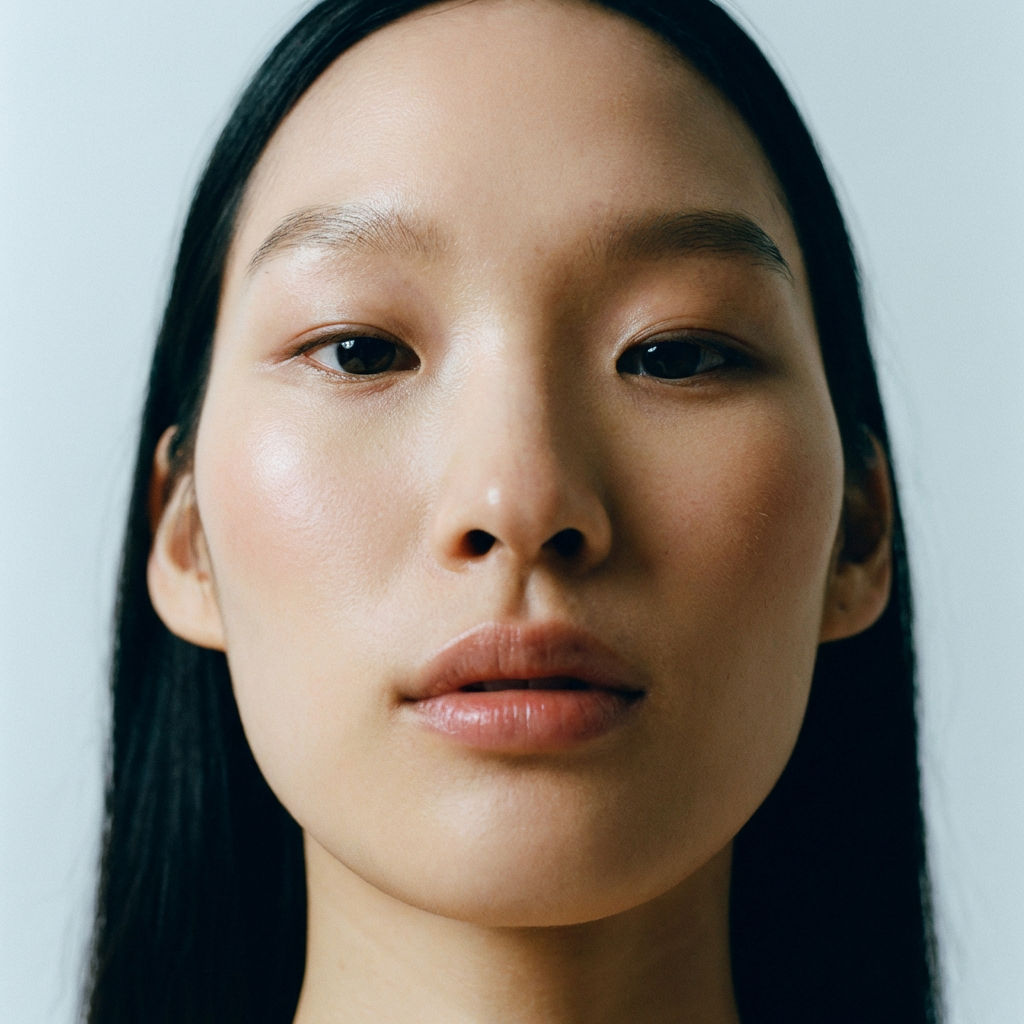
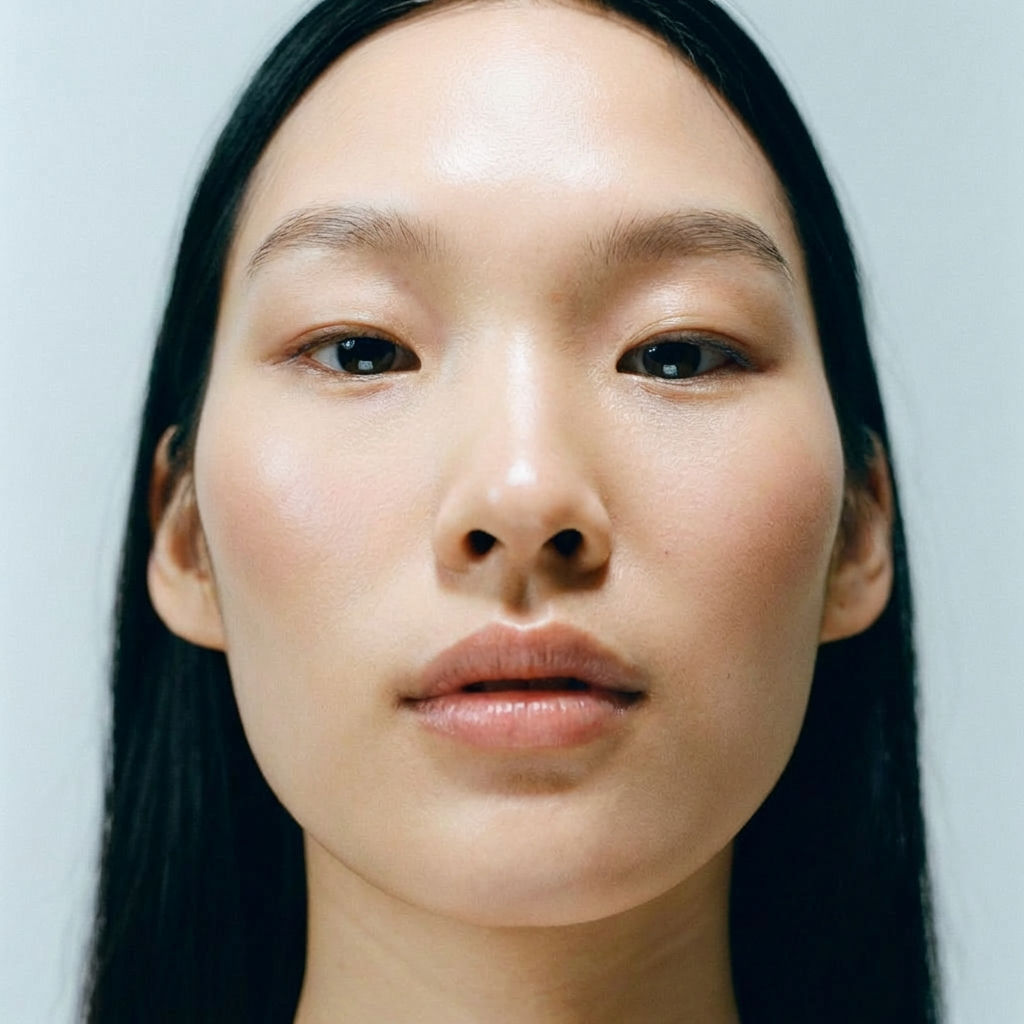
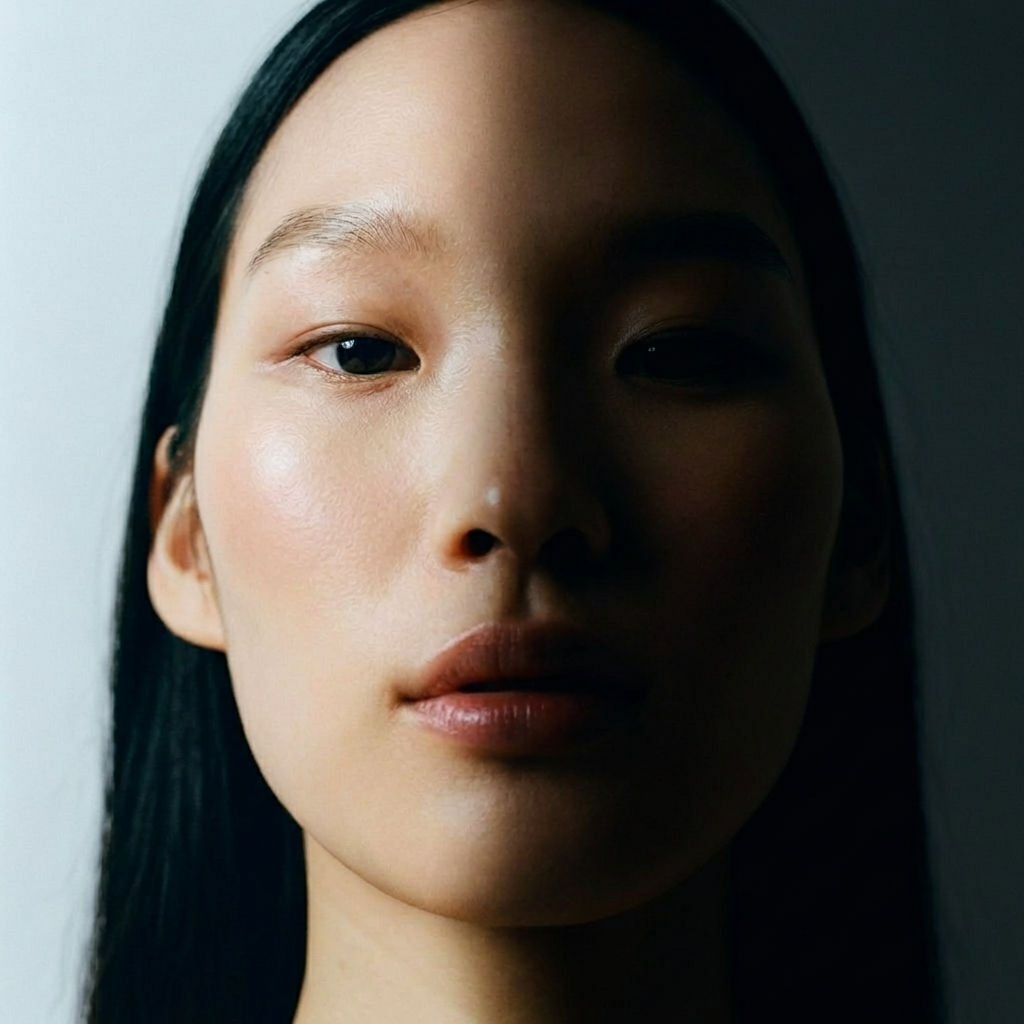
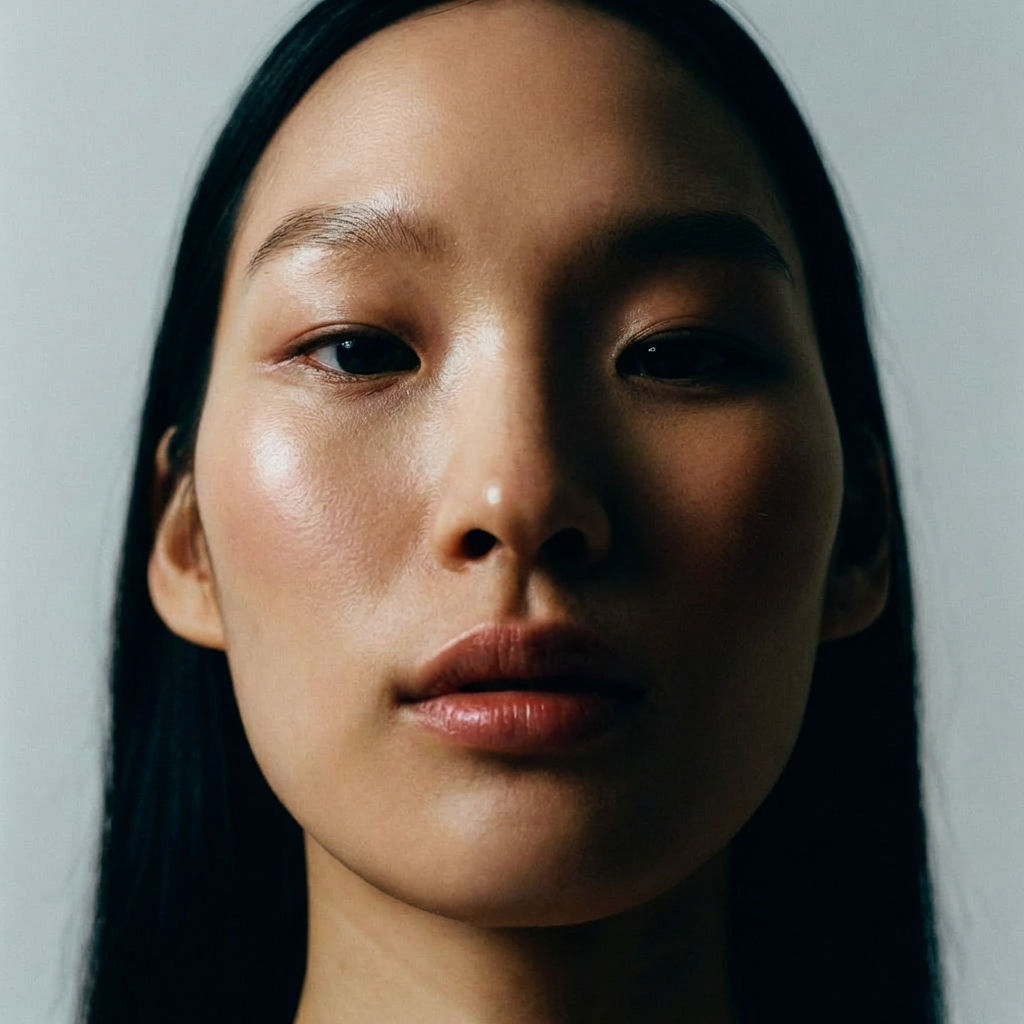
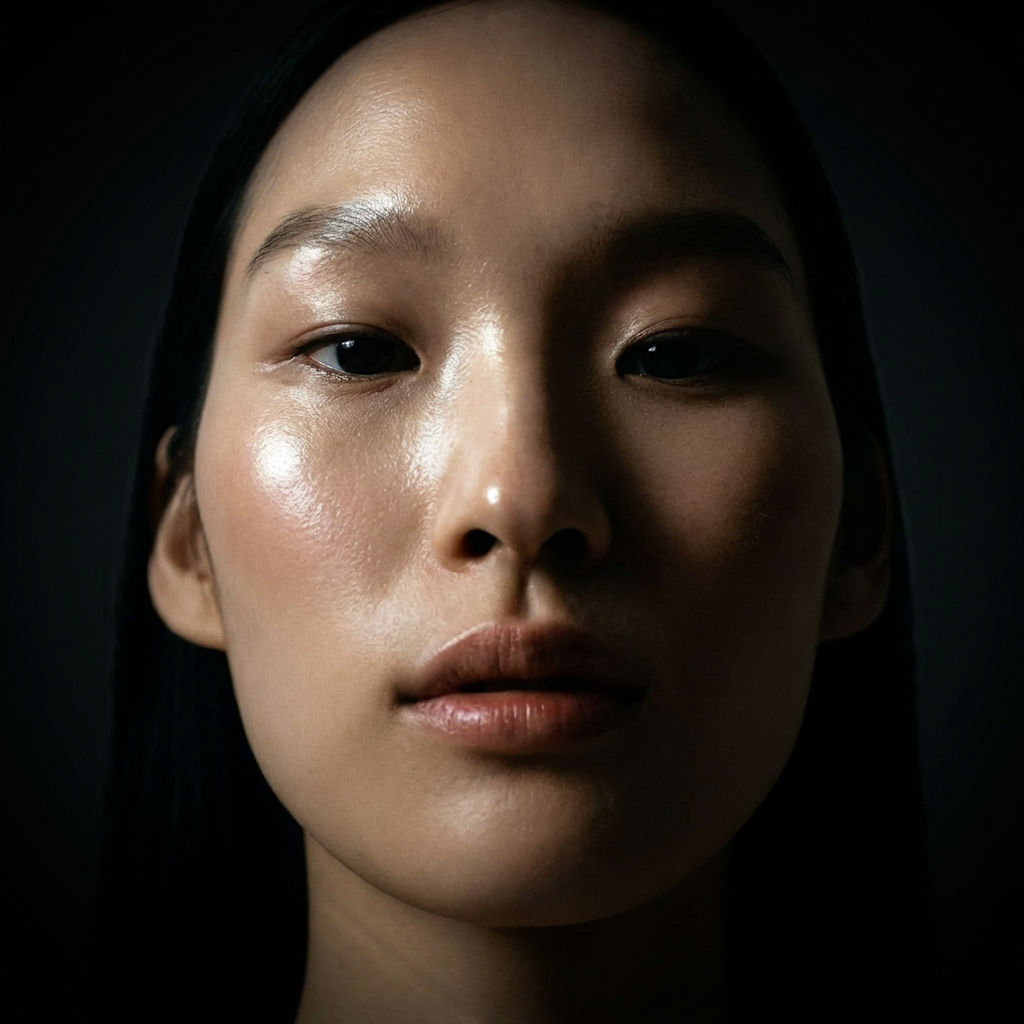
Upload a product or portrait image to the Relighting technique and receive 4 relit variations — each with a different professional lighting setup applied to your photo in one click.

Product Photography
E-commerce teams use the Relighting technique to generate multiple lighting variations of a product photo, finding the best presentation without re-shooting.

Portrait Enhancement
Photographers run the technique to explore different lighting moods on portrait shots, producing dramatic, soft, and studio-lit variations from a single image.

Creative Direction
Art directors use the technique to quickly demonstrate how lighting changes affect the mood and feel of a visual, guiding photoshoot planning and creative decisions.
How to use Techniques?
Discover how to utilize Relighting for different scenarios.
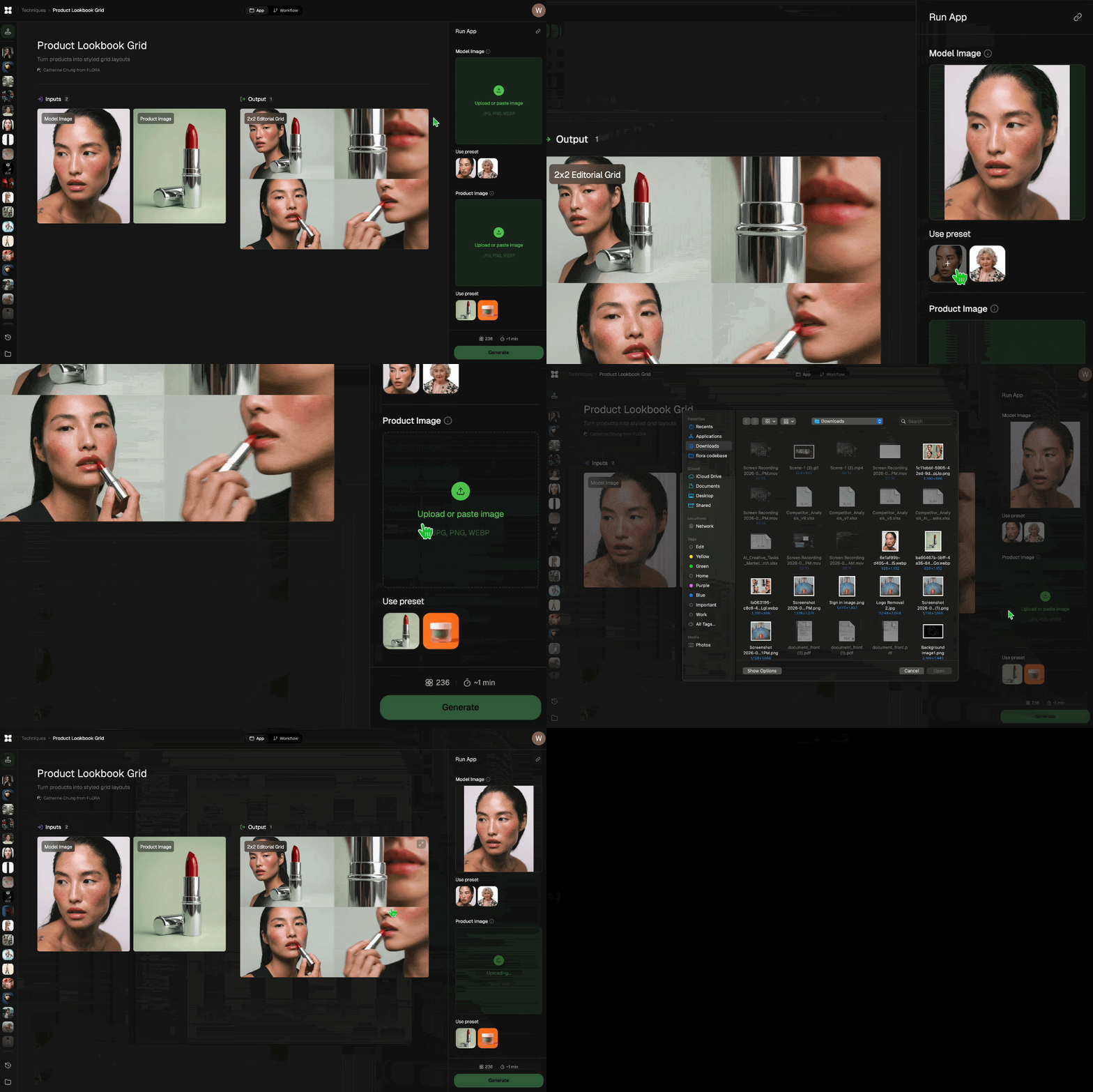
Add inputs
Upload images, videos, or type in the prompts to get started.
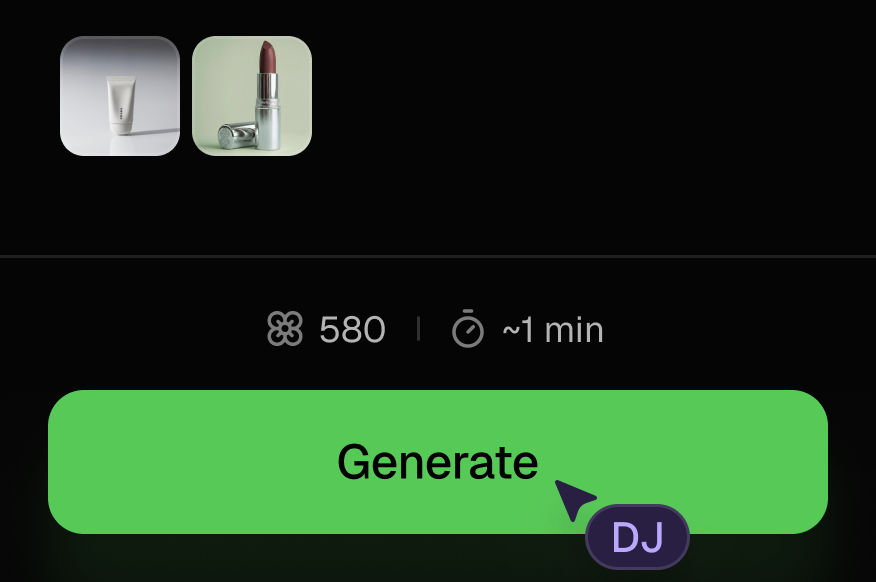
Generate outputs
Next, hit the "Generate" button to start generating your outputs.
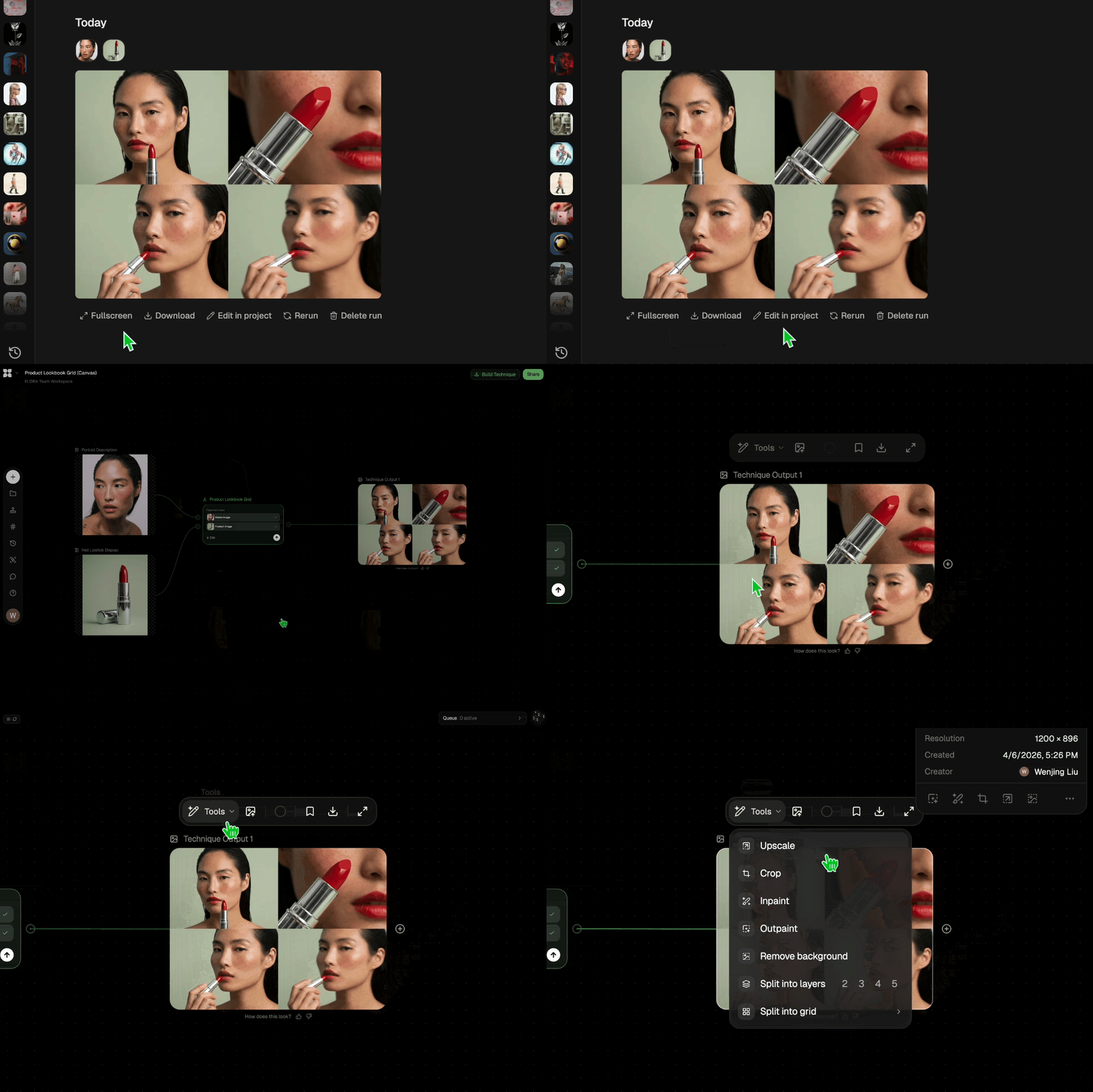
Edit and export
Refine your outputs on canvas, or download them directly.
Frequently asked questions
All you need to know about Relighting
Related techniques
 Product Lookbook GridTurn products into styled grid layouts
 Product in Scene GeneratorCreate User Object Interaction (UOI) images of your product that can be used for e-commerce!
 Storytelling EngineIt takes a single approved key visual and instantly builds out a cohesive 9-frame editorial campaign treatment
 UGC CreatorCasual, phone-shot clips of your product
 Memoji MeTurn any face into a custom memoji
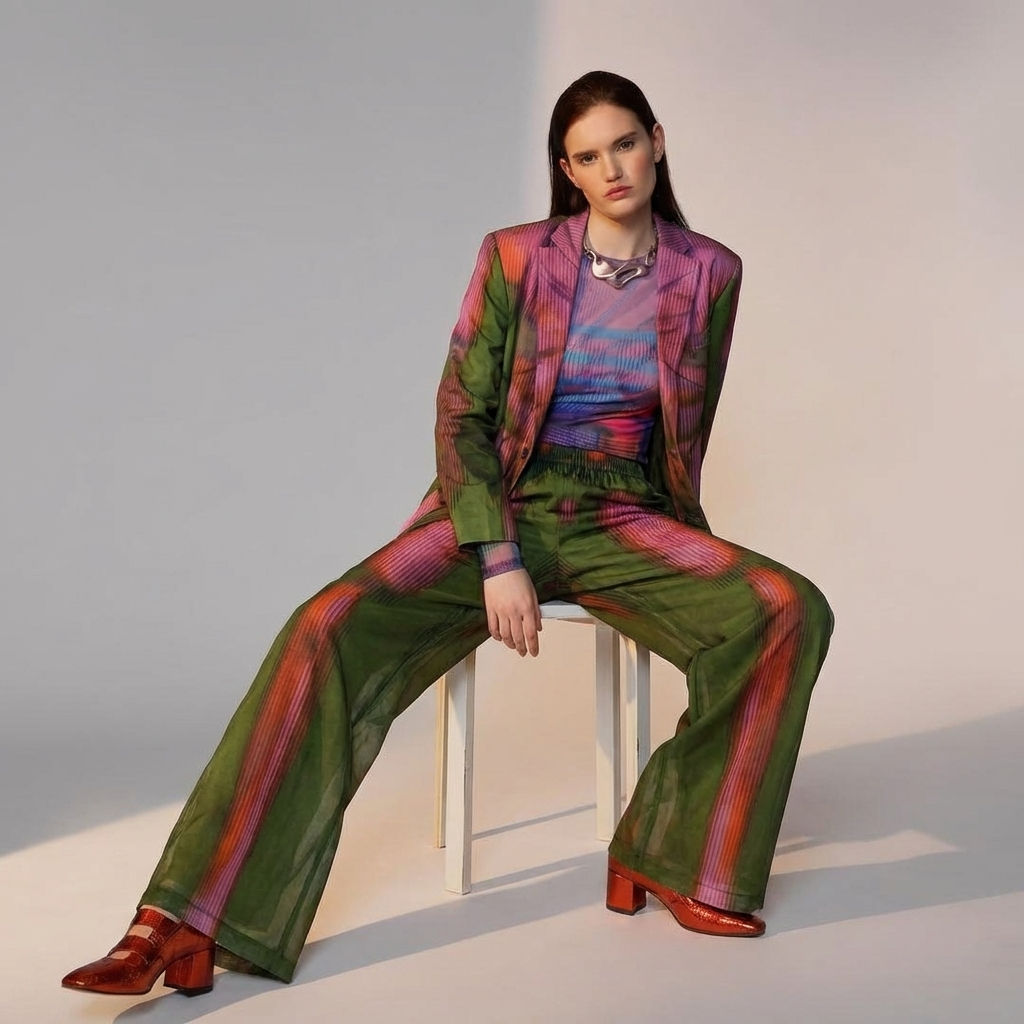 Fit CheckExtract outfits & swap onto new looks
Professionally Relight Any Photo in One Click
Relights your photo

Michelle Ma from FLORA