




Auto Reframe Any Image into 5 Aspect Ratios in One Click
Upload one image and get back all 5 aspect ratios: 16:9, 4:3, 9:16, 21:9, and 3:2, ready for every platform.

Multi-Platform Publishing
Marketing teams use the AI auto reframe to turn one campaign image into the 5 aspect ratios needed across web, social, and print.

Ad Creative Scaling
Performance marketers run auto reframe AI to resize ad visuals for every placement: landscape banners, portrait stories, and ultrawide headers.

Content Repurposing
Content creators repurpose a single hero image into formats for blog headers, social posts, and newsletter layouts.
How to use Techniques?
Discover how to utilize Layout Resizer for different scenarios.
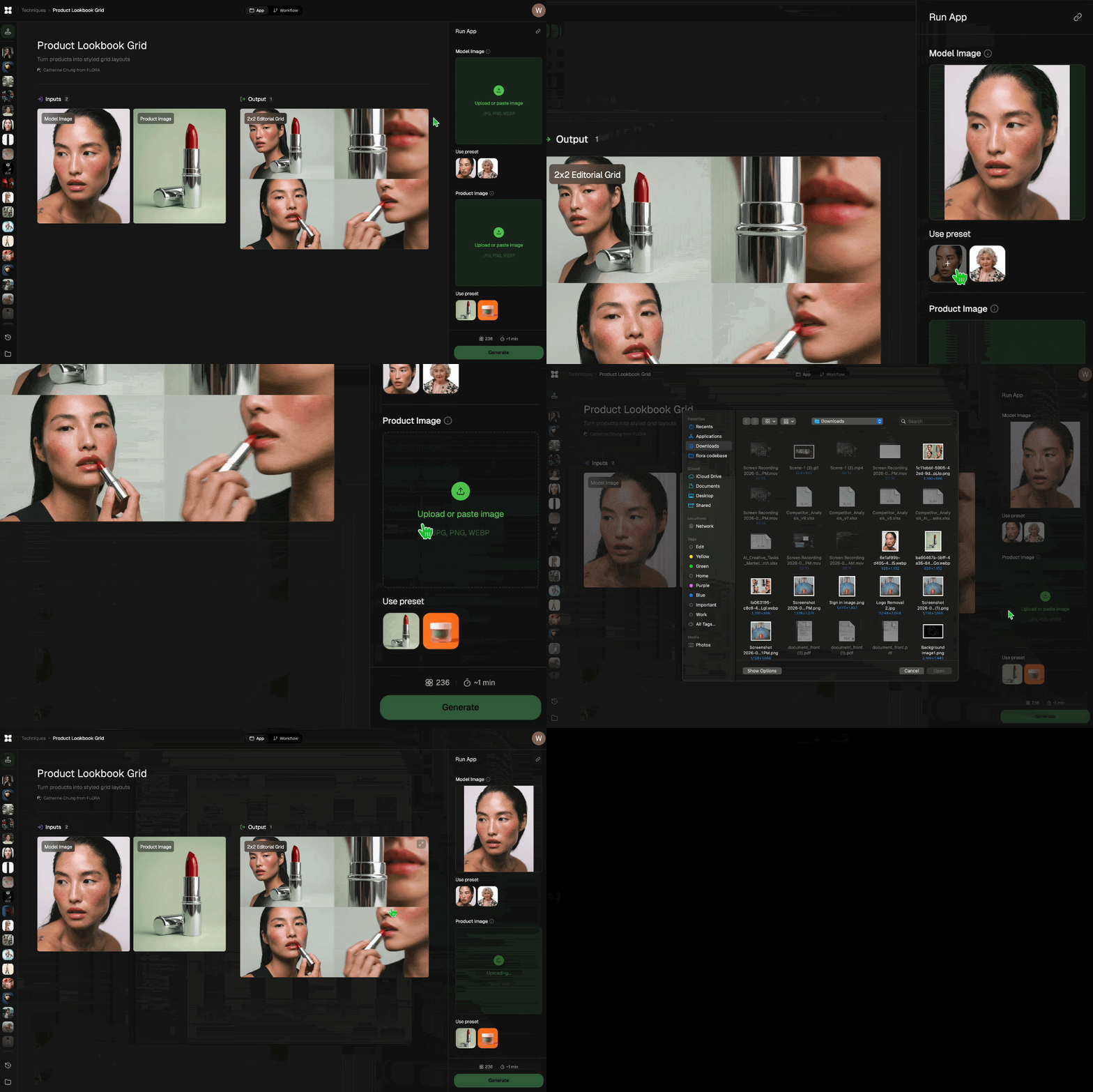
Add inputs
Upload images, videos, or type in the prompts to get started.
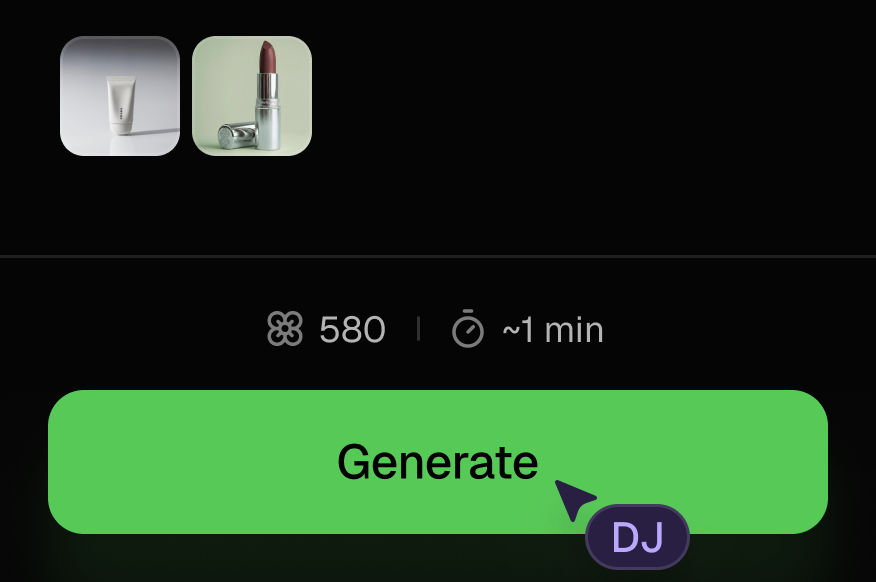
Generate outputs
Next, hit the "Generate" button to start generating your outputs.
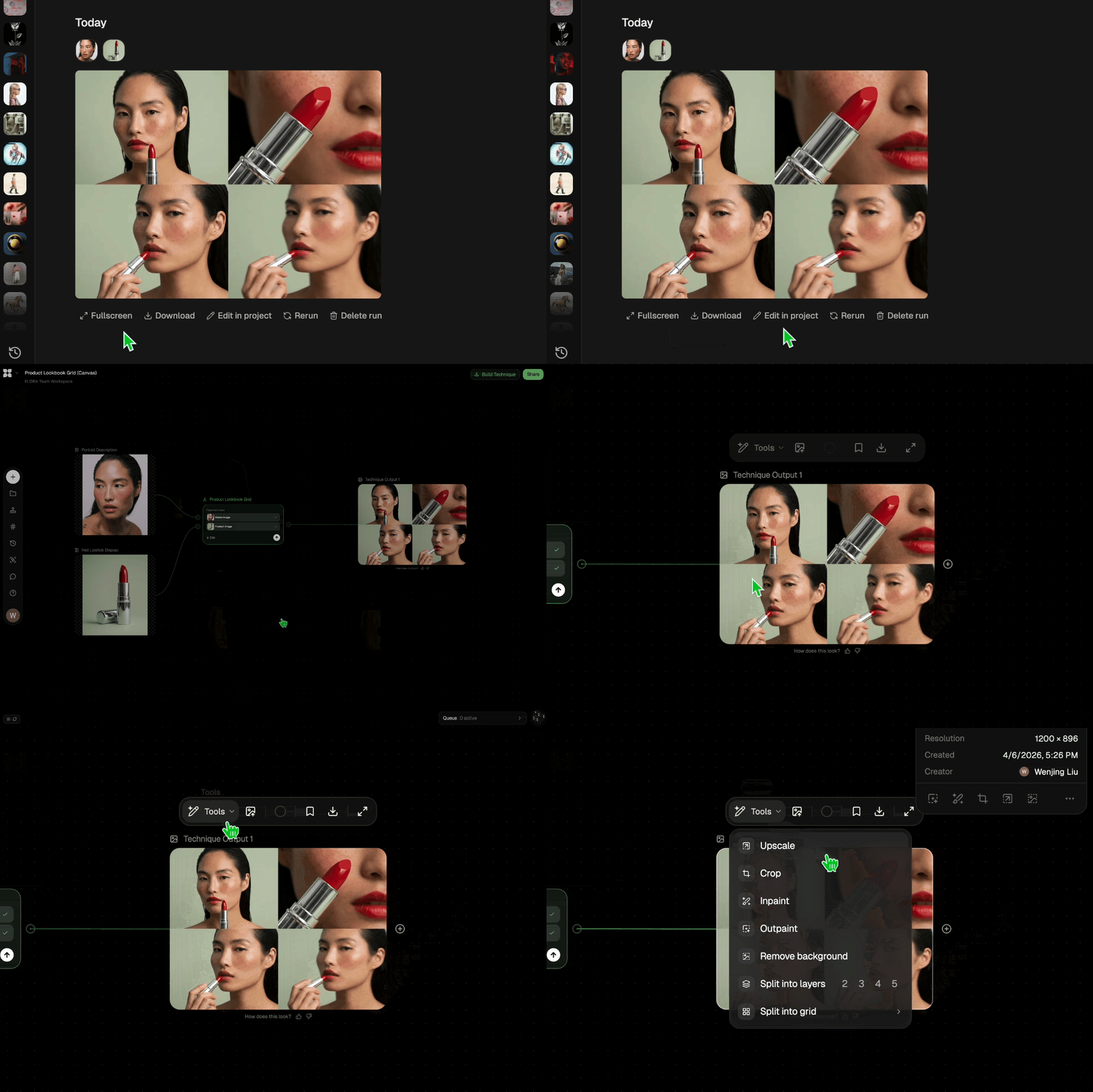
Edit and export
Refine your outputs on canvas, or download them directly.
Frequently asked questions
All you need to know about Layout Resizer
Layout Resizer
Resize layouts for any aspect ratio

DJ Kim from FLORA