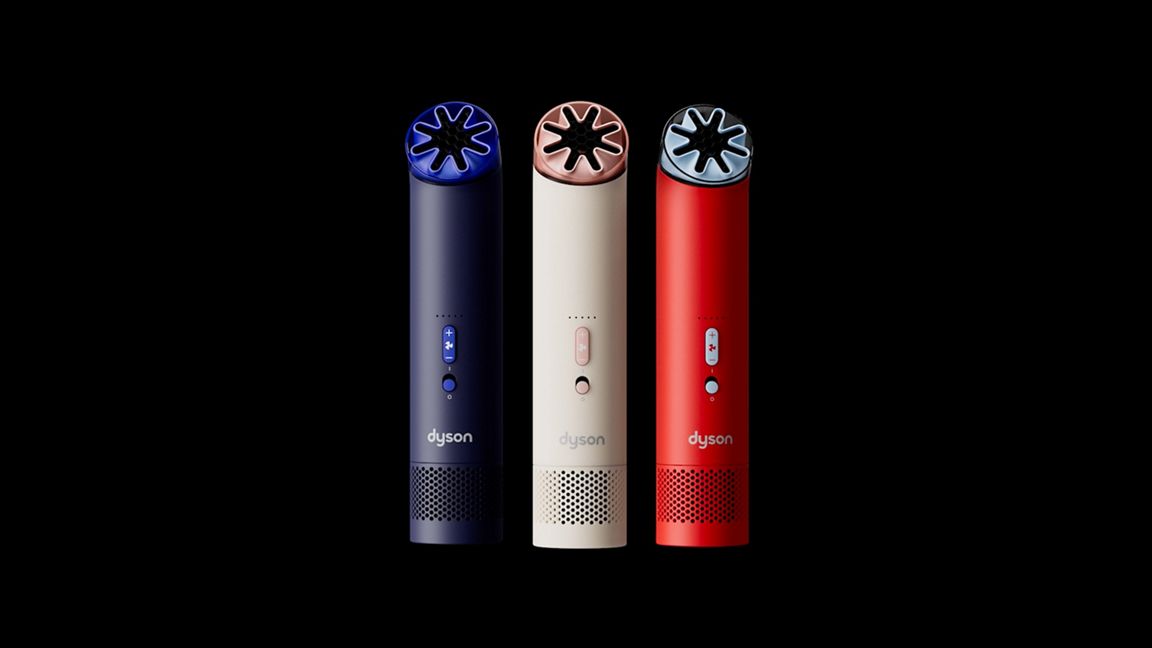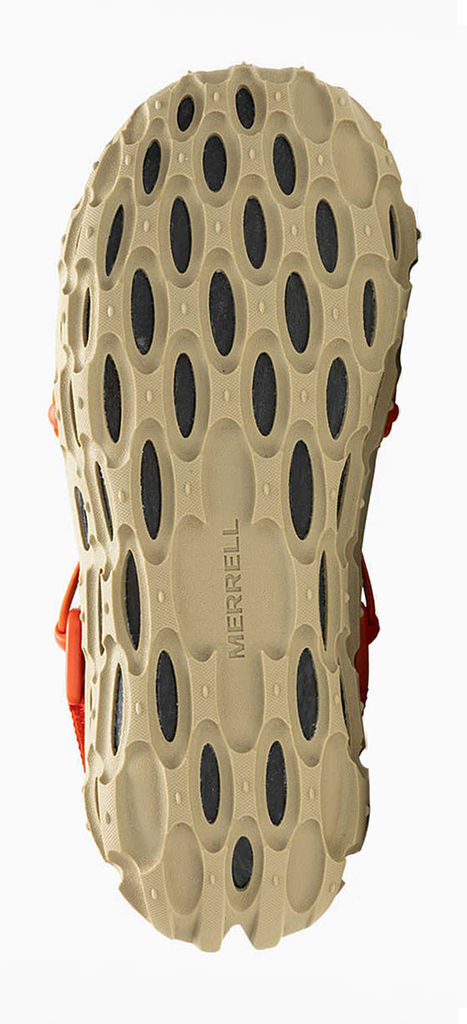
OBJECT INPUT
A companion built for the untamed world. - Weatherproof shell that laughs in the face of downpours - Reinforced stitching at every stress point — no seam left behind - Wide-mouth main compartment that swallows gear whole - Padded laptop sleeve tucked safely against your back - External lash points for axes, trekking poles, or whatever the trail demands - Sternum strap and hip belt that lock the load to your body - Hidden security pocket — for the things that matter most - Breathable back panel so your spine can breathe even when the climb won't let you - Quick-grab side pockets — water bottle on one side, ambition on the other - Lifetime build. Weekend spirit. No destination too far.
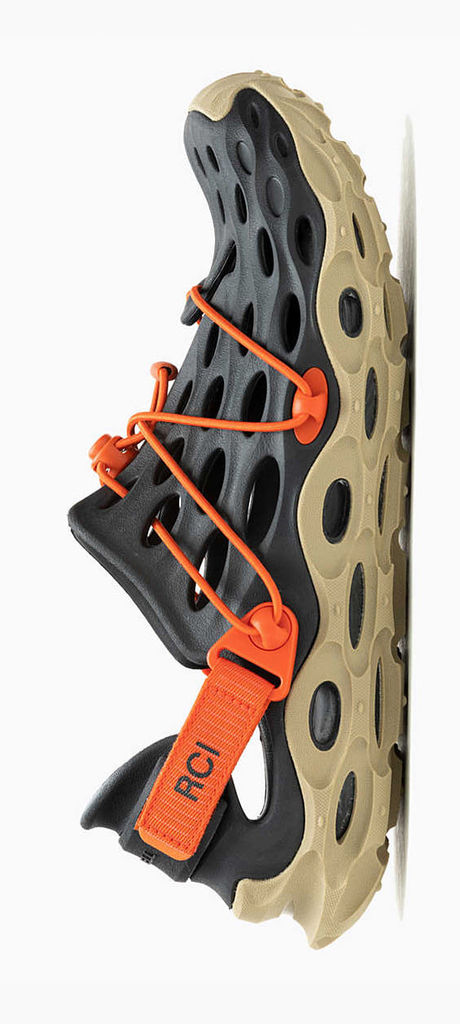
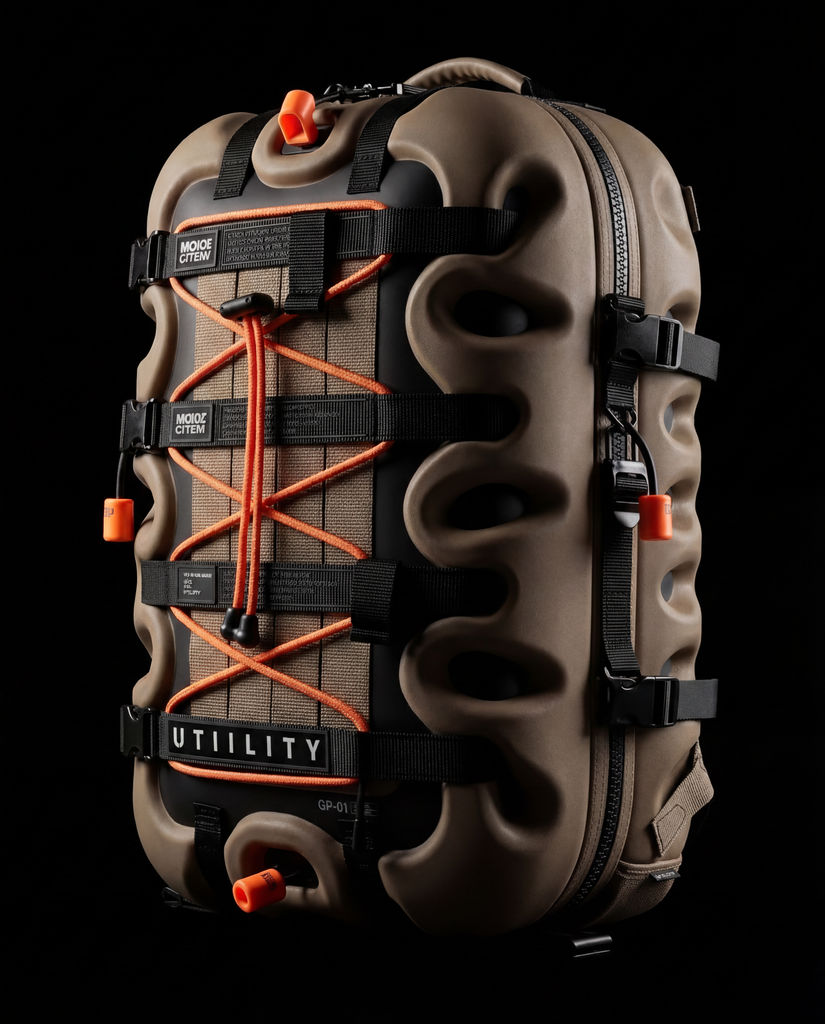
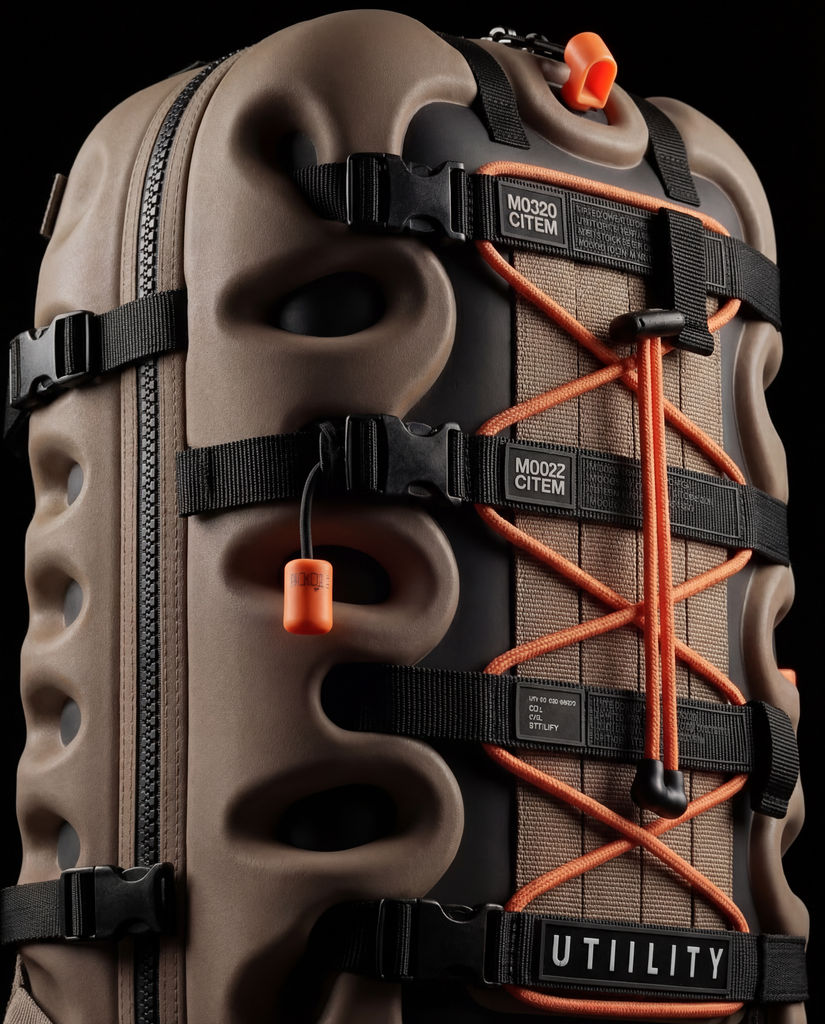
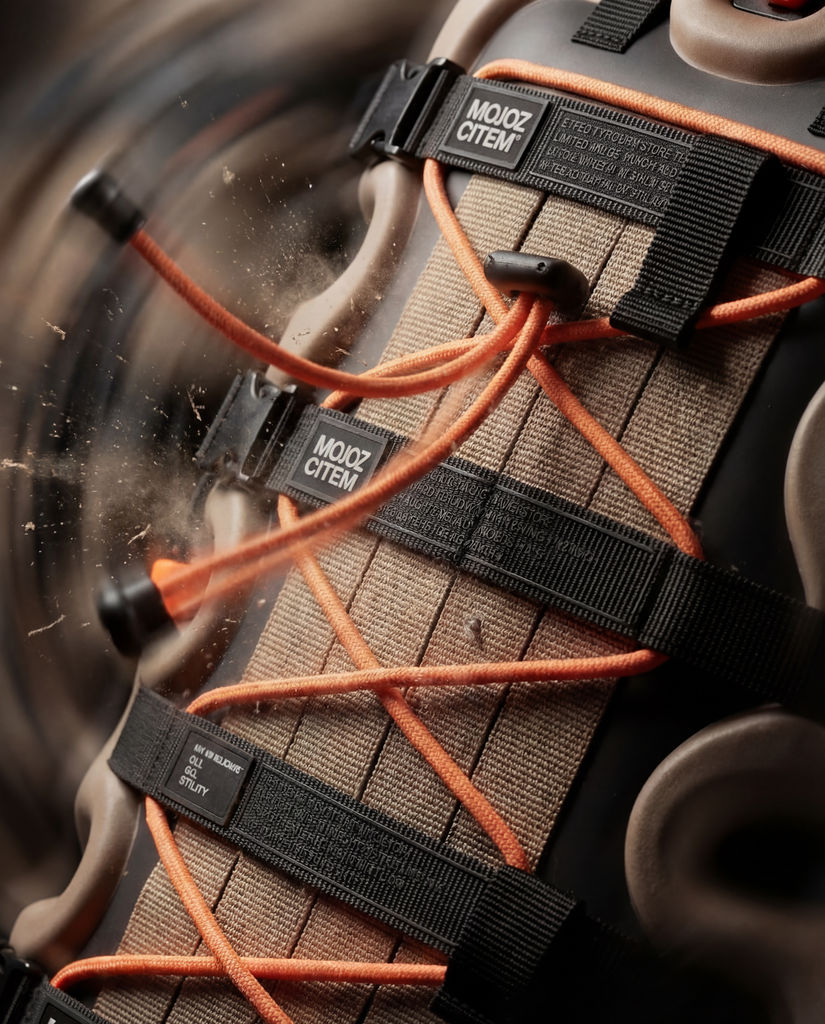
Run this AI-powered technique in your browser. Upload your inputs, hit generate, and get professional results in moments.

Creative Production
Design teams use FLORA techniques to produce professional-quality creative assets in seconds, accelerating production timelines and reducing dependency on manual editing.

Marketing Content
Marketing teams generate on-brand visual content for campaigns, social media, and ads — iterating quickly on concepts without waiting for design resources.

Product Visualization
E-commerce and product teams create high-quality product visuals, mockups, and lifestyle imagery to showcase their offerings across channels.
How to use Techniques?
Discover how to utilize DESIGN DNA TRANSPLANT for different scenarios.

Add inputs
Upload images, videos, or type in the prompts to get started.

Generate outputs
Next, hit the "Generate" button to start generating your outputs.

Edit and export
Refine your outputs on canvas, or download them directly.
Frequently asked questions
All you need to know about DESIGN DNA TRANSPLANT
Related techniques
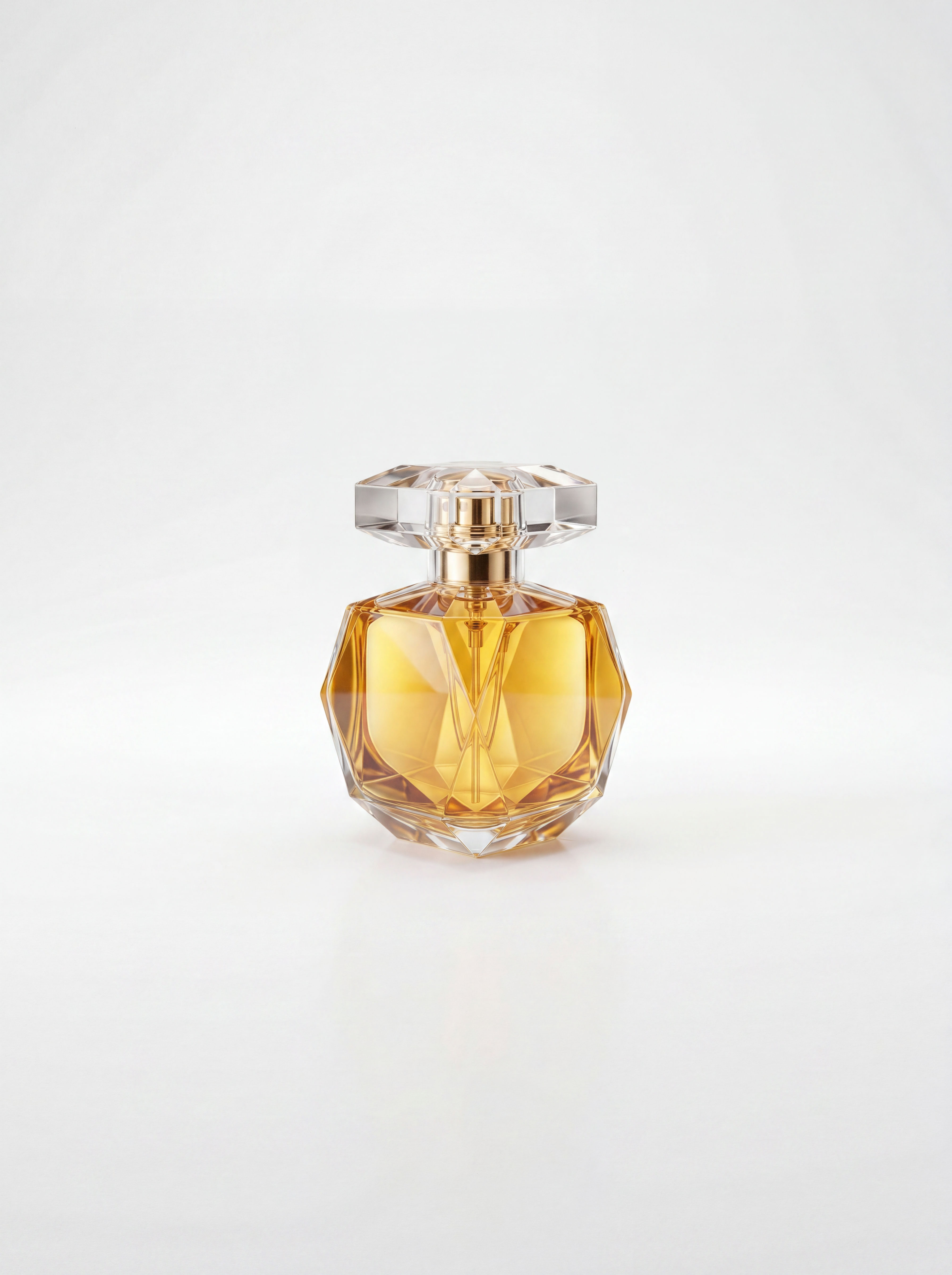 Sketch to Photorealistic Product RendererUpload any product sketch and a style reference.
Get 9 photorealistic renders — rare angles, texture
close-up, top, bottom and underside shots.
Any product. Label-free. Production-ready.
Sketch to Photorealistic Product RendererUpload any product sketch and a style reference.
Get 9 photorealistic renders — rare angles, texture
close-up, top, bottom and underside shots.
Any product. Label-free. Production-ready.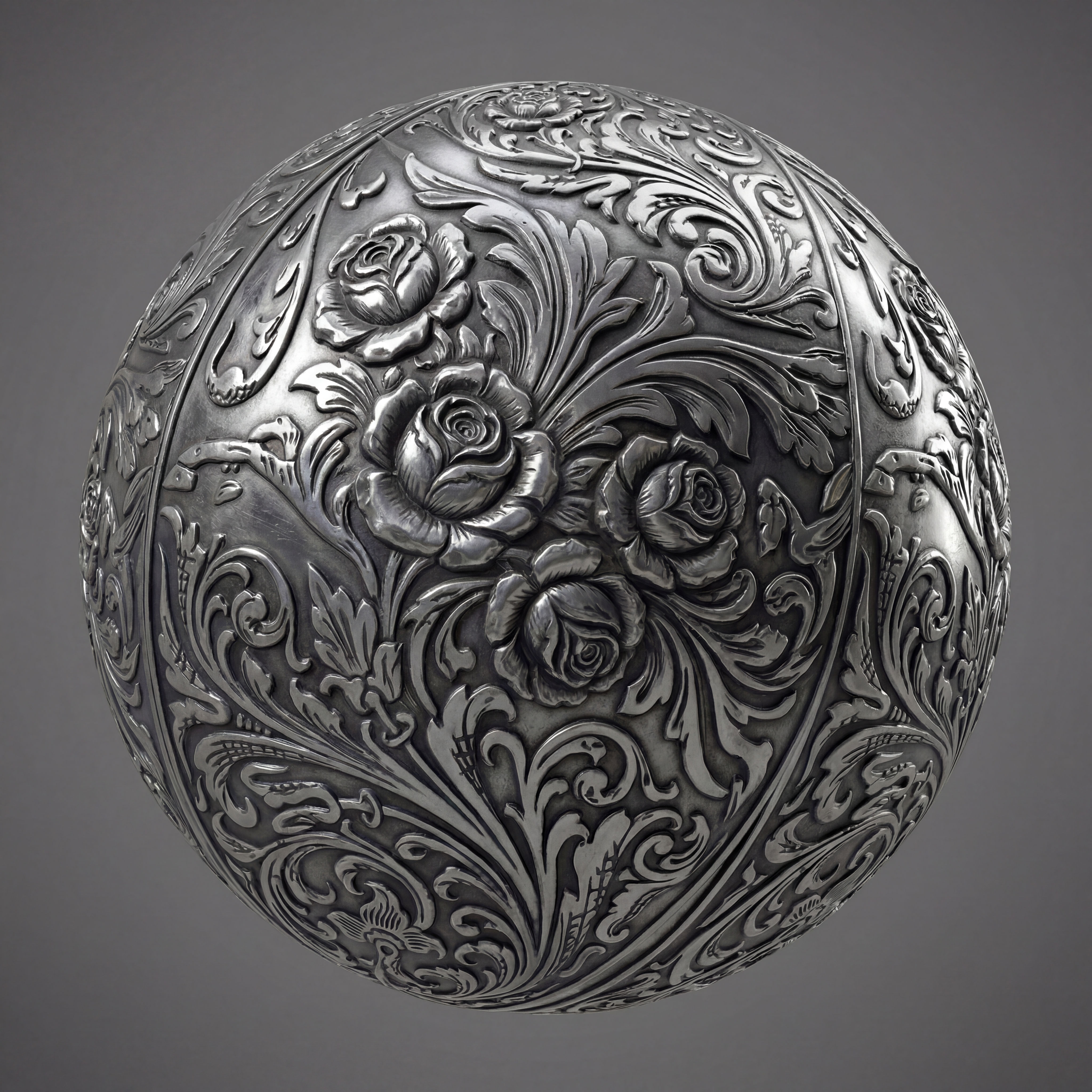 Texture Pack ExtractorExtracts the main material of an object in an image and transforms it into usable textures for 3D projects
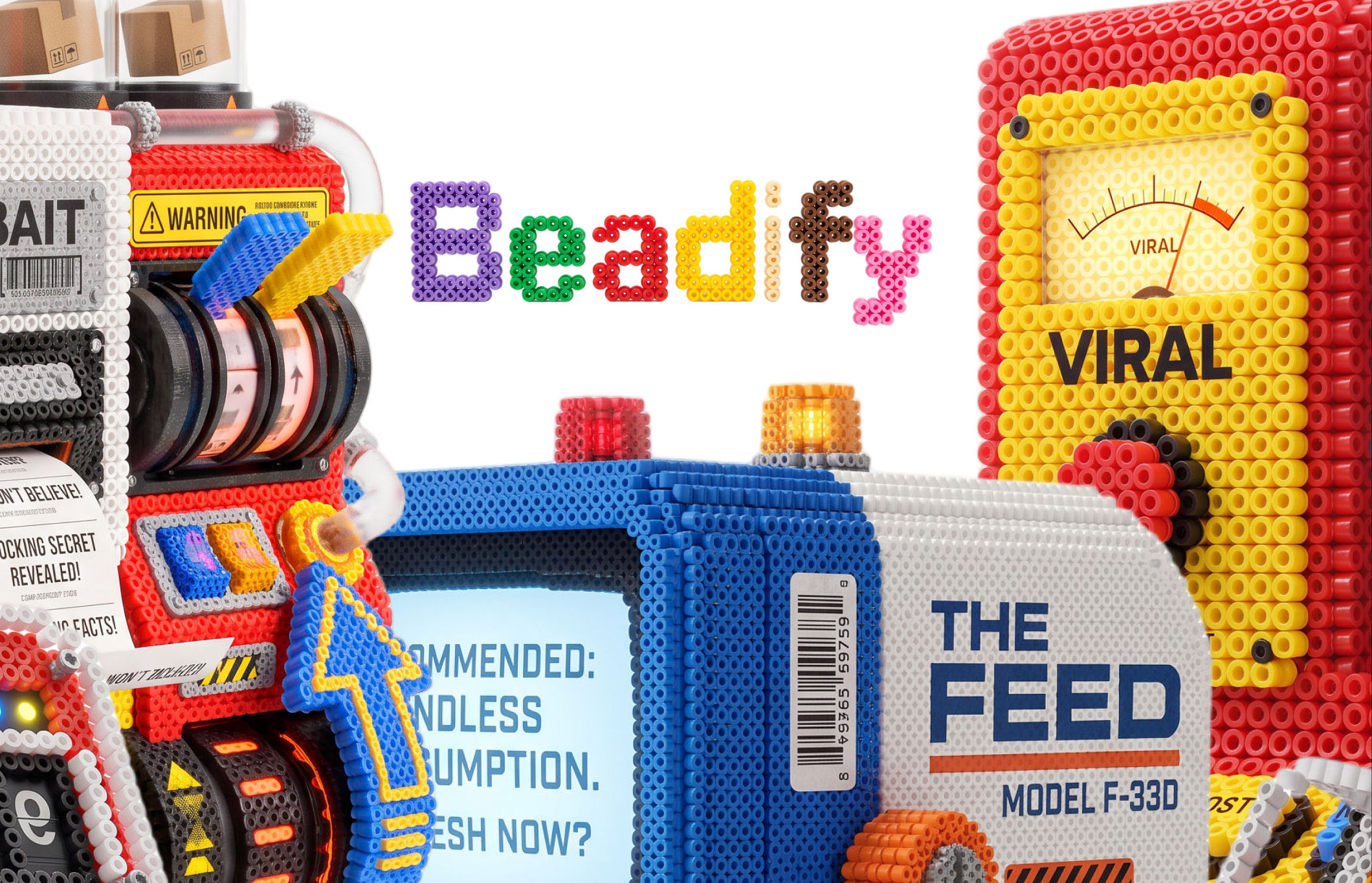 BeadifyTurn any object or 3D render into a physical Perler bead mosaic. Upload a photo — get back a beaded version of it
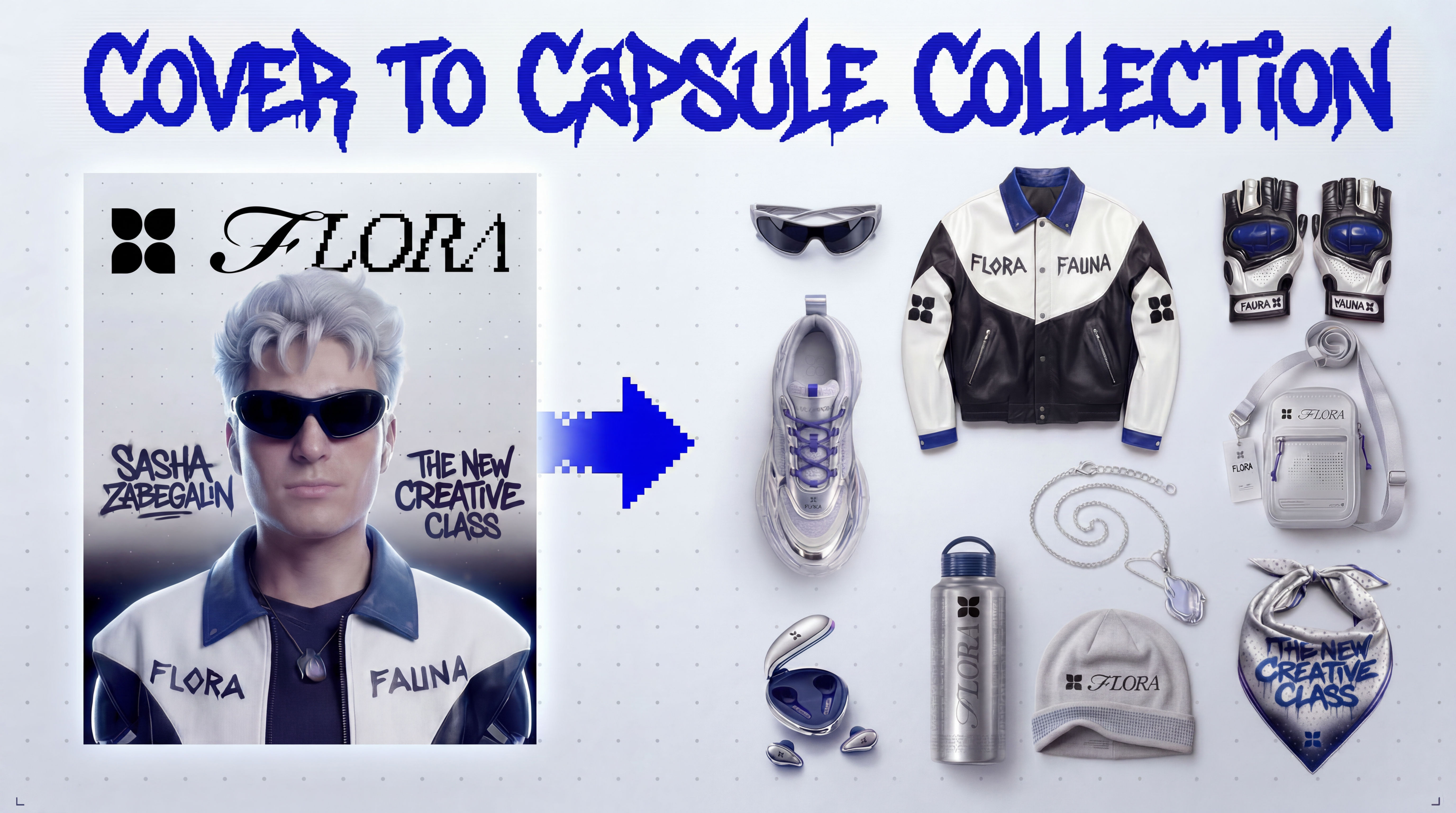 Cover to Capsule CollectionTurn any magazine cover into a 12-piece capsule collection.
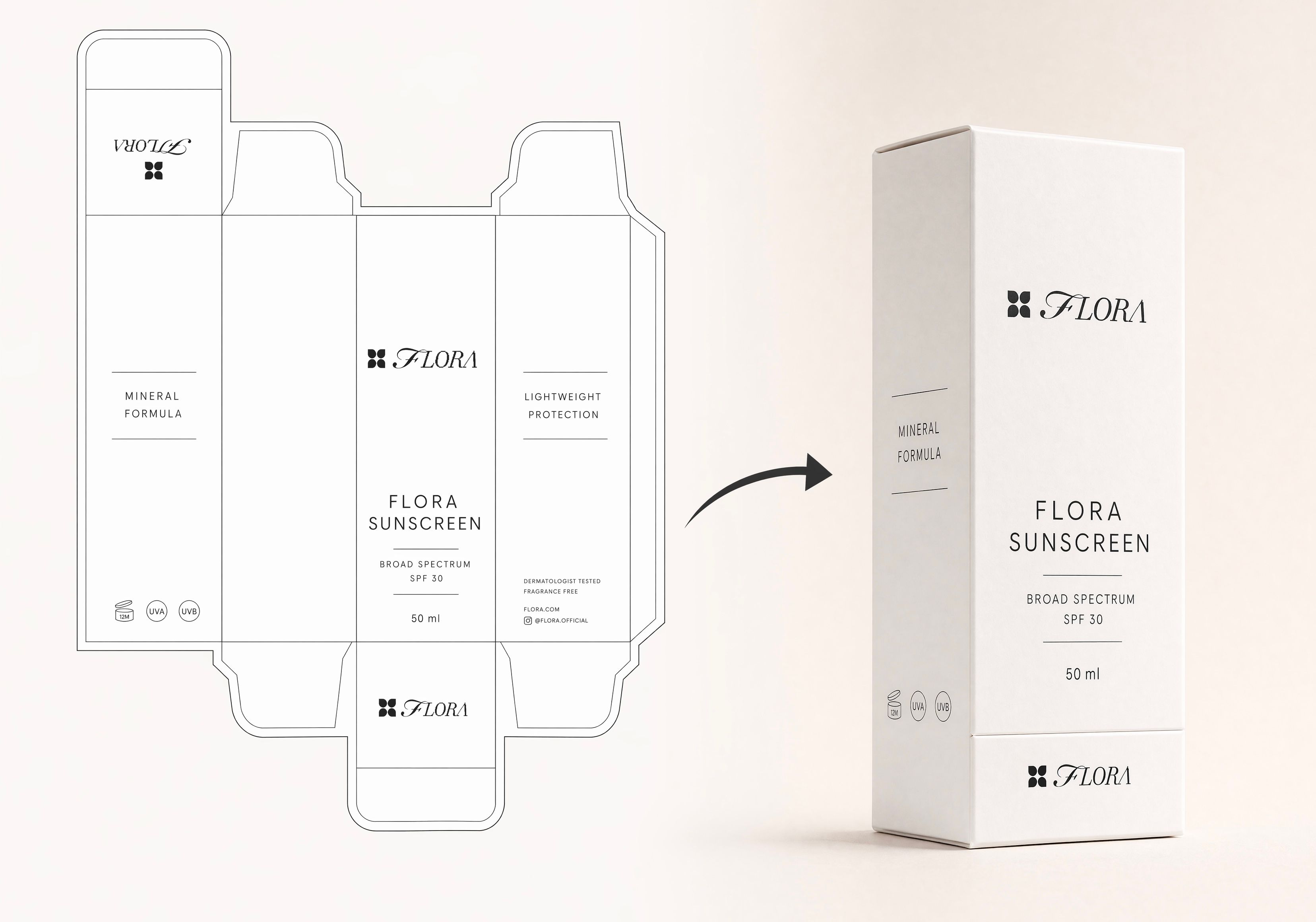 Dieline to 3D PackageTurn any flat package dieline into a production-ready 3D package render.
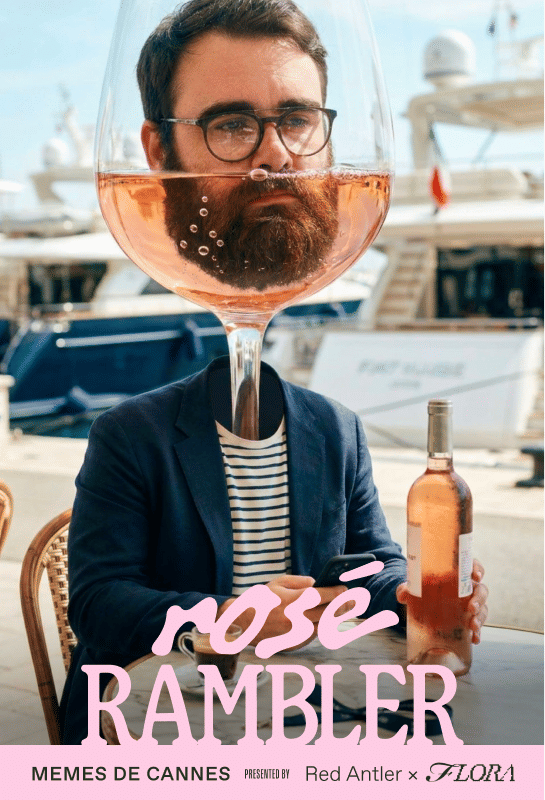 Rosé RamblerMake your own custom Cannes Character, presented by Red Antler x FLORA
DESIGN DNA TRANSPLANT
Upload inspirational image, breakdown its VBL aka Visual Brand Language and apply it to a completely new object/product . A great way for ideations

Sameer Gaikwad