Subject
a person holding a product in hand: face visible, styled wardrobe, clean studio lighting
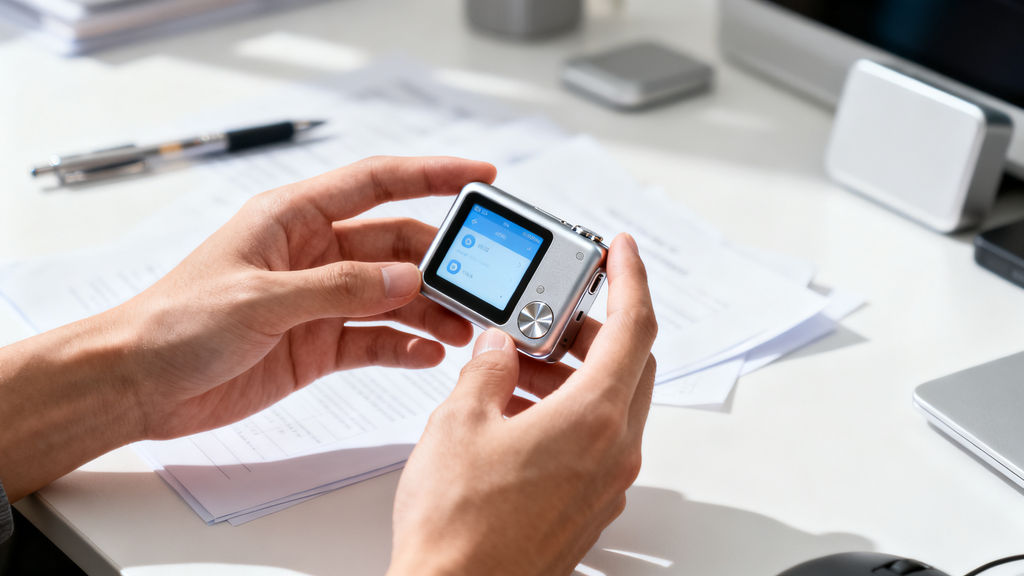

Run this AI-powered technique in your browser. Upload your inputs, hit generate, and get professional results in moments.

Creative Production
Design teams use FLORA techniques to produce professional-quality creative assets in seconds, accelerating production timelines and reducing dependency on manual editing.

Marketing Content
Marketing teams generate on-brand visual content for campaigns, social media, and ads — iterating quickly on concepts without waiting for design resources.

Product Visualization
E-commerce and product teams create high-quality product visuals, mockups, and lifestyle imagery to showcase their offerings across channels.
How to use Techniques?
Discover how to utilize Crop Video for different scenarios.

Add inputs
Upload images, videos, or type in the prompts to get started.

Generate outputs
Next, hit the "Generate" button to start generating your outputs.

Edit and export
Refine your outputs on canvas, or download them directly.
Frequently asked questions
All you need to know about Crop Video
Related techniques
 AI Art Generatorone idea becomes a whole gallery: an original art piece, restyled across art movements, printed, and set in motion. Useful for: artists, print-shop sellers, and anyone who types a wild idea into an "AI art generator" and wants more than one random square — a coherent body of work they can hang, print, and post.
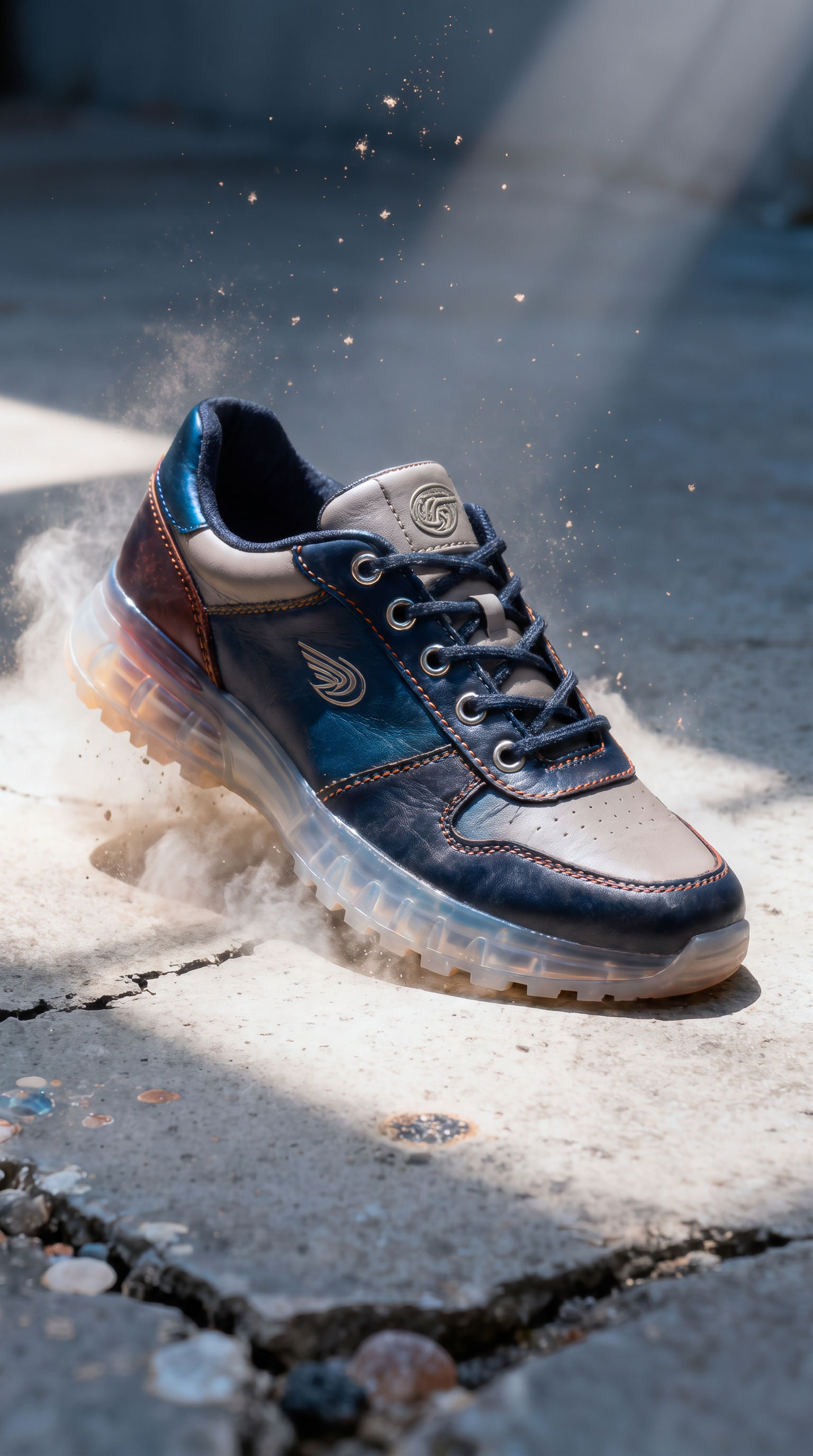 Aspect Ratio Converterconvert ONE image into every platform aspect ratio by generatively EXTENDING the frame, never cropping it. Useful for: social / performance marketers and designers who shoot one hero and need 9:16 (Reels/TikTok/Stories), 16:9 (YouTube/OG/banners), 4:5 (IG portrait) and 1:1 (feed) — each one outpainted to fit, so nothing is lost to a center crop and no black bars are added.
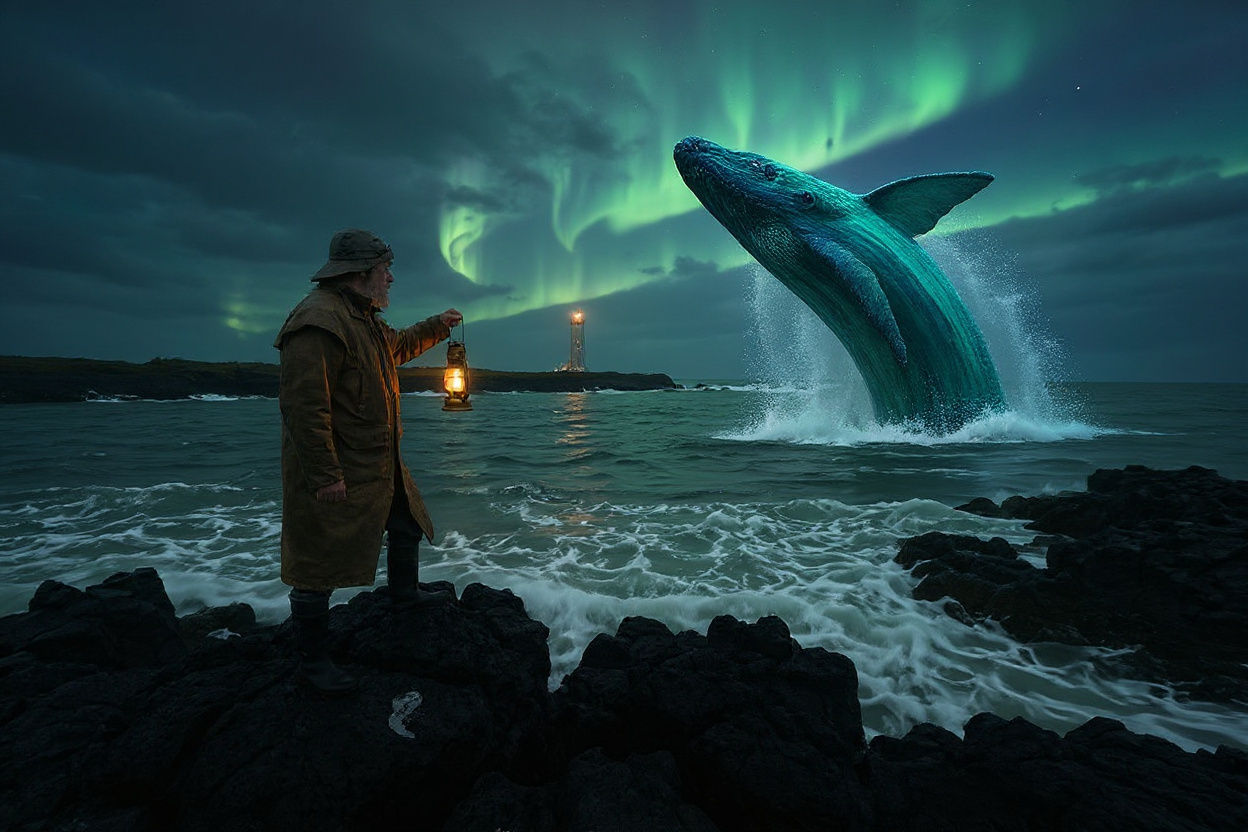 Best AI Art Generatorone concept, rendered as a museum-grade original, then reimagined across five distinct art movements from a single locked composition. Useful for: anyone evaluating "the best AI art generator" — the proof isn't one pretty picture, it's range + consistency: identical framing carried faithfully through wildly different styles, plus a real print-resolution master and a moving version.
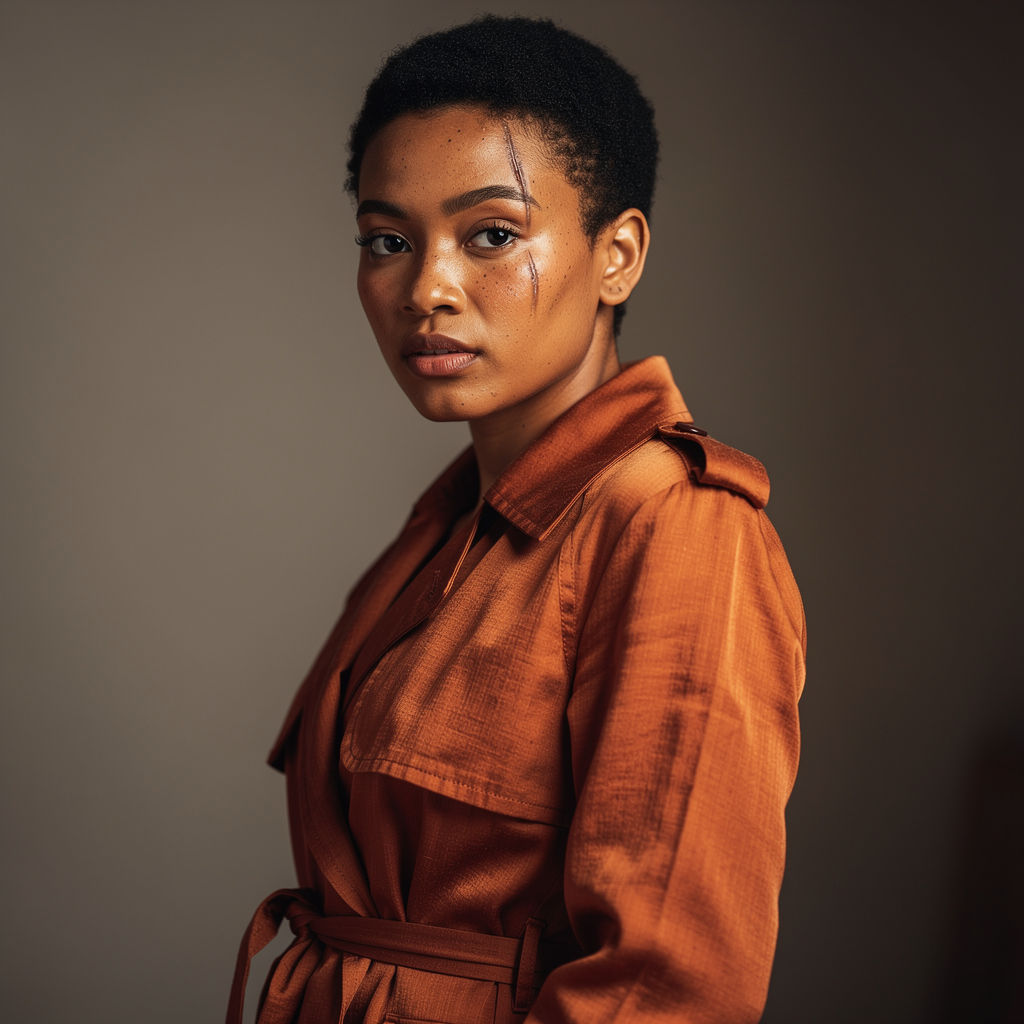 Best AI Image Generatorthe head-to-head, then the finished set a single-model generator can't produce. Useful for: anyone comparing AI image generators. Instead of picking one tool, FLORA runs the SAME brief through the three strongest photoreal models side by side — FLUX.2 Max, FLUX.2 Pro, Seedream 4.0 — then takes the keeper and does what no single generator can: grade it, re-stage the same person in a new scene, set a legible cover on it, move it.
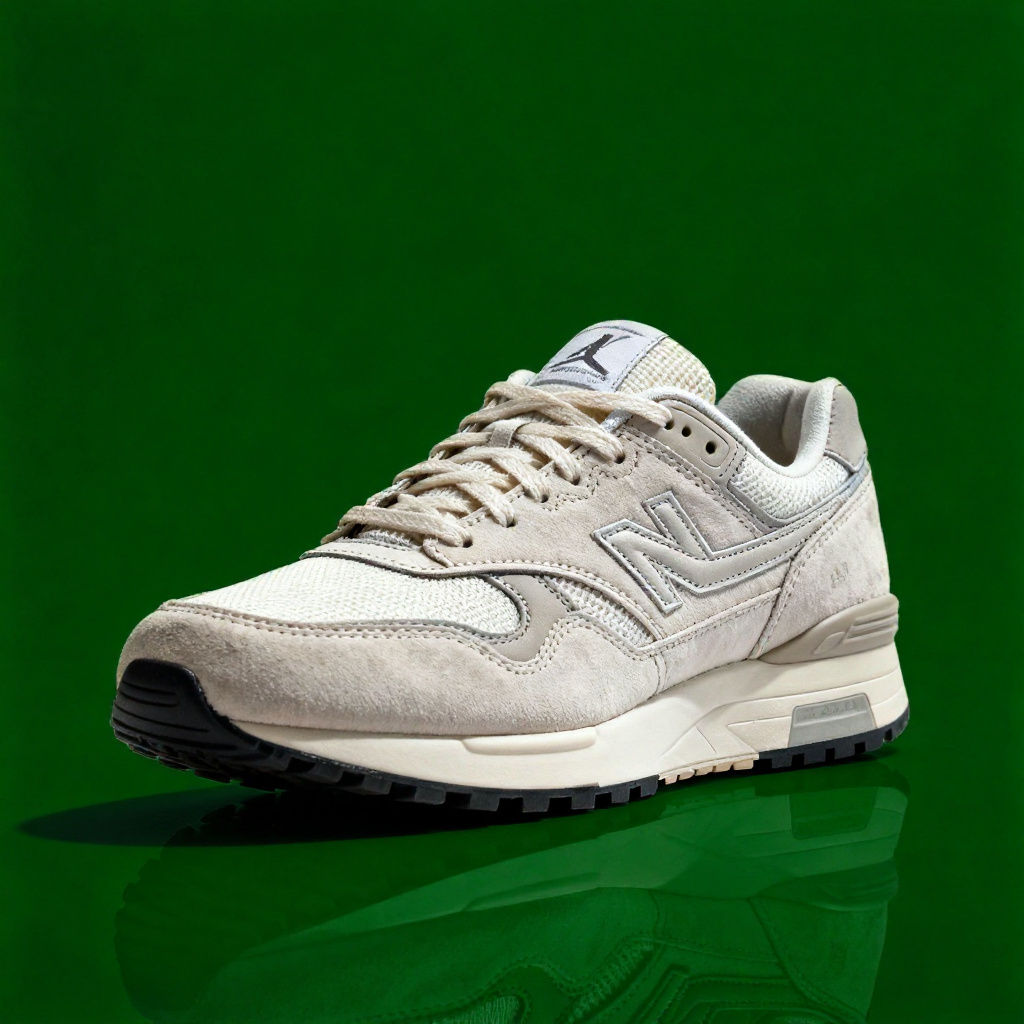 Change Background Colorrecolor the backdrop behind a product while keeping the product itself pixel-identical. Useful for: e-commerce / brand teams who need one hero shot in every seasonal or category background color (site swatch, campaign palette, A/B test) without a reshoot or a manual Photoshop mask.
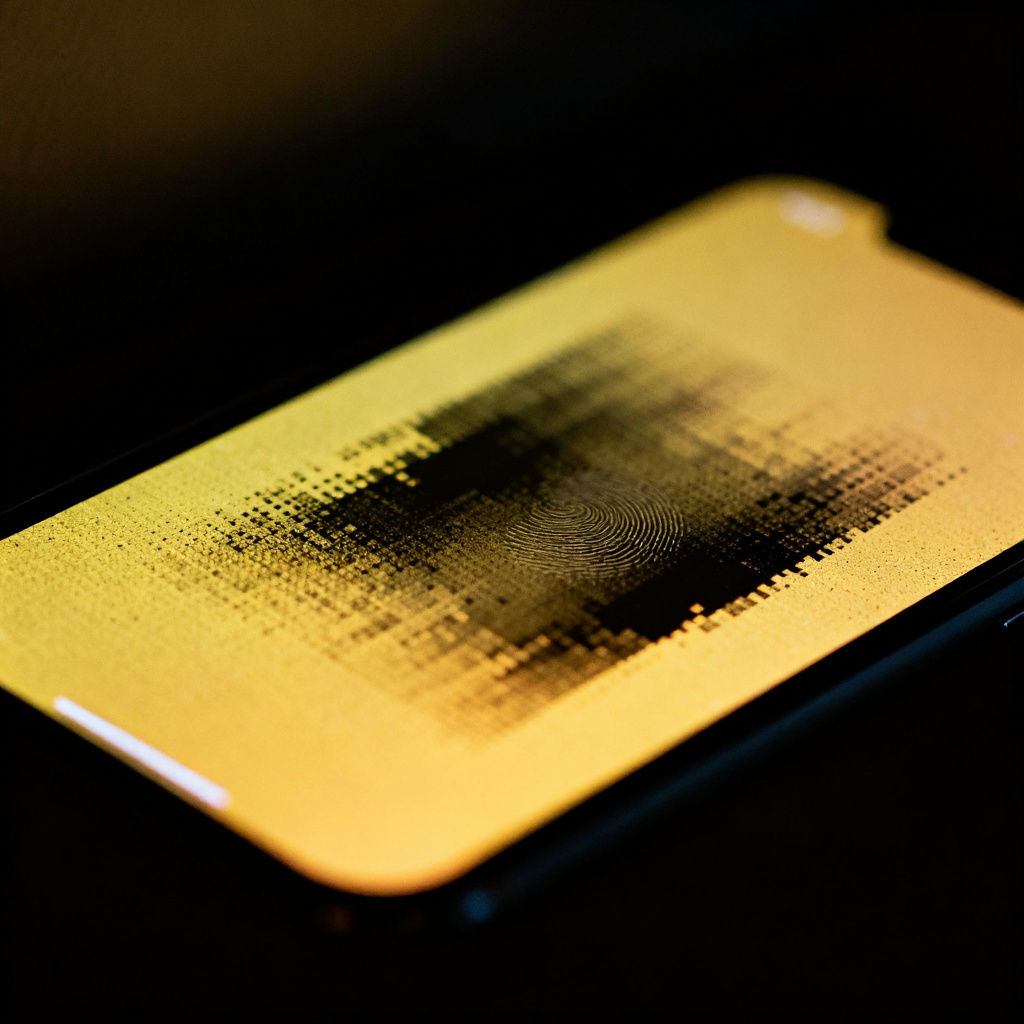 Enhanceturn a soft, muddy, low-res photo into a crisp, gallery-grade image. Useful for: anyone with a phone snap, an old scan, or a weak stock frame who wants it sharpened, upscaled, color-graded and finished without re-shooting.
Crop Video
crop a clip to a new aspect ratio: a real, frame-accurate 9:16 vertical cut for Reels/TikTok/Shorts. Useful for: social editors who shot horizontal and need a vertical (or square) version of the same footage — a hard center crop, a safe blurred-bar version, or an AI reframe that rebuilds the frame instead of trimming the subject off.

Louis Anderson