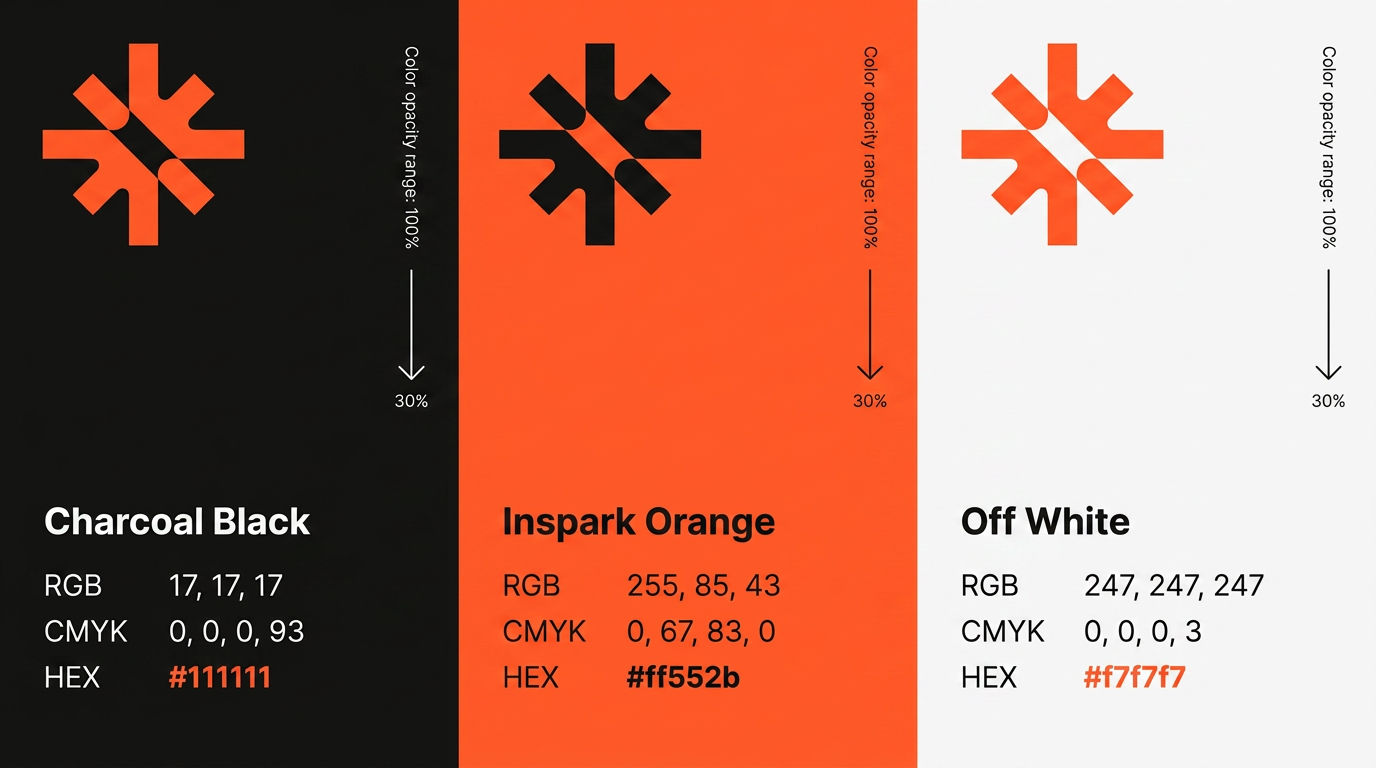
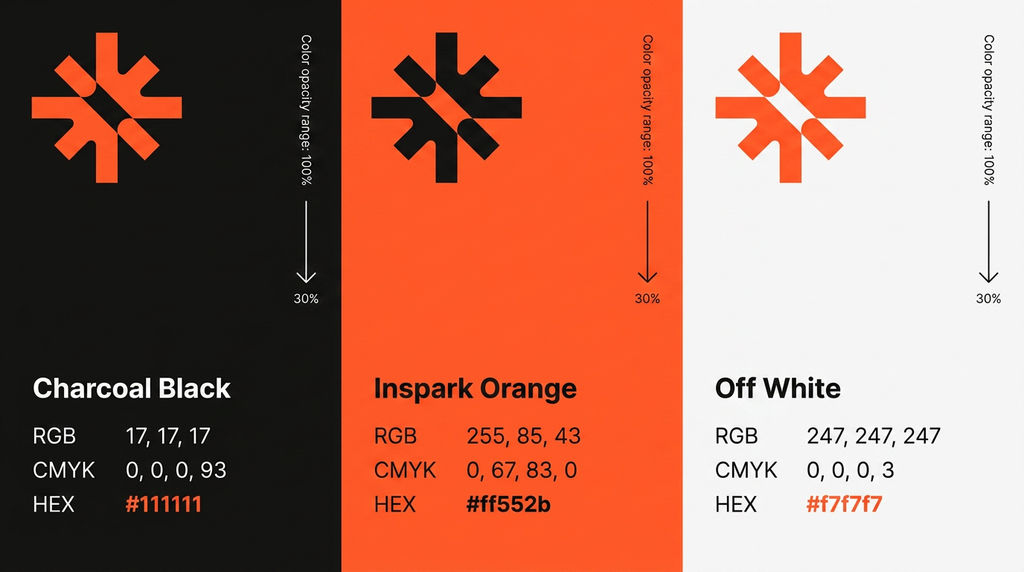
Input 1 as Color Panels Prompt
STRICT RULES: This is a brand color specification sheet — 3 vertical panels side by side. Each panel shows one brand color. Do NOT copy any logo, text, or content from reference images. No placeholder text. No other brand names. All text uses exact values listed below only. --- LOGO REFERENCE: 1st uploaded photo — Studio Logo mark. Extract exact shape only. Render in contrasting color per panel. --- OUTPUT: 3 vertical panels side by side. Equal width. Full height. No gaps between panels — flush against each other. Aspect ratio: 16:9. 4K resolution. Ultra sharp. --- PANEL STRUCTURE — same layout repeated across all 3 panels: TOP THIRD: Logo mark from 1st uploaded photo — large, top-left area. Contrasting color to the panel background. MIDDLE — right side, vertical rotated text: "Color opacity range: 100%" — small, rotated 90 degrees, reading bottom to top. Right side of panel. Arrow pointing downward below it. "30%" — small text below the arrow. BOTTOM SECTION — left-aligned: Color name — bold, medium size. "RGB" label + value on same line. "CMYK" label + value on same line. "HEX" label + value on same line — HEX value in accent color. --- PANEL 1 — leftmost: Background: #111111 charcoal black. Logo mark: #ff552b orange-red. Color name: "Charcoal Black" RGB: 17, 17, 17 CMYK: 0, 0, 0, 93 HEX: #111111 — rendered in #ff552b PANEL 2 — center: Background: #ff552b orange-red. Logo mark: #111111 dark. Color name: "Inspark Orange" RGB: 255, 85, 43 CMYK: 0, 67, 83, 0 HEX: #ff552b — rendered in #111111 PANEL 3 — rightmost: Background: #f7f7f7 light gray. Logo mark: #ff552b orange-red. Color name: "Off White" RGB: 247, 247, 247 CMYK: 0, 0, 0, 3 HEX: #f7f7f7 — rendered in #ff552b --- Font: Be Vietnam Pro throughout. No gradients. No shadows. No extra elements. Clean. Minimal. Flat. Editorial.
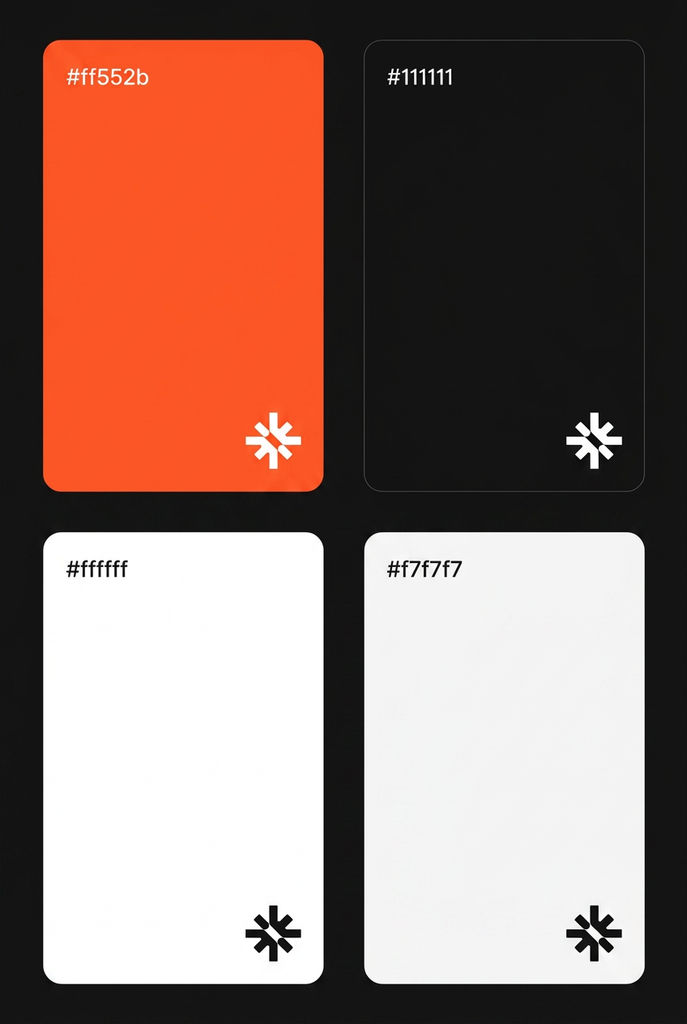
Input 3 as Brand Color Palette Prompt
STRICT RULES: This is a brand color palette sheet — 4 cards in a 2x2 grid. Each card shows one brand color filling the entire card. No gradients. No patterns. Flat solid color only. Top-left of each card: hex code only — nothing else. No font names. No labels. No extra text of any kind. Logo mark bottom-right of each card only. Nothing else. --- LOGO REFERENCE: 1st uploaded photo — Studio Logo mark. Extract exact shape from 1st photo only. Render logo mark in contrasting color per card — white on dark cards, dark on light cards. --- OUTPUT: 2x2 grid. 4 cards total. Black background #111111 behind entire grid. Small equal gaps between all 4 cards. Each card: tall portrait rectangle with rounded corners. Aspect ratio: 2:3. 4K resolution. Ultra sharp. --- CARD 1 — top left: Background: #ff552b orange-red. Full bleed flat solid color. Top-left: "#ff552b" — small, white, Be Vietnam Pro Medium. Bottom-right: Logo mark from 1st photo — white, small. CARD 2 — top right: Background: #111111 charcoal black. Full bleed flat solid color. Top-left: "#111111" — small, white, Be Vietnam Pro Medium. Bottom-right: Logo mark from 1st photo — white, small. CARD 3 — bottom left: Background: #ffffff pure white. Full bleed flat solid color. Top-left: "#ffffff" — small, #111111, Be Vietnam Pro Medium. Bottom-right: Logo mark from 1st photo — #111111 dark, small. CARD 4 — bottom right: Background: #f7f7f7 light gray. Full bleed flat solid color. Top-left: "#f7f7f7" — small, #111111, Be Vietnam Pro Medium. Bottom-right: Logo mark from 1st photo — #111111 dark, small. --- Font: Be Vietnam Pro Medium. Hex codes only — no other text. Soft rounded corners on all cards. Nothing else on any card. Clean. Minimal. Flat.
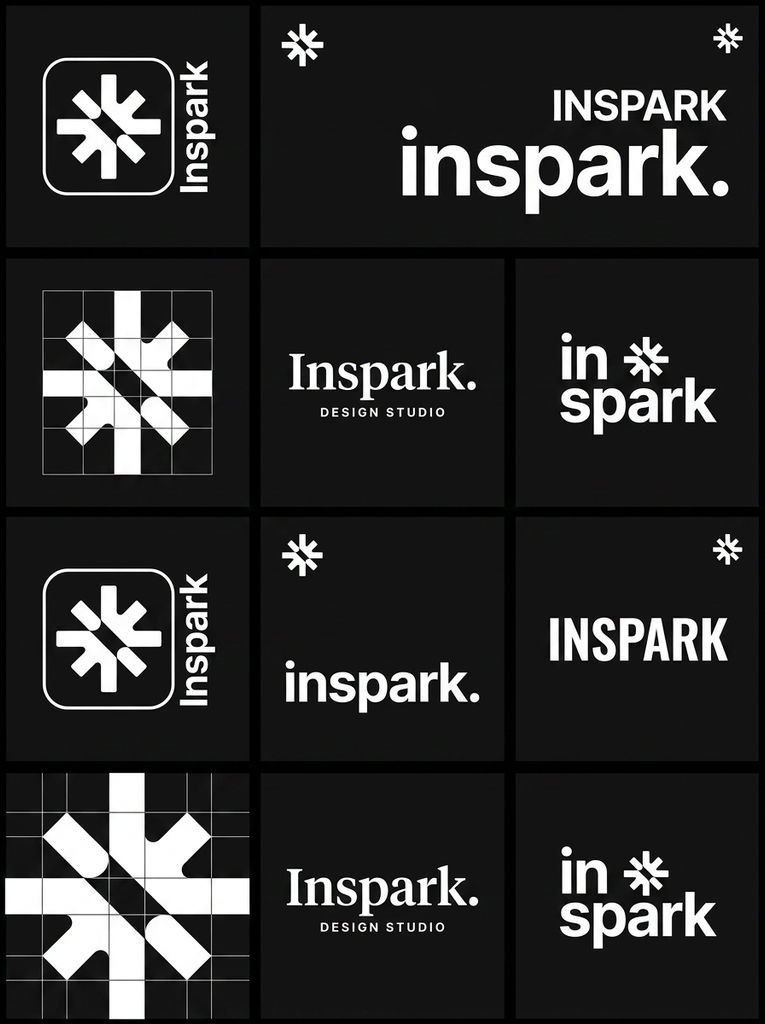
Input 5 as Logo Variations Sheet Prompt
STRICT RULES: Each of the 12 panels must be completely unique. Do NOT repeat any panel layout. Every panel must show a different logo lockup arrangement. No two panels can look the same. This is a logo variations sheet — one brand, multiple lockup styles in a grid. Do NOT copy any text, name, or content from any reference image. Use only "Inspark" as the brand name throughout. No placeholder text. No other brand names. Black background throughout. White logos only. The shape reference image is for card shape only — ignore all content, text, and colors inside it entirely. --- LOGO REFERENCE: 1st uploaded photo — Studio Logo mark. Extract exact shape and structure from 1st photo only. Render it in white across all panels. Do not alter its shape. WORDMARK REFERENCE: 2nd uploaded photo — Studio Logo Wordmark. Extract exact text style and letterform from 2nd photo only. Render it in white across all panels. Do not alter it. --- OUTPUT: Logo variations sheet. 3x4 bento grid. 12 panels total. Background: #111111 behind entire grid. Small equal gaps between all panels. Each panel: black background, white logo variation centered. Aspect ratio: 3:4. 4K resolution. Ultra sharp. --- PANEL LAYOUT — 3 columns, 4 rows: ROW 1: Panel 1: Logo mark from 1st photo inside a rounded square container. Wordmark from 2nd photo written vertically along right edge. Panel 2: Logo mark from 1st photo small top-left. Wordmark from 2nd photo lowercase large right side. Dot after the name. Panel 3: Wordmark from 2nd photo all caps, bold, wide tracking. Logo mark from 1st photo small top-right corner. ROW 2: Panel 4: Logo mark from 1st photo large, geometric, deconstructed into grid squares. No wordmark. Panel 5: Wordmark from 2nd photo with period after. Serif treatment. "DESIGN STUDIO" small caps below, wide tracking. Panel 6: Wordmark from 2nd photo split into two lines — "in" on top, "spark" below. Logo mark from 1st photo small to the right as divider element. ROW 3: Panel 7: Same layout as Panel 1. Panel 8: Same layout as Panel 2. Panel 9: Same layout as Panel 3. ROW 4: Panel 10: Same layout as Panel 4. Panel 11: Same layout as Panel 5. Panel 12: Same layout as Panel 6. --- Rows 3 and 4 mirror rows 1 and 2 — same layout repeated. All white on black. No color. No gradients. Font: Be Vietnam Pro for all sans-serif text elements. 4K resolution. Ultra sharp. Hyper detailed.

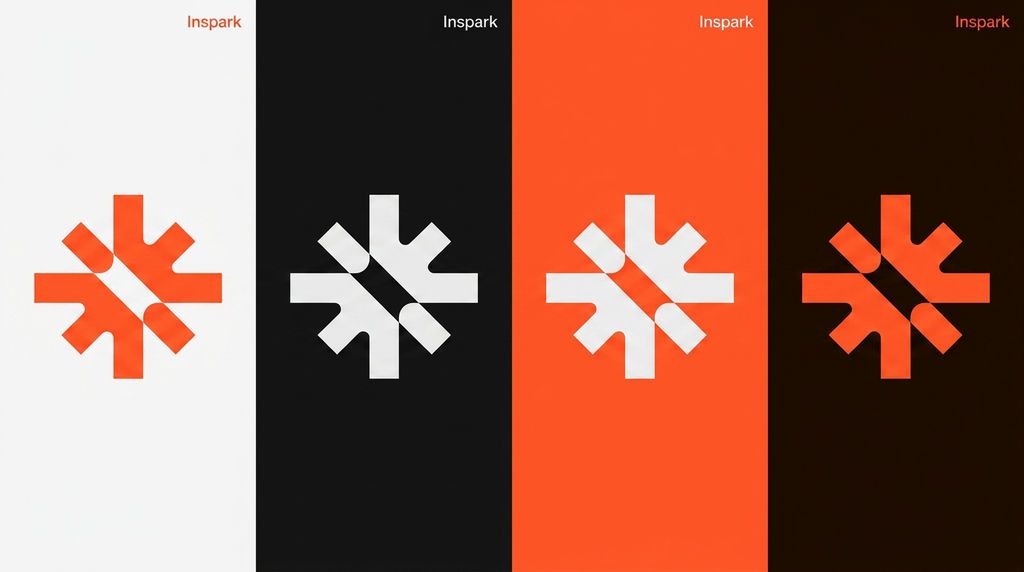
Input 2 for Color Variations of Logo Pro
STRICT RULES: This is a logo color variation sheet having only 4 variants in vertical — same logo mark, same layout, 4 different background colors side by side. Do NOT copy any text or content from reference images. Use only "Inspark" as the brand name. No placeholder text. No other brand names. All 4 panels identical layout — only background color changes. --- LOGO REFERENCE: 1st uploaded photo — Studio Logo mark. Extract exact shape and structure only from 1st photo. Logo mark color adapts per panel — see each panel below. --- OUTPUT: only 4 vertical panels side by side, no bento grid in between. Equal width. Full height. No gaps between panels — they sit flush against each other. Aspect ratio: 16:9. 4K resolution. Ultra sharp. --- PANEL LAYOUT — same structure repeated across all 4: Each panel is a tall vertical strip. Logo mark centered vertically and horizontally in each panel. "Inspark" — small, top-right corner of each panel. Nothing else. No tagline. No URL. No other text. --- PANEL 1 — leftmost: Background: #f7f7f7 light gray. Logo mark: #ff552b orange-red. Exact shape from 1st photo. "Inspark" text top-right: #ff552b orange-red. PANEL 2: Background: #111111 charcoal black. Logo mark: #f7f7f7 light gray. Exact shape from 1st photo. "Inspark" text top-right: #f7f7f7 light gray. PANEL 3: Background: #ff552b orange-red. Logo mark: #f7f7f7 light gray. Exact shape from 1st photo. "Inspark" text top-right: #f7f7f7 light gray. PANEL 4 — rightmost: Background: #1a0a00 deep dark brown-black. Logo mark: #ff552b orange-red. Exact shape from 1st photo. "Inspark" text top-right: #ff552b orange-red. --- Font: Be Vietnam Pro Medium. All 4 panels identical proportions and layout. Only background and logo color changes per panel. Clean. Minimal. Flat. No gradients. No shadows.
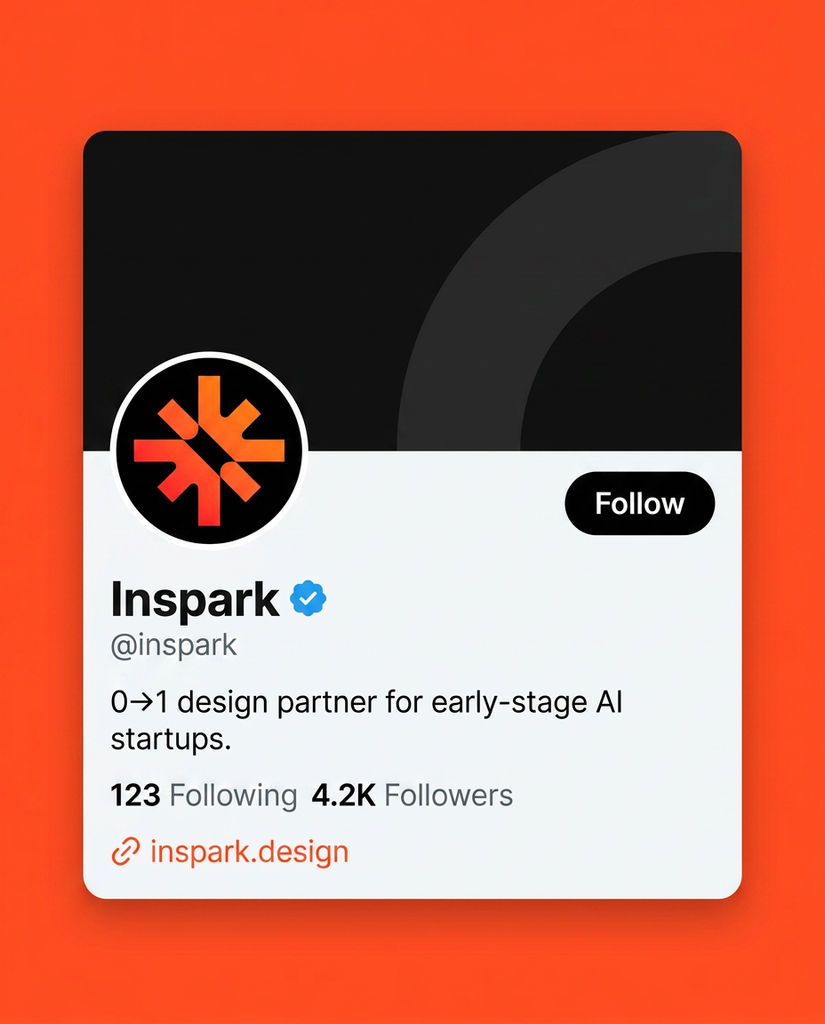
Input 4 as Twitter/X Mockup Prompt
STRICT RULES: This is a Twitter/X profile card mockup — a UI screenshot, not a real profile. Flat design. No 3D. No scene. Render it exactly like a mobile Twitter/X profile card. No placeholder text. Use real values only. --- LOGO REFERENCE: 1st uploaded photo — Studio Logo mark. Use exact colors and shape from this reference. --- OUTPUT: Twitter/X profile card mockup. 4:5 ratio. The card sits centered on a bright orange-red background (#ff552b). The card itself has rounded corners. --- CARD STRUCTURE — white/light gray card: TOP HALF — header banner area: Background: #111111 dark. A large abstract curved shape in dark gray (#222222) fills the right side of the banner. Decorative, minimal. No text in the banner. BOTTOM HALF — profile info area: Background: #f7f7f7 light gray. Profile photo circle — bottom-left, overlapping the banner: Circle has white border. Inside: logo mark from 1st uploaded photo on black circle background. Exact colors, exact shape. Follow button — bottom-right of banner overlap area: Black pill/rounded rectangle button. White text: "Follow" Below profile photo, left-aligned: Name: "Inspark" — bold, large, #111111 Blue verified checkmark next to name. Handle: "@inspark" — small, #111111 at 50% opacity One line gap then: Bio: "0→1 design partner for early-stage AI startups." — regular weight, #111111 One line gap then: "123 Following 4.2K Followers" — small, #111111 "Following" and "Followers" labels muted, numbers bold. One line gap then: Small orange-red link icon + "inspark.design" in #ff552b --- Font throughout: Be Vietnam Pro. Card has rounded corners, soft shadow behind it. Orange-red background (#ff552b) visible around the card. Render at 4K. Ultra sharp. Hyper detailed. Aspect ratio: 4:5
Run this AI-powered technique in your browser. Upload your inputs, hit generate, and get professional results in moments.
Creative Production
Design teams use FLORA techniques to produce professional-quality creative assets in seconds, accelerating production timelines and reducing dependency on manual editing.
Marketing Content
Marketing teams generate on-brand visual content for campaigns, social media, and ads — iterating quickly on concepts without waiting for design resources.
Product Visualization
E-commerce and product teams create high-quality product visuals, mockups, and lifestyle imagery to showcase their offerings across channels.
How to use Techniques?
Discover how to utilize Brand Color Variation for different scenarios.
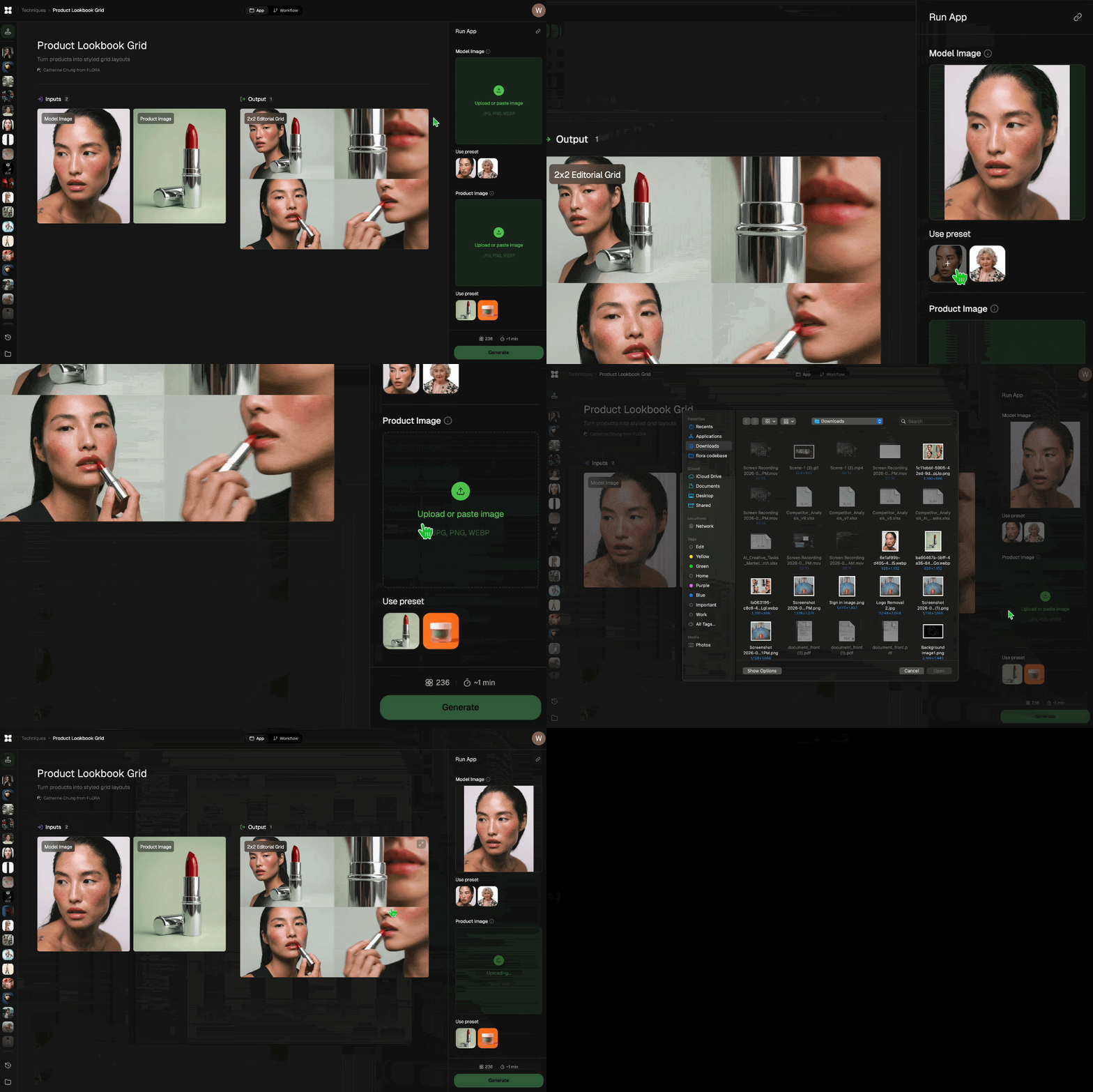
Add inputs
Upload images, videos, or type in the prompts to get started.
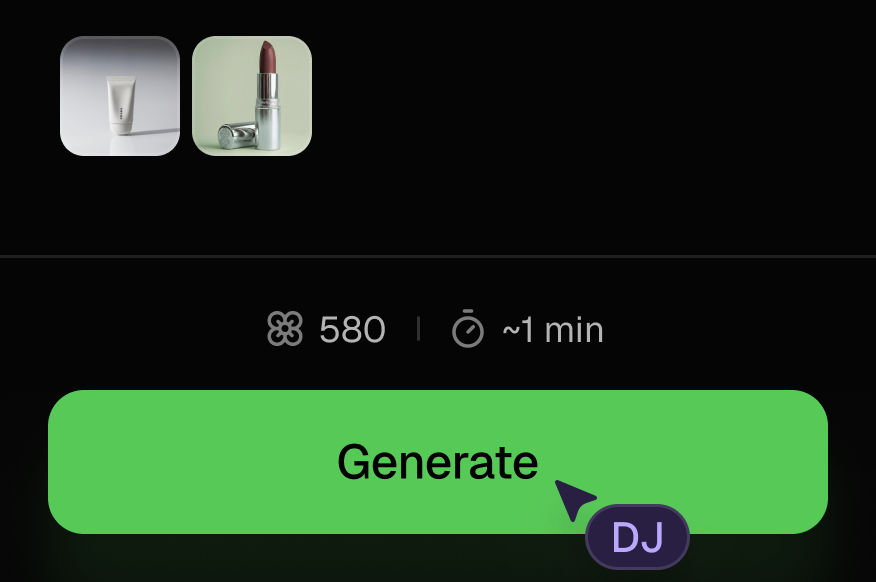
Generate outputs
Next, hit the "Generate" button to start generating your outputs.
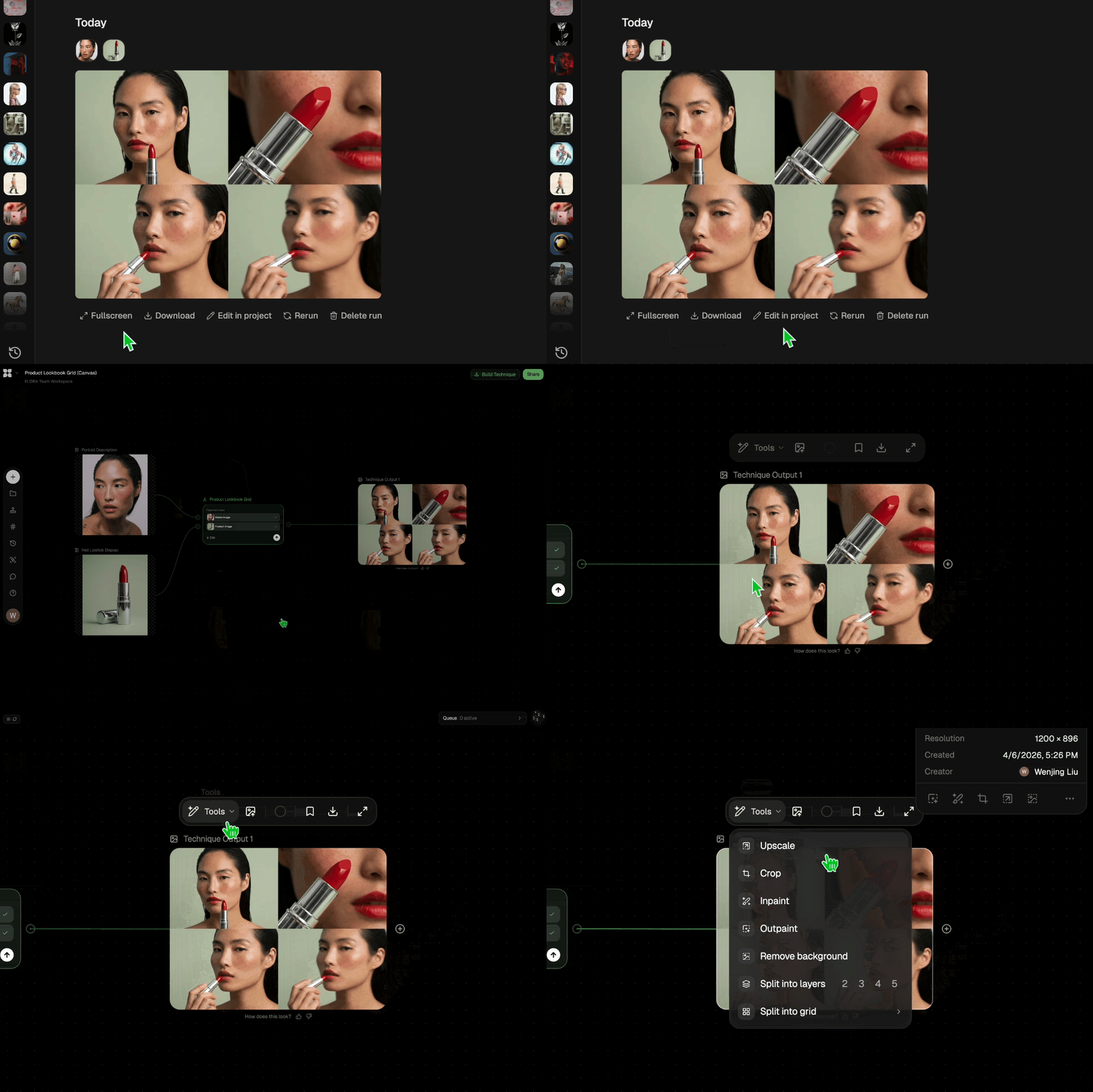
Edit and export
Refine your outputs on canvas, or download them directly.
Frequently asked questions
All you need to know about Brand Color Variation
Brand Color Variation
This technique is made for Studio Owners who wants to get their brand color variations, palettes, etc.

Inspark.design Juneja